ROM Hack Smash 3DS Modding Centre

  • Thread starter Thread starter gryz
  • Start date Start date
  • Views Views 248,050
  • Replies Replies 1,584
  • Likes Likes 7
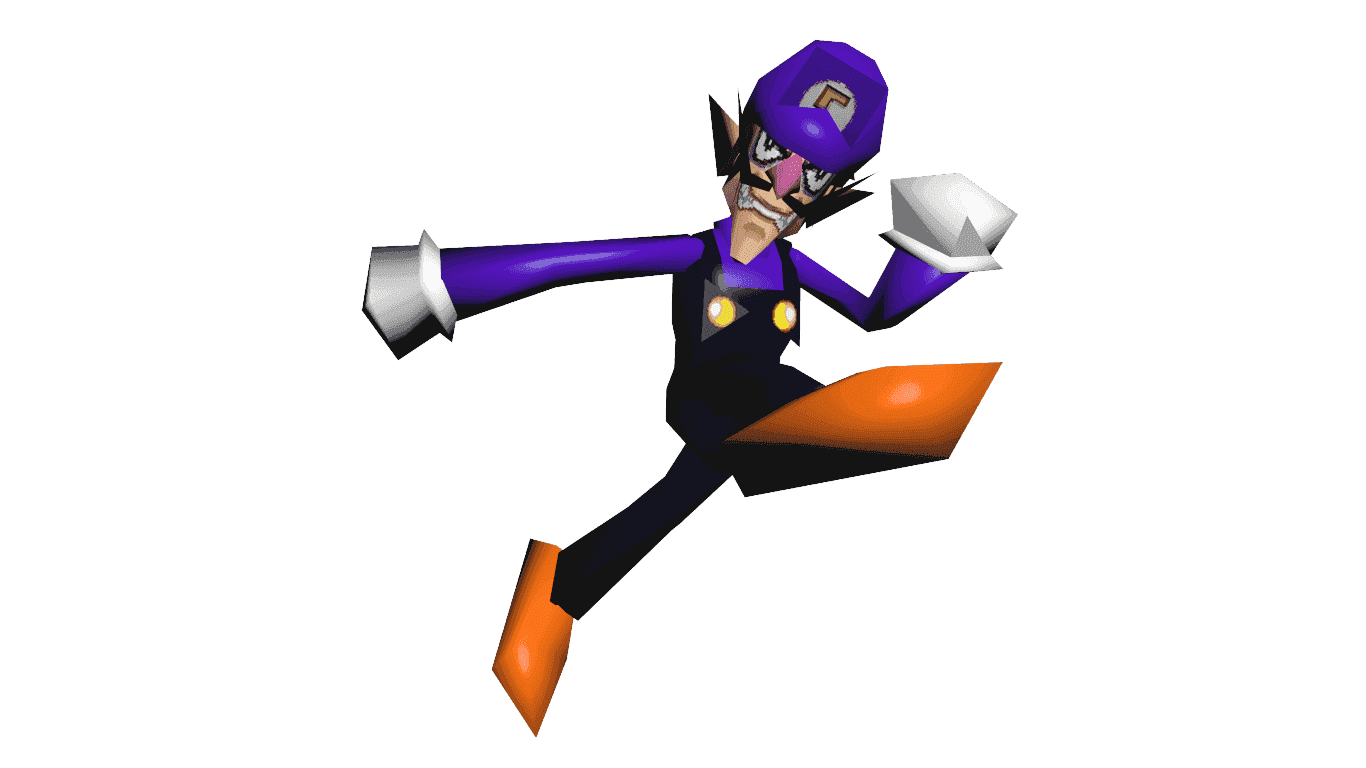
WHAT THE FUCK IS THIS HOW DID I MISS THIS POST AND I STARTED WORKING ON WAAAAAAAAAAAAAAAAA OMG RELEASE PLEASE EKAOKFOADGOafgagmapg

--------------------- MERGED ---------------------------
Waluigi 64.png


BRO HOW DID YOU DO THIS SAEJFOAJFAW

--------------------- MERGED ---------------------------


I WANT PORTABLE WAAAAAAAAAAAAAAAAAAAAAAAAAAAAAAAAAAAAAAAAAAAA

I even have a render I made and splash art
 
Ash Pikachu alts(c01-c05)
Hoenn
HNI_0010.JPG

Sinnoh
HNI_0011.JPG

Unova
HNI_0012.JPG

Kalos
HNI_0013.JPG

Alola
HNI_0009.JPG


Sorry that there's no Kanto and Johto Ash hat. The texture for the hat is in half which means I can't do the triangle thing unless someone tries to modify the model's uv mapping and make one(Pikachu crash after export the model from 3DSMax).
 
Last edited by Miguel Gomez,
oh your online can you tell how you did waa I've successfully been able to rig models in brawl so I know how to rig but cant do anything in ssb3ds

You MUST do any editing in blender, the only thing you can do in 3dsmax is export the model to dope.csv. The reason being that 3dsmax messes up the original mesh order but blender doesn't for some reason. I'm sorry if you did all your rigging in max already but if you want to make your model work you're going to have to completely restart and do the model in blender.

I haven't tried this myself yet, but you can attempt to keep your models UV's, Scale, ect... By Exporting it as an obj, that will remove the bones(Which we want gone)but possibly preserve the UV's and whatever else you might have edited besides rigging stuff.
Side note on the above process ^^^ Make sure you rename all of the meshes on your model so that they're different than the names of the meshes on the model you're trying to replace.

Honestly blender isn't all that bad IMO, I hated it at first because of the different controls but once I got the hang of it, it became very easy to work with.

Hope this helps.
 
  • Like
Reactions: Miguel Gomez
You MUST do any editing in blender, the only thing you can do in 3dsmax is export the model to dope.csv. The reason being that 3dsmax messes up the original mesh order but blender doesn't for some reason. I'm sorry if you did all your rigging in max already but if you want to make your model work you're going to have to completely restart and do the model in blender.

I haven't tried this myself yet, but you can attempt to keep your models UV's, Scale, ect... By Exporting it as an obj, that will remove the bones(Which we want gone)but possibly preserve the UV's and whatever else you might have edited besides rigging stuff.
Side note on the above process ^^^ Make sure you rename all of the meshes on your model so that they're different than the names of the meshes on the model you're trying to replace.

Honestly blender isn't all that bad IMO, I hated it at first because of the different controls but once I got the hang of it, it became very easy to work with.

Hope this helps.
thanks I'll try
 

Site & Scene News

Popular threads in this forum