Hacking Rominator for NDS

  • Thread starter Thread starter hankchill
  • Start date Start date
  • Views Views 295,261
  • Replies Replies 1,737
  • Likes Likes 1
Status
Not open for further replies.
Well this program works perfectly fine for me. I get the occasional error but it is usually something on my end or something that I did wrong. I may occasionally have to delete the database files and start over if it goes really bad. So... here is what you can provide and maybe I can help resolve those errors especially since you havn't provided them yet.

Just saying that you have an error doesn't help resolve the issue since we don't know what the problem is.

What operating system and what version of it are you running?

What error message are you getting?

What steps have you tried (if any) to resolve this issue?

 
This program is so effin' buggy and confusing to use.


Well thanks for your positive feedback. If Drag and Drop is too hard for you, I suggest you pack up your computer, take it back to the place you got it from and tell them that you're too stupid to own a computer.
hrth.gif


Drag and Drop isn't hard for me. Your idiot of a program throws errors when i drag and drop japan games.

Well, having a Japanese game with Japanese characters in the name will cause problems -- Rominator isn't designed to understand Japanese.

How can you determine if a program is an idiot? It doesn't think, feel, or act on itself, so it therefore cannot act good, bad, like an idiot, etc. You can't go around saying it's so buggy if you have 1 bug. Besides, I'm very good with dealing with people one-on-one in solving bugs, and believe me, I fix them FAST. Ask anyone
smile.gif


QUOTE
So just fu*k up.

Riiiiight.

And thanks shinji, I have to explain it too many times, glad someone else has stepped up to the plate as well.
 
Hi !

It's my first post in this thread, although I did email you a while ago with a lot of suggestion (remember?) and a few PayPal dollars ;o)

Anyway, I think I noticed a bug with v4.1 on my OSX 10.4.9 Macbook : I have 397 roms in my collection, and I wanted to rzip' them in one pass, but only 200 were processed, and the others stayed in .nds format, and could not be found in the database anymore...

Also, would it be possible to finish documenting the program ? I had a hard time figuring out the "new" save mechanism (yeah I know, I should have upgraded ages ago, but my internet access was down...) ; is there, by any chance, another way to import "old" (file-based) saves into the new (database-based) system ?

Cheers, and thanks for a great program nonetheless !

David.
 
Just noticed another bug : when selecting multiple roms in the list, the 'selected' size item shows the size of the latest rom selected, not the sum of all the selection...
 
Just noticed another bug : when selecting multiple roms in the list, the 'selected' size item shows the size of the latest rom selected, not the sum of all the selection...

Yup, I found this bug too, it only happens when rZipped games are selected. Whoopsie
smile.gif


As for the documentation, I'm currently working on it again since I'm taking a lil break from programming and get my weekend off.

--Henry
 
i just update to the latest version and it just throws up an error and wont open.

so i downloaded the file from hanks sig and now it just says it has encountered an error and must close...
wink2.gif


any idea? :'(
 
delete the rominator data folder talked about a few posts back and try again
 
Yay, update tonight.

Sorry, couldn't get the update online last night. There's internet issues here which makes it practically unusable. The issues still exist this morning so I'm gonna try resetting my modem, and if that doesn't work, calling my ISP.

I'll get the update available today though
smile.gif
 
Yay, update tonight.


Sorry, couldn't get the update online last night. There's internet issues here which makes it practically unusable. The issues still exist this morning so I'm gonna try resetting my modem, and if that doesn't work, calling my ISP.

I'll get the update available today though
smile.gif

Ah, so that's why I couldn't find anything.

Well, no problems - you're doing a tremendous job anyway, hankchill!
bow.gif
 
i'm having a problem with rom #1207 ist the only one of 1216 roms that wont validate, ive downloaded 20 or so different copies of the rom from different web sites and irc channels, anyone have a 1207 that passes validation pm me or give me correct crc..
 
i'm having a problem with rom #1207 ist the only one of 1216 roms that wont validate, ive downloaded 20 or so different copies of the rom from different web sites and irc channels, anyone have a 1207 that passes validation if so pm me where you got it or something..
sounds a bit like an rom-request - you shouldn't do this
lecture.gif
wink.gif
.
well, if your rom's crc is 05918EFF then you have got the right one. the reason that the program wont validate the rom is that henry (or his database management tool) tend to throw away leading zeros some time
wink.gif
(already happend to some roms before).
so @hankchill: got to fix the db-entry (and maybe the tool you use for databaase imports).

regards
 
not a rom request , wanting to know correct crc. i know 100's of places to get them..

ty for the correct crc..

now i can see if i have the correct rom..
 
A problem here too I'm afraid...

I'm on XP here and although The Rominator works to a degree. It opens and doesn't crash, it just is not doing some things for me..

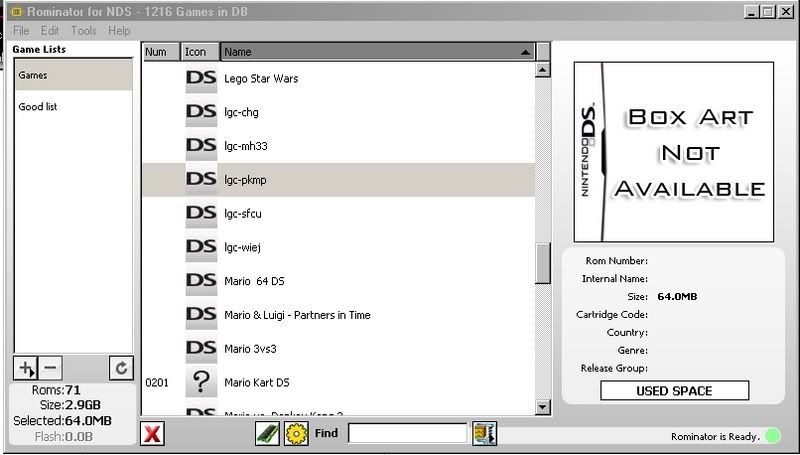
Ok, my rom list looks like this,

CropperCapture66.jpg


as you can see, hardly any games have box art or any info for them.

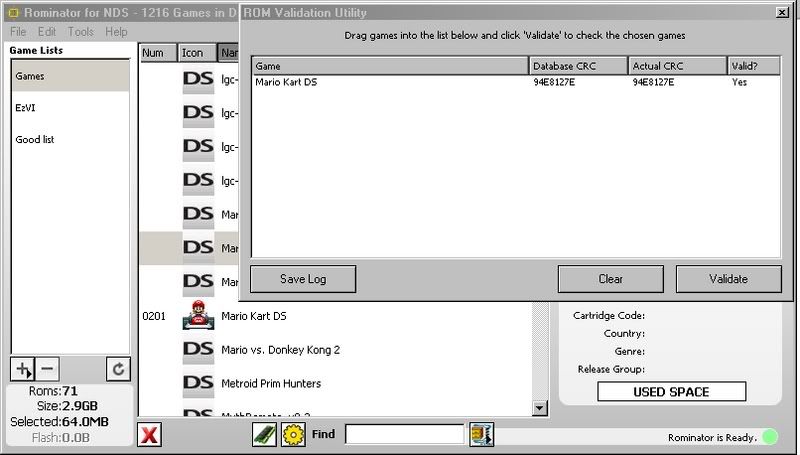
And I can only validate Roms that have got their box art already downloaded. Why is this? When I try to drag in one that has not got the art work, it just does nothing...

CropperCapture64.jpg


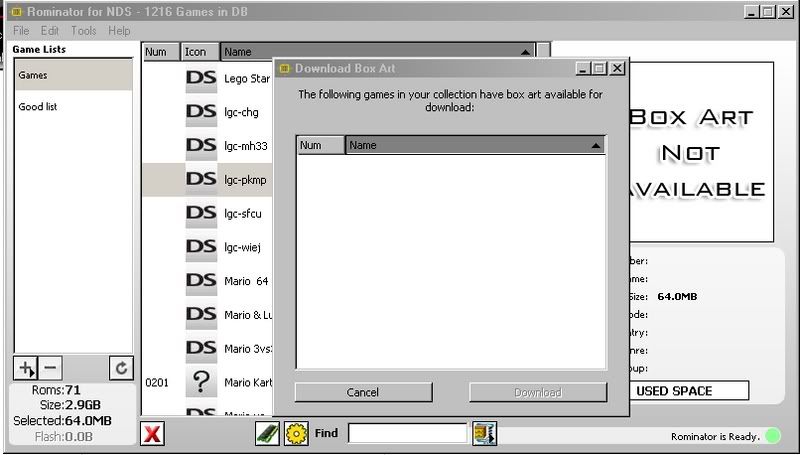
Also, when I restarted the Rominator, all the games that previously had a game icon, now has a question mark and I cannot validate them.

CropperCapture65.jpg


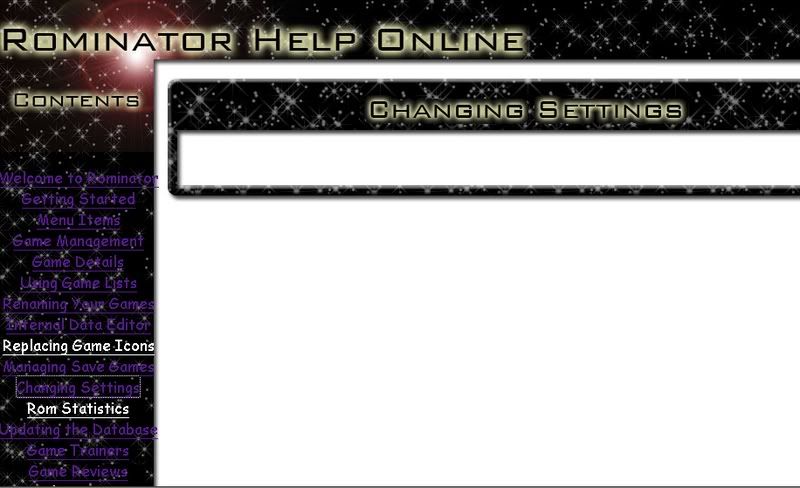
Also, hankchill, the website http://www.hankchill.com/rominator/help/index.html is not really working for me. Well, on the first few pages the text appeared fine but after the first 4 it has stopped appearing. I don't know why.....

This is what I get:

CropperCapture68.jpg
 
@imLOST:
1. did you update the database? (File->Check for Updates).
then refresh your list.
2. the readme on the website is not completed yet (mentioned quite a few times in this thread)

if you encounter further problems try deleting rominator's data files (mentioned a lot of times)
 
Yes, I've tried updating the data base but there was nothing there to download.

Thoses data files being in the documents and settings/username/applications/Rominator?

And I read the first few pages or this thread, I did not want to search through 56 pages of stuff....
 
Having some problem, the roms are not renaming on drag and drop. I have made a complete update. Anyone having same problem?
 
Status
Not open for further replies.

Site & Scene News

Popular threads in this forum