Patch PSN games to work even without ReActPSN

This is to use in conjunction with your self extracted raps so you can create your own patches and don't worry about not being able to play your games if your ps3 is deactivated or unable to be activated because of a ban or fear of it (or if you want to use psnstuff downloaded raps ;)).

First, get the eboot.bin and edat (some games don't have edat) file extracting the game pkg with pkg view or by installing the pkg in your ps3 and then copying them to your pc via usb or ftp.

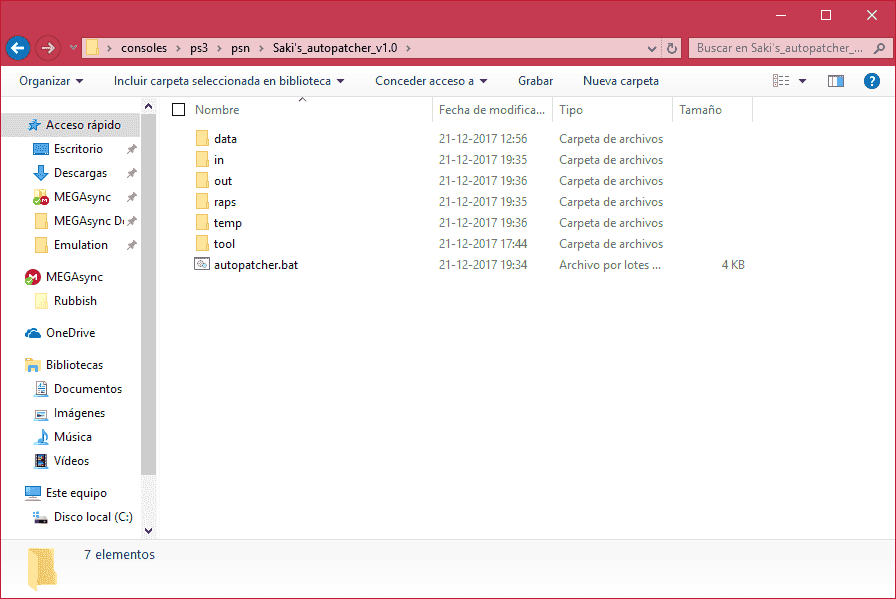
Download the attached file (Saki's_autopatcher_v1.0.7z) and extract it wherever you want, you'll see this:
upload_2017-12-21_19-44-7.png


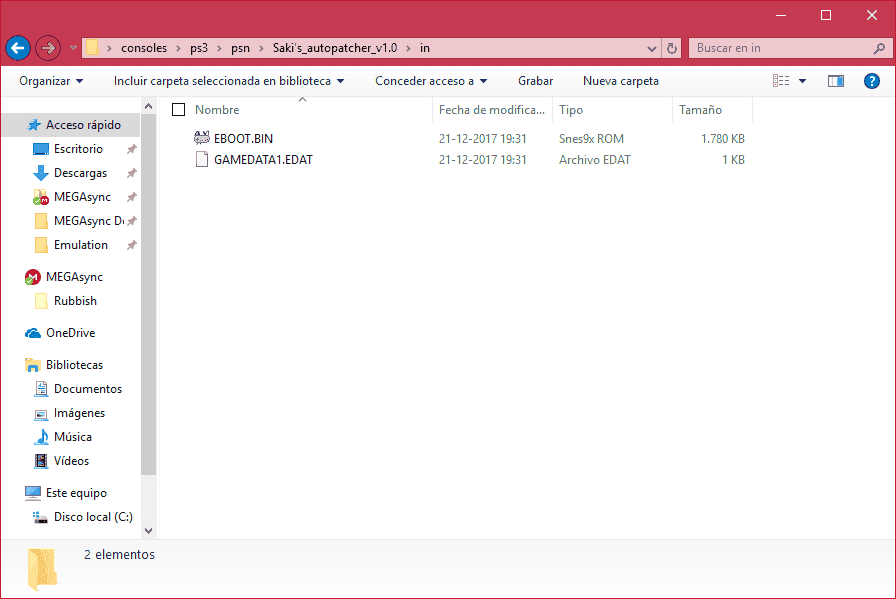
Place your target game eboot.bin and edat inside the "in" folder:
upload_2017-12-21_19-46-51.png


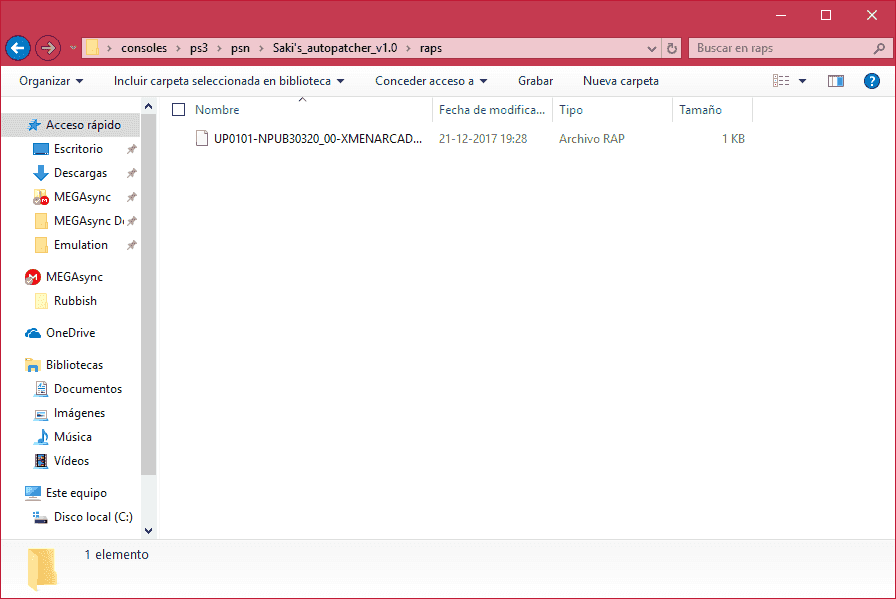
Then place the rap file inside the "raps" folder:
upload_2017-12-21_19-47-33.png


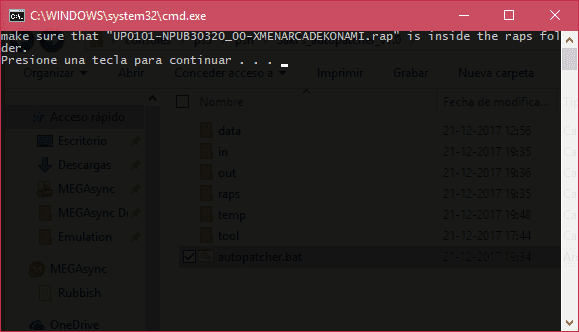
After that there isn't much to do, just open the autopatcher, it'll tell you the name of the needed rap file and remind you to copy it to the raps folder:
upload_2017-12-21_19-49-3.png


If you have all in order then press a key and it'll do its thing and patch the eboot.bin and edats.
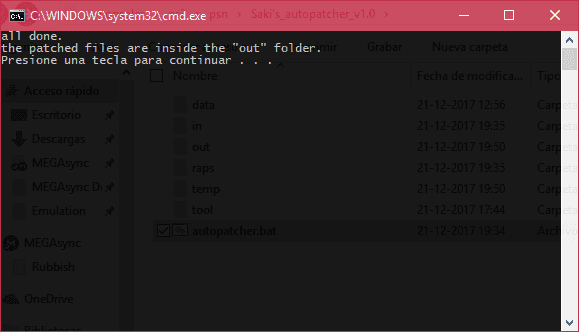
After it's done you'll see this:
upload_2017-12-21_19-52-0.png


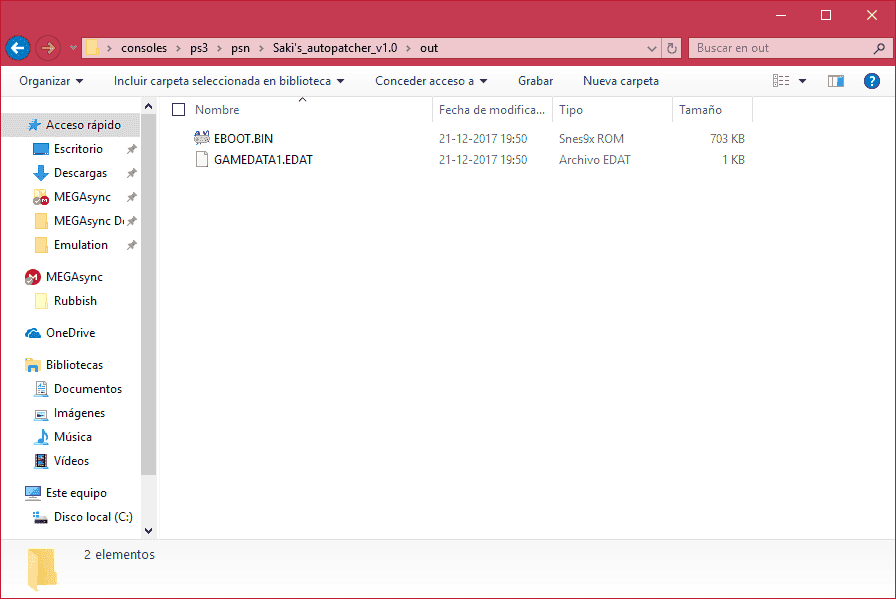
Verify that the files are in the "out" folder:
upload_2017-12-21_19-52-49.png


if everything went well you'll have the patched eboot.bin and edat there ready to be copied to your ps3.

use your preferred method to copy the patched files to the dev_hdd0/game/*title_id*/USRDIR folder and enjoy your patched game.
 

Attachments

I can't get this to work. First it didn't work because zlib1.dll was missing, so I downloaded it, put it inside System32 and SysWOW64 Windows folders, and then inside every folder in the archive. When I tried running it again, it gave me this:
make sure that "ECHO is off..rap" is inside the raps folder.
Press any key to continue . . .
'is' is not recognized as an internal or external command,
operable program or batch file.
scetool 0.2.9 <public build> (C) 2011-2012 by naehrwert
NP local license handling (C) 2012 by flatz
[*] Error: Could not process in\EBOOT.BIN
ECHO is off..rap is invalid.
aborting...
Press any key to continue . . .

all done.
the patched files are inside the "out" folder.
Press any key to continue . . .
I'm trying to patch Tomb Raider (PS1, Europe). I got the PKG and RAP file from the same place, and I extracted the PKG with LMAN's PSN PKG Decryptor & Extractor. I have EBOOT.BIN and ISO.BIN.EDAT in the "in" folder and EP0776-NPEF00011_00-GTOMBRAIEN000001.rap inside the "raps" folder. I'm running Windows 10 Home edition 64bit. I did not modify any of the files in the archive.
 
Last edited by Alex4nder001,
I can't get this to work. First it didn't work because zlib1.dll was missing, so I downloaded it, put it inside System32 and SysWOW64 Windows folders, and then inside every folder in the archive. When I tried running it again, it gave me this:
make sure that "ECHO is off..rap" is inside the raps folder.
Press any key to continue . . .
'is' is not recognized as an internal or external command,
operable program or batch file.
scetool 0.2.9 <public build> (C) 2011-2012 by naehrwert
NP local license handling (C) 2012 by flatz
[*] Error: Could not process in\EBOOT.BIN
ECHO is off..rap is invalid.
aborting...
Press any key to continue . . .

all done.
the patched files are inside the "out" folder.
Press any key to continue . . .
I'm trying to patch Tomb Raider (PS1, Europe). I got the PKG and RAP file from the same place, and I extracted the PKG with LMAN's PSN PKG Decryptor & Extractor. I have EBOOT.BIN and ISO.BIN.EDAT in the "in" folder and EP0776-NPEF00011_00-GTOMBRAIEN000001.rap inside the "raps" folder. I'm running Windows 10 Home edition 64bit. I did not modify any of the files in the archive.
I'm pretty sure this doesn't work for ps1 games. only psn titles.
 
I'm pretty sure this doesn't work for ps1 games. only psn titles.
Oh yeah one thing I forgot to mention was the PKG didn’t have an eboot.bin only an eboot.pbp so I tried renaming it. But that’s not the main issue, which seems to be either I’m missing some libraries on my PC or the script is completely broken.
 
I think that with new cfw 4.84 from rebug team you dont need rap files to get the games unlocked ;)
 
Unfortunately this also doesn't work for me. I had the same zlib1.dll problem an earlier poster mentioned, so I downloaded that which did get rid of that error message. But it was replaced with a 'The application was unable to start correctly' error. If I then run it as an admin, that error doesn't pop up, but Saki's Autopatcher v1.0 then says there is no files in the 'In' folder. I tried it with Another World (U), SEGA Classics - Golden Axe I (U) and Jetpack Joyride (U). Maybe it's just very picky when it comes to which games it works with?
 
Last edited by Batzarro,
Unfortunately this also doesn't work for me. I had the same zlib1.dll problem an earlier poster mentioned, so I downloaded that which did get rid of that error message. But it was replaced with a 'The application was unable to start correctly' error. If I then run it as an admin, that error doesn't pop up, but Saki's Autopatcher v1.0 then says there is no files in the 'In' folder. I tried it with Another World (U), SEGA Classics - Golden Axe I (U) and Jetpack Joyride (U). Maybe it's just very picky when it comes to which games it works with?

Try this version of zlib1.dll, it works fine for me. The 64 bit version of zlib does not work and throws errors.
https://www.dll-files.com/download/...1.dll.html?c=TVlweCt2KzRKeVQ0UE1BU3c4V3JLUT09
 
Does anyone know how to patch dlcs so that they are recognized? The patcher refuses to patch the dat unless there is an eboot.bin.
 
I have a problem with patching Mirror's Edge (EU version). I've tried to install the pkg via several ways, and I always get the following error:
Code:
The installed game is corrupted. The game will close.
You must delete the installed game and then reinstall it to play this game.
Is anyone able help me? :S
 
I have a problem with patching Mirror's Edge (EU version). I've tried to install the pkg via several ways, and I always get the following error:
Code:
The installed game is corrupted. The game will close.
You must delete the installed game and then reinstall it to play this game.
Is anyone able help me? :S
Bad PKG most likely.
 
Will this work on a PS1 Classics title with just the EDAT file? (actually, nvm that, turns out that won't work)

Also, apparently this does not work on Disney-Pixar Brave as patching the eboot and EDAT files results in a black screen upon launching the game. Tried it on NPUB30809.
 
Last edited by huckleberrypie,
Will this work on a PS1 Classics title with just the EDAT file? (actually, nvm that, turns out that won't work)

Also, apparently this does not work on Disney-Pixar Brave as patching the eboot and EDAT files results in a black screen upon launching the game. Tried it on NPUB30809.
Yeah this is an old thread. in 2021, I suggest you use duckstation for PS1 in HD and RPSC3 works wonderfully with this title.
 
I think psx games can be done without the rap file. I can't recall exactly, but it may be as simple as making a fix based on the content id like C00 games do.
 

Site & Scene News

Popular threads in this forum