Hey! 
So, a year ago I tried to solder the QSB to the motherboard of my Slim (CECH-3004B), and I failed.
I followed a youtube tutorial but instead of hovering those capacitors and taking them appart, my soldering iron made a really bad scent and there was some smoke, so I decided to heat them and taking them of of the motherboard with a twizzers.
I accidently ripped a "soldering slot" when I tore it.
I couldn't solder this QSB so I gave up.
I powered back my console and it booted up.
Then my brother's hdd broke and I gave him mine since I wasn't using my ps3 anymore.
When the PS3Xploit was released, I tried to install it, but my PS3 wanted to install the OFW first (which is... normal).
I plugged my USB drive, let it check the update blah blah blah.
But it was taking sooooooooooo much time.
I thought it was my hard drive, so I tried a new one that I bought not so long ago.
Same thing, it took too much time.
Then I decided to use my brother's ps3 to install the update on the HDD (the first one that I tried), it worked, it was quick.
I plugged it back in, and I let the console (mine this time) do its job.
I finally got to the update screen.
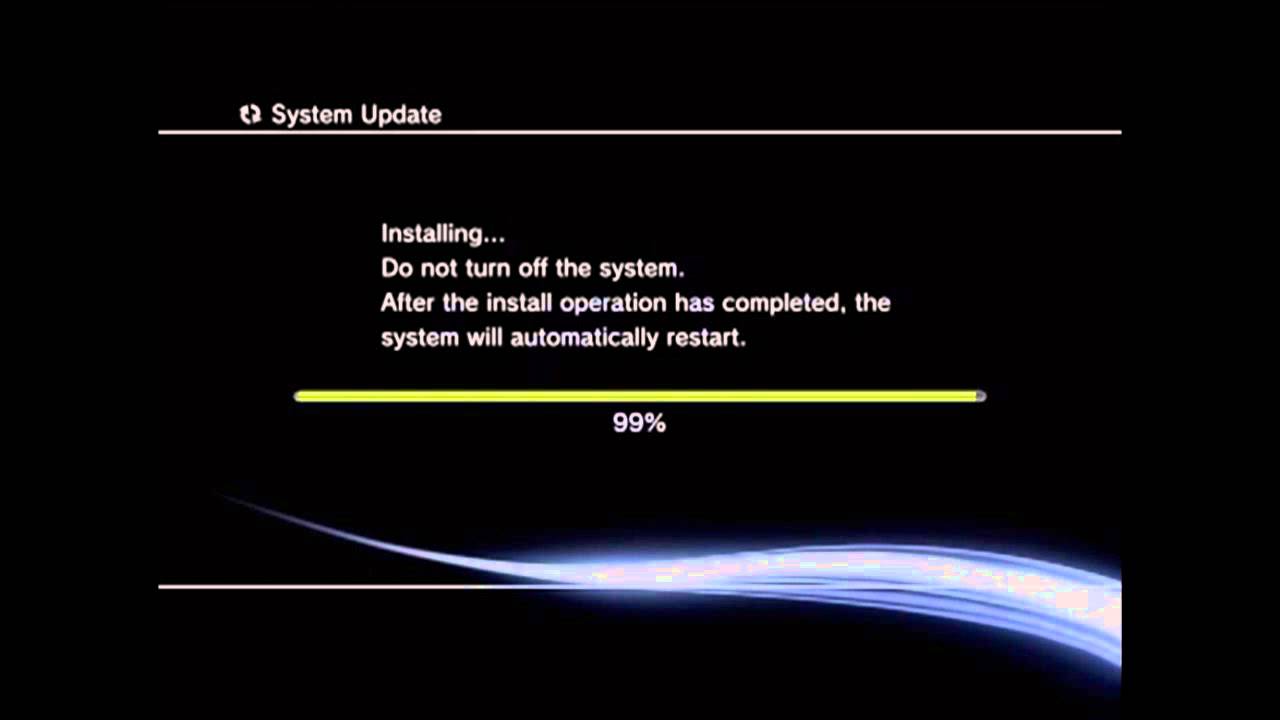
Then I got an error code when it gets at 50% : 8002F147.
On many sites it says to go to the recovery mode blahblahblah, it doesn't work.
So, my question is : Do I need to buy a new motherboard?
So, a year ago I tried to solder the QSB to the motherboard of my Slim (CECH-3004B), and I failed.
I followed a youtube tutorial but instead of hovering those capacitors and taking them appart, my soldering iron made a really bad scent and there was some smoke, so I decided to heat them and taking them of of the motherboard with a twizzers.
I accidently ripped a "soldering slot" when I tore it.
I couldn't solder this QSB so I gave up.
I powered back my console and it booted up.
Then my brother's hdd broke and I gave him mine since I wasn't using my ps3 anymore.
When the PS3Xploit was released, I tried to install it, but my PS3 wanted to install the OFW first (which is... normal).
I plugged my USB drive, let it check the update blah blah blah.
But it was taking sooooooooooo much time.
I thought it was my hard drive, so I tried a new one that I bought not so long ago.
Same thing, it took too much time.
Then I decided to use my brother's ps3 to install the update on the HDD (the first one that I tried), it worked, it was quick.
I plugged it back in, and I let the console (mine this time) do its job.
I finally got to the update screen.
Then I got an error code when it gets at 50% : 8002F147.
On many sites it says to go to the recovery mode blahblahblah, it doesn't work.
So, my question is : Do I need to buy a new motherboard?