- Joined
- Sep 12, 2009
- Messages
- 14,849
- Solutions
- 10
- Reaction score
- 8,133
- Trophies
- 4
- Age
- 40
- Location
- Cyprus, originally from Toronto
- Website
- modmii.github.io
- XP
- 12,625
- Country

ModMii for Windows
by XFlak
Mod ANY Wii or WiiU Using ModMii for Windows

modmii.github.io
CHECK OUT MY OTHER USEFUL APPS AT WWW.XFLAK40.WORDPRESS.COM
It's now easier than ever to donate to ModMii using Ko-fi, Patreon or GitHub Sponsors!

Check out modmii.github.io for more information, or download ModMii's Windows Installer directly from HERE. The installer is self-explanatory, but if for some reason you run into issues you can download the latest portable zip from HERE and unzip it anywhere on your PC. Then just double-click ModMii.exe or ModMiiSkin.exe.
This video describes some of ModMii's many features
IMPORTANT ANNOUNCEMENT - March 2023
Warning! Effective in v7.0.0, many of the WADs in ModMii's temp folder from older versions will be deemed invalid going forward and will be automatically re-downloaded (more details in changelog). To correct the files in your temp folder all at once, download the items from the bundled "NUS_2023_Changes" download queue. After ModMii's downloaded files to its temp folder for future use you can delete COPY_TO_SD. (L)oad a prepared download queue to get started. Re-download from NUS while you can as Nintendo servers could shut down at any time!
IMPORTANT ANNOUNCEMENT - FEB 2018
Unfortunately, effective February 2018 ModMii's auto-update feature is broken on any version older than 6.4.5 so you will need to manually download and run the latest installer from HERE in order to start getting updates again.
by XFlak
Mod ANY Wii or WiiU Using ModMii for Windows
modmii.github.io
CHECK OUT MY OTHER USEFUL APPS AT WWW.XFLAK40.WORDPRESS.COM
It's now easier than ever to donate to ModMii using Ko-fi, Patreon or GitHub Sponsors!
Check out modmii.github.io for more information, or download ModMii's Windows Installer directly from HERE. The installer is self-explanatory, but if for some reason you run into issues you can download the latest portable zip from HERE and unzip it anywhere on your PC. Then just double-click ModMii.exe or ModMiiSkin.exe.
This video describes some of ModMii's many features
IMPORTANT ANNOUNCEMENT - March 2023
Warning! Effective in v7.0.0, many of the WADs in ModMii's temp folder from older versions will be deemed invalid going forward and will be automatically re-downloaded (more details in changelog). To correct the files in your temp folder all at once, download the items from the bundled "NUS_2023_Changes" download queue. After ModMii's downloaded files to its temp folder for future use you can delete COPY_TO_SD. (L)oad a prepared download queue to get started. Re-download from NUS while you can as Nintendo servers could shut down at any time!
IMPORTANT ANNOUNCEMENT - FEB 2018
Unfortunately, effective February 2018 ModMii's auto-update feature is broken on any version older than 6.4.5 so you will need to manually download and run the latest installer from HERE in order to start getting updates again.
How to Use ModMii
- Download and use the the ModMii Installer from the official ModMii Webpage
- More information on installing and using ModMii can be found in the ModMii Usage Page
- More information on ModMii in general can be found on the official ModMii Webpage or wii.hacks.guide/modmii
Snapshot of Main Menu(s)
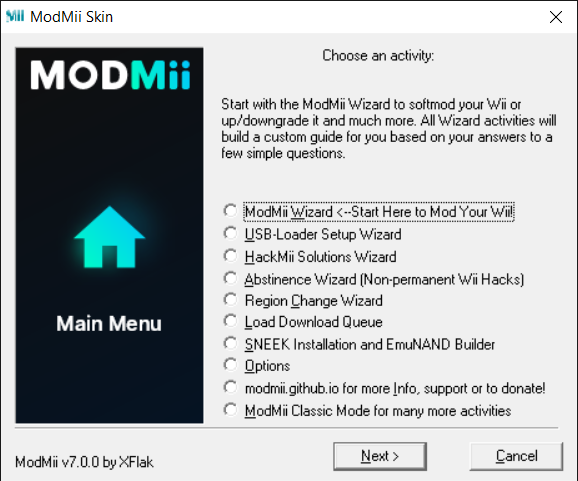
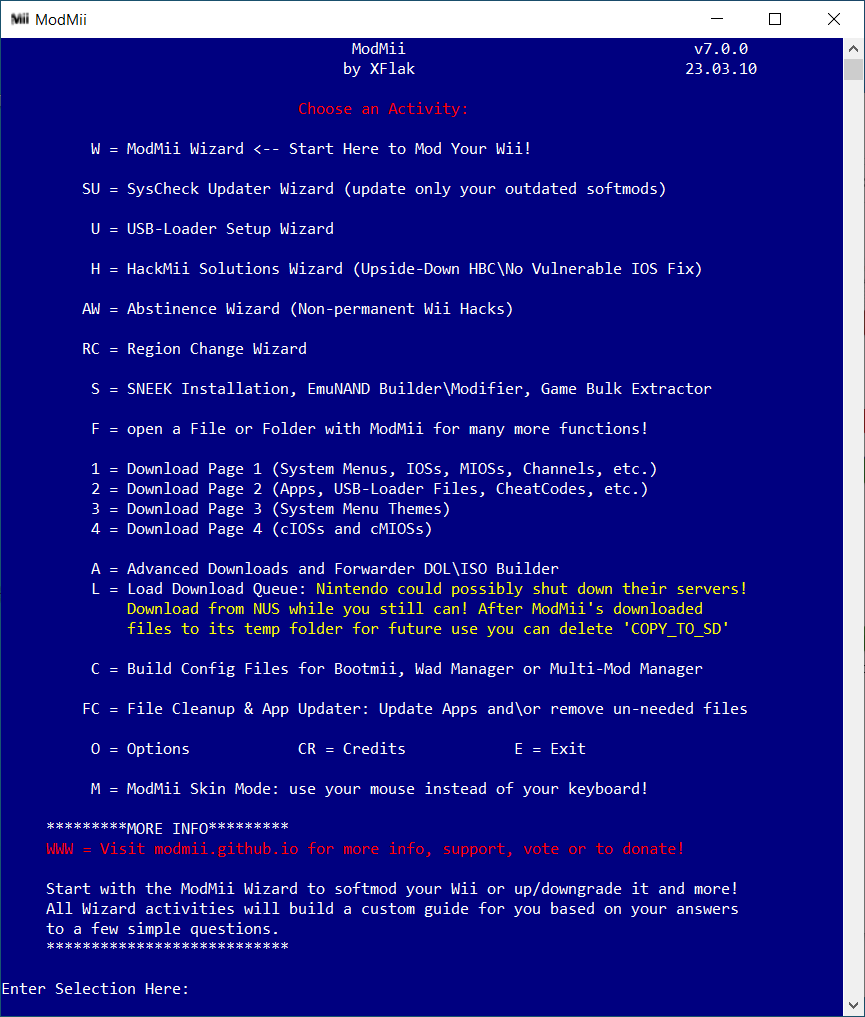
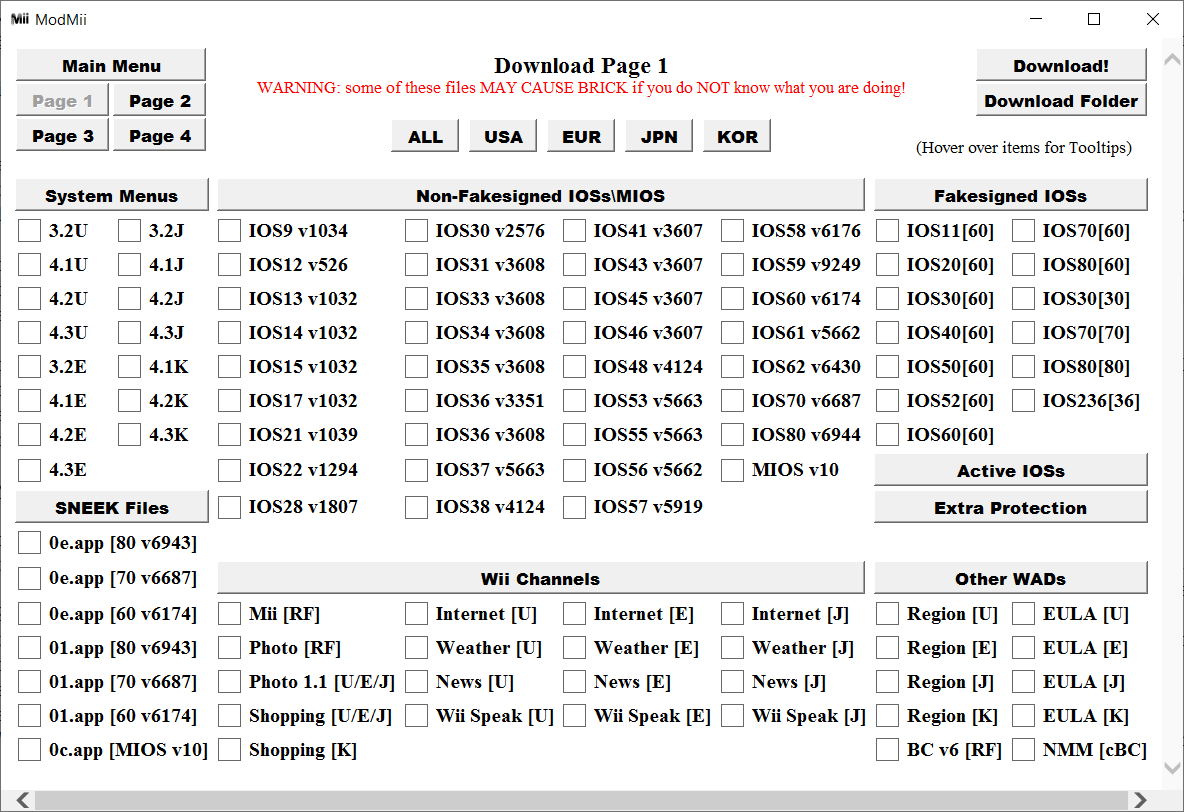
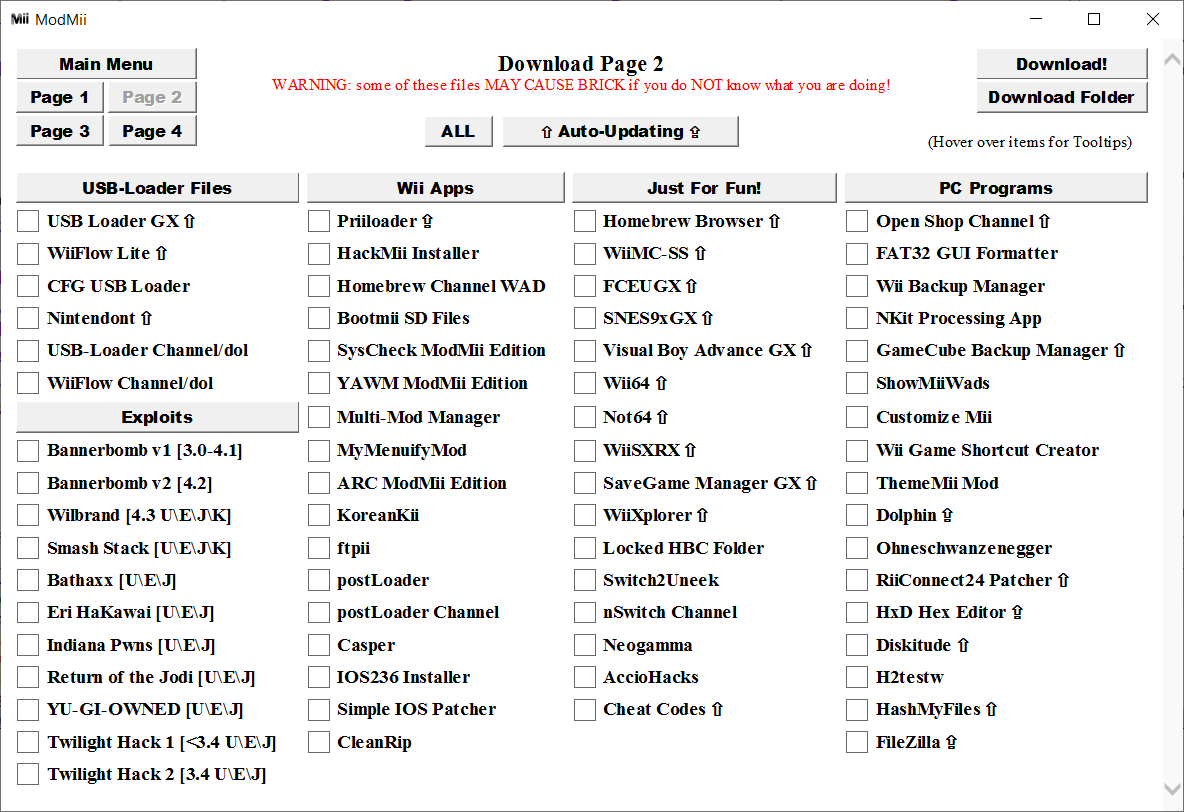
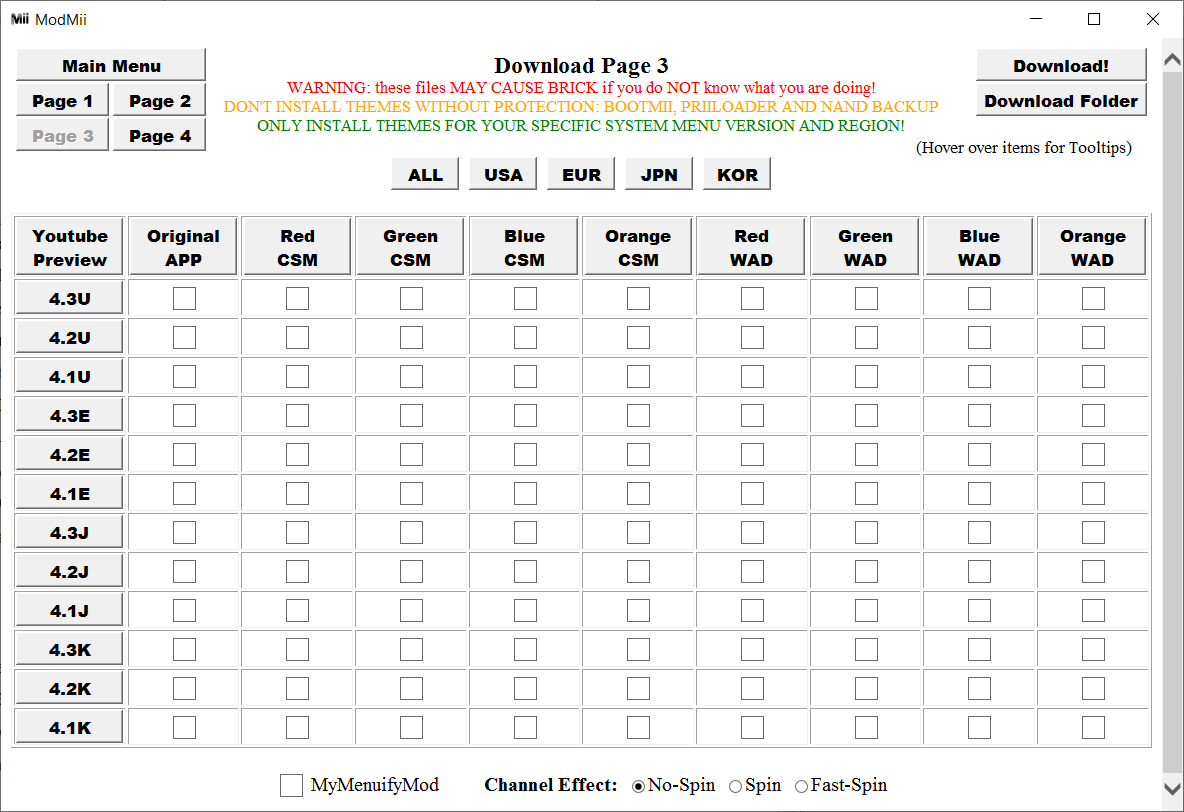
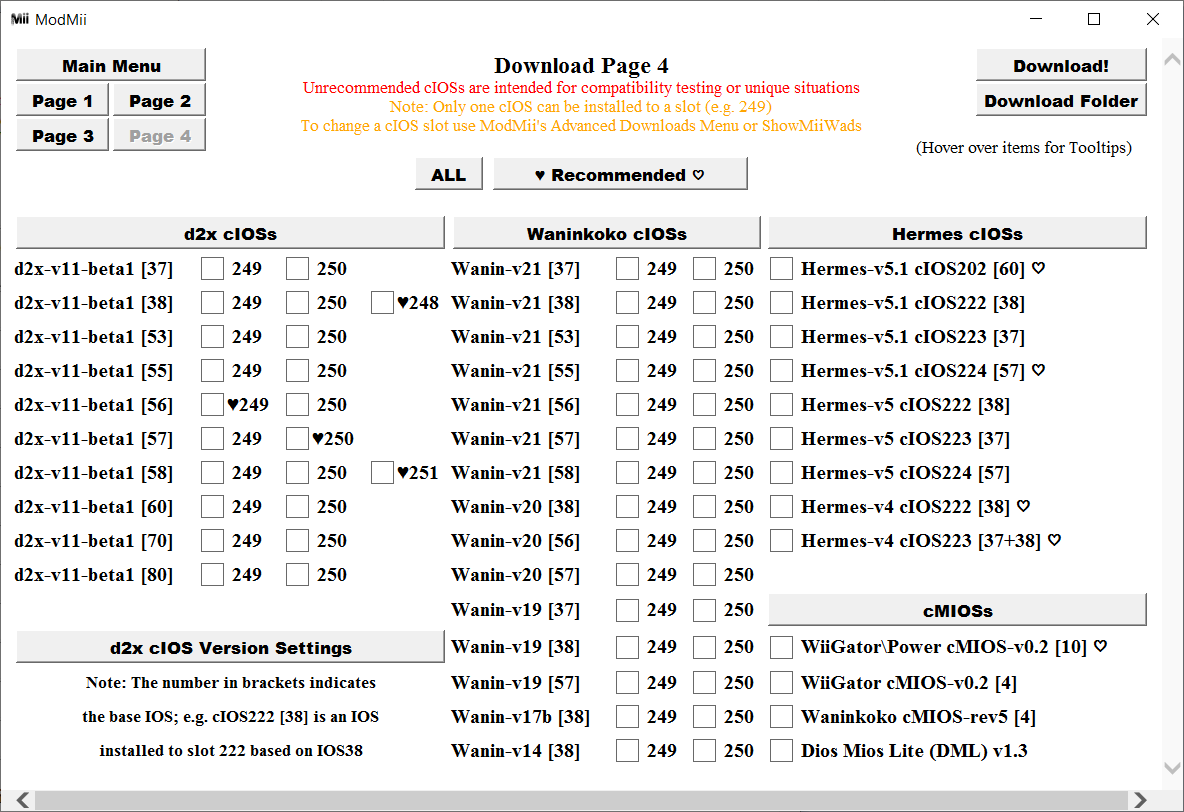
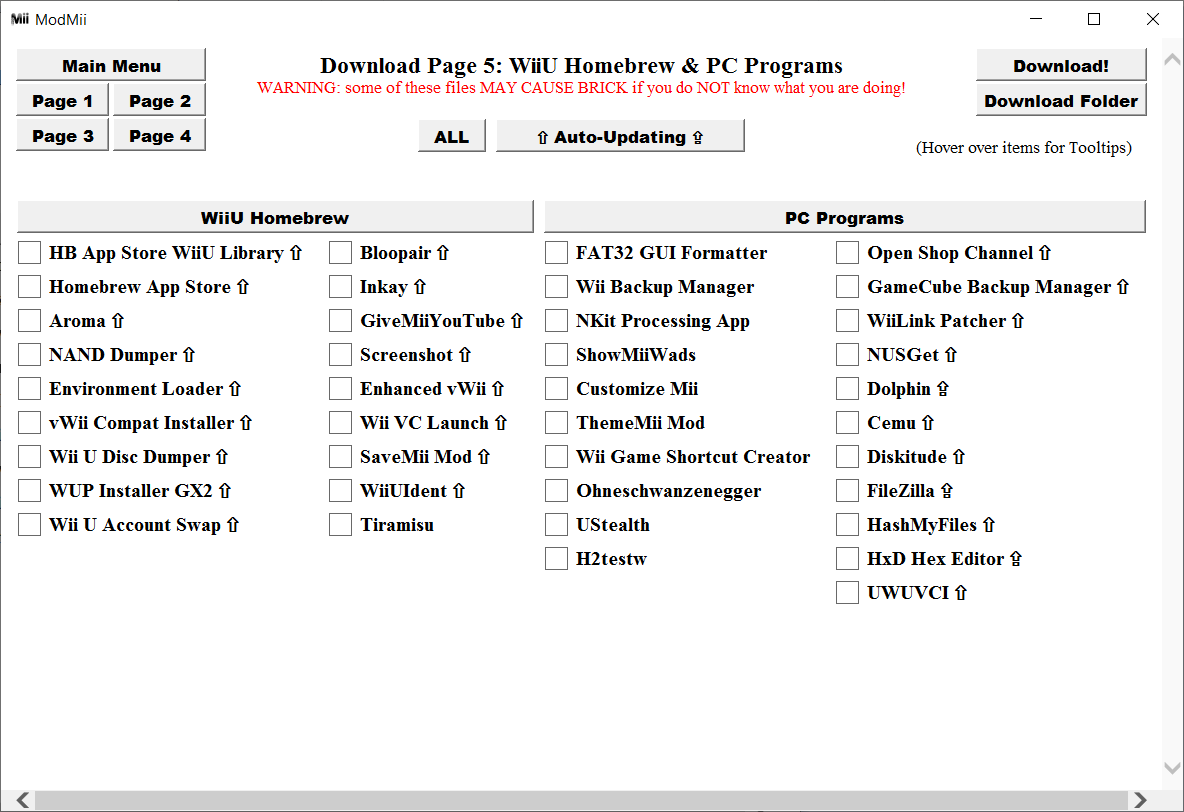
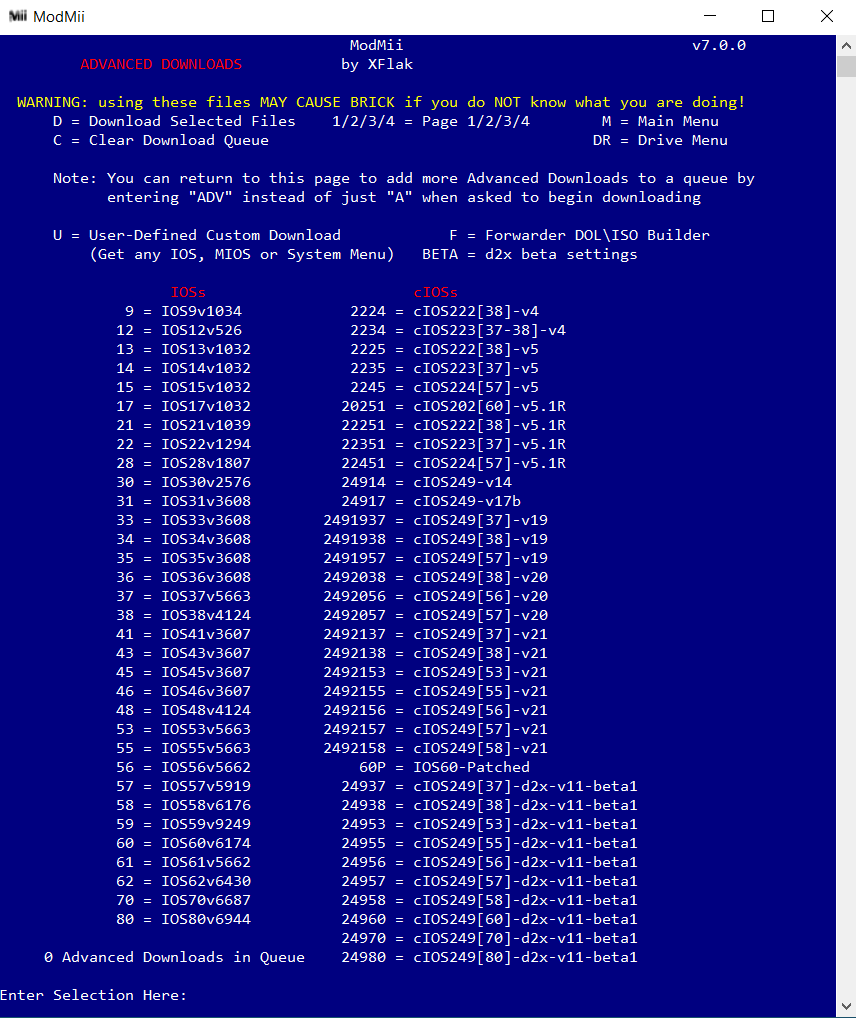
Note: The files available for Advanced Download can have their version/slot numbers changed.
User Defined Custom Downloads can get ANY IOS (and optionally patch it), MIOS, or System Menu.
Error Reporting Procedure!
- Mention specifically how you used ModMii (including what version you used), and describe the problems you got and when/where you got them
- If you used a ModMii Custom Generated Guide, post it along with your problem.
- Please post your guide in a "SPOILER" so that they do not take up a too much space
Code:
[spoiler]This is an example of how to code a spoiler[/spoiler]This is an example of how to code a spoiler
Want to contribute?
1) If you want to contribute a ModMii translation, please read here
2) If you want to contribute a ModMii Skin Theme, please read here
Known bugs
List last updated on 2026-01-01
- Not really a bug, but ModMii does not work in wine
Last edited by XFlak,