


- Joined
- May 30, 2010
- Messages
- 2,784
- Reaction score
- 851
- Trophies
- 2
- Age
- 29
- Location
- United Kingdom
- XP
- 915
- Country

Hi,
I have a Logitech G15 keyboard on my PC and ever since i've had it i've had some problems. BTW it looks like this if there's more than one version or w/e:
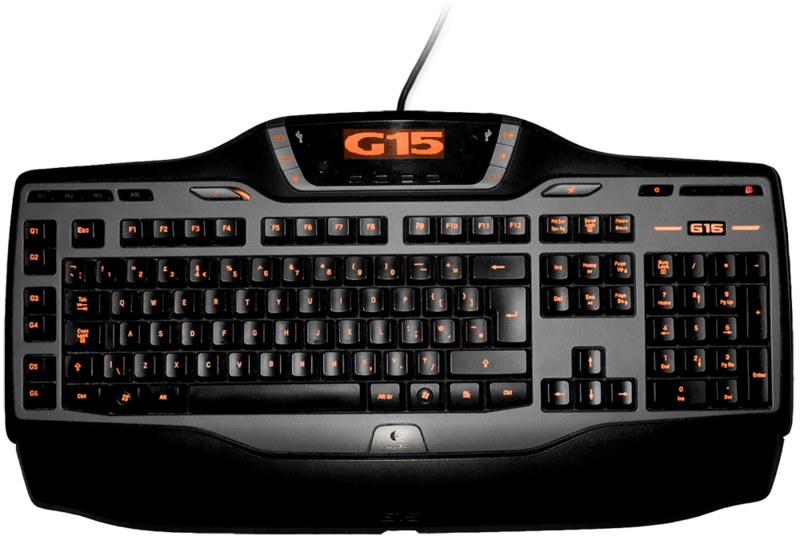
The keyboard's great, especially when you have the software running but i only turn that on for games.
Anyway, when you have the software running and you click on a video or audio file it will start playing it but without actually opening WMP. The only to get it to open is to actually run the program without linking to it through another file. This is alright when the software is running as i can see the info on the logitech display but when it's not running it still does the same thing, as if the software was running.
So my question is, how can you get WMP to actually open up when you click a file with the keyboard still plugged in?
But, if this is not possible how can you completely disable the keyboard without obviously loosing the basic functionality of a normal keyboard? - Though i would rather not pick this option as i would loose the volume control on the keyboard which i use a lot while in a full-screen game.
Thanks,
Wizzerzak
I have a Logitech G15 keyboard on my PC and ever since i've had it i've had some problems. BTW it looks like this if there's more than one version or w/e:
The keyboard's great, especially when you have the software running but i only turn that on for games.
Anyway, when you have the software running and you click on a video or audio file it will start playing it but without actually opening WMP. The only to get it to open is to actually run the program without linking to it through another file. This is alright when the software is running as i can see the info on the logitech display but when it's not running it still does the same thing, as if the software was running.
So my question is, how can you get WMP to actually open up when you click a file with the keyboard still plugged in?
But, if this is not possible how can you completely disable the keyboard without obviously loosing the basic functionality of a normal keyboard? - Though i would rather not pick this option as i would loose the volume control on the keyboard which i use a lot while in a full-screen game.
Thanks,
Wizzerzak


