



Hi,
I have a lot of folder to packs (400+ mainly cia) but pack them 1 per 1 (even with profiles in the context menu) is a pain in the ass.
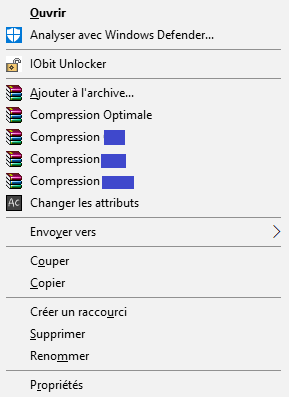
It's possible to pack them using a batch file?
Something like that:
I found a lot of infos about how to compress using cmd / batch, but not using existing profiles.
I have a lot of folder to packs (400+ mainly cia) but pack them 1 per 1 (even with profiles in the context menu) is a pain in the ass.
It's possible to pack them using a batch file?
Something like that:
Code:
winrar.exe -folder Folder01 -profil Profil01
winrar.exe -folder Folder02 -profil Profil01
winrar.exe -folder Folder03 -profil Profil01
I found a lot of infos about how to compress using cmd / batch, but not using existing profiles.
Last edited by Asia81,


