

Hacking Help! Crash after loading ctr no timeoffset

  • Thread starter Thread starter Hnngh
  • Start date Start date
  • Views Views 6,087
  • Replies Replies 9

Hnngh

Member
Newcomer
Joined
Aug 10, 2019
Messages
11
Reaction score
0
Trophies
0
Age
25
XP
83
Country
United States
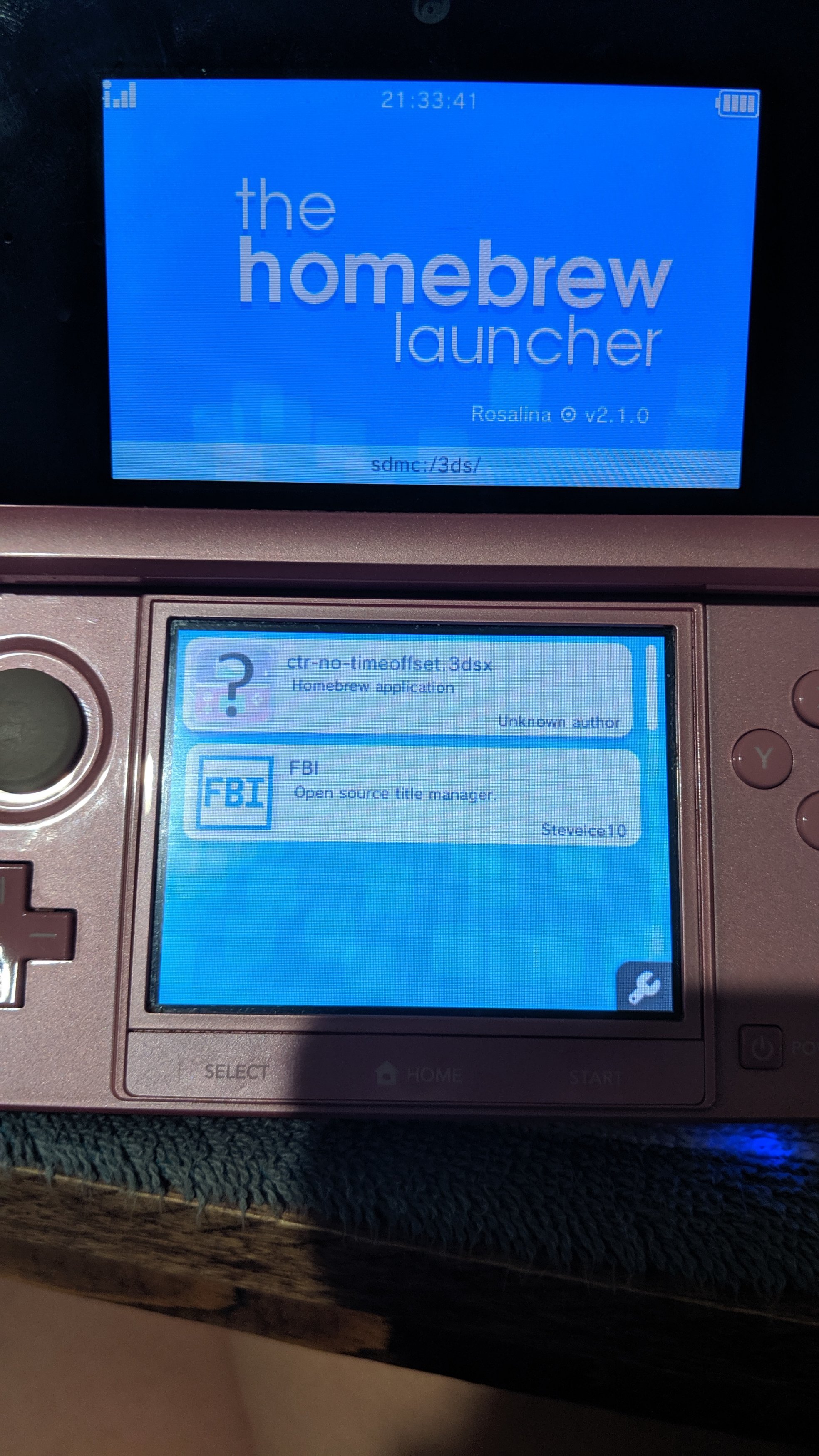
Hello. I was trying to load ctr-no-timeoffset while following this tutorial () at 16:47 but my ctr-no-timeoffset button had a question mark over it and crashed while trying to load. I noticed while messing with my SD card that the ctr-no-timeoffset said it was corrupted and unreadable while I was trying to replace it. Please help me if you know how to fix it.
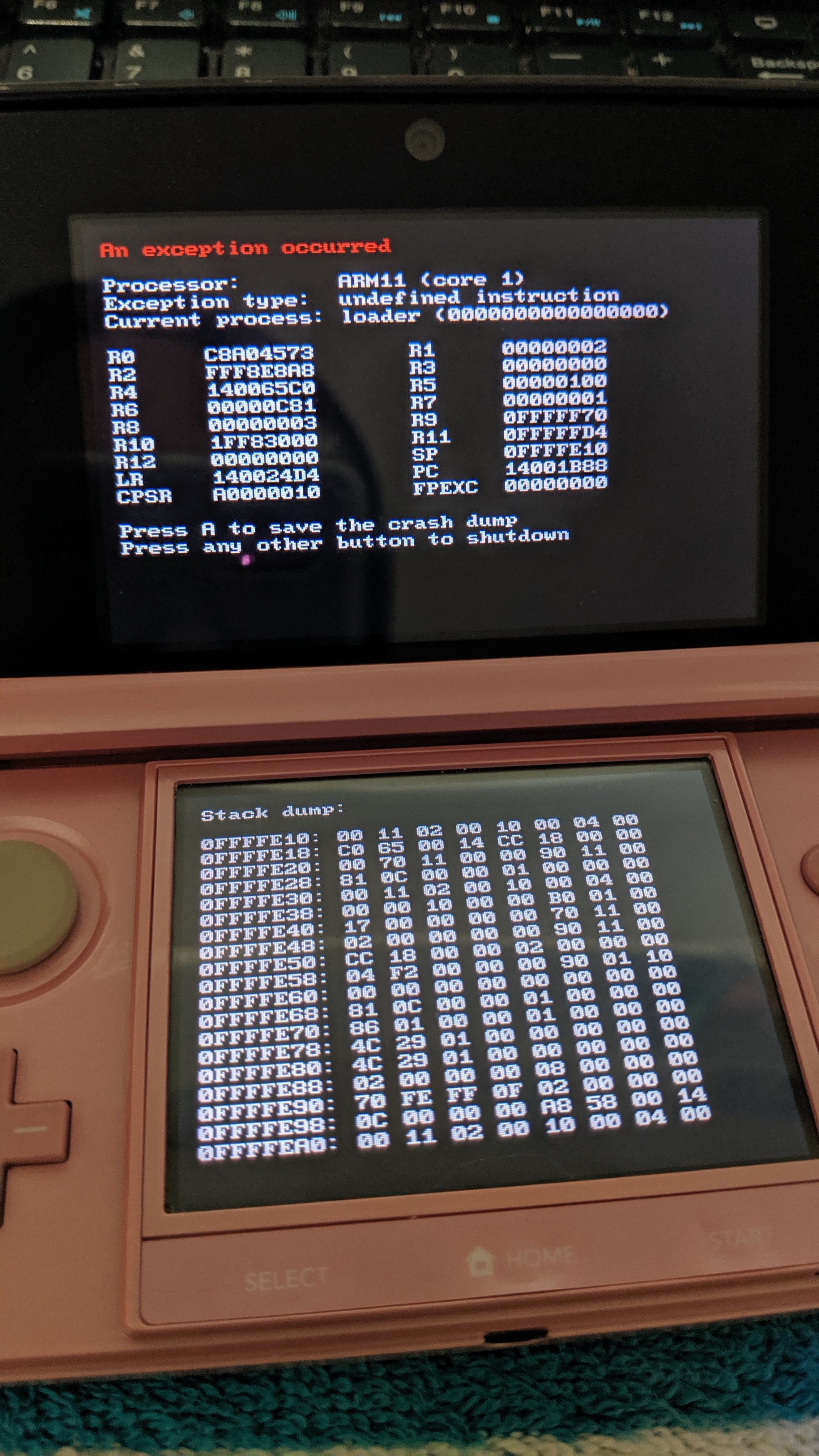
IMG_20190809_211736.jpg
IMG_20190809_213346.jpg
 
Hello. I was trying to load ctr-no-timeoffset while following this tutorial () at 16:47 but my ctr-no-timeoffset button had a question mark over it and crashed while trying to load. I noticed while messing with my SD card that the ctr-no-timeoffset said it was corrupted and unreadable while I was trying to replace it. Please help me if you know how to fix it.

View attachment 176016 View attachment 176017
NEVER FOLLOW YOUTUBE GUIDES!!!!
 
I know I shouldn't have but I'm not sure what to do anymore and I don't really want to start all over.
 
My ctr-no-timeoffset won't let me do anything with it. It says its 0 bytes and its unreadable. Is that maybe why it's not working?
 
It fails and shows this:
-snip-
The hardware condition of your SD card is questionable. It might be fake or dying.
  1. Copy everything off the SD card over to your computer.
  2. Quadruple reformat (for thoroughness).
  3. Full Write + Verify the empty card with H2testw.
If an error was reported, you'll need to replace it.
 
  • Like
Reactions: THYPLEX and Hnngh
I've decided to just try using a different 3ds with a different SD card and a different guide. Thanks for the help though!
 

Site & Scene News

Popular threads in this forum
