DS Lite dark spot in screen

  • Thread starter Thread starter zandatsu
  • Start date Start date
  • Views Views 5,254
  • Replies Replies 11

zandatsu

Well-Known Member
Newcomer
Joined
Oct 6, 2022
Messages
59
Reaction score
8
Trophies
0
Age
27
Location
Manila
XP
386
Country
Philippines
My first ds lite is here(it's a 2nd hand)
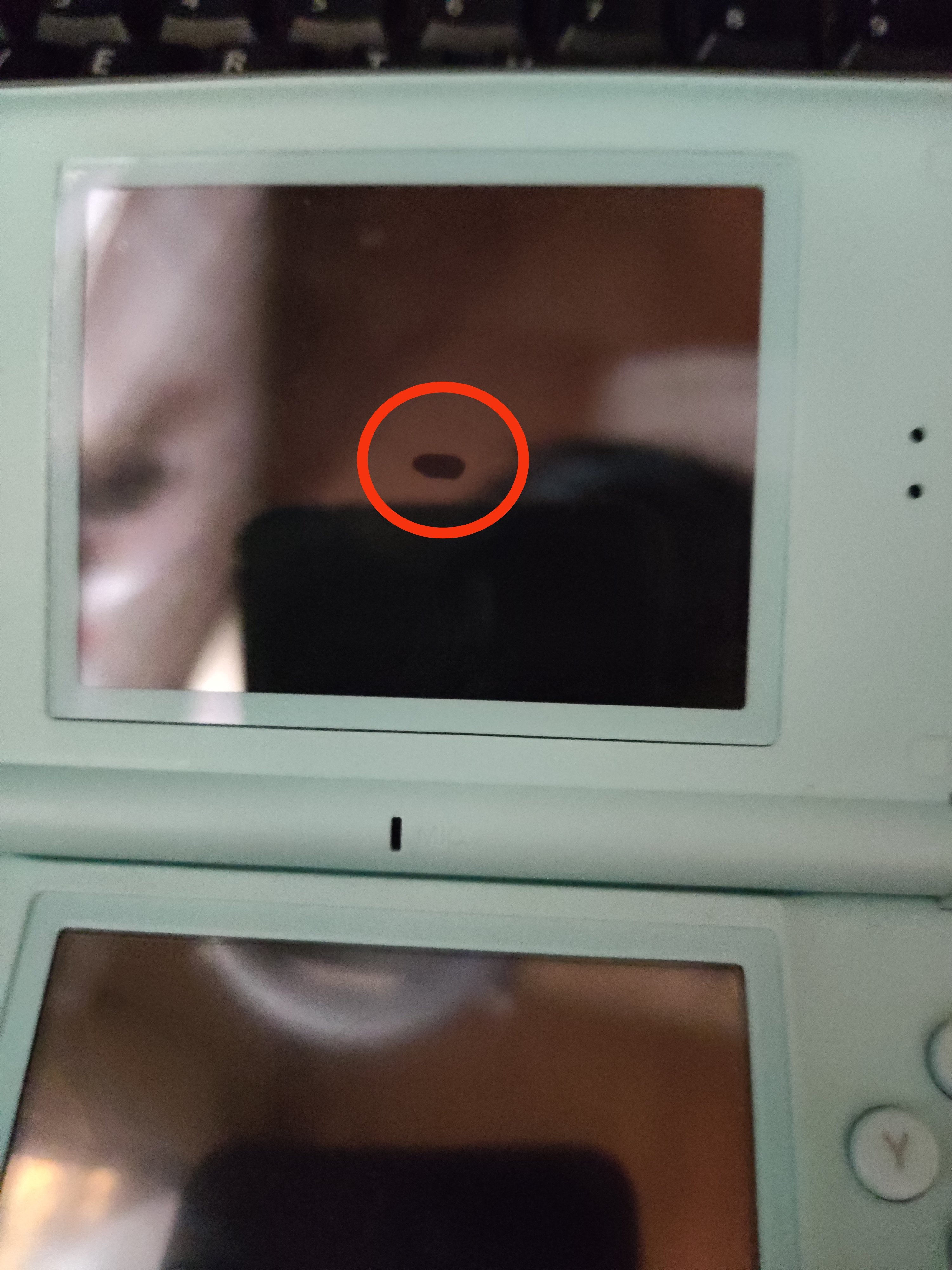
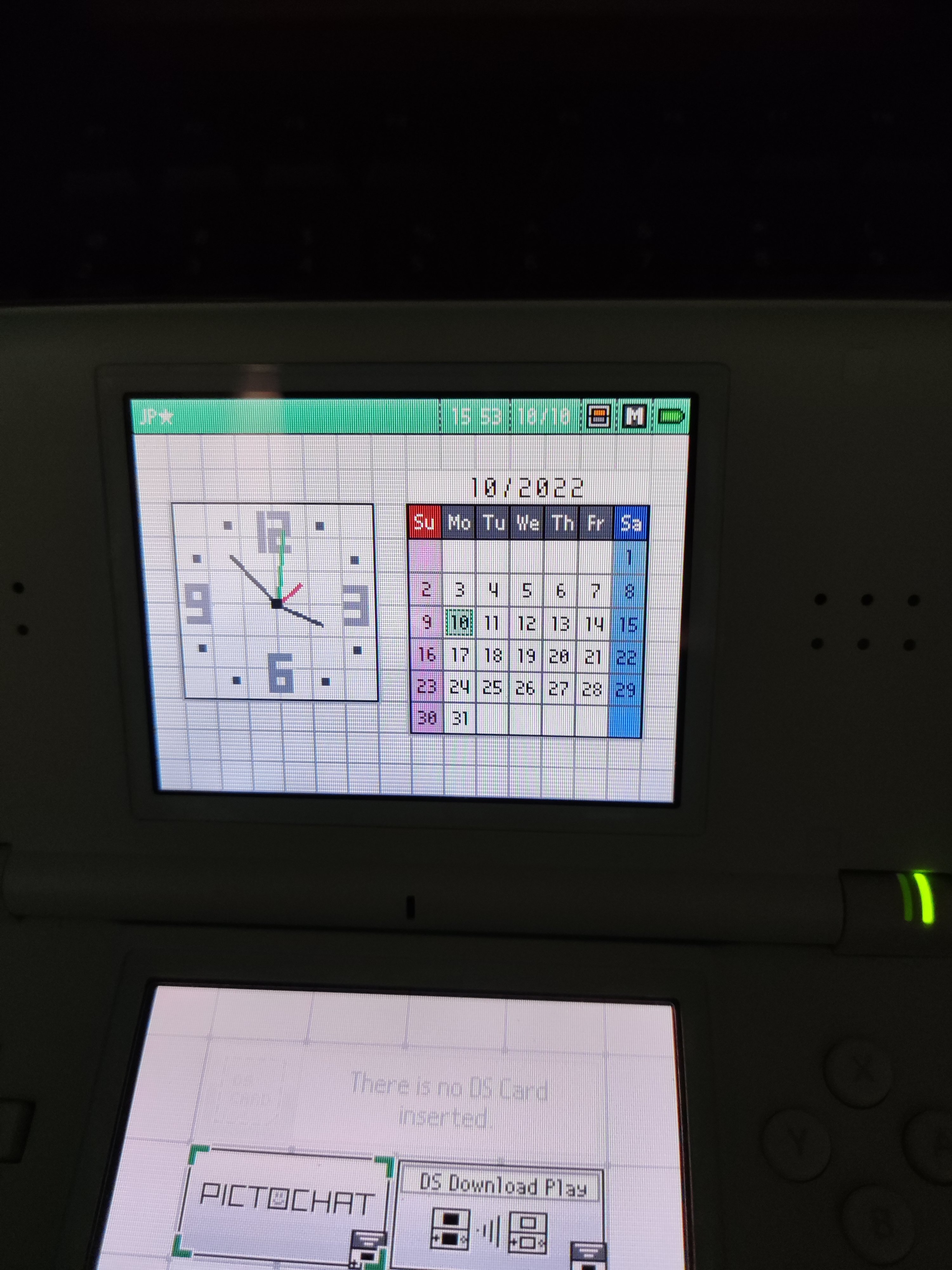
It's only like $38 the condition is good and only a few scratches in the bottom but the top screen is kinda bugging me because it has a weird dark spot when the screen is turned off. But in home screen where the calendar is on the screen the dark spot is literally gone. Do you thing this is only a pressure on the screen protector? This isn't reshell though.
What do you guys recommend me to do about this problem?
IMG_20221010_153910.jpg

IMG_20221010_153832.jpg
IMG_20221010_155302.jpg
 
Looks like it received a hit in that spot causing the liquid crystal to sparse around the screen.
A possible fix is to use heat to kinda spread out the liquid crystal. I have never done it, but it's something people uses to fix Calculator/Watches screens with the same problem.

There's also a possibility that a particle between the LCD layers got stuck in that spot.
You can fix that by disassembling the screen and cleaning each layer on the LCD.

Either that or your screen is dying.
 
  • Like
Reactions: zandatsu
If you have a screen protector this is a bubble under it. Happens often. If you replace it that bubble will be gone.
 
  • Love
Reactions: zandatsu
If you have a screen protector this is a bubble under it. Happens often. If you replace it that bubble will be gone.
tyvm! This really helps because i thought the main problem was internally but i noticed there was a screen protector and i peeled it off and the spot is not coming back anymore
 
Last edited by zandatsu,
Good to know it really was the screen protector. If you decide to apply a new one be extra careful to prevent new bubbles forming.

As for yellowing i don't see any issue? These LCDs look normal to me. Keep in mind LCD quality is hit and miss with Nintendo. So a slight mismatch in tint isn't unusual between both LCDs.
 
  • Like
Reactions: Jayro
Good to know it really was the screen protector. If you decide to apply a new one be extra careful to prevent new bubbles forming.

As for yellowing i don't see any issue? These LCDs look normal to me. Keep in mind LCD quality is hit and miss with Nintendo. So a slight mismatch in tint isn't unusual between both LCDs.
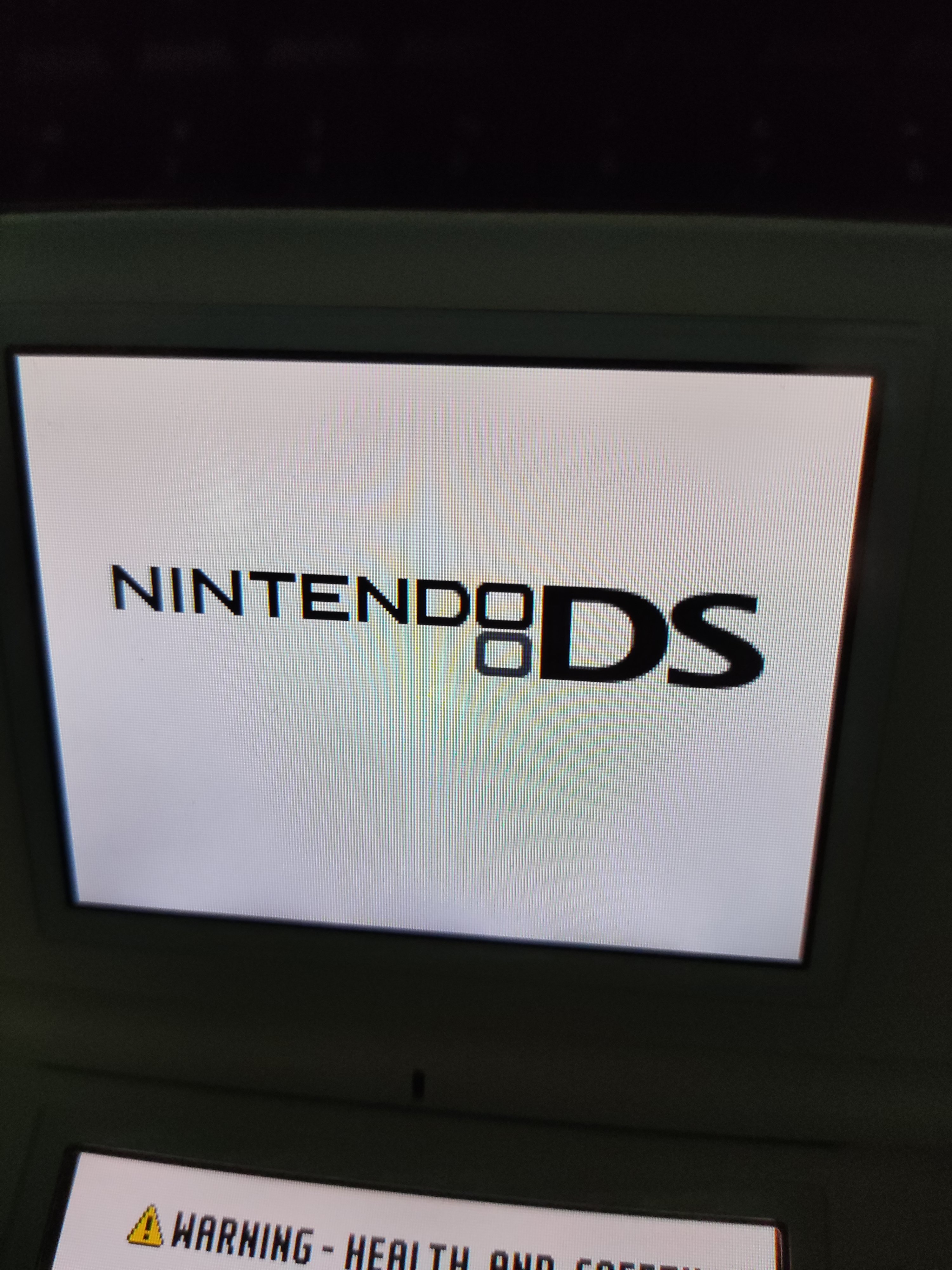
In the two pics showing the NDS logo, there's a vertical oval just off-center to the right that looks yellow to me. Might just be the weird rainbow effect from the LCD in the camera, but I can see it in both pics. Might help to zoom them out, as it gets easier to notice. But if the OP doesn't see it with the naked eye, then it's probably just a trick of the lens.
 
In the two pics showing the NDS logo, there's a vertical oval just off-center to the right that looks yellow to me. Might just be the weird rainbow effect from the LCD in the camera, but I can see it in both pics. Might help to zoom them out, as it gets easier to notice. But if the OP doesn't see it with the naked eye, then it's probably just a trick of the lens.
I think that's just the camera. It's not nearly as visible in the picture after the first post.
 
IMG_20221013_112607.jpg

I captured it with a proper lighting, the brightness is lowered though.
No screen protector anymore in the top
 

Site & Scene News

Popular threads in this forum