Hello everybody,
Today I made a script to Nautilus (Linux) that converts in 3 clicks background images for CtrBootManager and as it did me bored I decided to share it with you.
Prerequisites:
The top images must be 400x240
The bottom images must be 320x240
"it must" (...not necessarily but I have not done much testing yet....) be in .png format.
For Linux Users:
For Windows Users:
PS: Please help me to correct the spelling errors.
@+
Today I made a script to Nautilus (Linux) that converts in 3 clicks background images for CtrBootManager and as it did me bored I decided to share it with you.
Prerequisites:
The top images must be 400x240
The bottom images must be 320x240
"it must" (...not necessarily but I have not done much testing yet....) be in .png format.
For Linux Users:
imagemagick (convert)
1) Press [ALT]+[F2] for run this command
2) create a new file without extension, with the name "convert to bgr" per ex. (or "convert to 3ds, etc... as you prefer.)
3) open the file with your favorite text editor and paste this:
close this.
4) right click > PROPERTIES > go to the 'Permissions' tab and Check the box that states to make the file executable
So now right click on your png(s) > scripts > "convert to bgr" et voila!!!
exemple here:
1) Press [ALT]+[F2] for run this command
Code:
nautilus ./.local/share/nautilus/scripts3) open the file with your favorite text editor and paste this:
Code:
#!/bin/bash

while [ $# -gt 0 ]; do
    picture=$1
    bgr_file=`echo "$picture" | sed 's/\.\w*$/.bin/'`
    /usr/bin/convert "$picture" -channel BGR -separate -channel RGB -combine -rotate 90 bgr:"$bgr_file"
    shift
done
close this.
4) right click > PROPERTIES > go to the 'Permissions' tab and Check the box that states to make the file executable
So now right click on your png(s) > scripts > "convert to bgr" et voila!!!
exemple here:
For Windows Users:
1) Download the script IMGtoBIN3DS and extract it, with 7zip, in subfolder
2) Prepare your images in a folder (named CTRBoot per ex) with a clean name (like this: top_theme.png; bot_theme.png or theme400.png; theme320.png)
3) Drag'n'drop (yes in 1 word!) your folder on IMGtoBIN.bat
4) Your images is ready! paste to SD
IMGtoBIN on free.fr
IMGtoBIN on multiupfile
Video soon...
2) Prepare your images in a folder (named CTRBoot per ex) with a clean name (like this: top_theme.png; bot_theme.png or theme400.png; theme320.png)
3) Drag'n'drop (yes in 1 word!) your folder on IMGtoBIN.bat
4) Your images is ready! paste to SD
IMGtoBIN on free.fr
IMGtoBIN on multiupfile
Video soon...
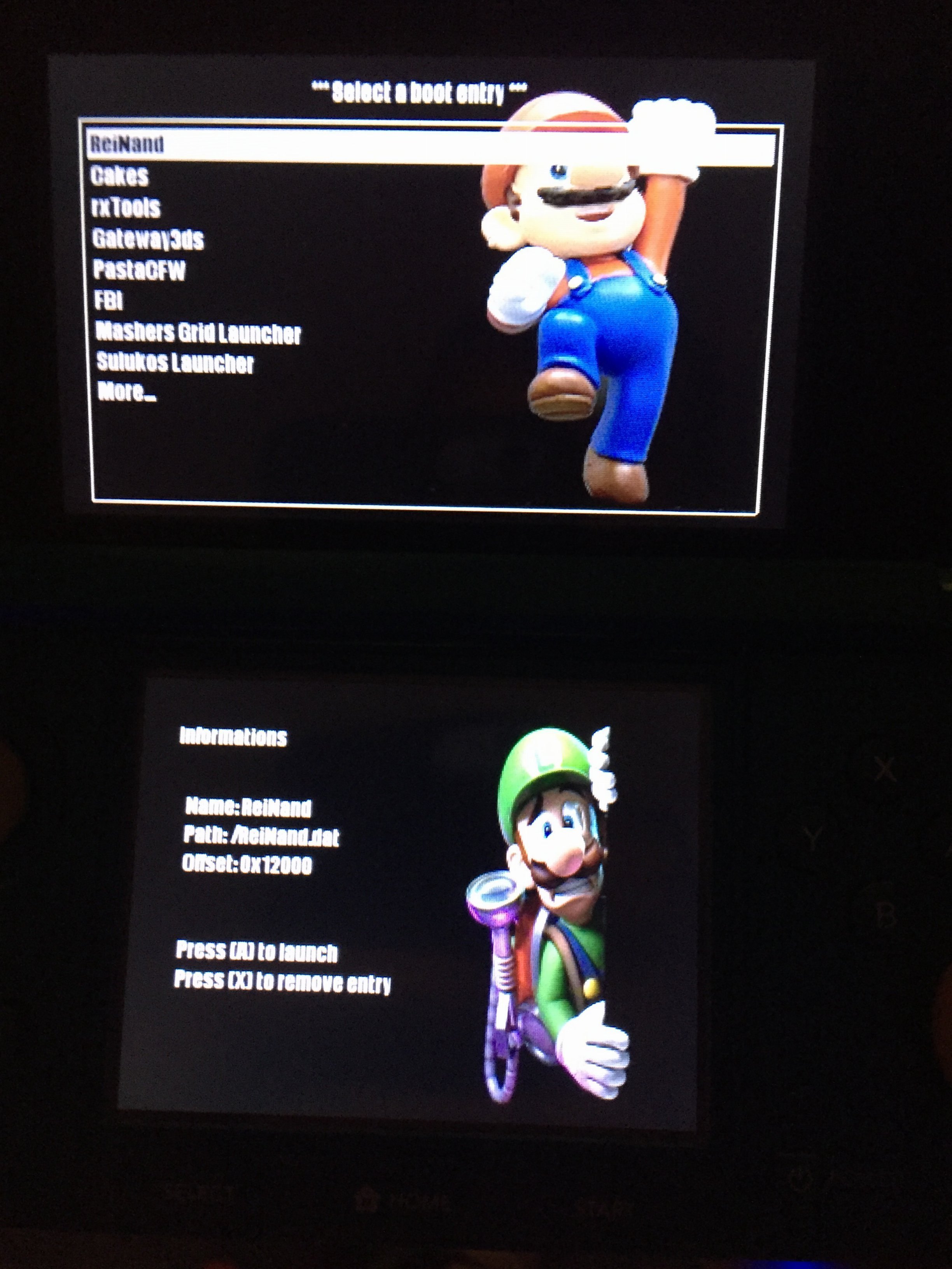
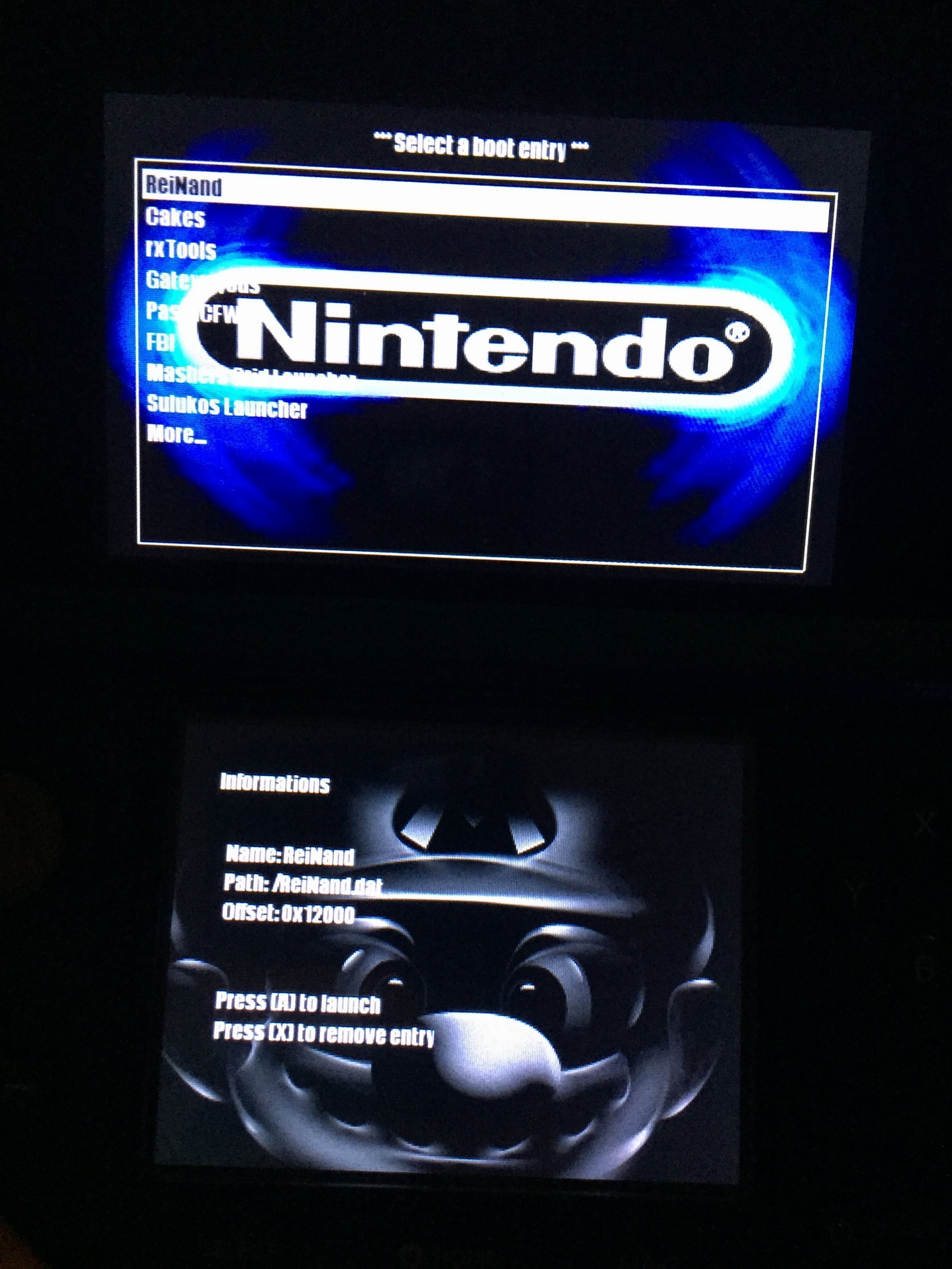
Heres some quick ones to get things started default colour settings for text so no config required

mix and match top and bottom pictures to your own preference
PS: Please help me to correct the spelling errors.
@+
Last edited by MrMandraque,