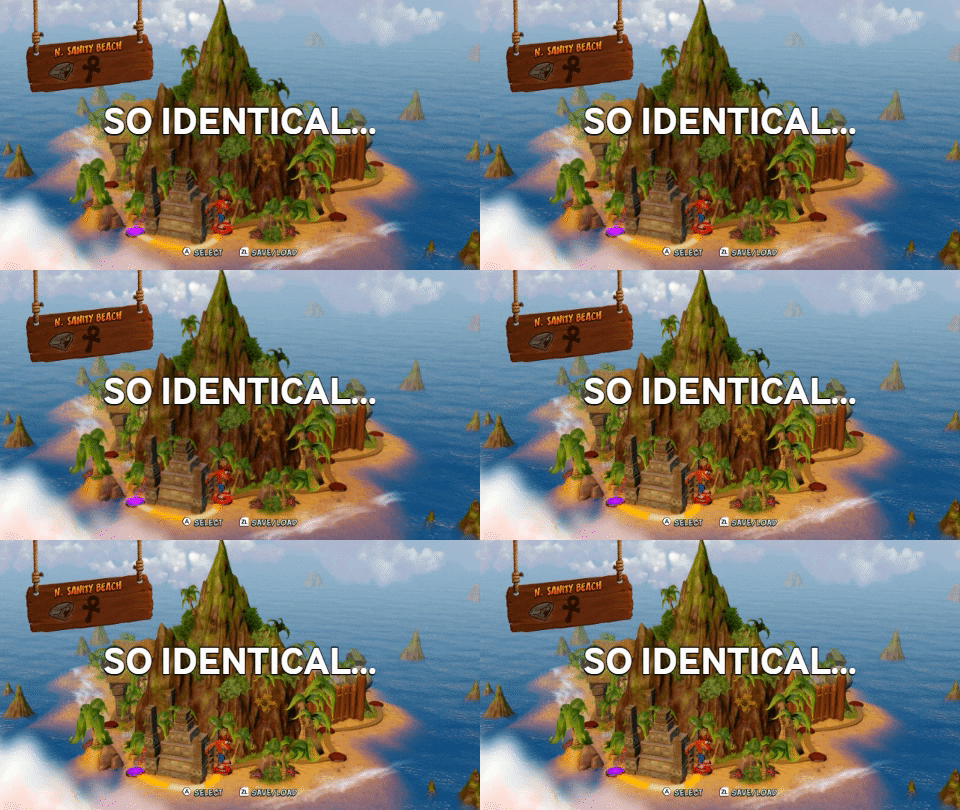
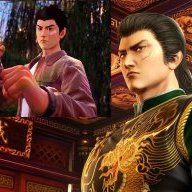
This patch changes resolution in handheld mode from 854x480 to 1280x720.
Just put "exefs_patches" to main folder of your CFW & restart console.
Comparison:
http://www.framecompare.com/image-compare/screenshotcomparison/2BFCNNNU
This game is more demanding in case of graphics, so it's not recommended to use it without OC.
Only to use with 1.0.0 version of game (which is for now the only one).
Instructions for changing resolution manually:
Just put "exefs_patches" to main folder of your CFW & restart console.
Comparison:
http://www.framecompare.com/image-compare/screenshotcomparison/2BFCNNNU
This game is more demanding in case of graphics, so it's not recommended to use it without OC.
Only to use with 1.0.0 version of game (which is for now the only one).
Instructions for changing resolution manually:
Main informationsConvertingSwapping
Patch is using two instructions for changing resolution
First one is height, second one is width.Code:MOVZ X8, #720, LSL #32 MOVK X8, #1280
f.e. for 960x540 we get
Now we are going to this siteCode:MOVZ X8, #540, LSL #32 MOVK X8, #960
http://armconverter.com/
We paste modified instructions to first empty window at the top of site.
Click "Convert"
We should get two lines of 8-bytes code in each line in "ARM64" window.
Click 🗐 symbol next to it to copy them.
This is what we get for 960x540
Code:88 43 C0 D2 08 78 80 F2- Now our copied value needs to replace this code twice
Use hex editor (f.e. HxD) to do this.Code:08 5A C0 D2 08 A0 80 F2
Save & replace file in your sdcard.
Attachments
Last edited by masagrator,