Hardware Broken New 2DS XL top screen

  • Thread starter Thread starter DEMONDICE
  • Start date Start date
  • Views Views 10,651
  • Replies Replies 8

DEMONDICE

K-K-Kureiji
Member
Joined
Dec 7, 2013
Messages
1,018
Reaction score
383
Trophies
1
Age
35
XP
2,086
Country
United States
So somehow my son managed to break the top screen of his brand new system. The entire screen has lines going through it and a rough white patch covering the upper right corner. Clearly unfixable. I tried searching online for a replacement screen, but all I see are for the 3DS or the old 2DS. It doesn't seem like the New 2DS XL has screens available yet being so new.

So this begs the question, what are my options? Sending it back to Nintendo for repair? I'm fine with that, but I don't think they'd appreciate my CFW though haha. If I do send it in, what do I do to make it seem like I haven't tampered with it? And if I do get rid of it, is it easy to get back? I had to use an old 2DS to get Luma on this model, but that system is long tone.

Is there a better way?

 
So somehow my son managed to break the top screen of his brand new system. The entire screen has lines going through it and a rough white patch covering the upper right corner. Clearly unfixable. I tried searching online for a replacement screen, but all I see are for the 3DS or the old 2DS. It doesn't seem like the New 2DS XL has screens available yet being so new.

So this begs the question, what are my options? Sending it back to Nintendo for repair? I'm fine with that, but I don't think they'd appreciate my CFW though haha. If I do send it in, what do I do to make it seem like I haven't tampered with it? And if I do get rid of it, is it easy to get back? I had to use an old 2DS to get Luma on this model, but that system is long tone.

Is there a better way?
If you can navigate GM9 with those massive visual obscurities, getting rid of CFW is pretty easy. All you have to do is load GM9 and excecute a certain script. you will be required to enter an unlock pattern
 
  • Like
Reactions: TurdPooCharger
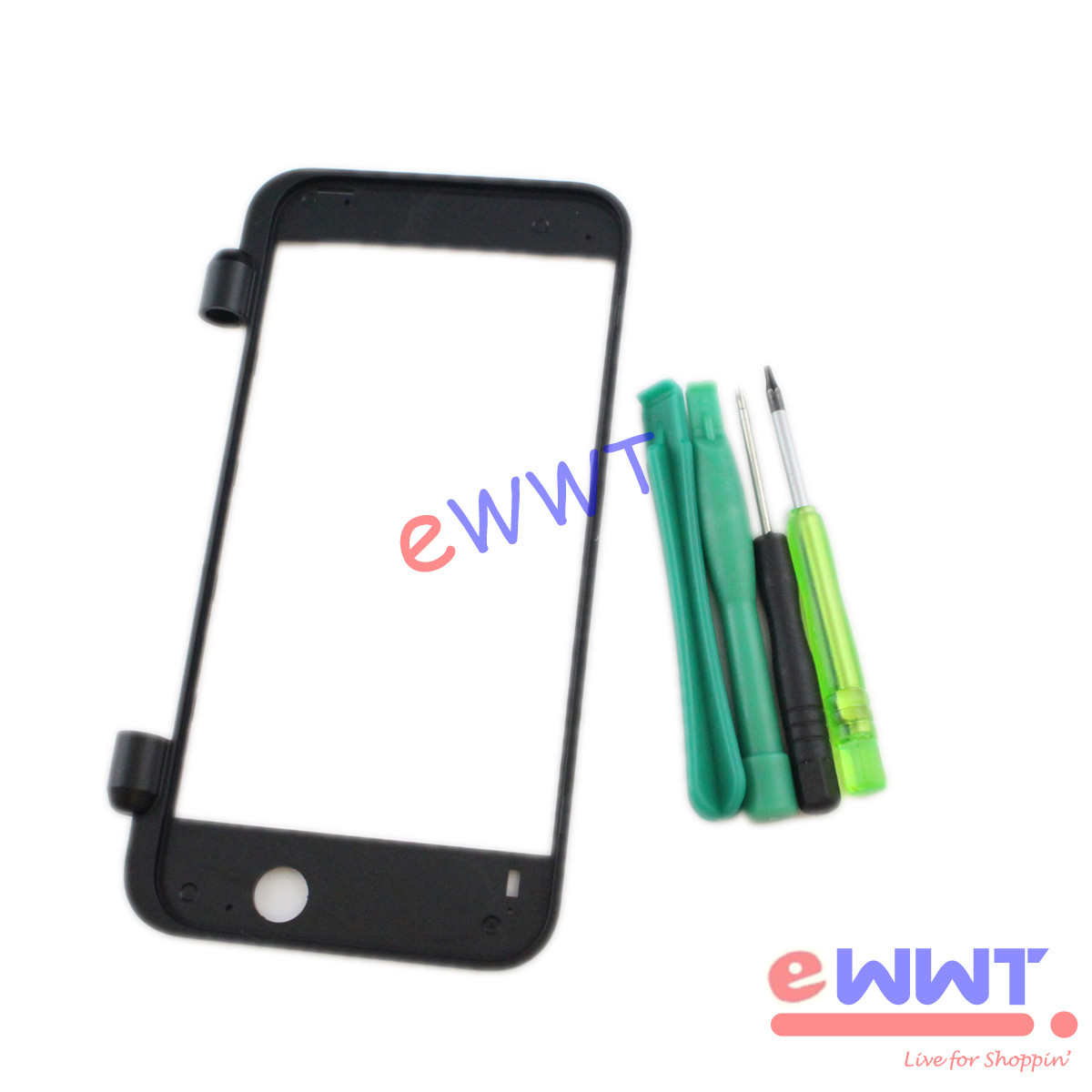
Nintendo pulled an Apple with the N2DSXL top screen. It's glued to the bezel frame making it impractical to gut dead N2DSXL's with intact top screens unless it is the whole top assembly. If aftermarket LCD manufacturers do end up making replacement top lcds, you'll need this, too. If you cannot navigate by top screen, would you like to have the button combo order to restore stock firmware?
s-l1600.jpg
 
Nintendo pulled an Apple with the N2DSXL top screen. It's glued to the bezel frame making it impractical to gut dead N2DSXL's with intact top screens unless it is the whole top assembly. If aftermarket LCD manufacturers do end up making replacement top lcds, you'll need this, too. If you cannot navigate by top screen, would you like to have the button combo order to restore stock firmware?
s-l1600.jpg
The button combos show on the bottom screen by default. Unless you compiled yours with SWITCH_SCREENS=1.
 
  • Like
Reactions: TurdPooCharger
The button combos show on the bottom screen by default. Unless you compiled yours with SWITCH_SCREENS=1.

I meant the button combo and order to press if he needed to navigate to the .gm9 file through his SD card. However, that's not necessary as the scripts option is available with the home button, and it shows at the bottom screen. All the more easy.
 
  • Like
Reactions: SirNapkin1334
I meant the button combo and order to press if he needed to navigate to the .gm9 file through his SD card. However, that's not necessary as the scripts option is available with the home button, and it shows at the bottom screen. All the more easy.
Yes. HOME -> Scripts... -> Uninstall_hax_retail_NEW -> enter unlock combo -> Done.
 

Site & Scene News

Popular threads in this forum