Animated GIFs

  • Thread starter Thread starter nileyg
  • Start date Start date
  • Views Views 1,541
  • Replies Replies 5

nileyg

Well-Known Member
Member
Joined
Mar 16, 2007
Messages
419
Reaction score
0
Trophies
1
Website
Visit site
XP
259
Country
United States
How do you edit animated gifs? I tried to use photoshop, but it would only let me edit the first frame...
Does photoshop even do GIFs? I coulda swore that i saw an animation option in it somewhere...
unsure.gif
 
hmm, i don't think photoshop (cs2 at least) can do animated gifs.

i dloaded gif construction set (+serial lol) and it works alright, i haven't bothered to compare it to any other programs available.
 
photoshop cs2 and cs3 can do animated gifs... i dont think u can edit it without the original psd however
^ it is a better option to do animated gifs in imageready tho... just save each frame in photoshop and animate it in imageready... or else just use the built in animation window in cs2... cs3 doesnt have imageready so ur forced to animate it in cs3... which isnt that bad. i just did one =p
 
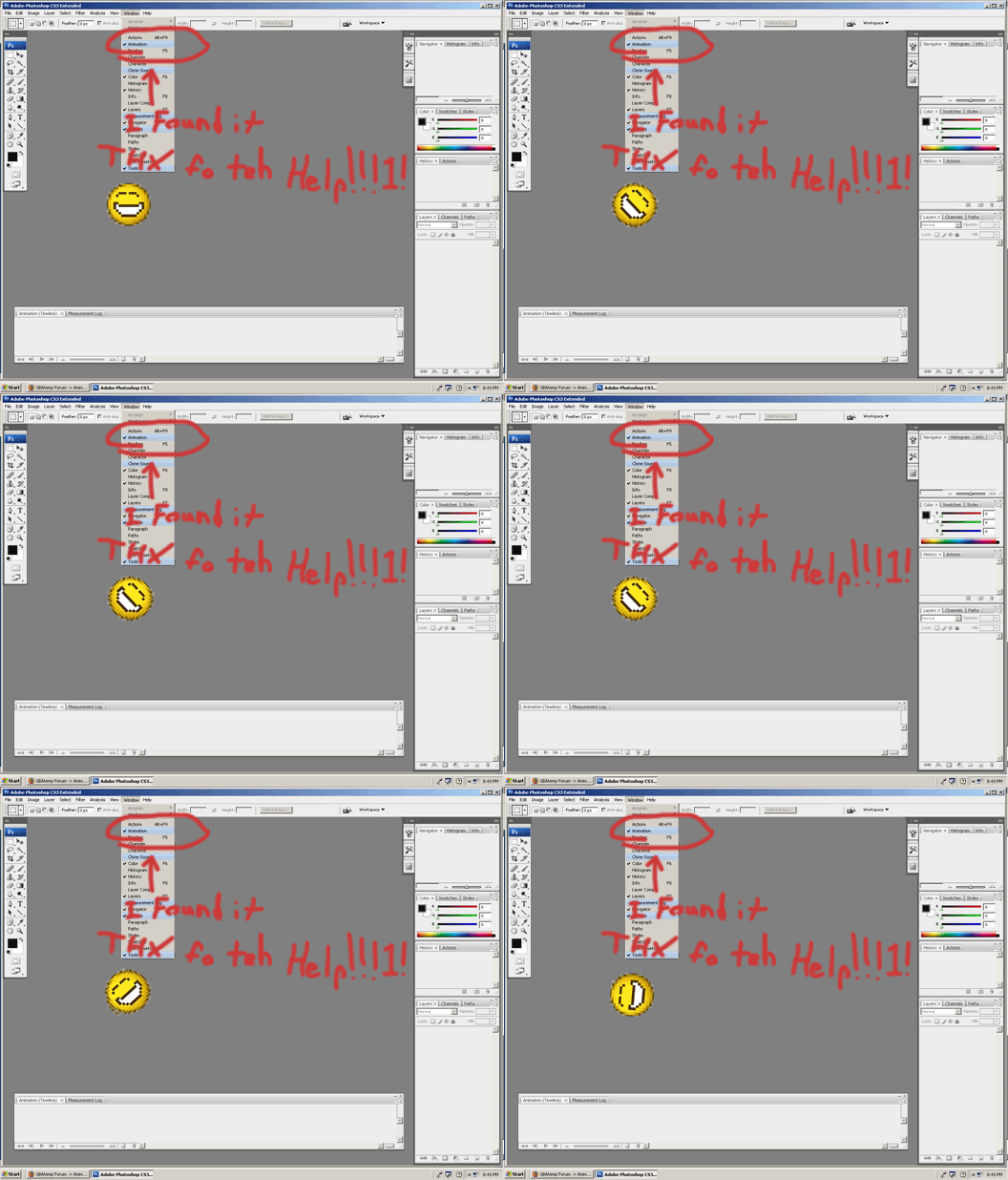
In CS and below, you work in Adobe ImageReady for animation. I believe they added an animation window for Photoshop CS2 though, check your "Window" menu and see if it's there, if not, ImageReady lets you swap things back and forth between it and Photoshop.

edit: oops, a little late on this one...
 
In Photoshop elements, it handles each frame in the GIF as a different layer. when you want to make a gif, just do each layer on the same image and go to Save for web page. Select animate and loop, then set your speed
smile.gif
 

Site & Scene News

Popular threads in this forum