



Description:
Andro-NSZ-Unpacker is an unpacker for NSZ/XCZ Switch games, native to Android. Both individual files and entire folders, while maintaining their structure. In fact, this is a port of the standard nicoboss/nsz PC program on Android. The application works natively, without emulators and Python.
Main Features:
- Unpacking NSZ → NSP
- Decompressing XCZ → XCI
- Simple and user-friendly interface
- Works fast right on your phone, tablet, android consoles and other android devices.
How to use:
To unpack, install the prod.keys keys in the application.
Next, select the .nsz/ file(s) in the application.xcz or the folder where you need to unzip all the files, saving the folder structure. And click the "unpack" button.
Download:
Releases on GitHub
https://github.com/Fast-and-Pythonic/Andro-NSZ-unpacker/releases
Version: 1.0
Requirements: Android 10.0+
Important: Only to create legitimate backups of your own games.
If anyone wants to and can, feel free to fork and develop the utility. There's still a lot that can be improved.
Write your feedback, suggestions, and suggestions for problems here. I can't promise a fast speed. But I'll probably slowly refine the attachment.
Developer: Fast-and-Pythonic
Home page: https://github.com/Fast-and-Pythonic/Andro-NSZ-unpacker
Many thanks to the developers of the original nicoboss/nsz utility


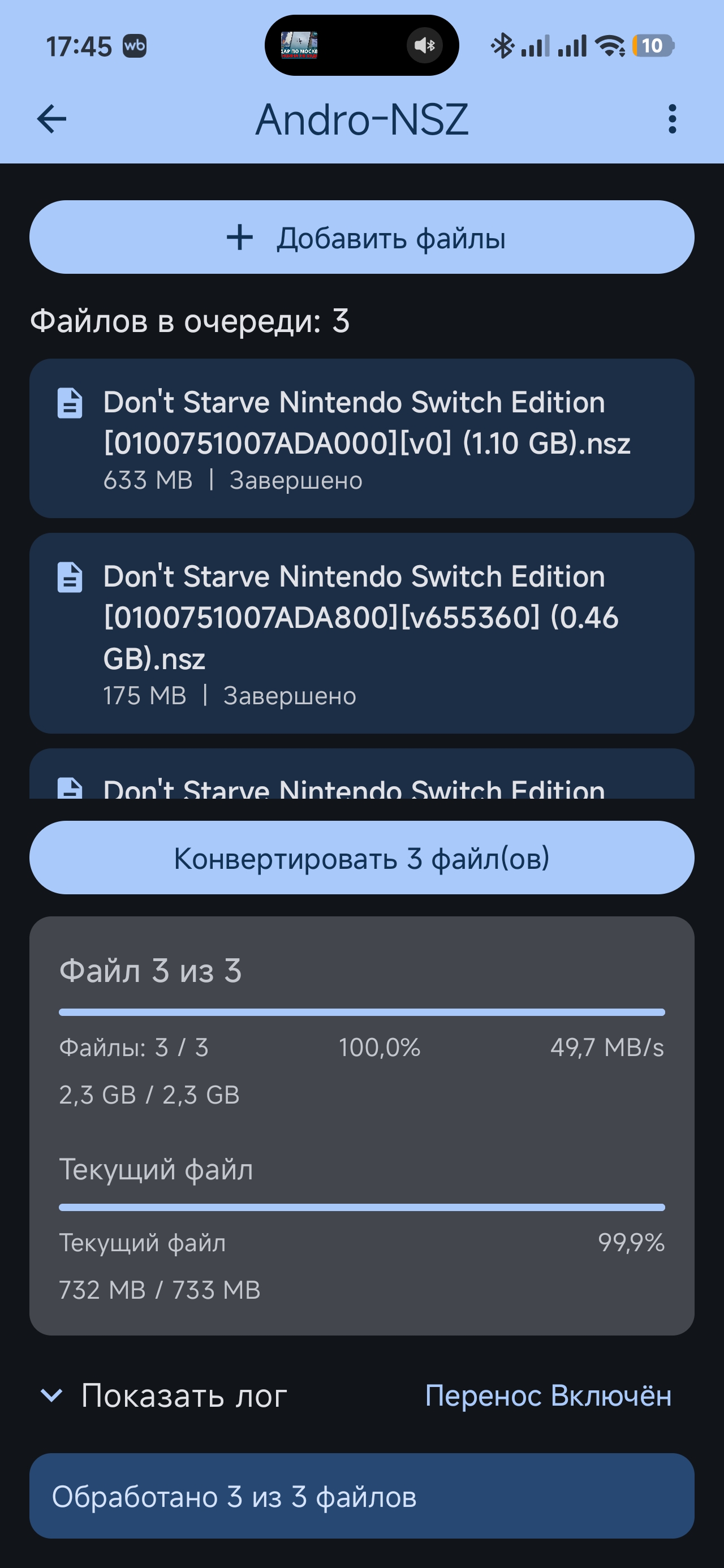

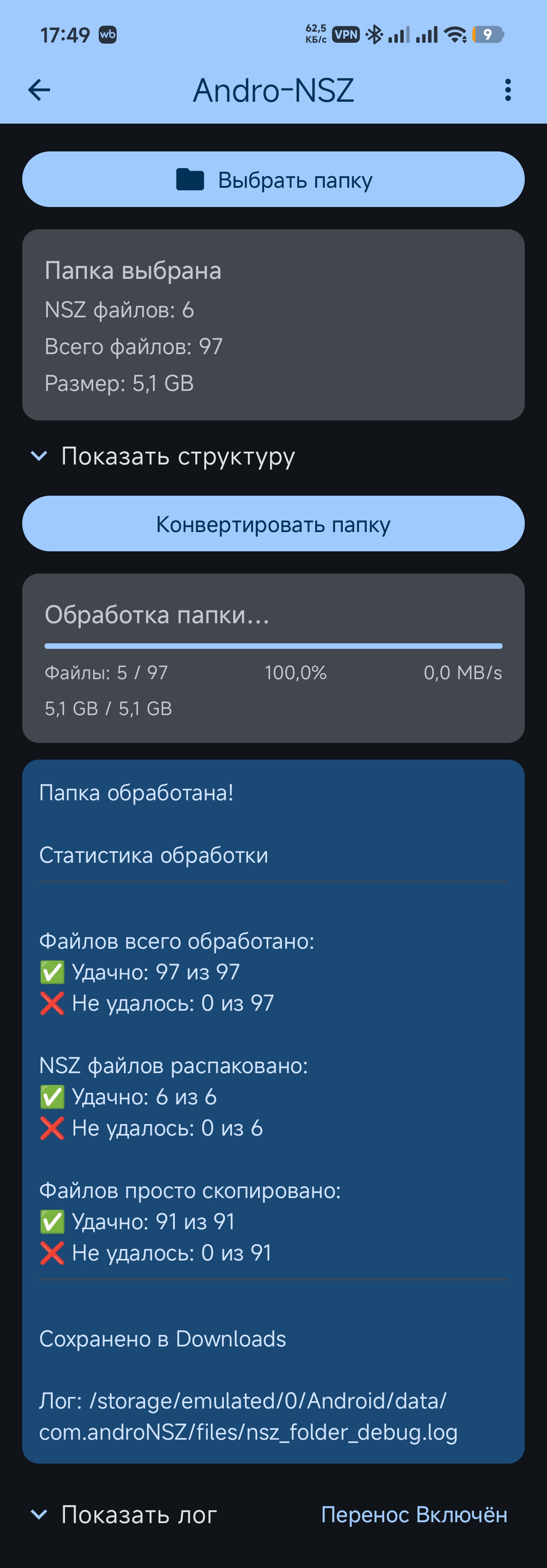
Andro-NSZ-Unpacker is an unpacker for NSZ/XCZ Switch games, native to Android. Both individual files and entire folders, while maintaining their structure. In fact, this is a port of the standard nicoboss/nsz PC program on Android. The application works natively, without emulators and Python.
Main Features:
- Unpacking NSZ → NSP
- Decompressing XCZ → XCI
- Simple and user-friendly interface
- Works fast right on your phone, tablet, android consoles and other android devices.
How to use:
To unpack, install the prod.keys keys in the application.
Next, select the .nsz/ file(s) in the application.xcz or the folder where you need to unzip all the files, saving the folder structure. And click the "unpack" button.
Download:
Releases on GitHub
https://github.com/Fast-and-Pythonic/Andro-NSZ-unpacker/releases
Version: 1.0
Requirements: Android 10.0+
Important: Only to create legitimate backups of your own games.
If anyone wants to and can, feel free to fork and develop the utility. There's still a lot that can be improved.
Write your feedback, suggestions, and suggestions for problems here. I can't promise a fast speed. But I'll probably slowly refine the attachment.
Developer: Fast-and-Pythonic
Home page: https://github.com/Fast-and-Pythonic/Andro-NSZ-unpacker
Many thanks to the developers of the original nicoboss/nsz utility
Last edited by Utiputi91,


