
Homebrew Custom Home Menu banners - glTF to CGFX converter

  • Thread starter Thread starter Floogle
  • Start date Start date
  • Views Views 1,033
  • Replies Replies 3
  • Likes Likes 7

Floogle

Active Member
Newcomer
Joined
Mar 12, 2016
Messages
29
Reaction score
317
Trophies
1
XP
652
Country
Belgium
pycgfx is a tool for converting standard glTF models to the CGFX format supported by the 3DS, for inclusion in a banner file using bannertool.
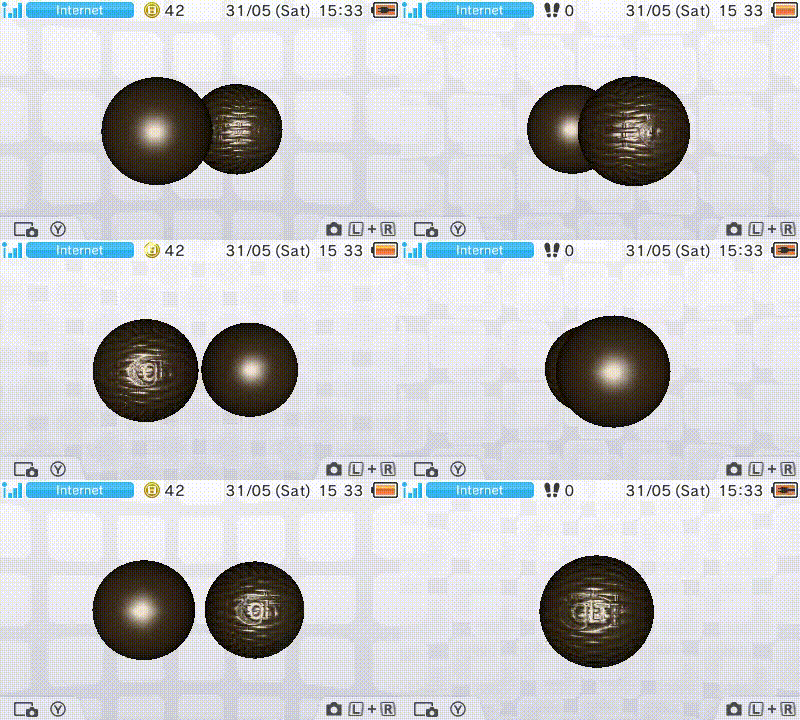
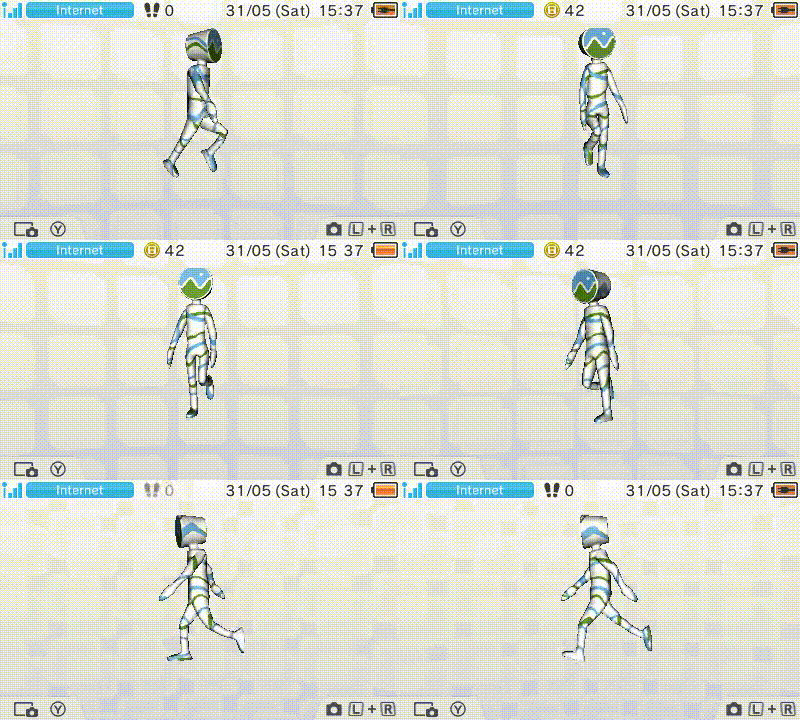
normal_demo.gif
cesium_demo.gif

A number of glTF features are supported, including:
  • Diffuse and normal textures
  • Constant roughness factor, for specular lighting
  • Double-sided materials and alpha blend settings
  • Animations and skinning
  • Diffuse colour animation using KHR_animation_pointer
The tool is mainly meant to allow people to create their own banners. To that end, a glTF is included in the repository containing the camera used by the Home Menu.
There is also an ImHex pattern file, to allow for inspecting or modifying generated CGFX files, e.g. to add billboards for things like app logos. The converter script can also be freely modified.
 
Hello. I am creating a 3D banner with EveryFileExplorer. Importing a .obj file with the model.

The only thing I would like to modify now is the position of the camera. Could this be possible using a gltf model?
 
Hello. I am creating a 3D banner with EveryFileExplorer. Importing a .obj file with the model.

The only thing I would like to modify now is the position of the camera. Could this be possible using a gltf model?
I don't think so, but you could likely achieve the same effect by scaling/moving your model. You van check this by importing the provided camera into your 3D modeling tool (I know at least Blender supports it). Keep in mind that the home menu simply rotates the model around the vertical axis.
 
Unfortunately rotating the model won't give me the desired result.
But I will try to modify the camera and see what happens.

I basically want to create a similar banner to the one shown by the Mii Plaza app.

Anyway, thanks for making such a great tool.
 

Site & Scene News

Popular threads in this forum