ROM Hack Extracting .BCH.Z files?

  • Thread starter Thread starter Zombies9912
  • Start date Start date
  • Views Views 3,677
  • Replies Replies 2

Zombies9912

New Member
Newbie
Joined
Dec 28, 2018
Messages
3
Reaction score
0
Trophies
0
Age
25
XP
88
Country
United States
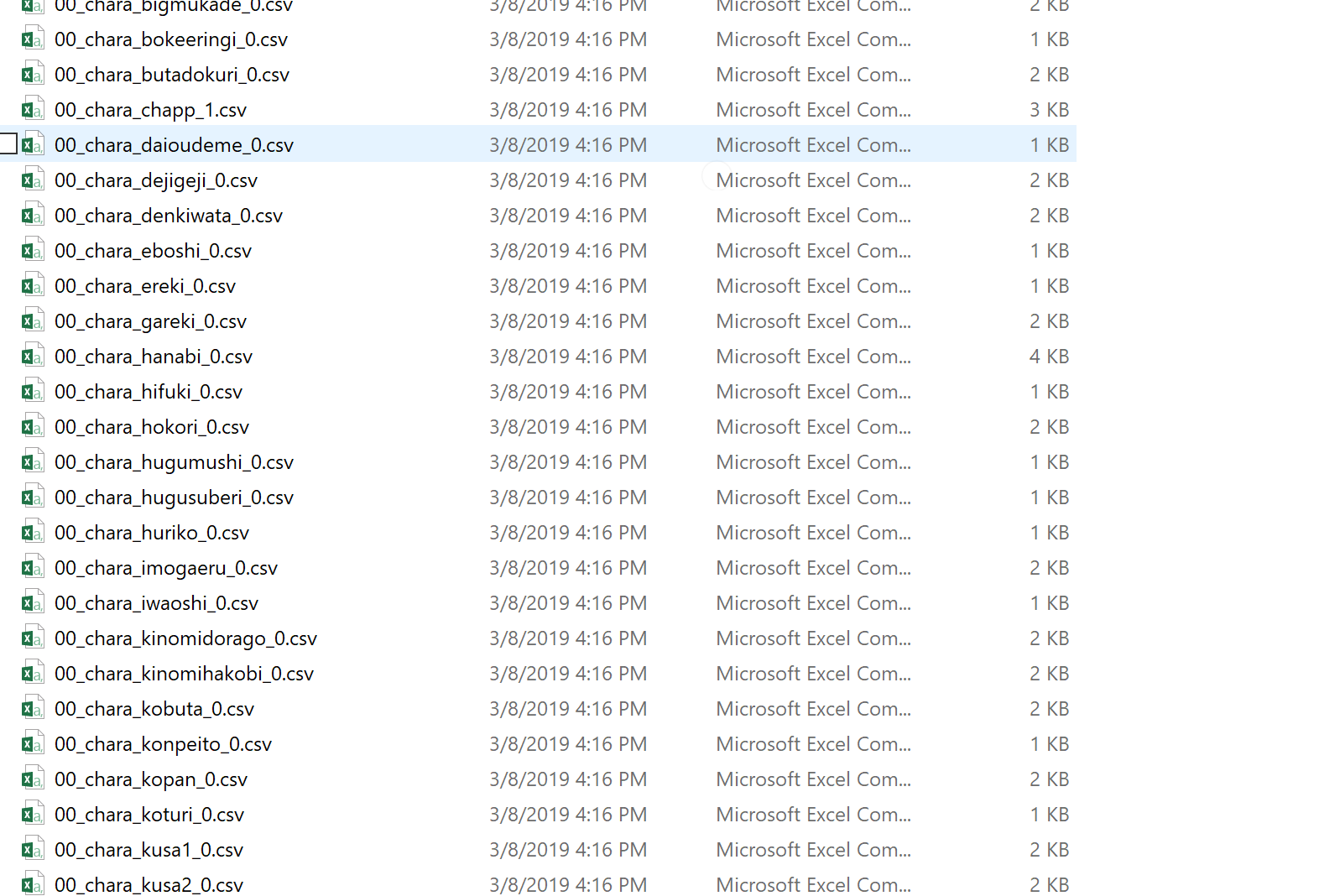
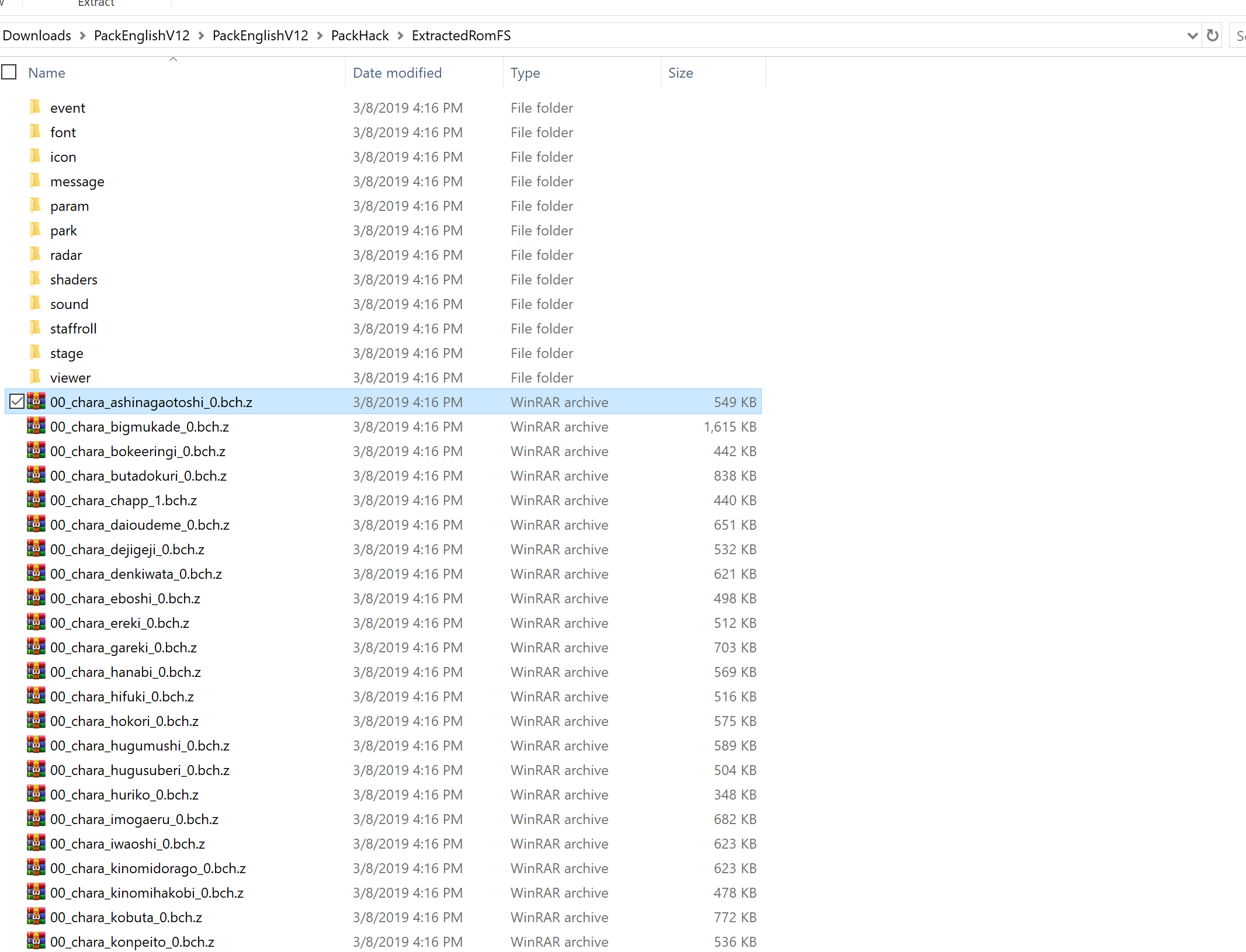
I am wanting to view the model files from hey pikmin! and have decompressed the game with HackingToolkit9ds but most files are .bch.z or .csv. How can I open up the files to access the models? Ive tried Ohana3ds but that only works with normal .Bch files and deleting the z from the extension doesnt make tham compatable. In the end I want to Import enemy meshes and textures to replace enemies in pikmin 1 for gamecube as a mod.
bchz.PNG
Capture.PNG
 
Was able to figure it out using the pikmin technical knowlede database. you have to use a decrypt script for yoshi's new island. an dthen use ohana
 
Was able to figure it out using the pikmin technical knowlede database. you have to use a decrypt script for yoshi's new island. an dthen use ohana
If you dont mind could you describe how you did it? I'm having the same problem idk how to use the models
 

Site & Scene News

Popular threads in this forum