Video Driver Fix for Windows 10

  • Thread starter Thread starter MushGuy
  • Start date Start date
  • Views Views 2,496
  • Replies Replies 10

MushGuy

Well-Known Member
Member
Joined
Feb 11, 2010
Messages
1,314
Reaction score
455
Trophies
1
XP
3,130
Country
United States
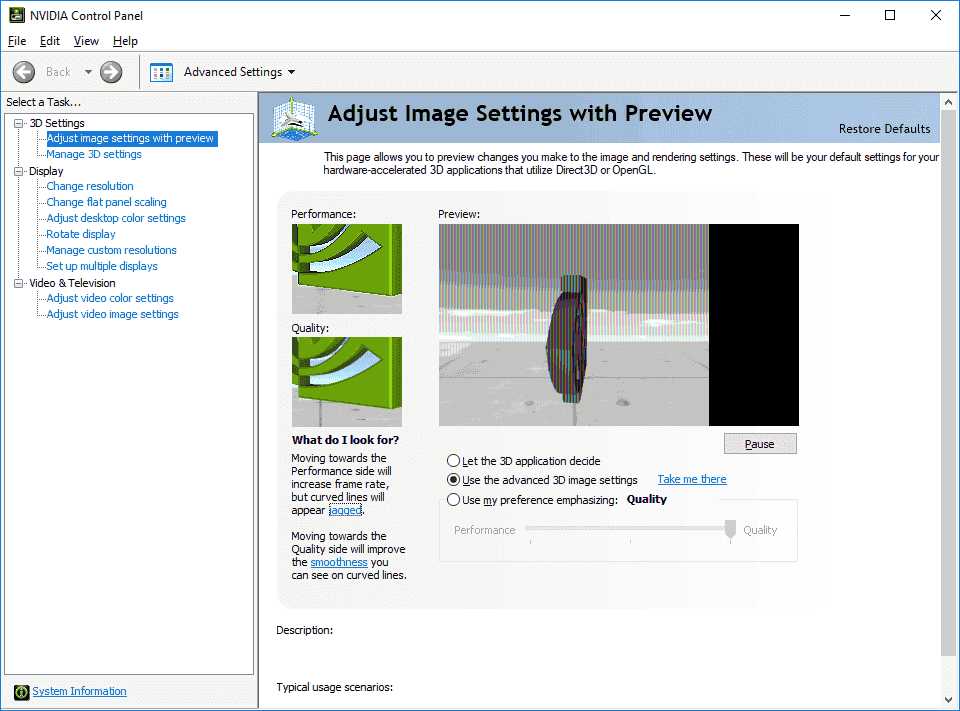
Hello, I recently updated my Windows 10 version to 1709. Unfortunately, the video driver (GeForce 7150M / nForce 630M) doesn't seem to work properly with the update. This is what I get:
Nvidia.png


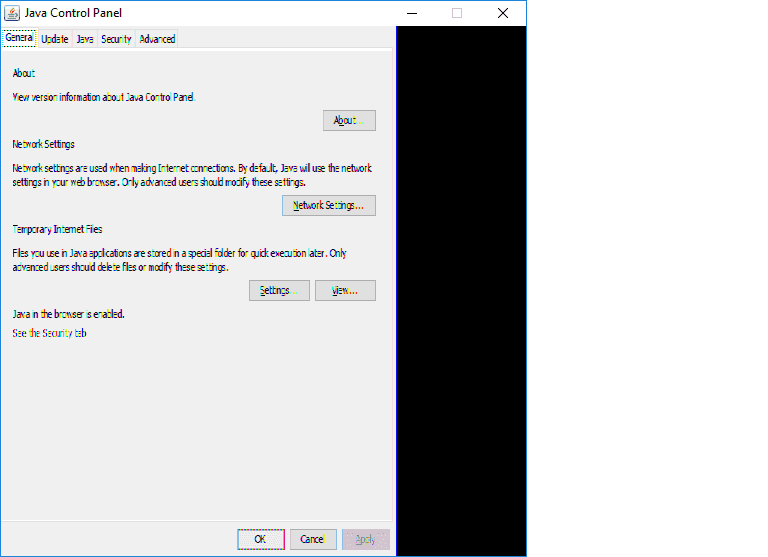
Related to that, this is what I get in the Java configuration window:
Java.png


Is there a way to fix this, like some workaround, or a place to download a newer driver (there isn't any in the Nvidia site, and the driver version I get from Windows Update is 179.67)?

 
i would try ddu (display driver uninstaller) and and install the driver again in safe mode not the windows version but what nvidia recommends.
 
OK, I finally tried installing 309.08, but it didn't work because I get incompatibility messages. So I tried looking and I found this page, and I downloaded the GeForce 259.47 driver, and it finally worked: Both the 3d and Java issues are gone. Now let's hope Windows doesn't revert it. Thanks for helping, anyway.
 
OK, I finally tried installing 309.08, but it didn't work because I get incompatibility messages. So I tried looking and I found this page, and I downloaded the GeForce 259.47 driver, and it finally worked: Both the 3d and Java issues are gone. Now let's hope Windows doesn't revert it. Thanks for helping, anyway.
I was going to suggest trying a few different drivers, as sometimes Windows updates can cause weird issues like this and using another driver often solves it, but good to hear you got it sorted out.
 

Site & Scene News

Popular threads in this forum