- Joined
- Dec 1, 2014
- Messages
- 10,797
- Reaction score
- 11,206
- Trophies
- 0
- Location
- Under a rock
- XP
- 9,944
- Country

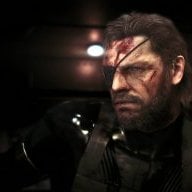
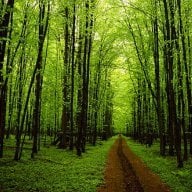
Just tested my splashes and realized they need to be in 4:3 to display correctly. [user]AbdallahTerro[/user], do you know any good methods of squishing a widescreen image to 4:3 so it appears widescreen again when stretched?
On another note, I had some weird experiences testing. On Mario Kart Double Dash, it entirely skipped the screen even though it is named correctly and went to the "choose progressive" screen, and with Super Mario Sunshine, the screen displayed, but the console locked up after displaying the BIOS (although I have the feeling my ISO got corrupted in this case... Good thing I back up my backups! I'll use my full ISO later and tell you if anything changes)
Edit: For the aspect ratio part, I'm an idiot. I just found out that you use MS Paint to VERY easily change the resolution of an image. Both still look good since they were over the required resolution, I look forward to making more in the future
On another note, I had some weird experiences testing. On Mario Kart Double Dash, it entirely skipped the screen even though it is named correctly and went to the "choose progressive" screen, and with Super Mario Sunshine, the screen displayed, but the console locked up after displaying the BIOS (although I have the feeling my ISO got corrupted in this case... Good thing I back up my backups! I'll use my full ISO later and tell you if anything changes)
Edit: For the aspect ratio part, I'm an idiot. I just found out that you use MS Paint to VERY easily change the resolution of an image. Both still look good since they were over the required resolution, I look forward to making more in the future