Hacking Sigpatches for Atmosphere (Hekate, fss0, fusee & package3)

  • Thread starter Thread starter ShadowOne333
  • Start date Start date
  • Views Views 5,342,453
  • Replies Replies 7,378
  • Likes Likes 266
Switch 21.2.0
Atmosphere 1.10.2
keys from Emummc or Sysnand (from lockpickRCM)

Last sigpatches from Impeeza

Bug

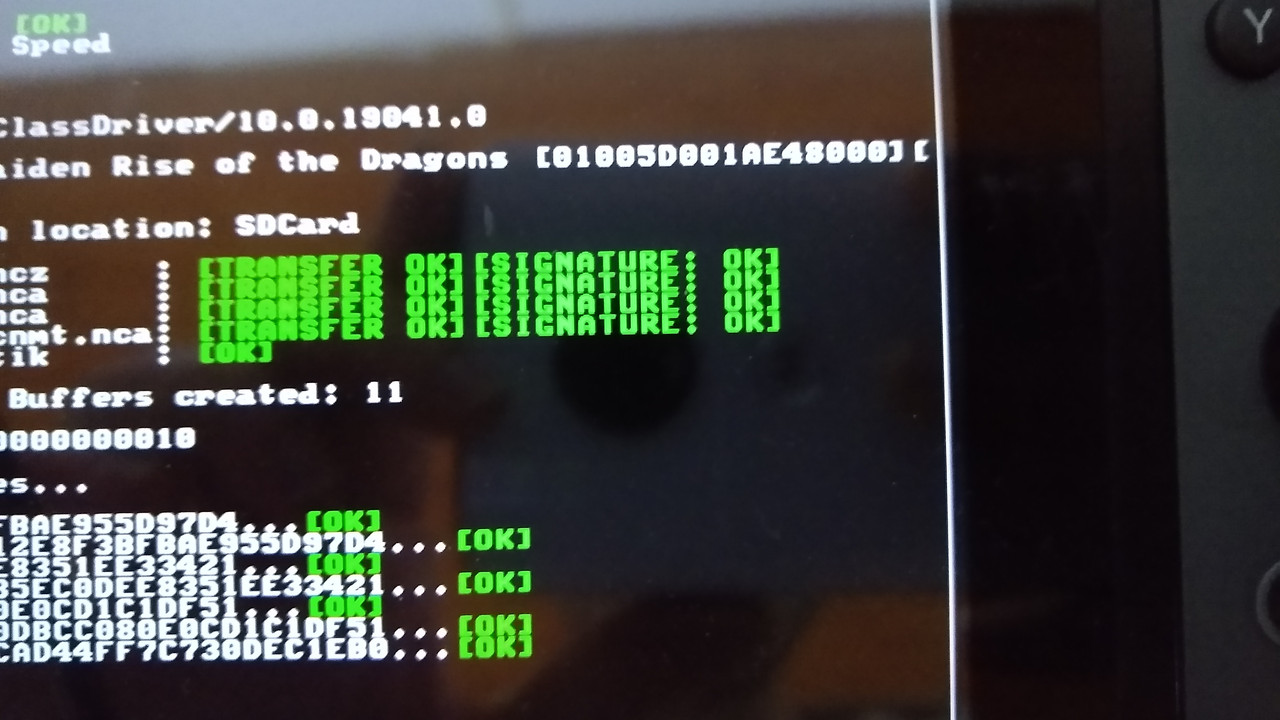
- Is not possible to create NSP forwards (Signature Fake warning appears)

Games and homebrew install fine; this only happens with NSP forwards.
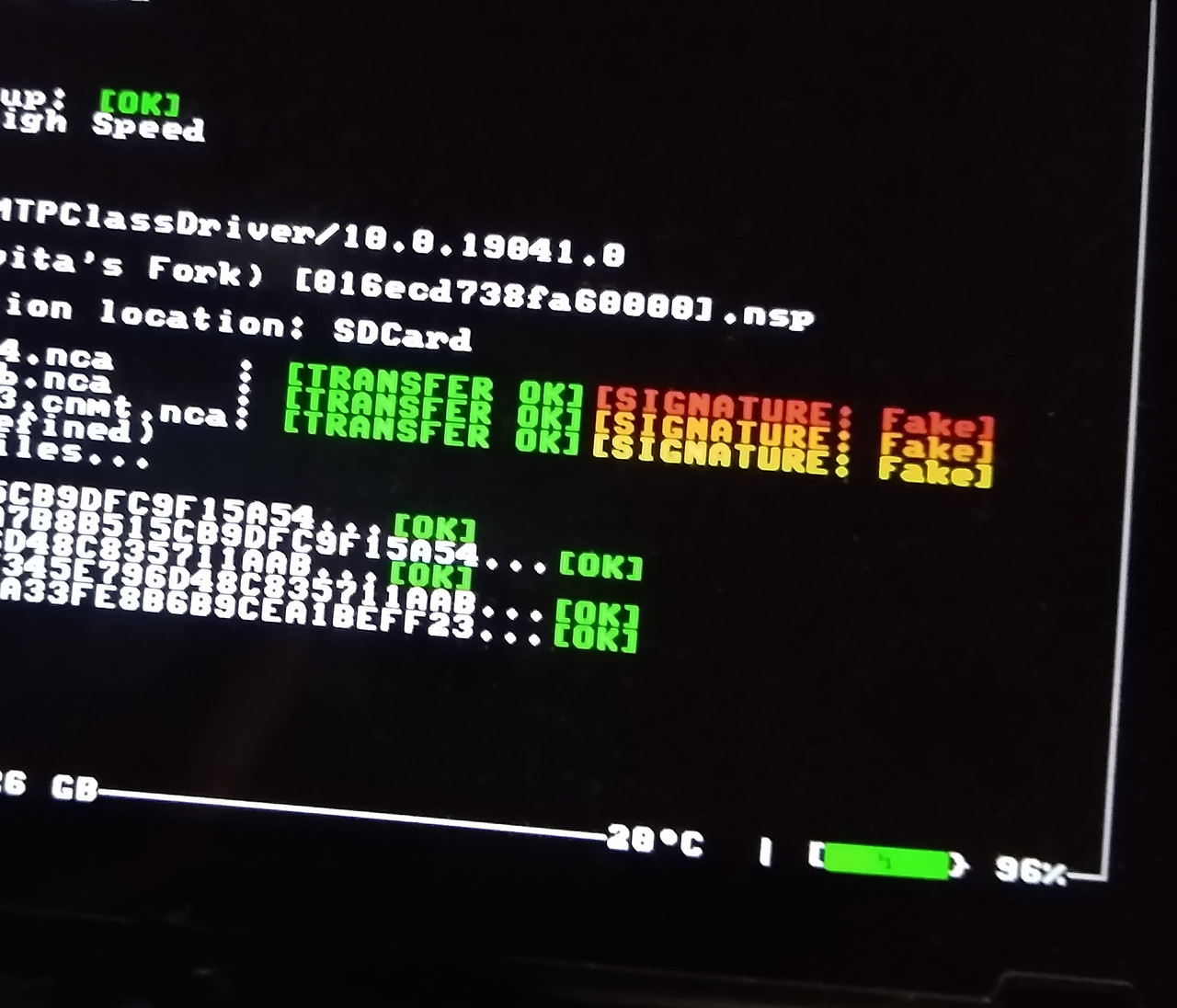

dbi doesn't create forwarder, there is tool out there to create forwarder if you want to create them.
 
  • Like
Reactions: Blythe93
Hi all, I am a noob and I just received this Switch running CFW on sysMMC (modchip, no emuMMC) — Atmosphere 1.11.2 on firmware 18.0.0. DBI is updated to the latest release and installs work fine for signature checks in general, but any unsigned NSP/XCI install fails because the console still enforces official signatures.

I understand I need sigpatches (es_patches, possibly fs_patches) matching this exact Atmosphere/HOS version, but every source I've tried is either outdated, dead, or clearly not matching 1.11.2/18.0.0.

Could someone point me to the sigpatches package for this exact version? Thanks
 
Switch 21.2.0
Atmosphere 1.10.2
keys from Emummc or Sysnand (from lockpickRCM)

Last sigpatches from Impeeza

Bug

- Is not possible to create NSP forwards (Signature Fake warning appears)

Games and homebrew install fine; this only happens with NSP forwards.

why are you posting this in this thread?
your issue isn't with patches, go talk to developer of the homebrew you are using
 
Sigpatches are backwards compatible, just get the latest if you need them. I'd suggest switching to sys-patch instead as it's much more reliable and you don't have to update it every time new firmware and/or Atmosphere gets released.
After months i finally managed to repair my switch by installing sys-patch. Thank you!
 
  • Like
Reactions: Blythe93
Well I was trying to use the 22.5.0 sigpatches but I have several games that won't open. I get "An error has occurred", but only on certain games, mostly older, which is weird. Anyway, so I'm gonna finally get around to installing sys-patch. I have a couple of questions:

1. Do I just drop the files onto my SD card?
2. Do I need to get overlays working first?
3. Is Ultrahand/nx-ovlloader the combo I need for overlays?

Thanks in advance to whoever reads this. I just updated my switch from firmware 17 so I'm trying to get caught up. I swear I had tesla overlays working before but this was before Ultrahand and the button combo isn't opening the overlay menu so I guess I missed it when rebuilding my SD Card at some point.
 
1. Do I just drop the files onto my SD card?
Yes.
2. Do I need to get overlays working first?
No, but know that Ultrahand and Tesla menu use different combos to bring up the overlays. For Ultrahand it's ZL + ZR + DDOWN.
3. Is Ultrahand/nx-ovlloader the combo I need for overlays?
When you download Ultrahand ZIP file, it already has nx-ovlloader included. Download nx-ovlloader only if it's newer and confirmed as working properly.
 
Yes.

No, but know that Ultrahand and Tesla menu use different combos to bring up the overlays. For Ultrahand it's ZL + ZR + DDOWN.

When you download Ultrahand ZIP file, it already has nx-ovlloader included. Download nx-ovlloader only if it's newer and confirmed as working properly.
Thank you so much for your response!! Gonna get it all updated tonight then. I've wanted overlays for a bit anyway, so I meant to do that either way.

EDIT - Sys-patch fixed everything
 
Last edited by redalchemy,
  • Like
Reactions: Blythe93
hey so bit of a noob here, haven't updated the switch and i want to update it to the latest version, but i got a few questions:

1) is it safe to update to the latest version?
2) when i update (this has happened in the past) usually games no longer boot, how do i combat this on the latest version?
3) since sigpatches are no longer used, is it safe to delete them and replace them for the sys-patches?
 
  • Like
Reactions: Blythe93
1) is it safe to update to the latest version?
It should be provided that the homebrew apps you usually use got updated as well. For unofficial updates, check here.

2) when i update (this has happened in the past) usually games no longer boot, how do i combat this on the latest version?
Make sure that you have the latest sigpatches. I'd suggest using sys-patch instead of sigpatches or this fork of the Atmosphere with the up-to-date patches built-in.

3) since sigpatches are no longer used, is it safe to delete them and replace them for the sys-patches?
Yep, or use the previously mentioned Atmosphere fork with the built-in patches. In that case you don't need sys-patch either.

In any case, check this guide:
 
  • Like
Reactions: Hayato213
it's on github only, use a vpn or different browser if you are being blocked from visiting github.com
hey sorry, so still new to all of this and such. Turns out I can access github just fine and all if i disable the extension
Make sure that you have the latest sigpatches. I'd suggest using sys-patch instead of sigpatches or this fork of the Atmosphere with the up-to-date patches built-in.
if i grab this fork of atmosphere instead of the official one, does it still support the latest firmware version of NX1? (If I recall, it was like 22.5.0, right?) and i don't have to grab the sys-patches
 
  • Like
Reactions: Blythe93
if i grab this fork of atmosphere instead of the official one, does it still support the latest firmware version of NX1? (If I recall, it was like 22.5.0, right?) and i don't have to grab the sys-patches
Yes and yes. bth is actually the mastermind behind that fork and the sys-patch and so far he's been pretty quick to release the updates whenever they were necessary.
 
  • Like
Reactions: johw

Site & Scene News

Popular threads in this forum