Homebrew Official Retroarch WiiU (wip.)

  • Thread starter Thread starter aliaspider
  • Start date Start date
  • Views Views 2,686,921
  • Replies Replies 15,196
  • Likes Likes 93
Hi @ploggy, thanks so much all the cores you've made available for Aroma Retroarch.

Do you think you could provide the Mame2003-xtreme core ? It's based on romsets 0.78 and 0.139, which notably allow you to run the Virtua Racing 0.139u1 rom !

I saw this core running on a SNES Mini with Virtua Racing on the KMFDMANIC YouTube channel.
I was wondering how this game would run on the Wii U.
 
  • Love
Reactions: DolphinPussy
Hi @ploggy, thanks so much all the cores you've made available for Aroma Retroarch.

Do you think you could provide the Mame2003-xtreme core ? It's based on romsets 0.78 and 0.139, which notably allow you to run the Virtua Racing 0.139u1 rom !

I saw this core running on a SNES Mini with Virtua Racing on the KMFDMANIC YouTube channel.
I was wondering how this game would run on the Wii U.
sorry I tried but I cant get it to compile :/ Read my post below..
 
Last edited by ploggy,
The Core Info file should already be in the build already, but if not the Wii one will work too :)

I was just coming back to say I looked in the directory a saw that it has information files for all cores already but you beat me to it. Thank you again.
 
  • Like
Reactions: ploggy
Hi @ploggy, thanks so much all the cores you've made available for Aroma Retroarch.

Do you think you could provide the Mame2003-xtreme core ? It's based on romsets 0.78 and 0.139, which notably allow you to run the Virtua Racing 0.139u1 rom !

I saw this core running on a SNES Mini with Virtua Racing on the KMFDMANIC YouTube channel.
I was wondering how this game would run on the Wii U.
Ok so I managed to get it to build, I tried Virtua Racing and it seemed to run ok.. it was a bit glitchy tho and the controls seem off to me. but perhaps with some tweaking with the control options/mapping it may be ok.

If this core is indeed faster than the OG mame2003 Plus core then this is definitely worth a download :)

For this core to display correctly..
Extract this file to your Retroarch folder, then delete the core.info.cache file if there is one in sd:/Retroarch/cores/info.



Edit: Fixed Core info file name
 
Last edited by ploggy,
Ok so I managed to get it to build, I tried Virtua Racing and it seemed to run ok.. it was a bit glitchy tho and the controls seem off to me. but perhaps with some tweaking with the control options/mapping it may be ok.

If this core is indeed faster than the OG mame2003 Plus core then this is definitely worth a download :)

For this core to display correctly..
Extract this zip to your Retroarch folder, then delete the core.info.cache file if there is one in sd:/Retroarch/cores/info.
I noticed the display name is misspelled in the info file, it reads "MAME 2003 Xtreme Amped)" but if I'm not mistaken, it should be "Arcade (MAME 2003 Xtreme Amped)" instead.
 
  • Like
Reactions: ploggy
I noticed the display name is misspelled in the info file, it reads "MAME 2003 Xtreme Amped)" but if I'm not mistaken, it should be "Arcade (MAME 2003 Xtreme Amped)" instead.
Yeah, that's my bad, you can edit the info if you like or grab the fixed file here

I've reuploaded the Core+Info file above with the fixed info too ;)
 

Attachments

Last edited by ploggy,
Am I the only one having an issue of if you manually (with PC) delete, or add a new core that RA Wii U will lock up causing the user to have to delete possibly all configuration files as well delete or rename core configuration folders just to get it working again on an SD card?

I have had to do this multiple times. I deleted all normal configuration files such as retroarch config and the salamander config as well as the history and playlist files and it still locked up. I have also deleted and renamed the core configuration folders.

For example after deleting normal non-core configuration files it still would not boot buy get this: I renamed the config folder for cores, let it create new one, it works, and then move all old configuration files back in. The only possibility I can think of is maybe something to do with file and folder attributes.

I mean, why would it freeze with a core folder configuration folder and those files but after letting it create a new folder, see that it is working and then delete the new folder and rename the old one back and it starts back working?
 
Am I the only one having an issue of if you manually (with PC) delete, or add a new core that RA Wii U will lock up causing the user to have to delete possibly all configuration files as well delete or rename core configuration folders just to get it working again on an SD card?

I have had to do this multiple times. I deleted all normal configuration files such as retroarch config and the salamander config as well as the history and playlist files and it still locked up. I have also deleted and renamed the core configuration folders.

For example after deleting normal non-core configuration files it still would not boot buy get this: I renamed the config folder for cores, let it create new one, it works, and then move all old configuration files back in. The only possibility I can think of is maybe something to do with file and folder attributes.

I mean, why would it freeze with a core folder configuration folder and those files but after letting it create a new folder, see that it is working and then delete the new folder and rename the old one back and it starts back working?
Deleting the 'remaps' folder in the 'config' directory seems to do the trick.
 
@ploggy

Could you help? Tried to install retroarch on wiiu did it several times. Keep getting this screen but it frozen or something no buttons work. Stuck on the screen. Have to turn off console. Load it again same time. Deleted the files and install again on sd. Still same thing. File name : Wiiu Aroma current Build.

1750606241781.png
 
@ploggy

Could you help? Tried to install retroarch on wiiu did it several times. Keep getting this screen but it frozen or something no buttons work. Stuck on the screen. Have to turn off console. Load it again same time. Deleted the files and install again on sd. Still same thing. File name : Wiiu Aroma current Build.

View attachment 512512
Are you upgrading from Tiramisu Retroarch to Aroma? If so make 100% sure your not over writing. completely delete the Retroarch folder then extract the build to SD card.
Is the blue box highlighting "Start Core" in your pic glowing/pulsing or is it solid colour? perhaps the screen isn't frozen just the controls aren't working?
What Core are you loading, I cant see in your pic? Could be the Core that's dodgy?
 
Are you upgrading from Tiramisu Retroarch to Aroma? If so make 100% sure your not over writing. completely delete the Retroarch folder then extract the build to SD card.
Is the blue box highlighting "Start Core" in your pic glowing/pulsing or is it solid colour? perhaps the screen isn't frozen just the controls aren't working?
What Core are you loading, I cant see in your pic? Could be the Core that's dodgy?
I installed Fresh Aroma but never used Tiramisu. I’ve deleted the files multiple times and reinstalled, but it keeps getting stuck on that same screen. None of the gamepad buttons respond, so I think the system is frozen. Normally, turning off the gamepad also powers down the console, but this time the console stays on, so I have to shut it down manually.
 
Hey everyone,

I just installed the latest Aroma build from Ploggy on my Wii U and I can’t get any Amiga .lha games to start. All my Kickstart files are sitting in RetroArch’s “system” folder with the correct checksums, but whenever I try to load a game I get:

Unknown command FAILAT

I’ve even tried swapping out the default Kickstarts for different versions—no luck. I’ve tested several different .lha titles and the result is always the same, and those exact files work fine on other systems. Has anyone actually managed to get this core running Amiga .lha files on the Wii U?

Any tips or tricks would be awesome

—thanks!
 
I installed Fresh Aroma but never used Tiramisu. I’ve deleted the files multiple times and reinstalled, but it keeps getting stuck on that same screen. None of the gamepad buttons respond, so I think the system is frozen. Normally, turning off the gamepad also powers down the console, but this time the console stays on, so I have to shut it down manually.
But is the blue box pulsing or a solid colour?
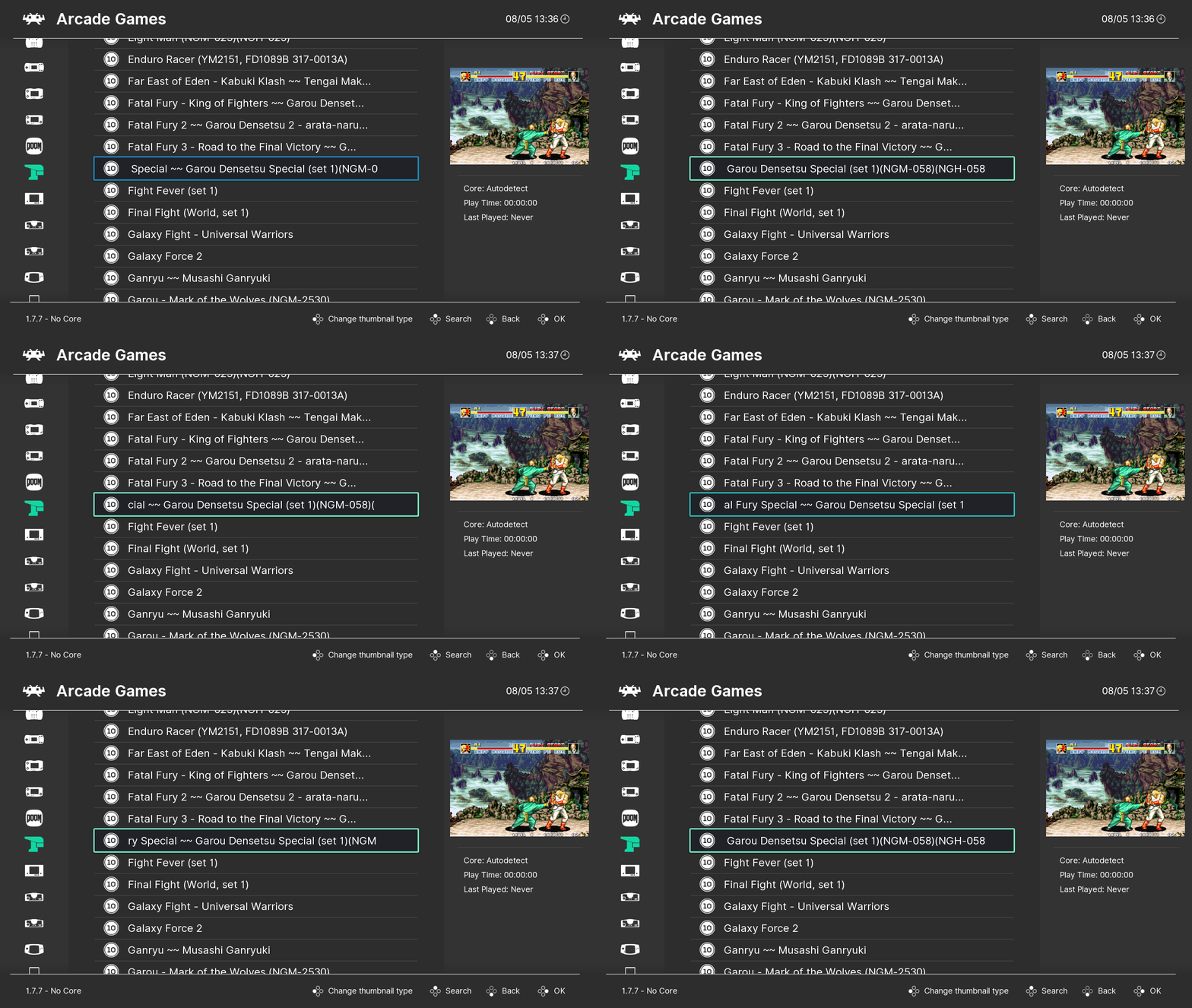
For example: (ignore the scrolling text)
ticker_text_bounce-1.gif

Also what Core does it say is loaded on the bottom left of your screen?
 
Last edited by ploggy,
But is the blue box pulsing or a solid colour?
For example: (ignore the scrolling text)
ticker_text_bounce-1.gif

Also what Core does it say is loaded on the bottom left of your screen?
Hello Ploggy, you start RA with No Core, my setup always start core. RA start quicker with No Core ?
 

Site & Scene News

Popular threads in this forum