Hacking WiiFlow 4 The Masterpiece Pack by Abz

  • Thread starter Thread starter AbdallahTerro
  • Start date Start date
  • Views Views 612,089
  • Replies Replies 1,982
  • Likes Likes 31
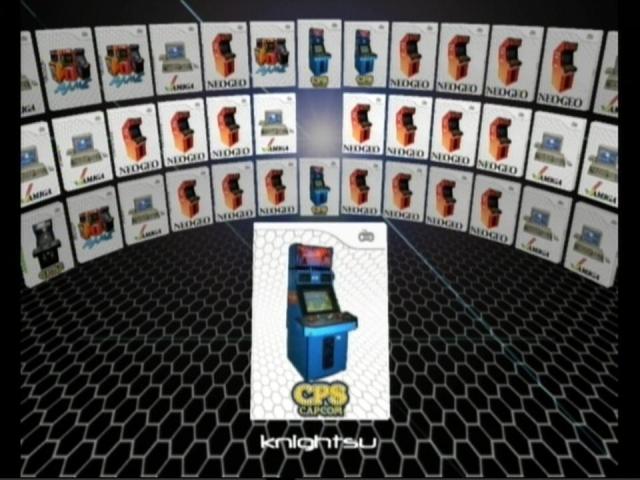
Is there a difference between the masterpiece pack and the master mod pack. I am looking for source menu icons for OpenBOR and CPSiii that I am missing and was going to check the download links. One of the links is for the mastermod the other for the masterpiece.

There are two links, one to the 2016 pack that is linked both in this thread and on the wiiflow wiki. That one does not have the source menu icons I am looking for. This is disappointing as on page 6 of this thread Abz said he made the OpenBOR icons in 2013. The other link which is from Reddit, I have tried to download six times, even with a download manager and it hangs on the last couple of kilobytes every time.

Anway if anyone knows the difference between the packs or how to find the two source menu icons I am looking for let me know.

It turns out the 2016 does not have a FBA core for CPS3 either. So, if anyone knows of a wiiflow core for that as well.
 
Last edited by Oo_Ice_Deep_oO,
Is there a video explaining the setup of the abz masterpiece? I’m new to modding and I’m getting confused with all of the installing wads, iOS, and dealing with nand and emunand. The Wii is already hacked and I used miimod to do so. Just confused by setting up the rest of the stuff mentioned.
 
Is there a video explaining the setup of the abz masterpiece? I’m new to modding and I’m getting confused with all of the installing wads, iOS, and dealing with nand and emunand. The Wii is already hacked and I used miimod to do so. Just confused by setting up the rest of the stuff mentioned.
I'm kinda in the same boat you are. So much information and tutorials and packs all over the place but I had a hard time figuring out which one is the most up to date one that I should be using. I made a post in the main WiiFlow Lite thread and @fledge68 wrote back giving me some better guidance. You may want to check that out and see if it helps you. Link to the post is https://gbatemp.net/threads/wiiflow-lite.422685/post-10294284 . I haven't followed his advice yet but will next week when I'm off from work. Hope this helps.
 
  • Like
Reactions: XxGr33nGoblinxX
I'm kinda in the same boat you are. So much information and tutorials and packs all over the place but I had a hard time figuring out which one is the most up to date one that I should be using. I made a post in the main WiiFlow Lite thread and @fledge68 wrote back giving me some better guidance. You may want to check that out and see if it helps you. I haven't followed his advice yet but will next week when I'm off from work. Hope this helps.
I actually setup rhapsodii before this and it’s visually cool but I couldn’t get mame and gameboy/color/advance to work with wiiflow or coverart which is why I went to the abz masterpiece hoping for better plugins and working coverart. So far better plugins but still issues with mame.
 
You only need the Plugins Pack
https://gbatemp.net/threads/the-gre...tm-a-call-for-adventurers.563575/post-9031610
The Abz's Master pack was a milestone in history but now it's tremendously outdated, so it's not possible that you will find better plugins in there, on the contrary, you will miss a lot. People often make this mistake when they follow Youtube tutorials (never do that, you mostly get outdated stuff and zero support).

All the necessary information and links can be found in the OP of Wiiflow Lite's thread and in the readme files included in the Plugin's Pack. Yes, it's a lot to read, but not all plugins work in the same way.
For cover issues, read the "Wiiflow usage notes" in the cover thread:
https://gbatemp.net/threads/cover-collections-part-2.559649/post-8969611

If something is not working, most likely it's because it's miconfigured. Ask for support in the Plugins Pack's thread, and try to be more specific about your WF setup (SD? USB? mixed?)
As I said some plugins work only under certain conditions (bios files, hardcoded directories for .dols or roms and even rom sets versions, in case of Mame2003plus)
https://gbatemp.net/threads/mame2003-compatibility-list.551556/post-8848600
 
Thanks for the responses, sorry I'm new at this. I started trying to setup Wiiflow Lite. Was using an SD card formatted FAT32, just transferred everything over to a 2TB USB Hard Drive formatted FAT32. Tried downloading the 2023 plugin pack but apparently there is a trojan virus in it and I already posted about it.
 
Thanks for the responses, sorry I'm new at this. I started trying to setup Wiiflow Lite. Was using an SD card formatted FAT32, just transferred everything over to a 2TB USB Hard Drive formatted FAT32. Tried downloading the 2023 plugin pack but apparently there is a trojan virus in it and I already posted about it.
Yes, I remember that post. I strongly believe that it's a case of 'false positive', the plugins pack has been downloaded and used by a lot of people since its release, I think if it contained a virus, we should have received hundreds of reports or experienced some issues for ourselves. I can say for sure that my PC is still in good health since I started working on it. I'm also sure that nobody who contributed to the PP, including RunningSnakes, has any interest in spreading malicious software. We're all good people. We collected, configured and tested things, for no other reason than passion and fun.
 
Yes, I remember that post. I strongly believe that it's a case of 'false positive', the plugins pack has been downloaded and used by a lot of people since its release, I think if it contained a virus, we should have received hundreds of reports or experienced some issues for ourselves. I can say for sure that my PC is still in good health since I started working on it. I'm also sure that nobody who contributed to the PP, including RunningSnakes, has any interest in spreading malicious software. We're all good people. We collected, configured and tested things, for no other reason than passion and fun.
Yea everyone so far has been pretty helpful. So I tried to load Wii Flow Lite and it keeps bringing me back to the HBC 🙄. I tried messing around with the Wii Flow Start Configurator and that didn’t do anything. Any suggestions? I’m running everything off of my 2TB external hard drive that’s formatted FAT 32. I have the most recent version of WiiFlow Lite and also installed the updated cIOS as instructed here https://wii.guide/cios. Any ideas?
 
Yea everyone so far has been pretty helpful. So I tried to load Wii Flow Lite and it keeps bringing me back to the HBC 🙄. I tried messing around with the Wii Flow Start Configurator and that didn’t do anything. Any suggestions? I’m running everything off of my 2TB external hard drive that’s formatted FAT 32. I have the most recent version of WiiFlow Lite and also installed the updated cIOS as instructed here https://wii.guide/cios. Any ideas?
Good morning,

post a syscheck report here, please.

Do you launch Wiiflow from the HBC or the Wiiflow Forwader (channel)?
 
  • Like
Reactions: XxGr33nGoblinxX
Any suggestions? I’m running everything off of my 2TB external hard drive that’s formatted FAT 32.
correct syscheck report

how is your external hard drive connected??

your external hard drive may need a Y cable for a better connection with the Wii.
 
correct syscheck report

how is your external hard drive connected??

your external hard drive may need a Y cable for a better connection with the Wii.
Not sure, one end is USB and the other is unique. It’s a Toshiba hard drive that is supposed to be compatible with 3.0 and 2.0. I’ve had WiiFlow working properly off of an SD card before.
Post automatically merged:

correct syscheck report

how is your external hard drive connected??

your external hard drive may need a Y cable for a better connection with the Wii.
I was able to get WF going by deleting an apparent save file on the Wii system data. It did crash and cause the same issue again and there was another save file again so I deleted it and it seems to be working. Now I have to setup a theme and get some of these emulator plugins and cover arts to work
 
Last edited by XxGr33nGoblinxX,
  • Like
Reactions: jeannotte
WiiFlow 4 The Masterpiece Pack by Abz

P.S. For all the news and downloads check the new website


2h55xzo.jpg


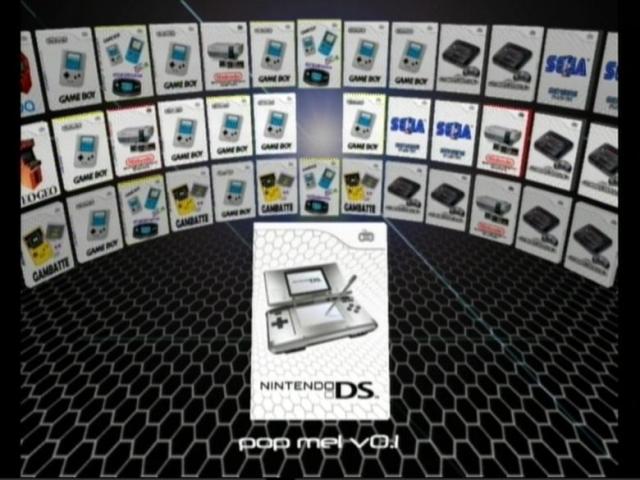
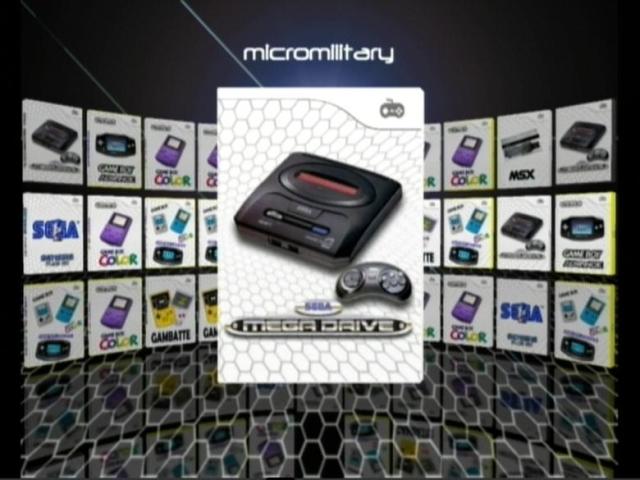
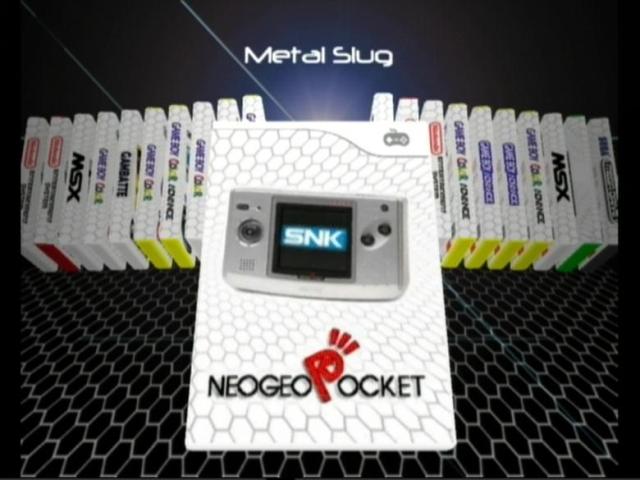
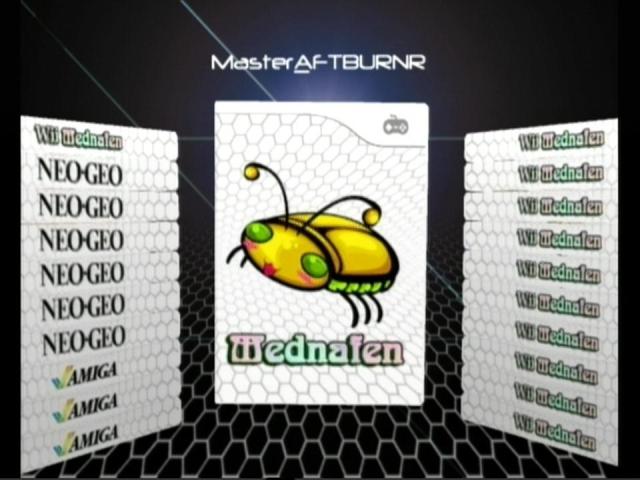
The pack that has it all, Now with more practical rompaths for all Emulators ;)
P.S. All help files are included in \WiiFlow\ folder

This is outdated info (I'm only updating the masterpiece website):

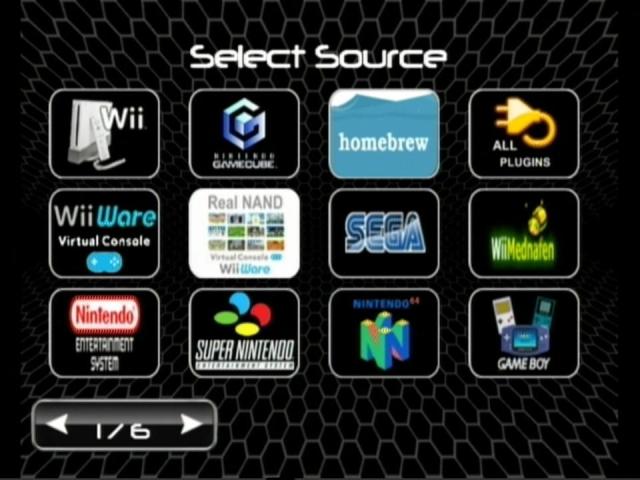
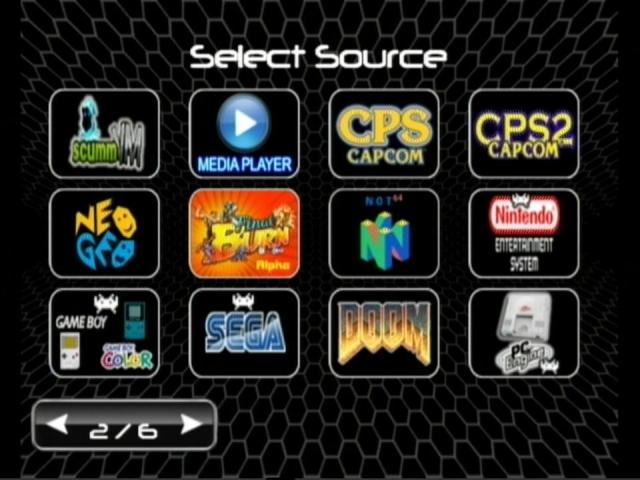
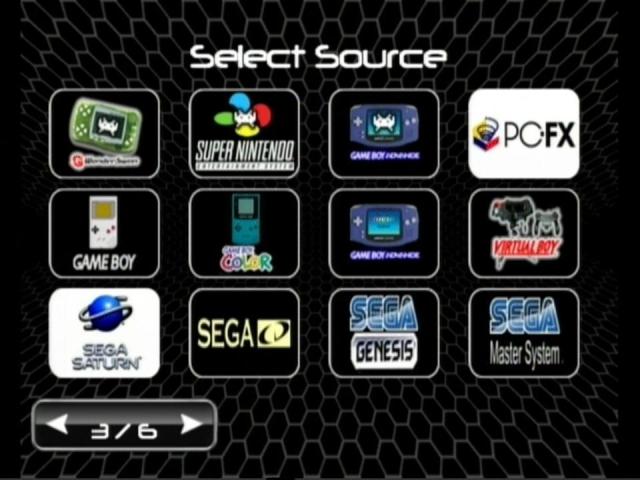
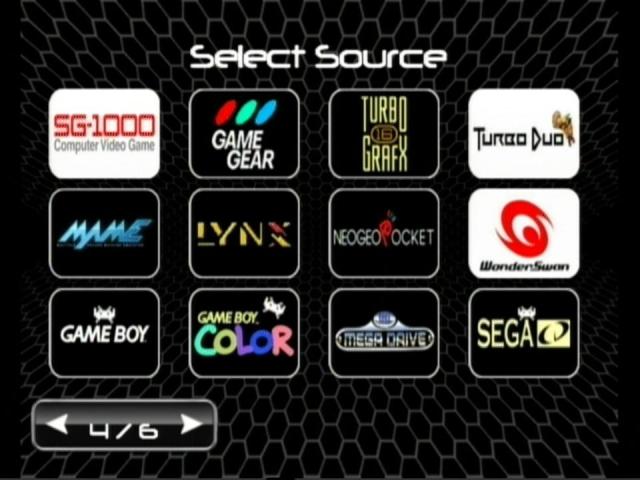
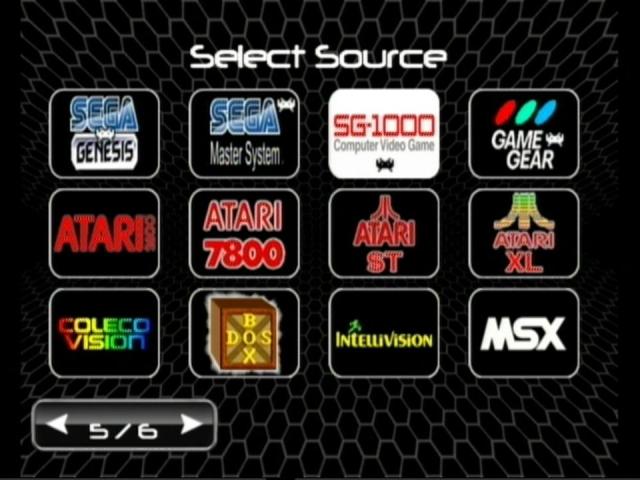
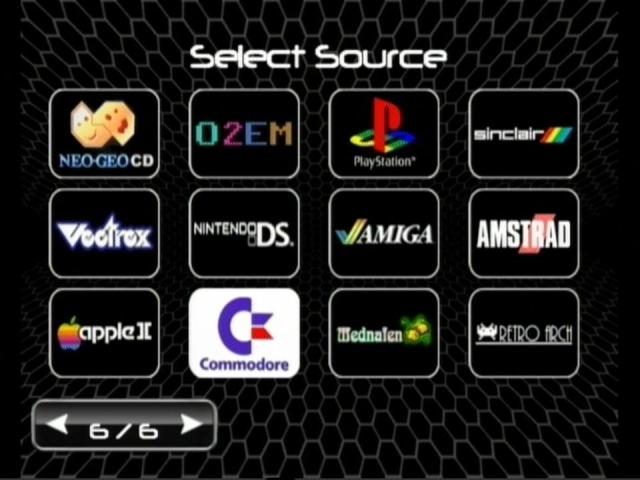
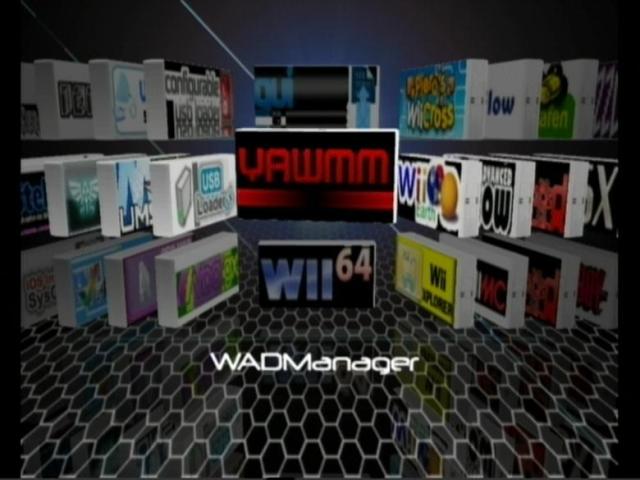
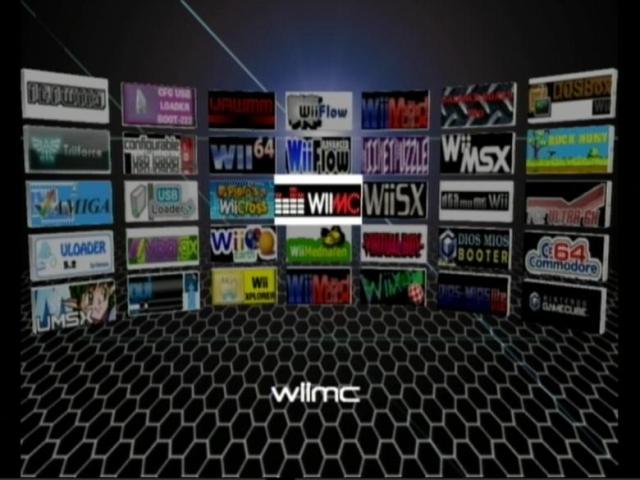
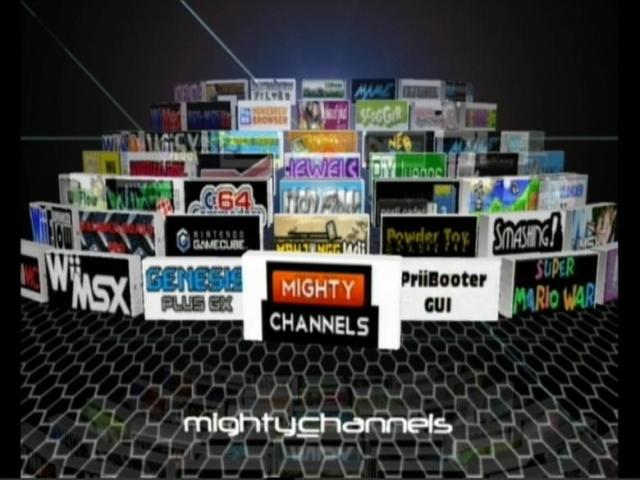
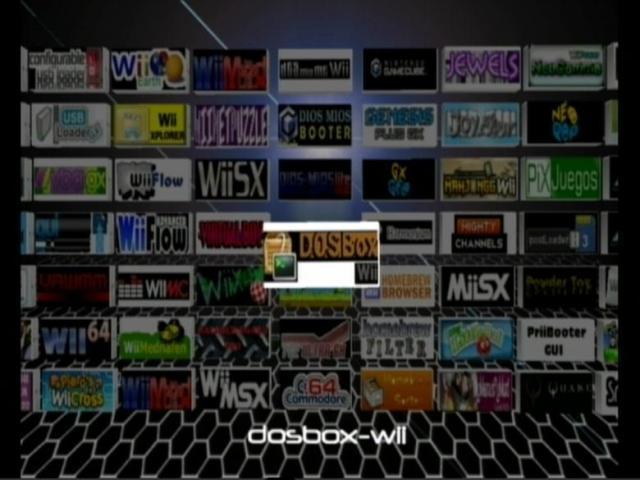
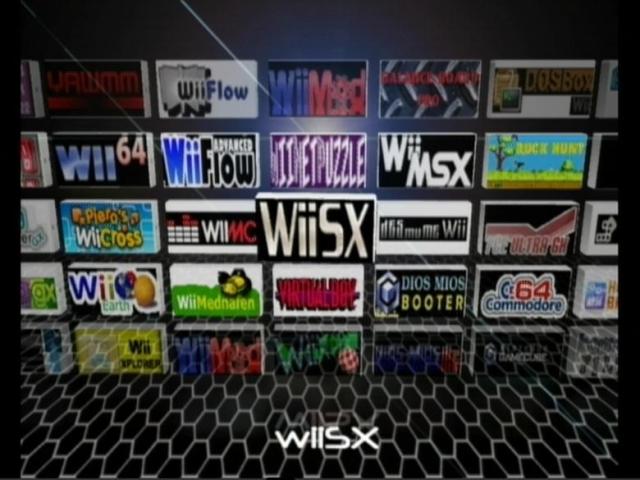
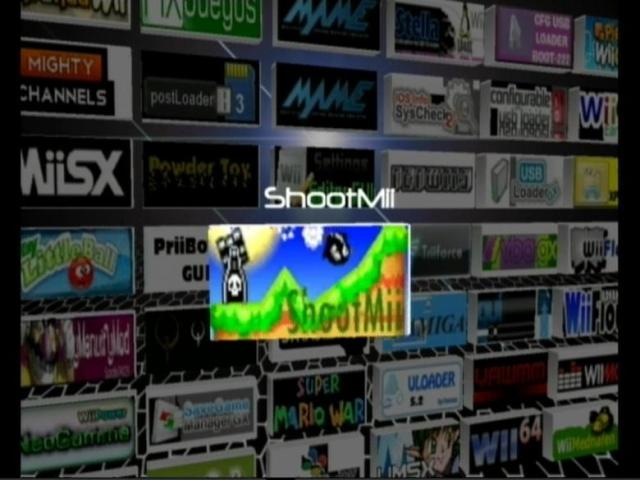
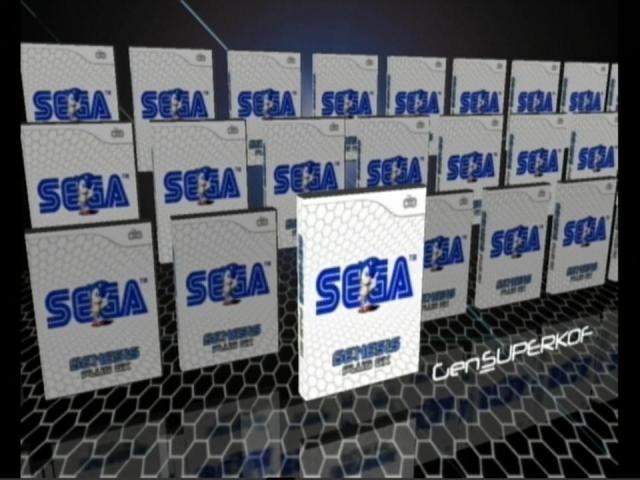
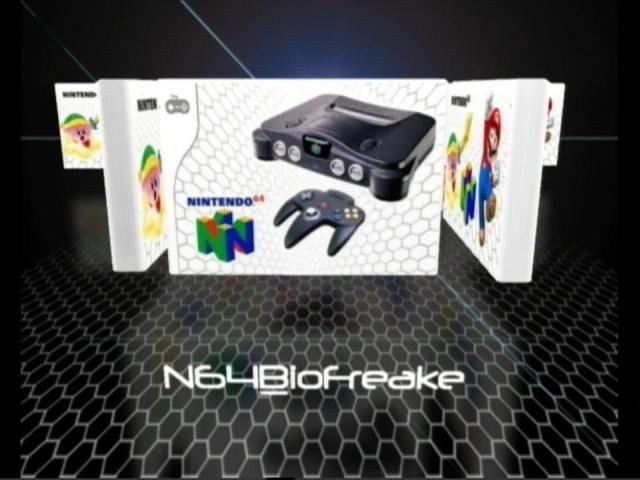
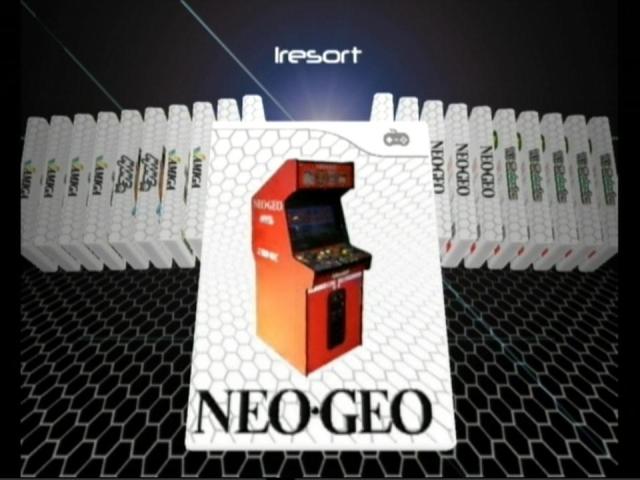
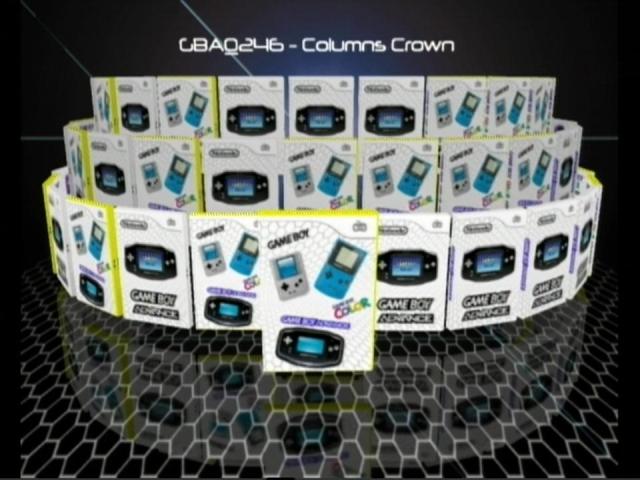
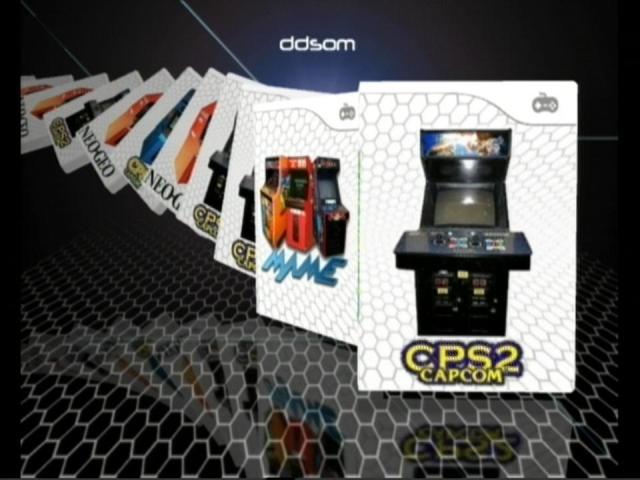
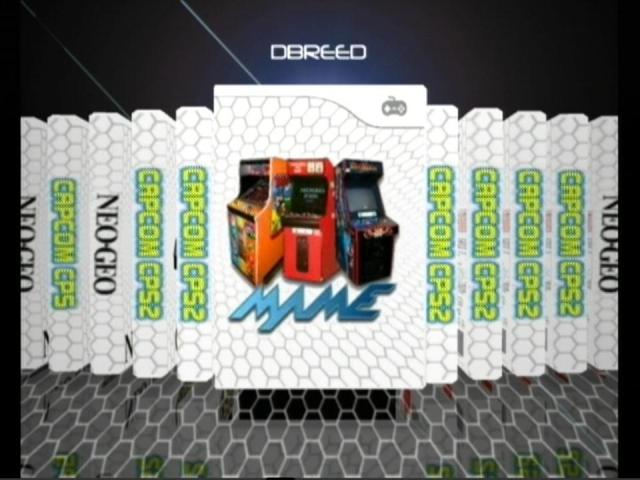
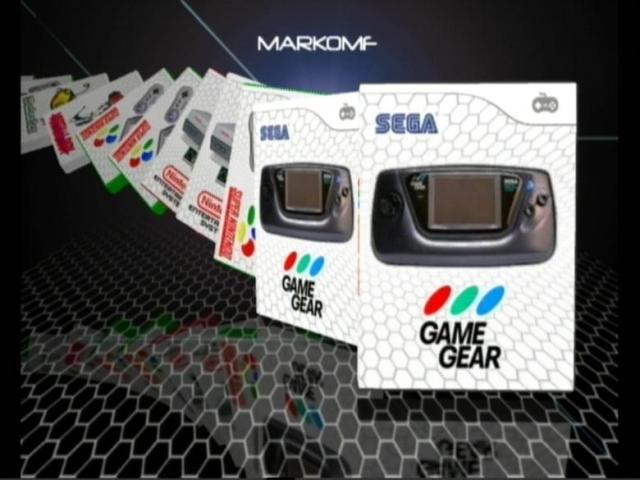
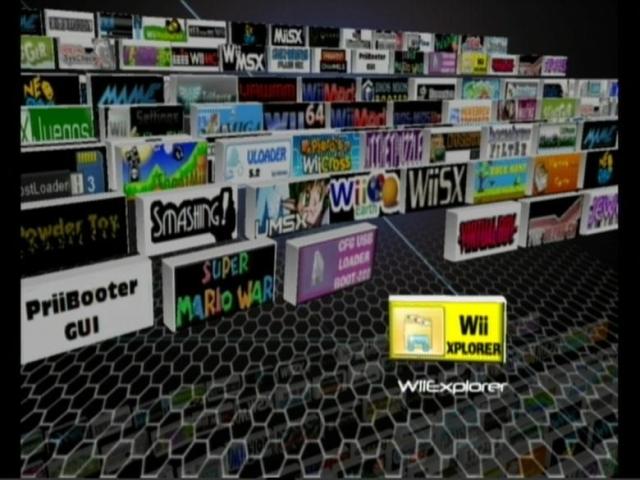
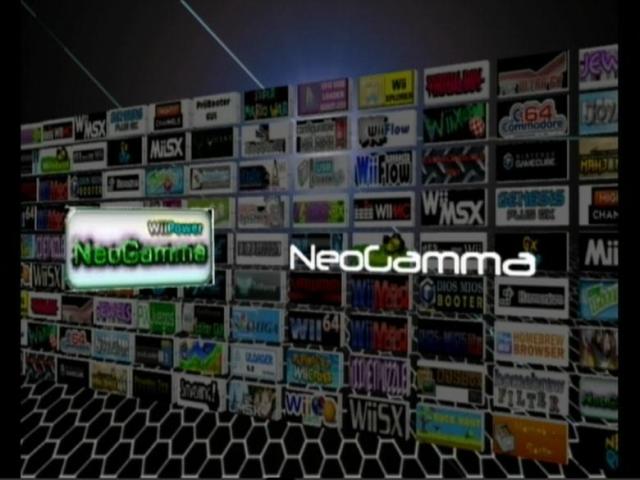
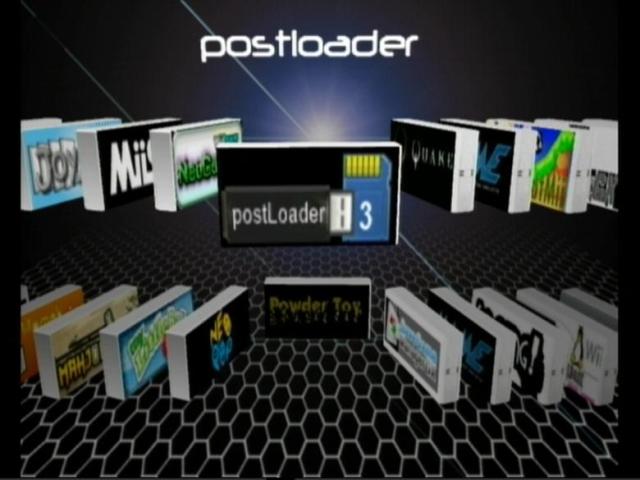
*WiiFlow v4.2.3 Mastermod (72 plugins) loaded with 6 pages of source menu icons
*Source Menu Pack v2.0+ Final Basic & Advanced (77×2 icons + empty black & white frames)

Screenies:
110412_2203_icu1.jpg

110412_2203_icu2.jpg
110412_2203_icu3.jpg
110412_2203_icu4.jpg
110412_2203_icu5.jpg
110412_2203_icu6.jpg
All Icons + names:
gDJEV.jpg
*Advanced WF Plugin Pack v6+ Fully Fixed (24 dols & 70 inis and extra ogg sounds) with new rompaths to make it more practical WiiSX and Wii2600 are included in this pack

*Standard Advanced Magic Numbers for all emulators by Mastershoes now full and corrected:

For more info on Magic Numbers and Rompath check the reference table here: http://www.mediafire.com/view/?wwp26brxxex2wlu

*Carbonic Abz Theme Final Edition with default missing covers for all modes + 4 Banner TV frames
There are 12 coverflows, 12 Emuflows and 12 brewflows to please everyone, in 4:3 and 16:9 formats :)

Sample missing cover video:


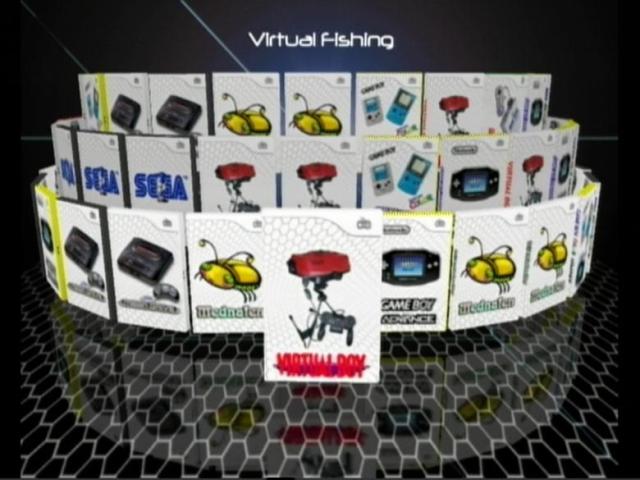
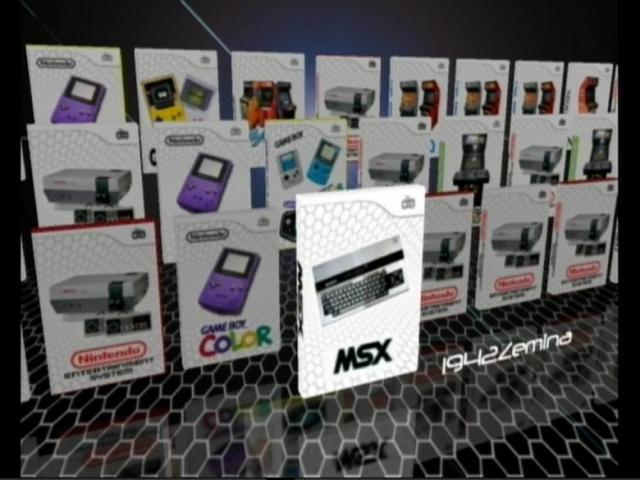
Default theme cover: A cool feature here is that default cover will even show when only 2D cover is present to cover the blank areas as shown in the following previews
102212_1710_jumbo1.jpg

102212_1710_jumbo2.jpg

110412_2203_icu7.jpg
110412_2203_icu8.jpg

TV Frames
5uk782.jpg

Tip: The first one is the default, to use another frame for the banners edit \WiiFlow\Themes\carbonic abz.ini file, search for "user5" and replace Tv1.png with tv2.png or tv3.png or tv4.png

Screenies:
092612_0723_frames101.jpg

100112_2101_carbonikabz1.jpg

Theme Flows Previews:
100112_2101_carbonikabz10.jpg

100112_2101_carbonikabz2.jpg
100112_2101_carbonikabz3.jpg
100112_2101_carbonikabz4.jpg
100112_2101_carbonikabz5.jpg
100112_2101_carbonikabz6.jpg
100112_2101_carbonikabz7.jpg
100112_2101_carbonikabz8.jpg
100112_2101_carbonikabz9.jpg
100112_2101_carbonikabz11.jpg
100112_2101_carbonikabz12.jpg
100112_2101_carbonikabz13.jpg
100112_2101_carbonikabz14.jpg
100112_2101_carbonikabz15.jpg
100112_2101_carbonikabz16.jpg
100112_2101_carbonikabz17.jpg
100112_2101_carbonikabz18.jpg
100112_2101_carbonikabz19.jpg
100112_2101_carbonikabz20.jpg
100112_2101_carbonikabz21.jpg
100112_2101_carbonikabz22.jpg
100112_2101_carbonikabz23.jpg
100112_2101_carbonikabz24.jpg
100112_2101_carbonikabz25.jpg
Emuflows + Custom missing covers previews:

110512_2256_masterpiece1.jpg

110512_2256_masterpiece2.jpg
110512_2256_masterpiece3.jpg
110512_2256_masterpiece4.jpg
110512_2256_masterpiece5.jpg
110412_2203_icu15.jpg
110412_2203_icu16.jpg
110412_2203_icu9.jpg
110412_2203_icu10.jpg
110412_2203_icu11.jpg
110412_2203_icu12.jpg
110412_2203_icu14.jpg
110412_2203_icu13.jpg

110512_2256_masterpiece6.jpg

Custom missing covers pack for all modes and emulators (Including inverted N64 and SNES covers too):

All Covers Preview:

V18lG.jpg

Full size covers previews here: http://gbatemp.net/threads/custom-missing-covers-for-all-modes-and-emulators.335896/

*uNeek2o v95b4 + Neek Extras (QF/DM/custom titles/etc..) +Cert.sys_Extractor utility for ModMii Emunands by Fix94 (with my custom icon)

For Emunand Setup you can follow this tutorial: http://gbatemp.net/topic/333219-wiiflow-mod-and-emunand/

*Latest Forwarder Channel: WiiFlow Clouds Forwarder Channel v14b, Neek2o nswitch Channels for real and Emunands & WiiFlow Loader hidden channel v2 + WiiFlow Clouds Channel v15 for vWii
21jasep.jpg


*20 Categories for easy filtering for all modes:
Categories Preview:


1zd7td1.jpg

rll3d3.jpg

*Custom Titles File

Setup instructions:

*First things first: For proper function of Wii games and Homebrew apps: Make sure your Wii is properly modded and use ModMii to make your IOS/cIOS up to date. IOS 58, D2x cIOS v10 or 10alt are recommended. Original Hermes or Rodries cIOS mod are optional.
For Gamecube Games: DiosMios/DiosMios Lite latest wad should be installed into the Mios slot along with clean BC6. Devolution loader in \Wiiflow folder should be there for Devo to work.
Everything mentioned above is NOT in the pack (use ModMii or Google to get them).

Install the wads from wad\IOS_DM(L) folder:
-------------------------------------------------------
BC-NUS-v6.wad on both real and Emunands
RVL-mios-v10.wad on Emunands

Real Nand IOS/cIOS:
IOS58-64-v6176.wad
cIOS202[60]-hermesrodries-v6.wad
cIOS222[38]-hermes-v5.1.wad
cIOS223[57]-hermes-v5.1.wad
cIOS224[37]-hermes-v5.1.wad
cIOS245[37]-d2x-v10-beta53-alt.wad
cIOS246[38]-d2x-v10-beta53-alt.wad
cIOS247[53]-d2x-v10-beta53-alt.wad
cIOS248[55]-d2x-v10-beta53-alt.wad
cIOS249[56]-d2x-v10-beta52.wad
cIOS250[57]-d2x-v10-beta53-alt.wad
cIOS251[58]-d2x-v10-beta53-alt.wad
cIOS252[56]-d2x-v10-beta53-alt.wad

Tip: d2x-v10-beta52 has higher compatibility for nand emulation and online stuff and less random crashes during gameplay that's why it's in slot 249
while d2x-v10-beta53 has 2 usb ports support and fully plug&play usb devices, meaning that you can connect them when the game asks for them

New: For WiiU/vWii use the D2x cIOS Installer Mod v2.2 by Fix94, run it from Homebrew Channel to build v52 or v53 cIOS
Or use the official installer: http://http://code.google.com/p/d2x-cios/downloads/list
More info about cIOS-v10/alt/vWii here: http://code.google.com/p/d2x-cios/wiki/How_to_choose_d2x_distribution

One of the following on real nand:
DIOSMIOS_2.6.wad (GC games on USB) (New)
DIOSMIOSLite_2.6.wad (GC games on SD) (New)
DMLr59mod[MIOS-v10].wad (GC games on SD old way)

Neek app files: In case di menu fails to launch GC/QF correctly i.e. wii shuts down replace 000000008.app file (i.e. Neek BC executable) with the one here - You can use just one at a time.
extract the rar file in Neek_app folder to your nands\plxxx\ (where plxxx is your Emunand folder name) and replace the existing file when prompted
DM2.6.rar is for Dios Mios where games are on USB device
DML2.6.rar is for Dios Mios Lite where games are on SD
QF0.1.rar is for Quad-Force where games are on SD (used for Triiforce Mario Kart GP 1 & 2 games only)

To use Devolution extract Devo_169.rar as is into root folder. loader.bin is in WiiFlow folder

GC tools are included in GC_PC_Tools.rar
Use them to covert the GC games to the proper format and the savegame files to NMM format:

DiscEX-v0.9-cred >>> Convert GC games into DiscEx format
DMToolbox-v0.3-cred >>> Convert GC games into any required format (new for 2 disc games support)
gci2nmm-v0.1b-tueidj >>> convert GC saves into NMM compatible format
GCReEx-v0.3-tueidj >>> Convert GC games into extracted GCReEx format
YCbYCr2BMPv2 >>> covert GC screenshots into Bitmaps (BMP)

cmdpack-1.03-win32-i386.zip Contains many useful Dos tools for Disc type conversion, compression, etc... (Help file included)


WiiFlow Setup:
------------------

*Extract/copy all files to SD or USB root (sneek folder on USB only)

*Backup your “\WiiFlow\Settings\categories_v4.ini” and “\WiiFlow\Source_Menu\source_menu.ini” files in case you have made your favorites/categories and a custom plugin setup before or if you don’t want to use the ones provided here

**Install wads with a wad manager: WiiFlow Forwarder and WiiFlow loader channel v2 to all nands, neek2o to real nand, back to nand to Emunands.

For WiiU/vWii Install WiiFlow Channel - Clouds v15-vWii.wad using a wad manager
New: As an alternative method you can get the Wiiflow channels installed using "WiiFlow Channel Installer v1.1" HBC application by Fix94 on both Wii and WiiU/vWii.
P.S. This will install the default forwarder v14b by Fix94 and not the clouds forwarder channel mentioned above.
To install the clouds forwarder use a wad manager
Tip: When using the Channel installer v1.1 you can hit "uninstall channels" first then press the "install channels" button. This way will make sure that the channels will be installed smoothly without errors or conflicts.


*Carbonik Abz will be available in settings > theme selection

*Use ModMii to create an EmuNand on PC and cert.sys_extractor on Wii using Homebrew channel to get your “cert.sys” then copy it from SD root to EmuNand\Sys folder

*Edit individual plugin ini files to change the default Rom/game path if needed or just rename your rom folders as shown here: <illegal files>

*Extract and replace Source_menu.ini from the zip file in case you want to switch from Advanced to Basic

*Wiisx Folder can be on SD, USB(Fat) or USB(NTFS) partitions all roms should go into wiisx\isos folder
Tip 1: unecm.exe should be used on disc images with .ecm extention to uncompress them else they won't work you'll find it inside wiisx\isos folder also inside the cmdpack-1.03-win32-i386.zip file, just drag your ecm onto unecm.exe to get your uncompressed image
Also remember to change Bios from HLE to SD or USB for better compatibility
Tip 2: If Wiiflow hangs/or is stuck loading boot animation endlessly when going to Emumode (All Plugins selected), then you have too much games!!!
So move some ini files to "unused" folder inside \WiiFlow\Plugins folder.
Since many games are displayed twice or even more times you can move the ini files for emus that run same games/systems like vbanext&gambatte and keep the one you use i.e. vbagx for example.
It might take some trial and error but when you're below the memory limit all should work fine.
The cover display limit is theoretically around 65535 covers, but WF is currently unable to handle that much due to memory overload

Tip 3: Black screens when launching an Emu game are mainly due to wrong dol name or gamepath in the plugin ini file or mismatch of magic numbers between the source_menu and plugin.ini. But also you have to keep in mind that some emulators work better from SD, others from USB first active Fat[32] partition so make sure you look into this when you face problems.
Also don't forget to delete your old \WiiFlow\Cache\lists folder and \Wiiflow\Settings\gameconfigXX filesand even sometimes \apps\wiiflow\wiiflow.ini file.

Tip 4: when facing problems going back to WiiFlow or to Emunand or when the HDD is not initialized on startup, make sure you have the latest v14b forwarder and v2 hidden loader wads installed, if you use your own custom forwarder make sure it has the default ID4 as the official forwarder.
keep in mind many language file inis are still not up to date


Credits:

*Wiiflow devs (old and new) especially Fix94 the magnificent , Overjoy the Neek King and Fledge68 the hero for enabling Custom TV frames and custom missing covers use
*Crediar for Sneek, DM(L) and PC Tools
*Overjoy for Neek2o
*Tueidj for Devolution and PC tools
*Benjay the legend for his original Carbonic theme
*Mastershoes the awesome, for his hard work (magic numbers, plugin inis and ogg files) and his huge library of games and covers
*Boston BC for the original category file
*Maxternal for custom titles file converter utility
*Drexyl for the his autoboot plugin mods

P.S. For all the news and downloads check the new website


Thank You
Abz :)

Hi, I know this is an old post but I am trying to get the retro emulators and games layout on Wiiflow but I can't get it to work...do you have a working link for the Wiiflow 4 pack please? None of the links are working in this post. I would really appreciate it, thanks
 
wiiflow 5.6.1 - https://gbatemp.net/threads/wiiflow-lite.422685/

read the opening post. especially scrolled down to the title 'Plugin Downloads'- links to help.
Ok, thanks for the quick response...so this mod has everything I need compiled in it and all I have to do is extract it to the root of the device? I want to run all of my retro games from my usb drive and not the sd card because I know sd cards are not very reliable in the long run from constant write cycles...do I still need to install the Wiiflow Lite mod on the sd card including the plugins to run it even though I want the game roms running from the usb drive or should it be installed on the usb drive as well along with the game roms? Sorry for all the questions, I'm just trying to make sure I do it right. Thanks for all the help
 
Hey, man, I just need to know if I need to install this wiiflow lite mod and the plugins to my sd card or my usb drive if I want to run my roms from my usb drive, thanks
 
Hey, man, I just need to know if I need to install this wiiflow lite mod and the plugins to my sd card or my usb drive if I want to run my roms from my usb drive, thanks
Wiiflow along with its plugins can be installed either to USB or SD, regardless of where roms are stored.
Personally I have games on USB and Wiiflow/plugins on SD. I don't think there's a SD write frequency issue to worry about, it's basically just (only some) game saves initiating SD writes during regular operation.
 
  • Like
Reactions: B-rad

Site & Scene News

Popular threads in this forum