Supercard DSOnei in house

  • Thread starter Thread starter Opium
  • Start date Start date
  • Views Views 19,792
  • Replies Replies 75

Opium

PogoShell it to me ™
Former Staff
Joined
Dec 22, 2002
Messages
8,202
Reaction score
115
Trophies
3
Age
38
Location
Australia
Website
www.gbatemp.net
XP
1,259
Country
Australia
sclogo.gif
Supercard DSOnei in house
Pics and Q&A


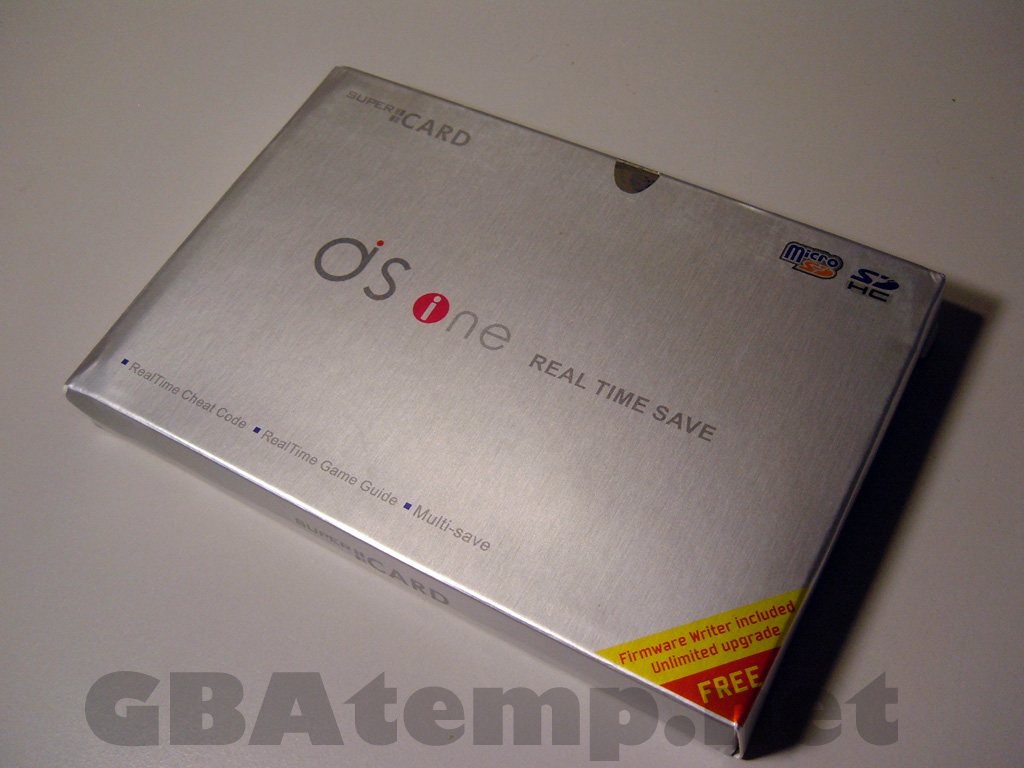
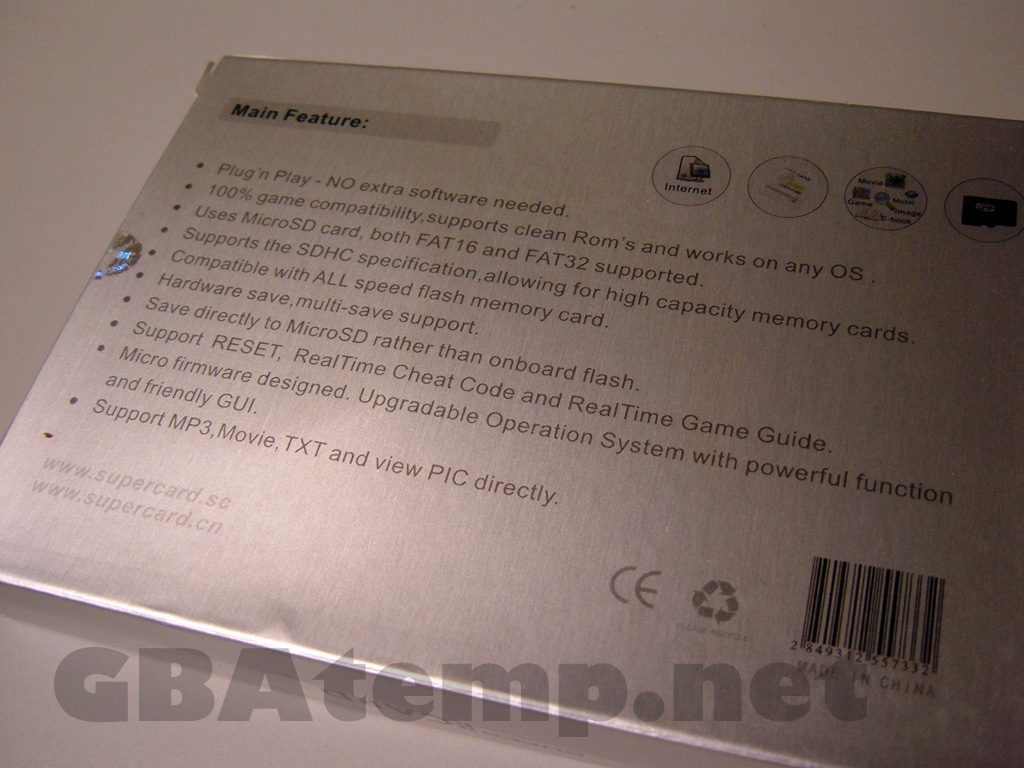
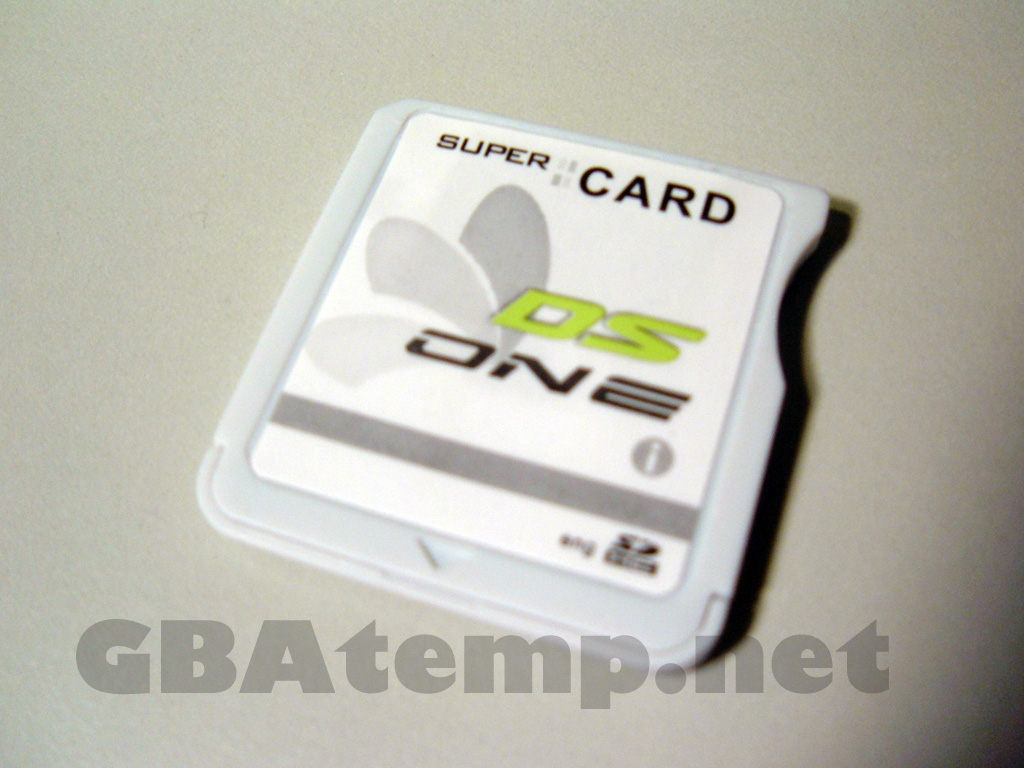
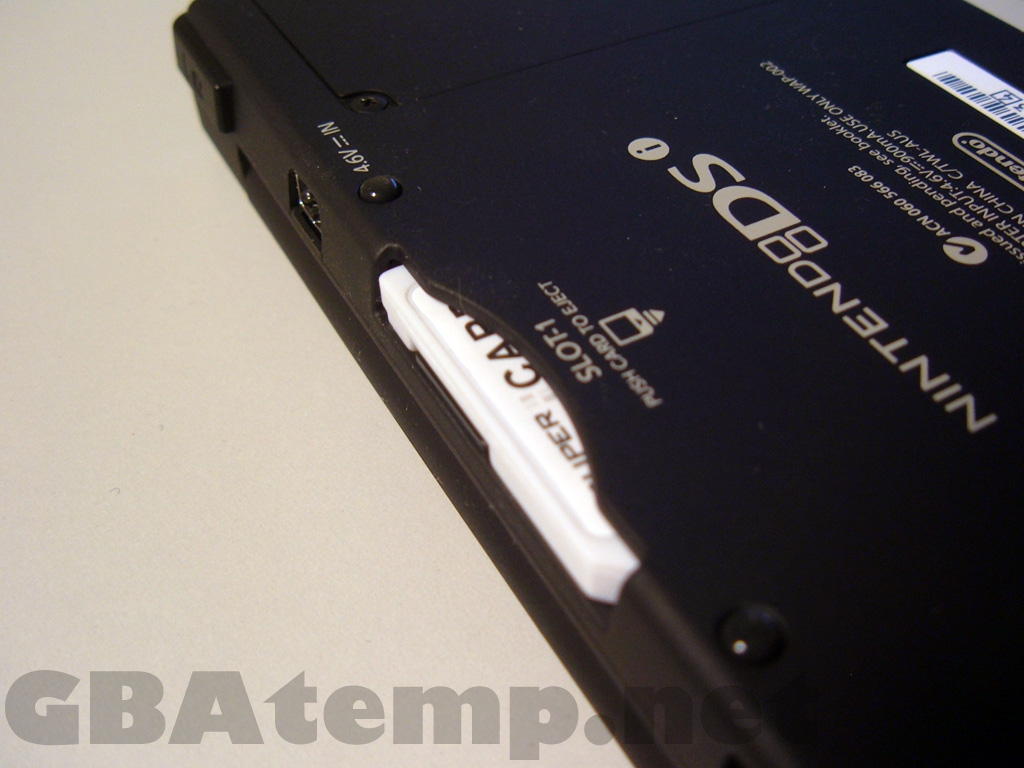
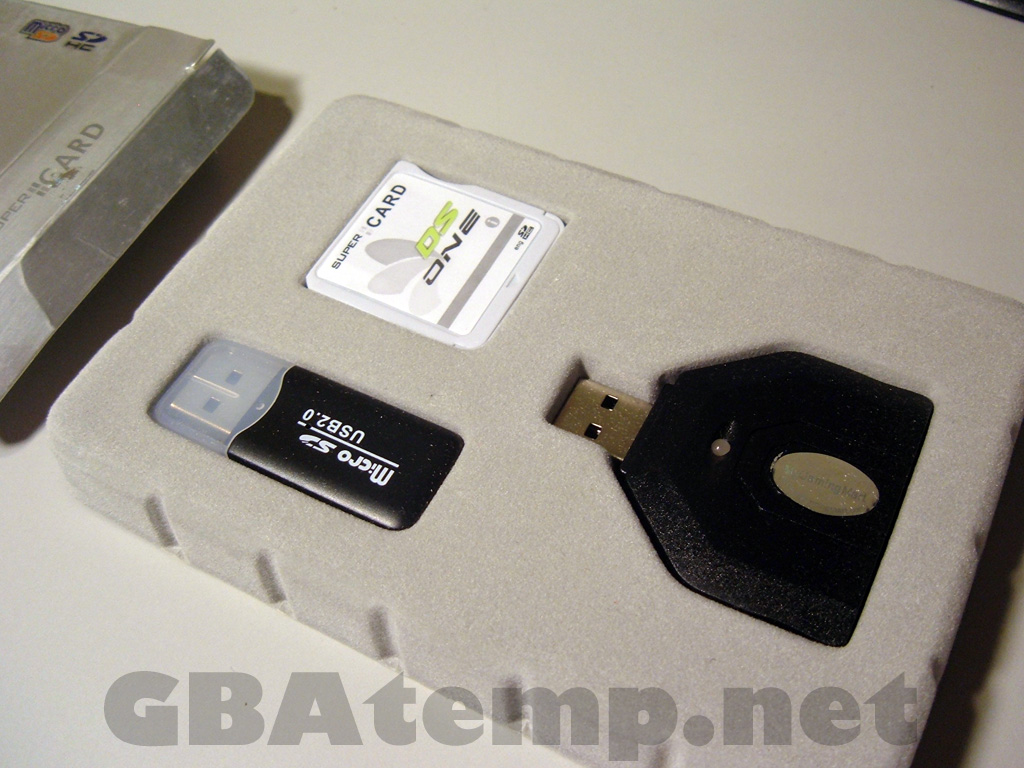
GBAtemp has just received the brand new Supercard DSOnei in house, including the new USB firmware writer.

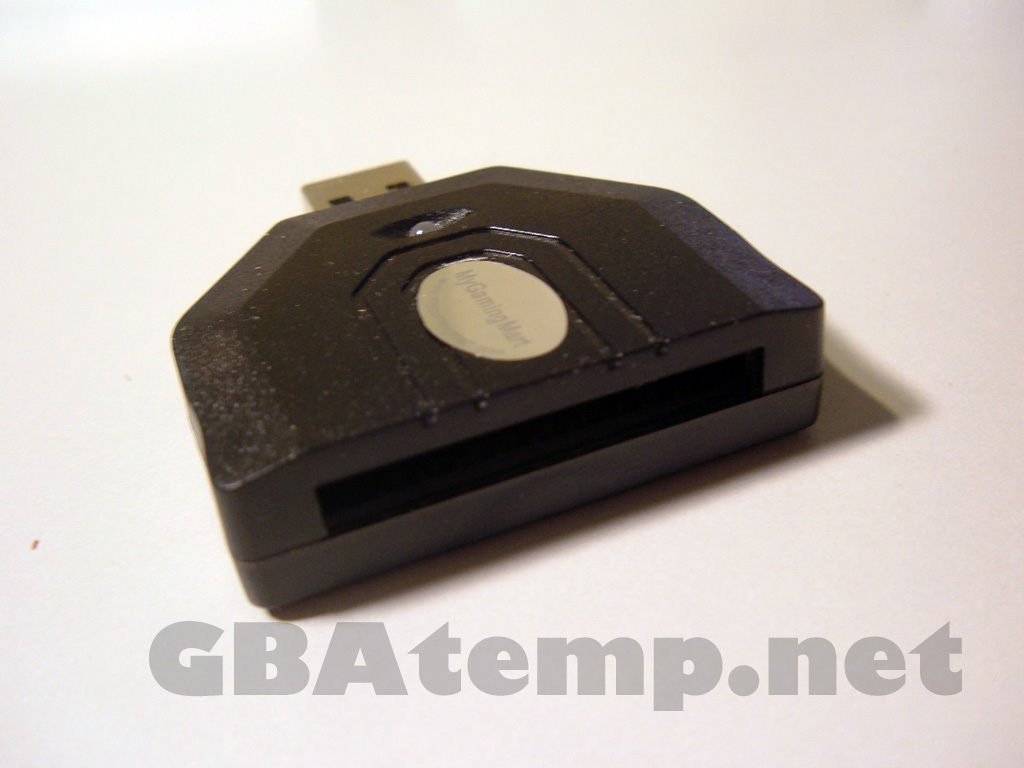
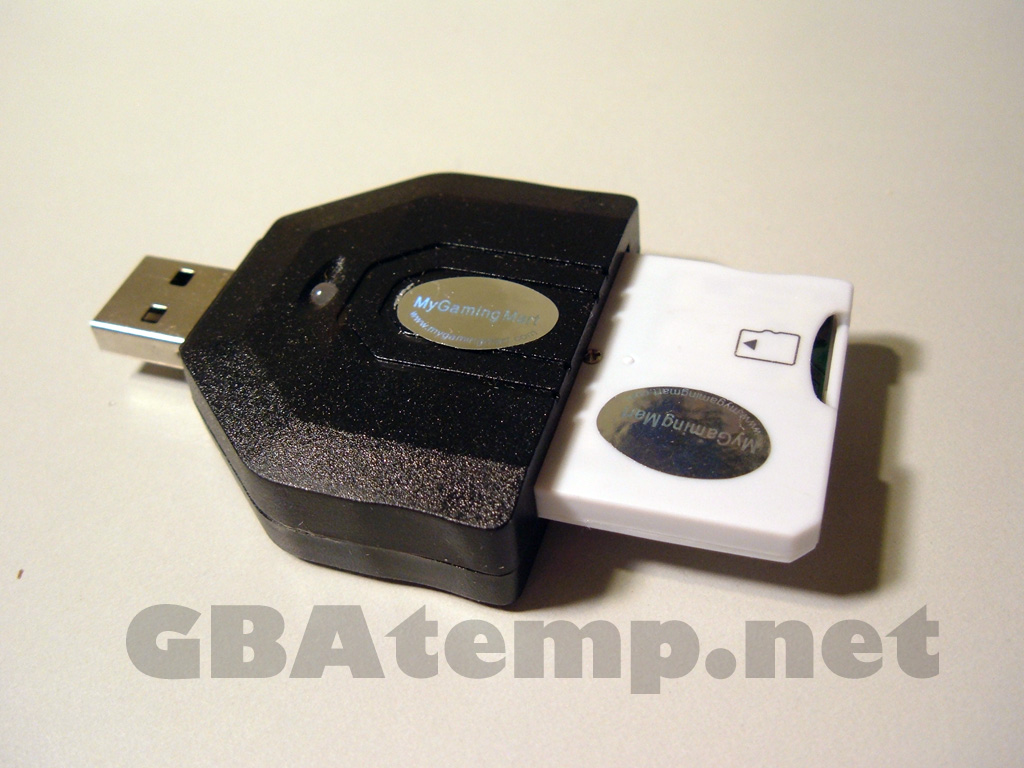
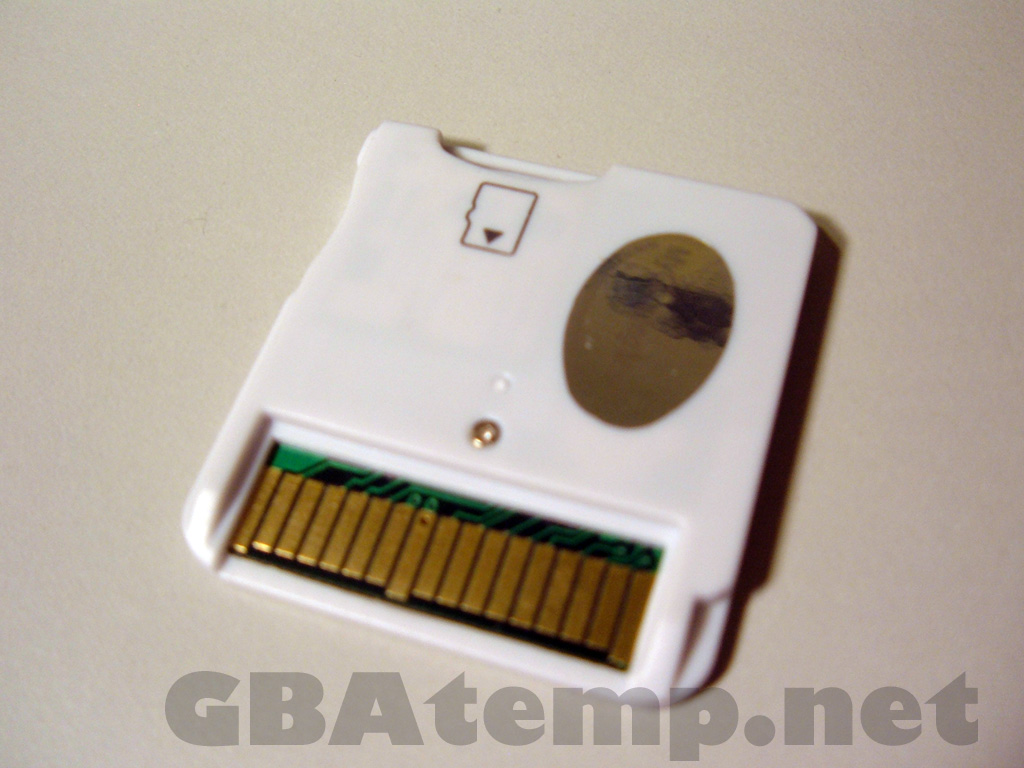
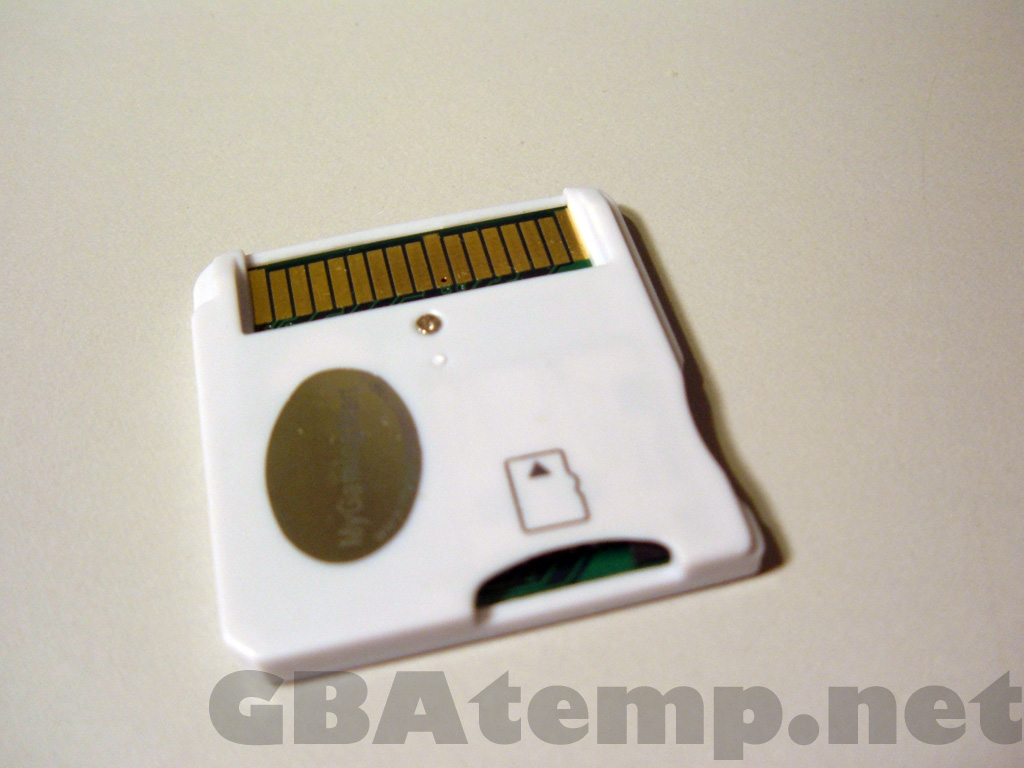
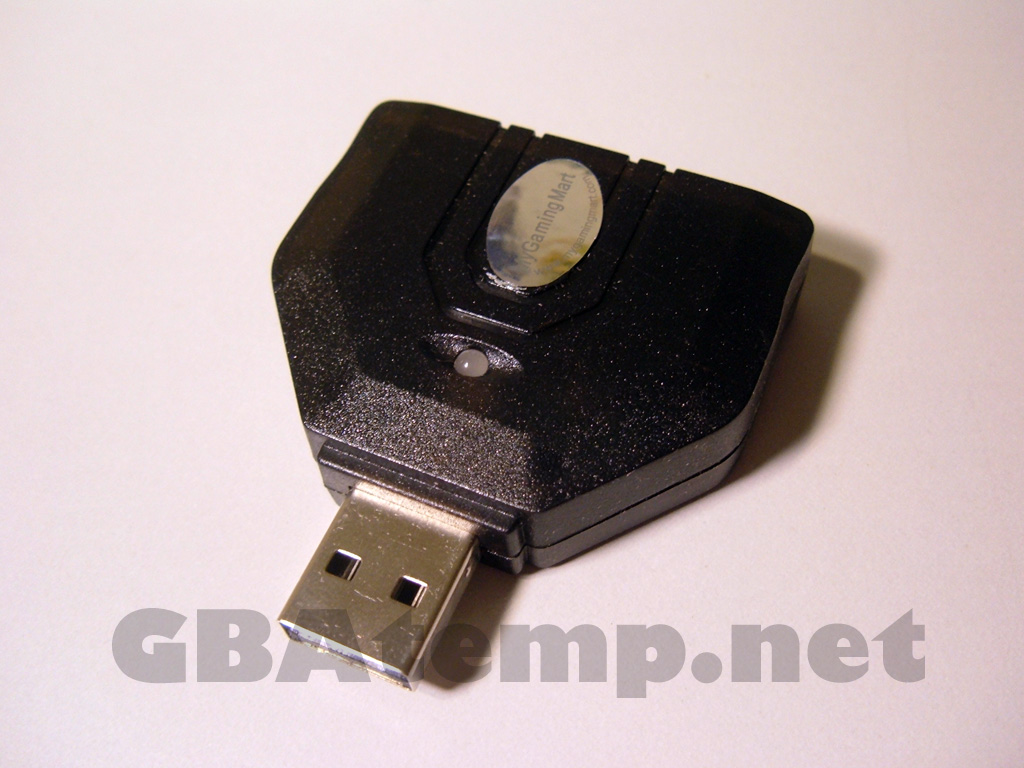
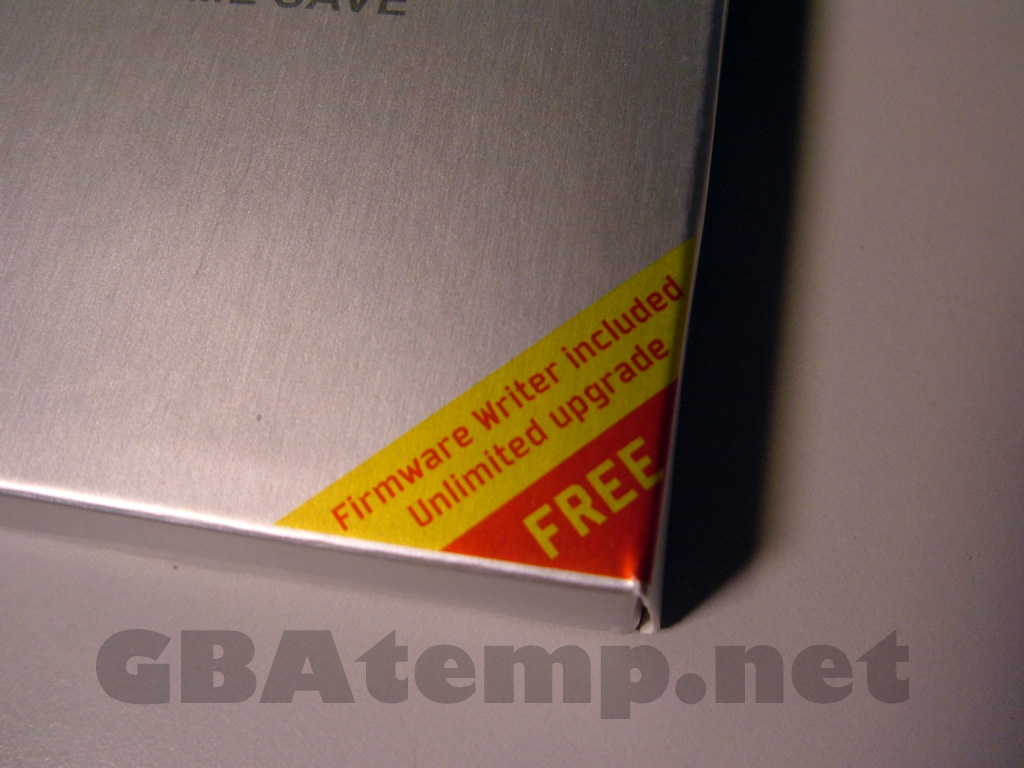
The Supercard DSOnei comes with the card, a MicroSD reader and a USB firmware writer used to update the bootstrap of the card in case Nintendo decide to block the flashcard from booting in a future DSi update. The whole thing comes a in a very slick silver box.

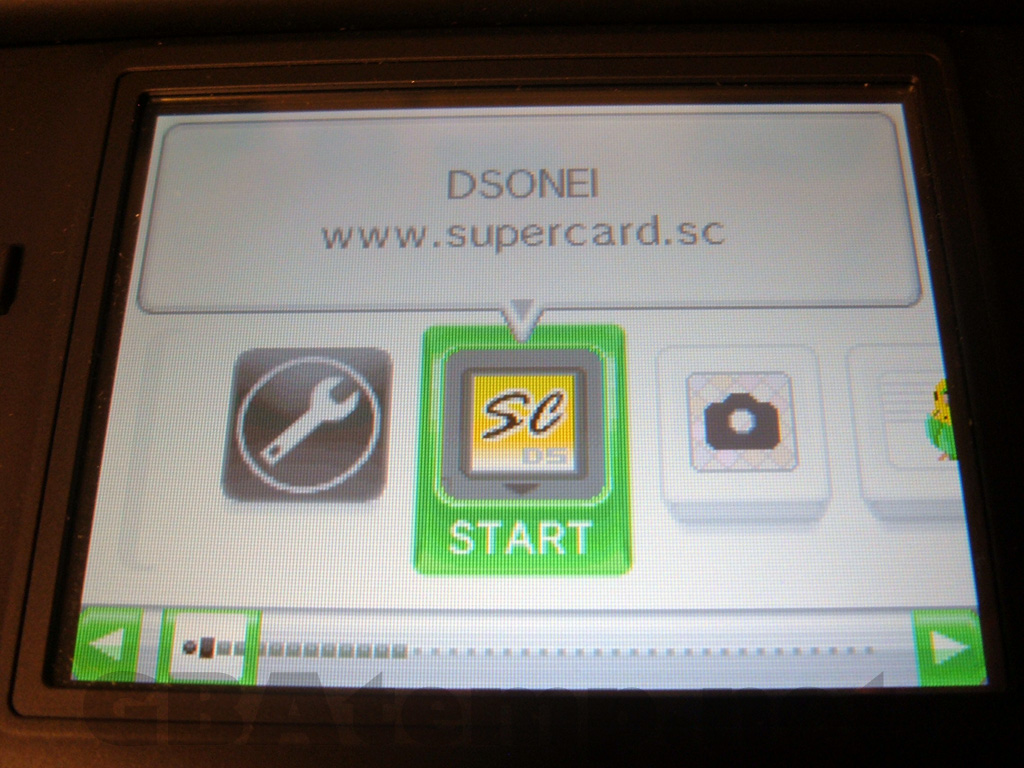
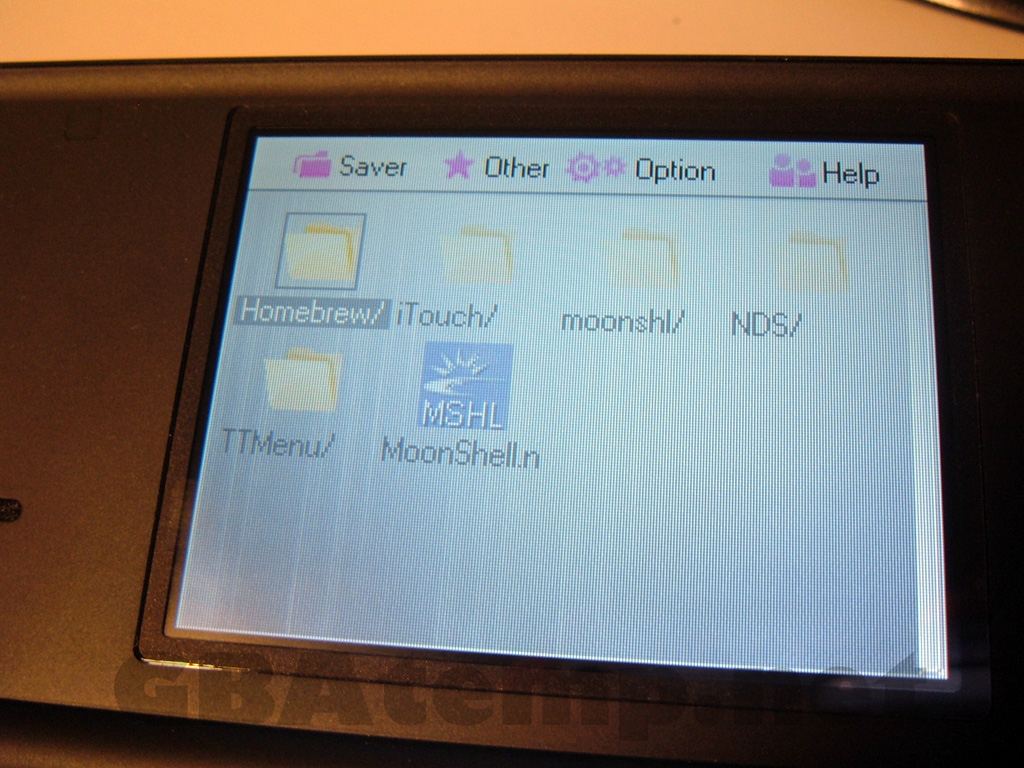
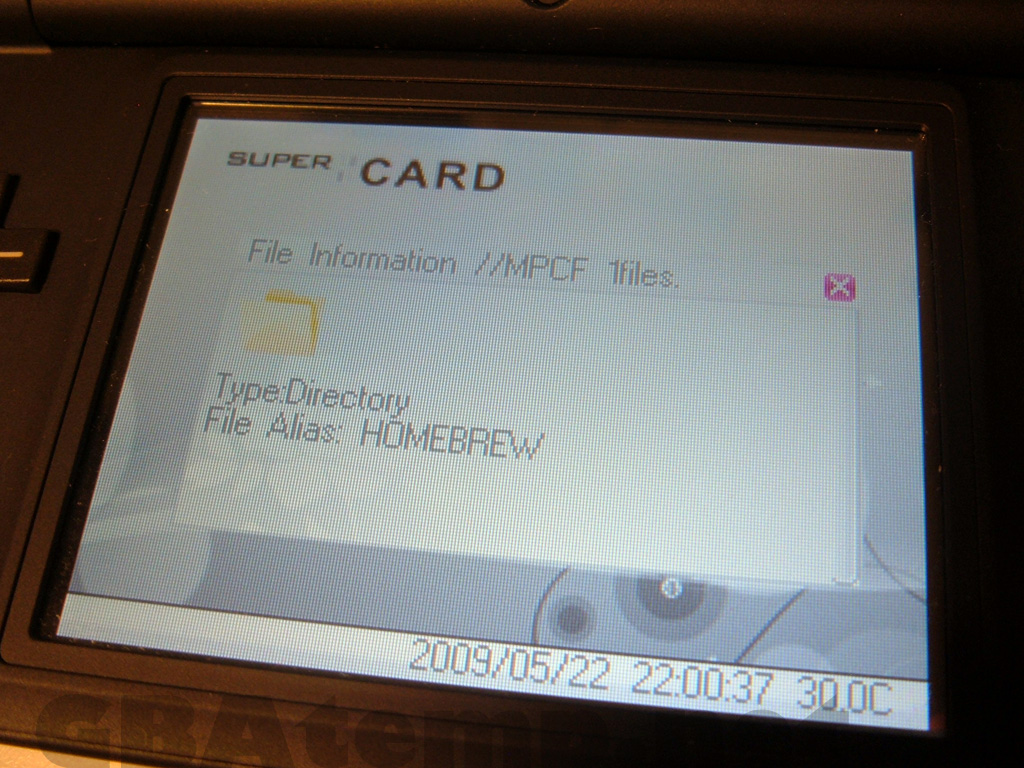
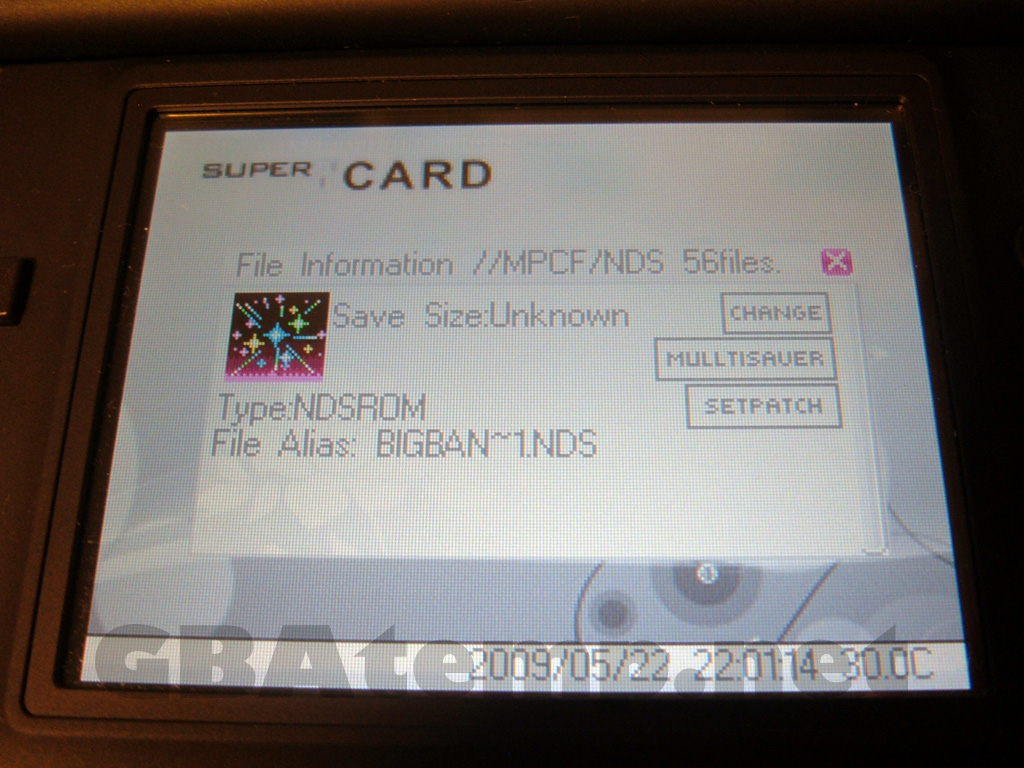
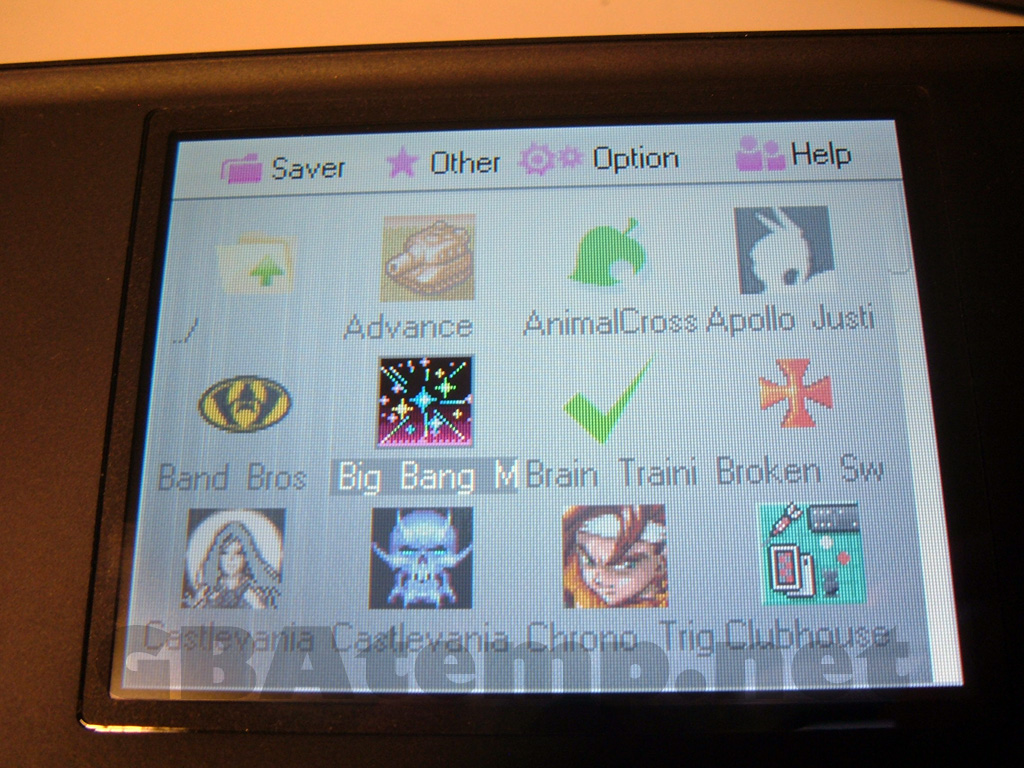
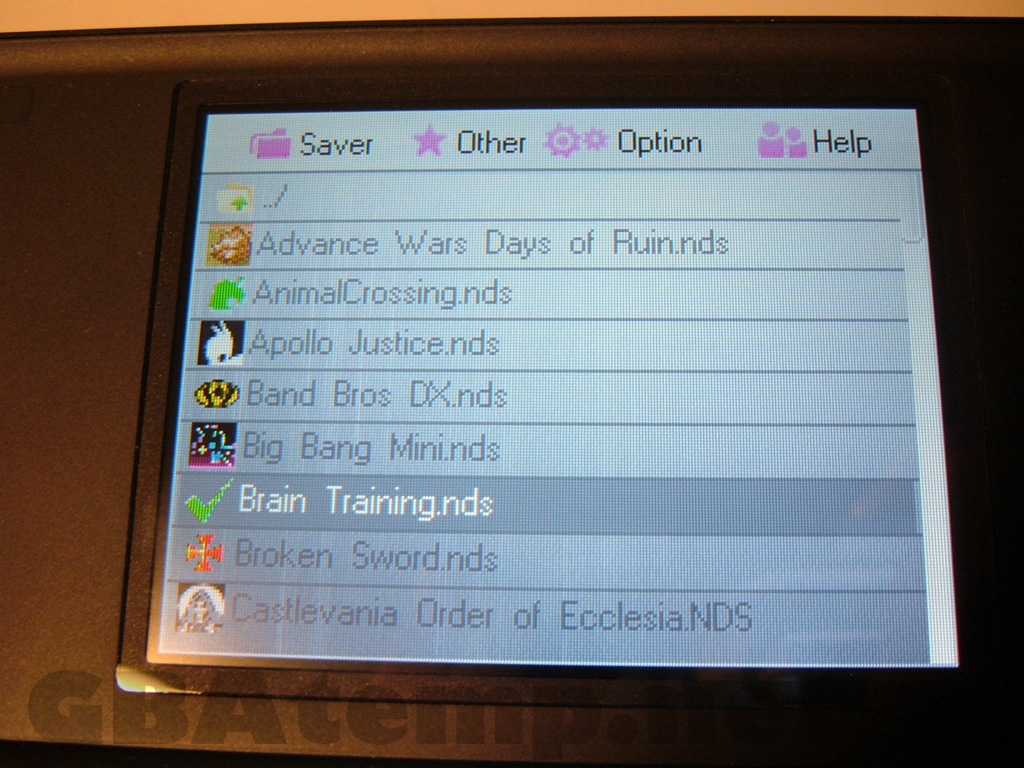
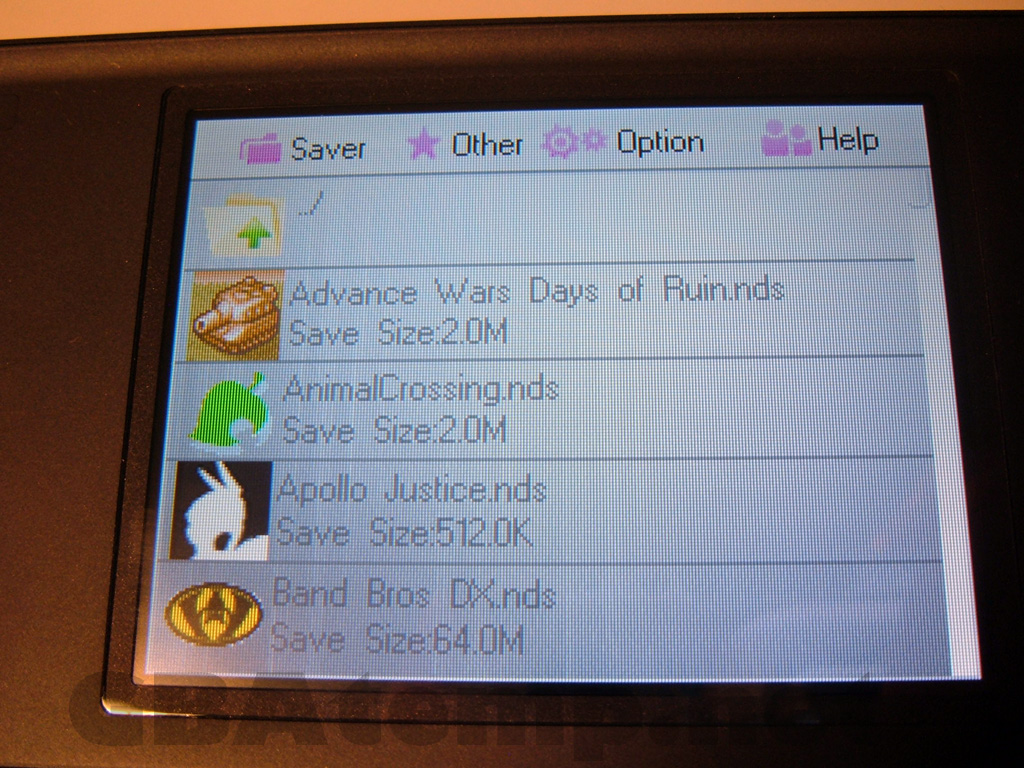
I've only had a very limited time hands on with the card so far. The firmware is quite nice, albeit a little slow in its current state. Folders full of games take quite a while to scroll through but at least there isn't the long delay in entering folders like you would find in the iTouch2. There are a number of view options to change the look of the firmware which is nice to see.

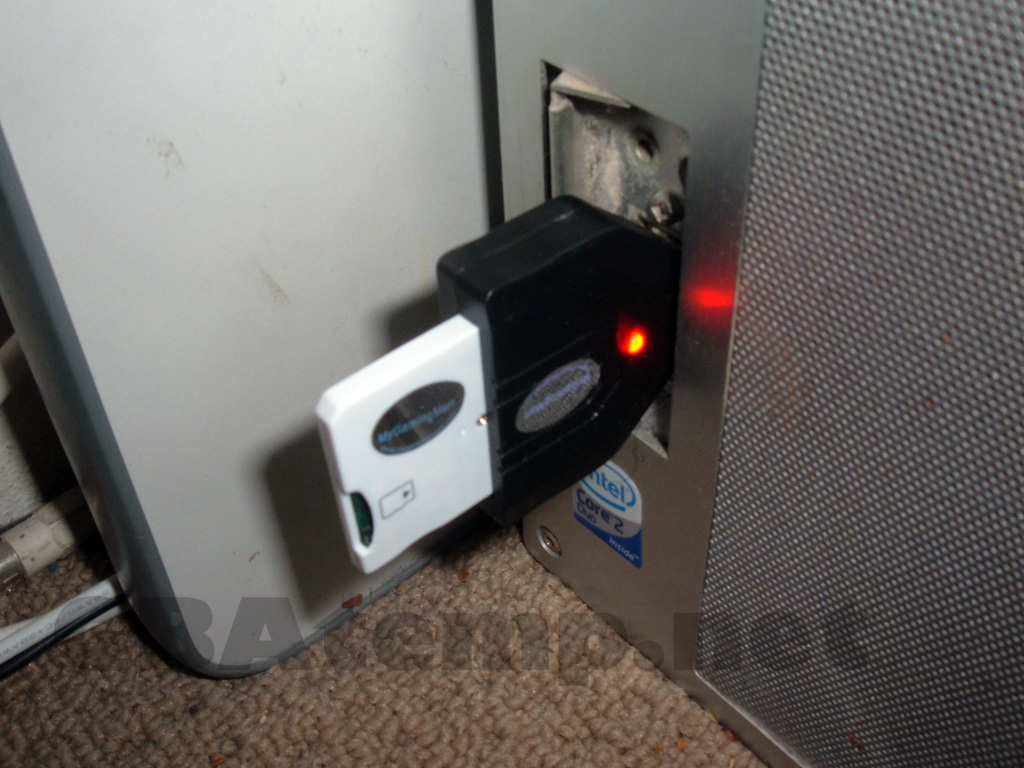
The Supercard fits very nicely into the included USB writer, which lights up when plugged into the computer. The writer does not show up on the computer. It instead just simply draws power from the computer to write a firmware file to the card. If a new firmware file for the Supercard DSOnei is released to counteract a potential DSi update you would simply place it on your micro SD then plug the card and writer into any USB port. The red light will flash when writing (it will take about 8 minutes supposedly) and then turn green when writing is complete.

Will I continue to tinker around with the card, but in the time being I would like to open the floor to GBAtemp members to ask any questions they have about the Supercard DSOnei. Simply reply to this topic and I will do my best to answer all questions.

I would like to thank My Gaming Mart for sending the Supercard DSOnei sample for review. My Gaming Mart specializes in DS and DSi flashcards and are based in Canada.



Click the link below to check out more pictures of the Supercard DSOnei in action and also ask your questions in the thread

icon11.gif
Pics & Discussion 
 
GUI looks identical to the old DS-One. I guess they made 0 changes to the actual software, they just made the card itself work on DSi. Oh well, someone DID say a GUI rewrite might be happening soon in the Supercard board here.
 
From what I have read, the USB firmware writer requires no drivers, and does not interface at all with a computer. It just requires the USB for power, apparently you put a firmware update file on the MicroSD in the root, and when you plug the Card and USB writer into a USB port to give it power, the Supercard gets updated with the file if present.
 
halljames said:
From what I have read, the USB firmware writer requires no drivers, and does not interface at all with a computer. It just requires the USB for power, apparently you put a firmware update file on the MicroSD in the root, and when you plug the Card and USB writer into a USB port to give it power, the Supercard gets updated with the file if present.
Can other cards work with its updater, + couldn't u just use your friend DS and update it via that ?
 
I dont really know how internaly it is working, I dont know if the USB Firmware writer actualy reads the Update from the supercard and then flashes it, or what. Not sure, and we are not likely to find out until shuch a time that Nintendo Blocks the cards with a firmware updated, and Supercard release an updated firmware. Assuming of course that Nintendo dont come up with something that really blocks them, no matter what the boot loader is like.

Its still a bit of an unkown.
 
ccosmos said:
It could be cool to also test the multi-bootloader made by bliss, so you can test DSTT OS on it.
wink.gif


Concerning the USB firmware writer, i suppose it will use the same drivers than the supermate unit.

The multi-boot loader doesn't work unfortunately. At least I couldn't get it to work.
 
halljames said:
I dont really know how internaly it is working, I dont know if the USB Firmware writer actualy reads the Update from the supercard and then flashes it, or what. Not sure, and we are not likely to find out until shuch a time that Nintendo Blocks the cards with a firmware updated, and Supercard release an updated firmware. Assuming of course that Nintendo dont come up with something that really blocks them, no matter what the boot loader is like.

Its still a bit of an unkown.


hmm, this could be cool,any card thats bios are rewritable should be able to change there card to a different one if my thinking is wright an EZflashi could be turned in supercard 1 and vice versa.
 
is it me or would this look kool in black and the icon on the dsimenu is crap btw could i change my acekard into a supercard wiv this
?
 
A-Z said:
is it me or would this look kool in black and the icon on the dsimenu is crap btw could i change my acekard into a supercard wiv this
?


there no way to tell as we don't know how it works , buy maybe.
 
Would getting a new microsdhc card fix the slow GUI issue considerably? I have a Sandisk 16gb Class 2 card and the GUI is super slow.
 
You said the gui is faster, but what's the speed of your SD ?
Because I have a 6 speed SD card and the gui is very very slow...

I managed to boot YSMenu on my DSiOne, but it can't load homebrews or comercial games... Is it possible to load theses ?
 
I got my card yesterday. Its pretty nice. Have to tinker with some of the options because I am new to the DS flashcart scene (I have this one and the acekard 2i as well). I used a sandisk 16GB class 2 card with this one and it seemed to work fine without lag, or noticable lag.
 

Site & Scene News

Popular threads in this forum