
Hi everyone,
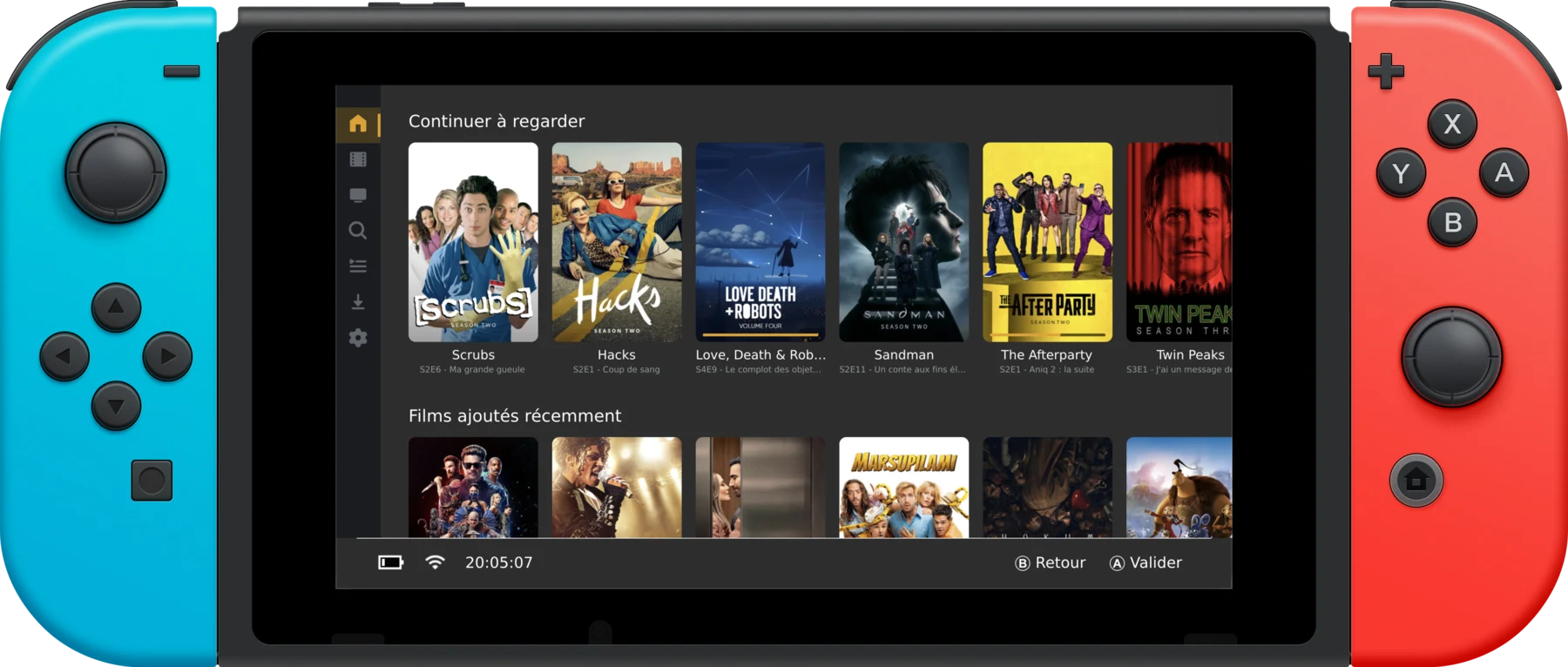
Update for anyone following this thread: pleNx has grown up and changed its name. What started as the first native Plex client for the Switch is now GMCA — Gamepad Media Center Aggregator (v1.0.3). Same controller-first app, but it now speaks Plex, Jellyfin, Emby and Stremio, plays music, and runs well beyond the Switch.
One app, every server, on the screens you forgot: Nintendo Switch, PS Vita, a Raspberry Pi wired to the TV — plus Windows, macOS, Linux and PS4. The interface never changes; only the accent colour and the tabs follow your server.
What it does:
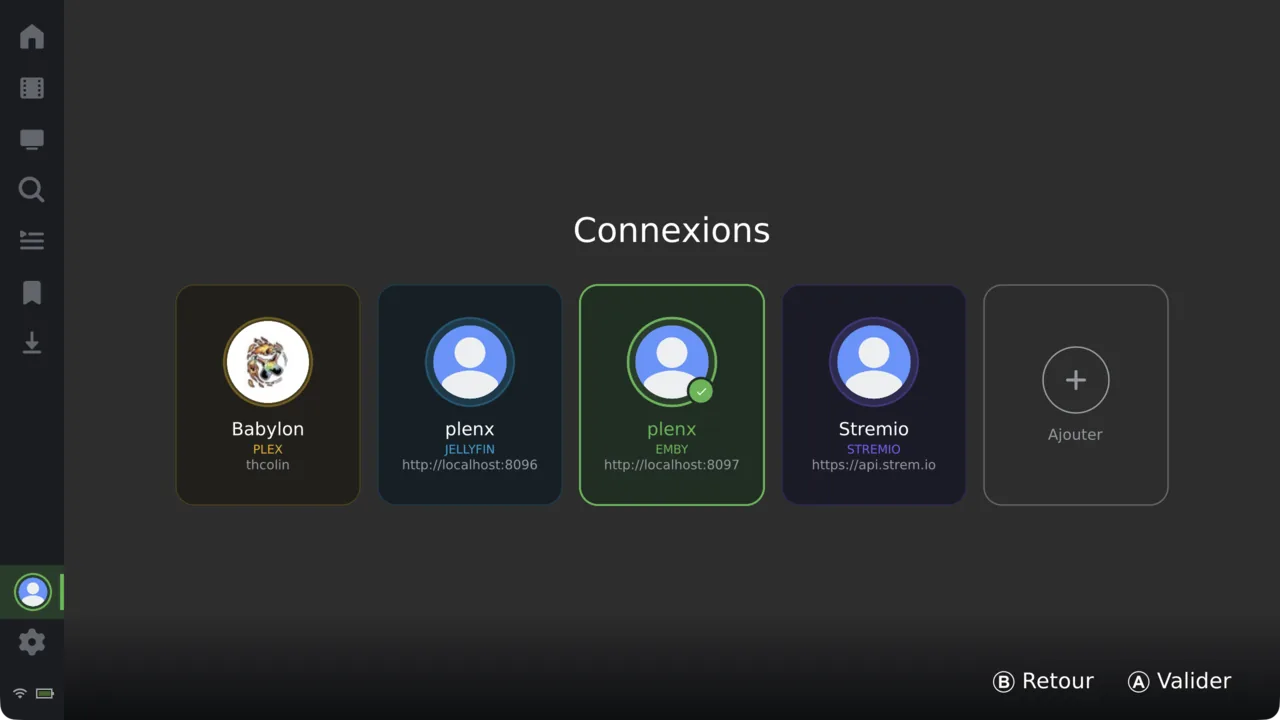
- Plug in any server — Plex (plex.tv/link, Plex Home profiles + PIN), Jellyfin, Emby, or a Stremio setup. Pick the type when you add a connection.
- Connection switcher — hop between servers and accounts like console user profiles.
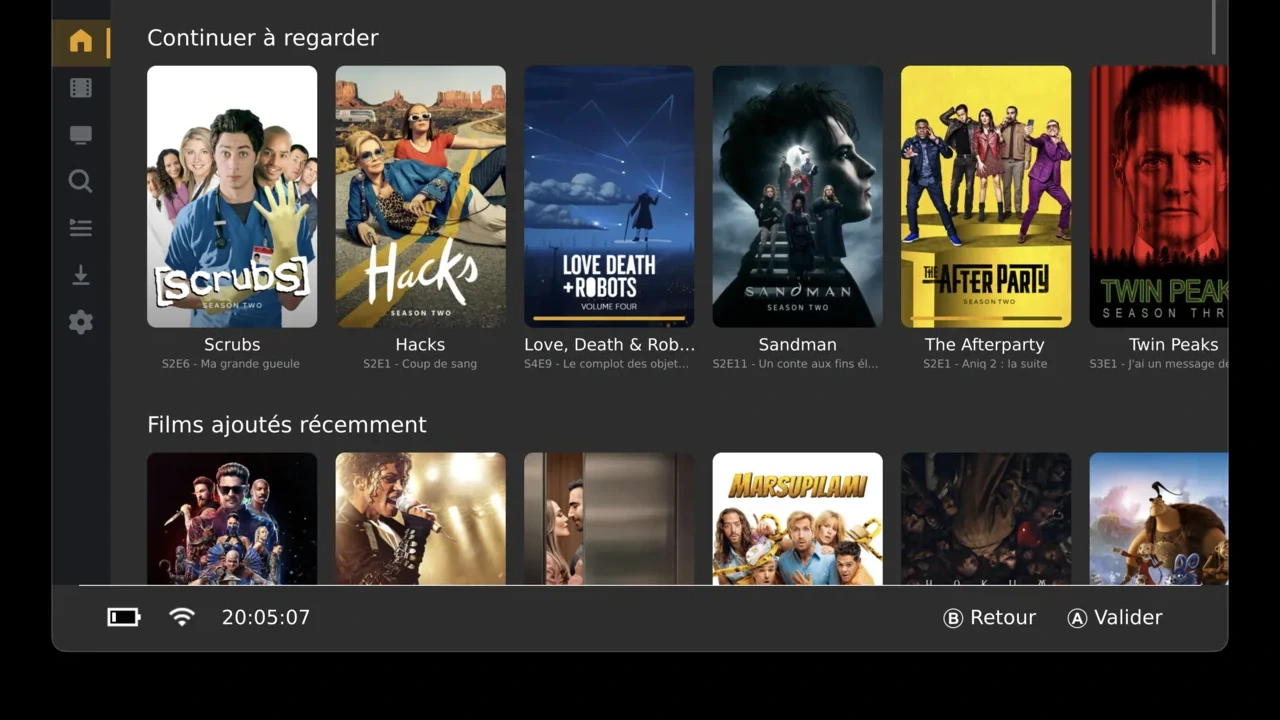
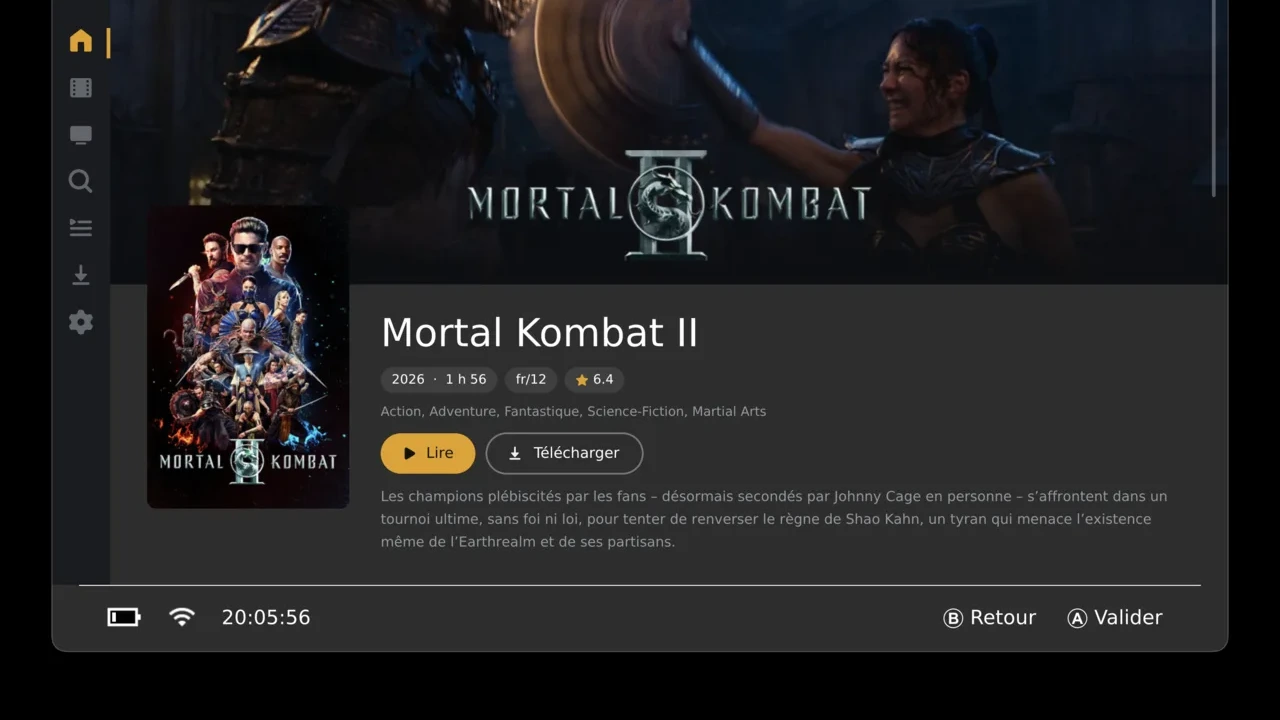
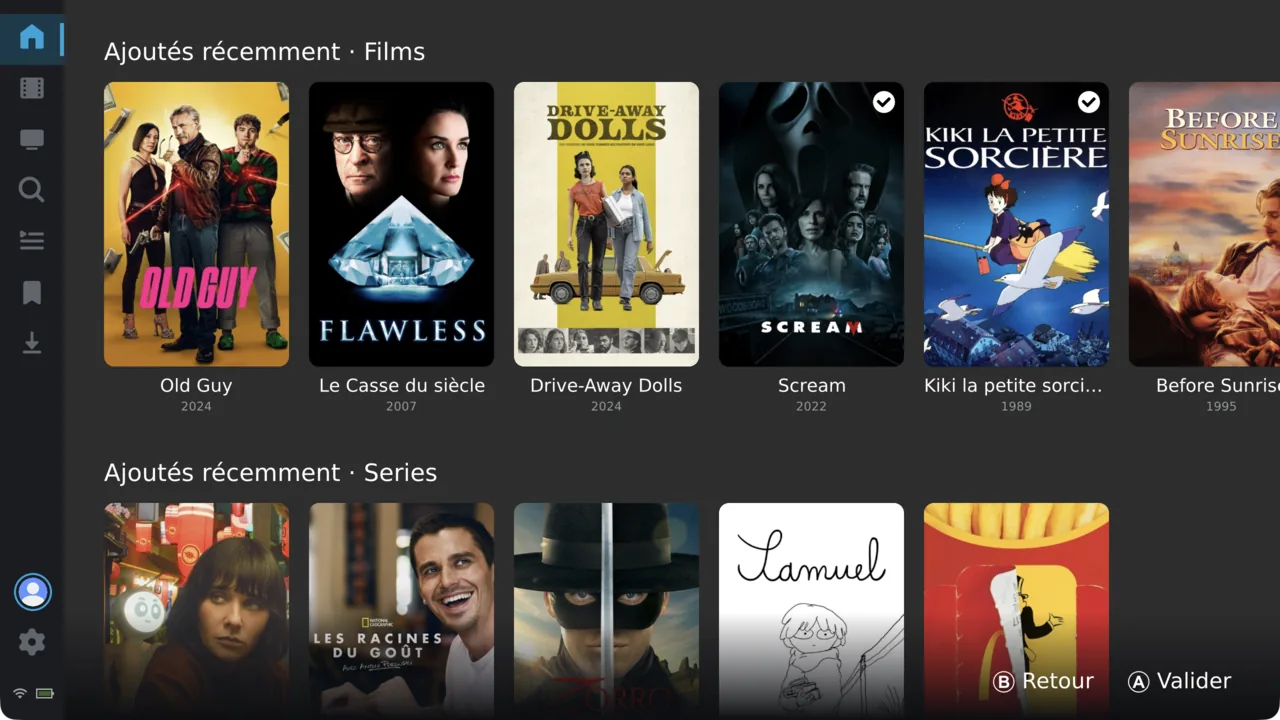
- Home hubs, libraries, collections, genres, search, cast & person pages — the same layout across every backend.
- Music — Artist → Album → Track from Plex/Jellyfin/Emby, a Now Playing screen, and a mini-bar that keeps playing in the background (screen off / HOME).
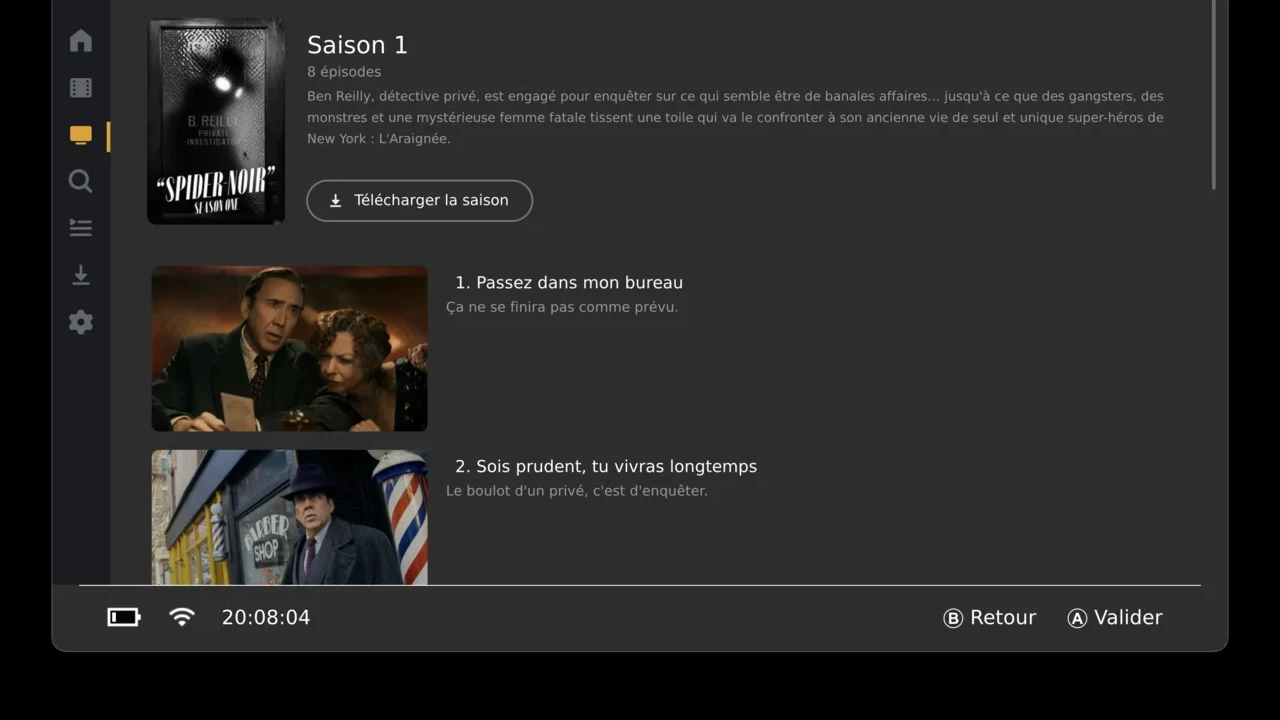
- Offline downloads in original quality — one tap grabs a full season, with a storage gauge.
- Playback through MPV: direct play + universal transcode (HLS), resume, chapters, external & embedded subtitles, audio track selection (H.264/H.265/VP9/AV1, AC-3/TrueHD/DTS/FLAC/Opus…).
- Remote file servers (WebDAV / FTP / SFTP / HTTP) and USB drives.
- 14 languages.
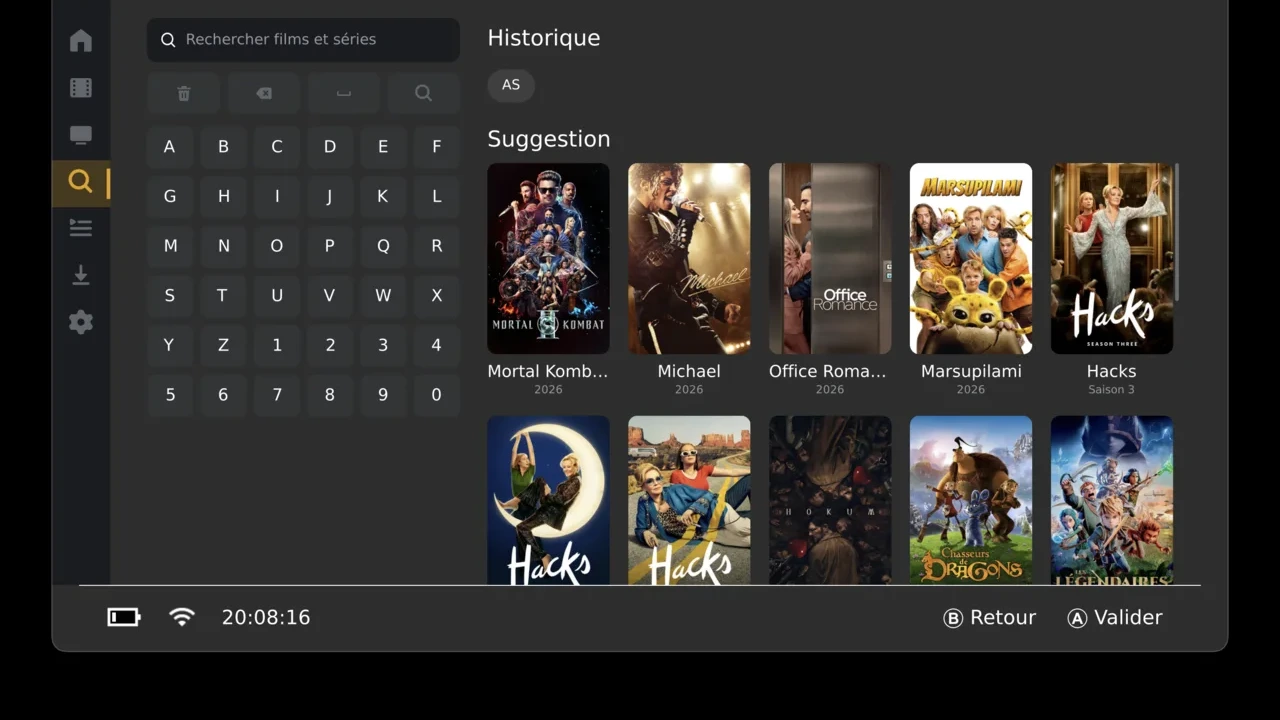
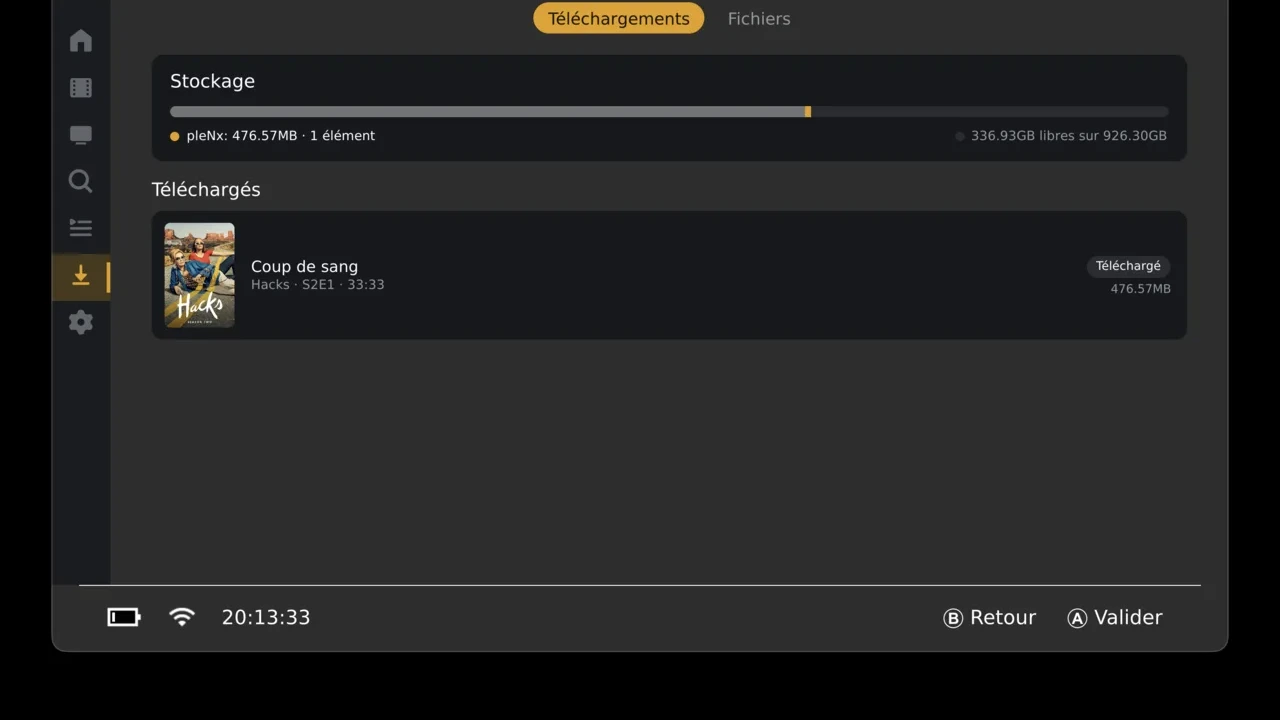
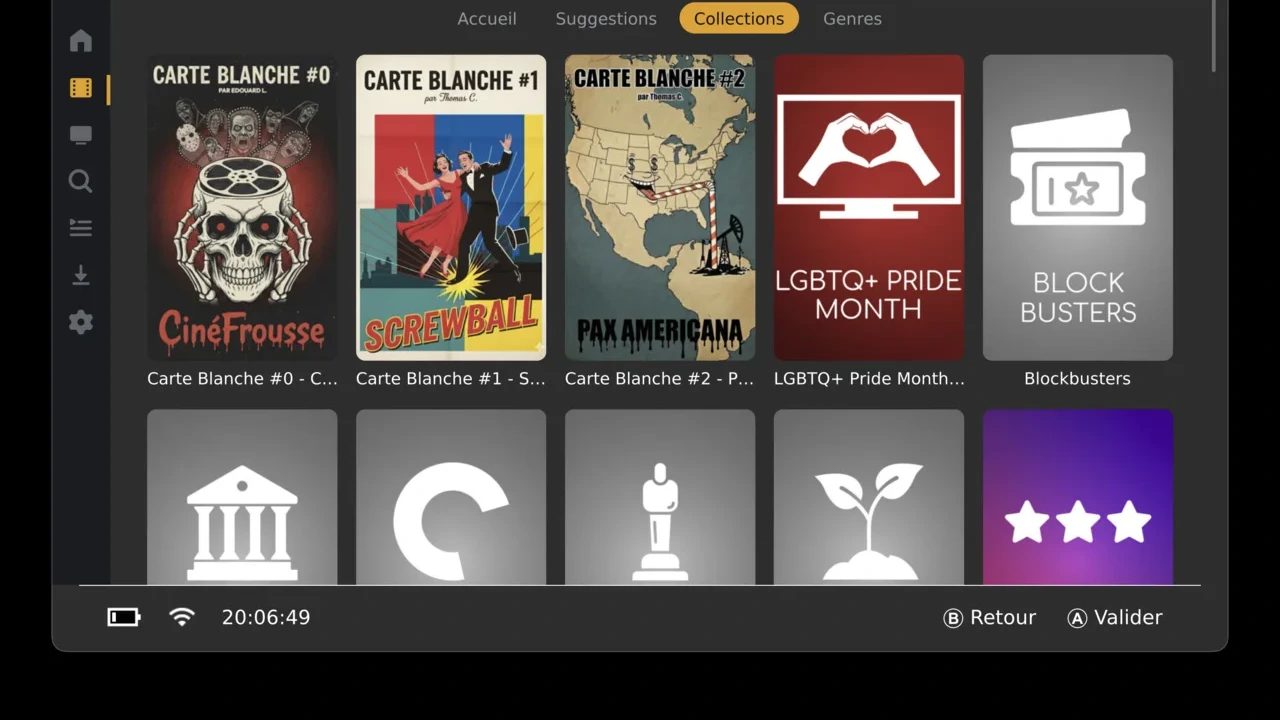
Already running pleNx? Nothing to do. Your logins, settings and downloads migrate automatically on first launch. On the Switch the built-in updater picks up GMCA on its own; GMCA also installs cleanly alongside a pleNx if you'd rather keep both (fresh title IDs). On PS Vita, recent builds self-update in-app; older ones open the release page.
Install (Switch): drop
GMCA.nro in sdmc:/switch/ and launch from hbmenu. On first launch it offers to install a HOME menu tile (forwarder) so it runs with full memory — needed for video playback. Atmosphère required.Other devices:
GMCA.vpk (Vita), Flatpak / AUR / .deb / Raspberry Pi builds for Linux, .dmg (macOS), .7z (Windows), a PS4 pkg, and an .apk (Android) — all on the releases page.It's a big release — if something breaks on your setup, issues are very welcome on GitHub.
Download & source: https://github.com/thcolin/gamepad-media-center-aggregator
Website & guide: https://thcolin.github.io/gamepad-media-center-aggregator/
Huge credits to @dragonflylee for Switchfin, which this is forked from, xfangfang (wiliwili), natinusala & XITRIX (borealis), devkitPro/switchbrew, and averne for the FFmpeg/mpv deko3d work. GMCA is a third-party project, not affiliated with or endorsed by Plex, Jellyfin, Emby or Stremio.
Last edited by thcolin,