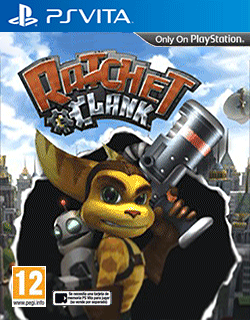
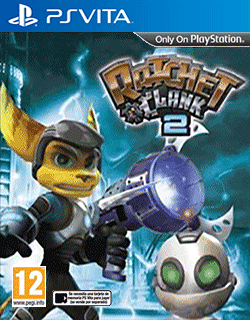
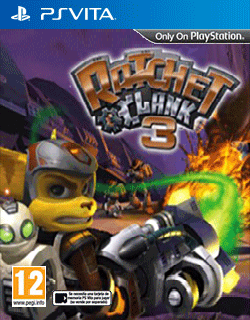
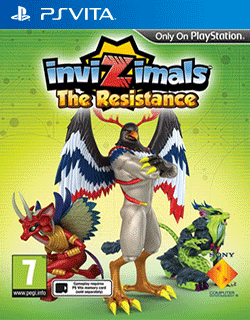
[Release] Clean Covers for HexLauncher

  • Thread starter Thread starter zebragreen
  • Start date Start date
  • Views Views 2,598
  • Replies Replies 5
  • Likes Likes 3

zebragreen

Well-Known Member
Newcomer
Joined
May 26, 2023
Messages
91
Reaction score
42
Trophies
0
Age
28
XP
223
Country
Australia
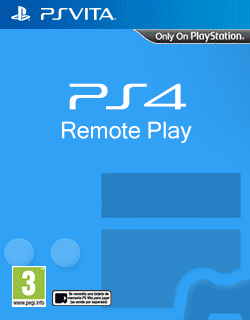
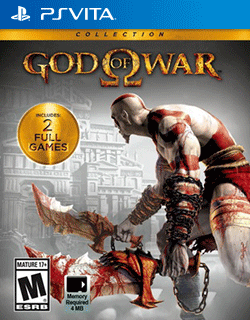
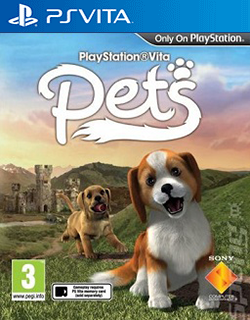
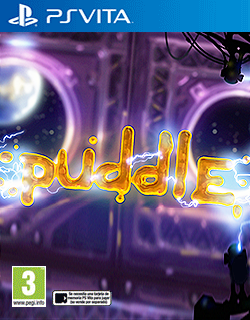
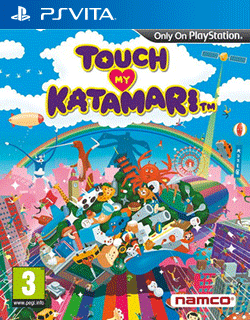
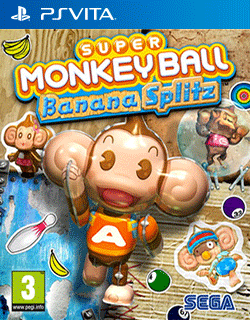
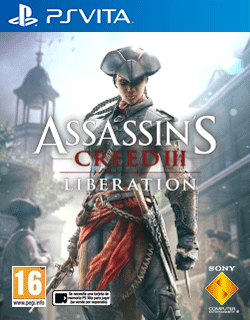
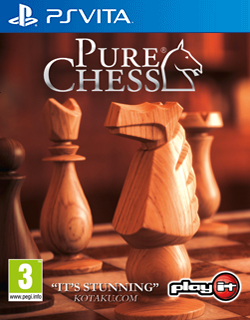
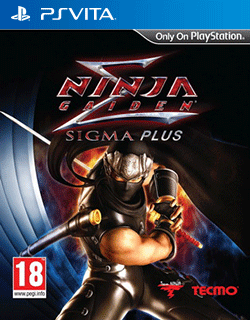
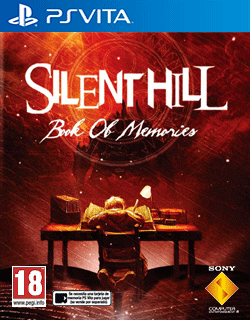
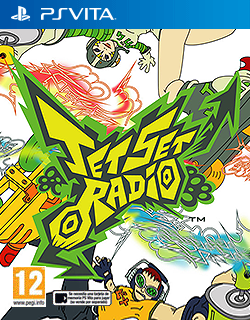
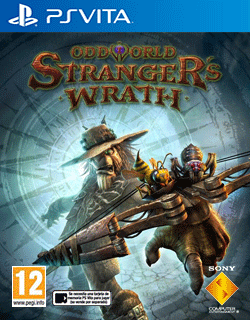
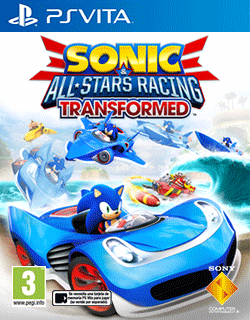
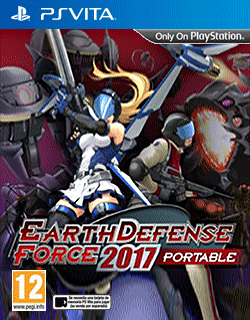
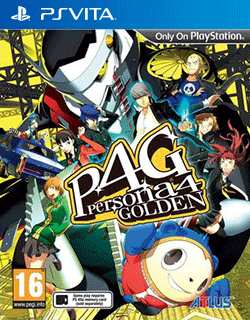
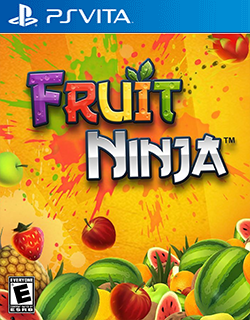
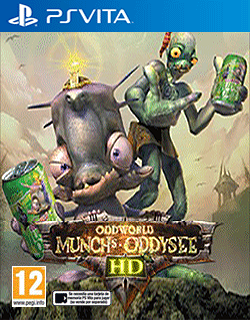
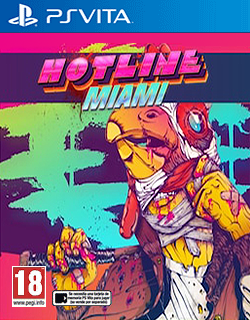
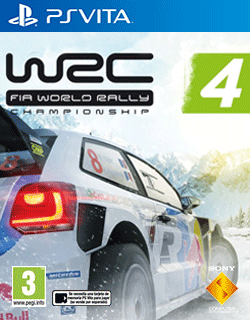
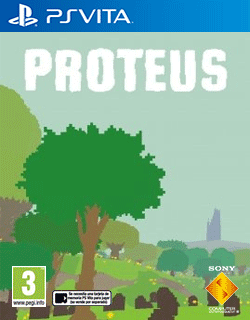
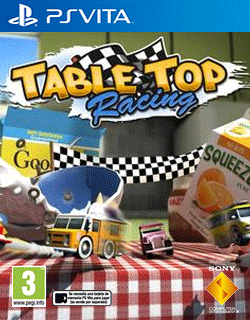
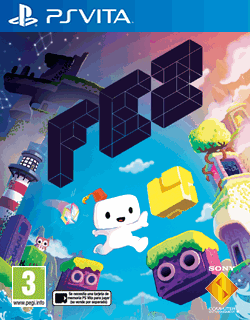
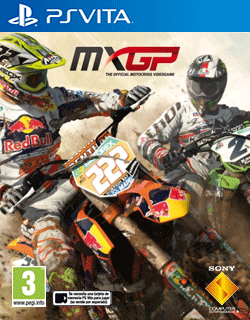
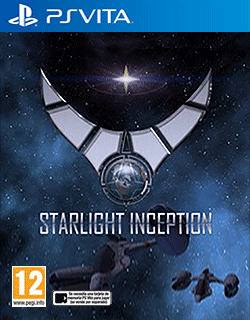
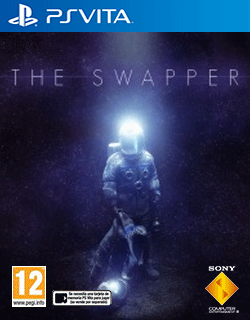
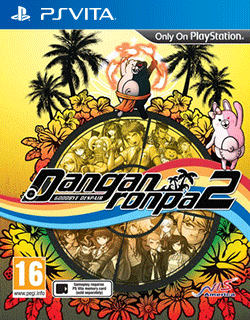
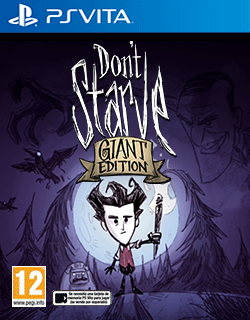
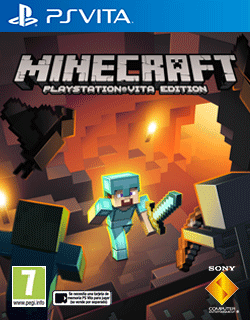
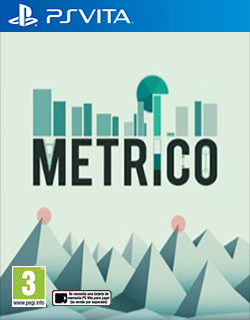
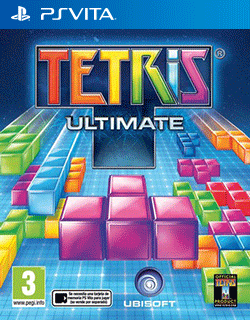
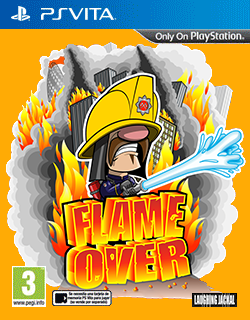
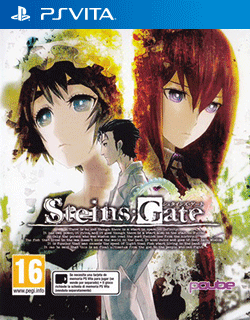
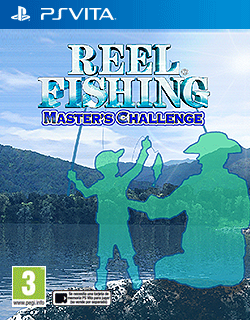
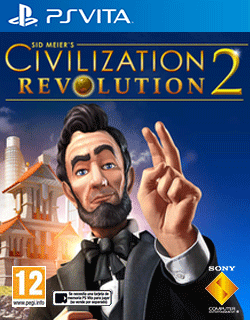
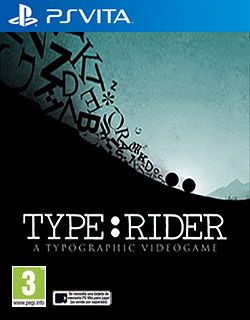
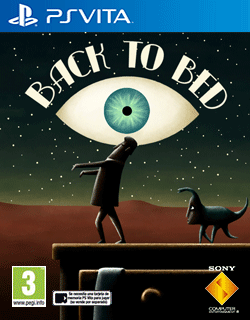
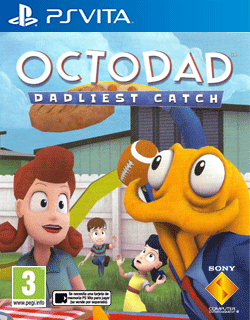
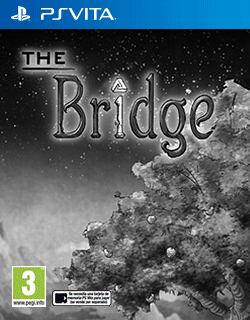
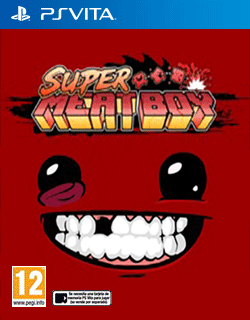
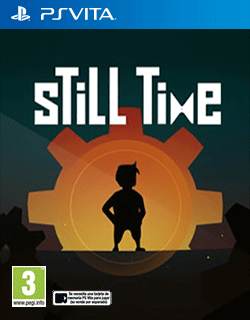
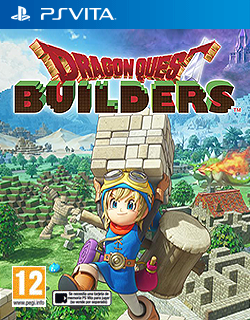
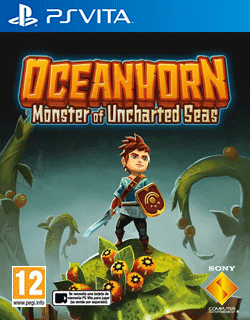
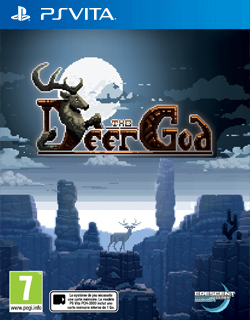
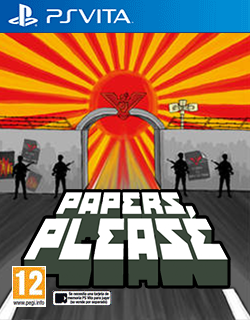
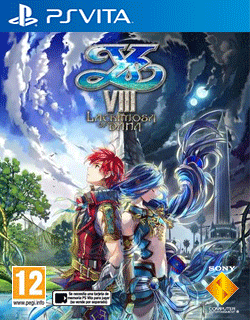
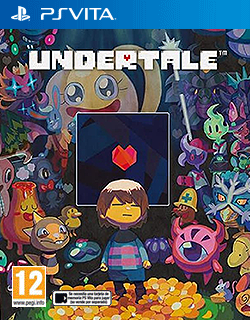
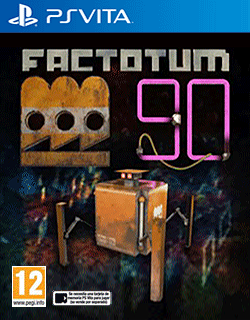
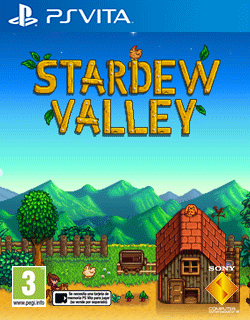
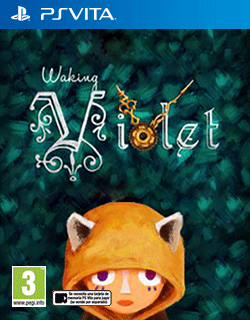
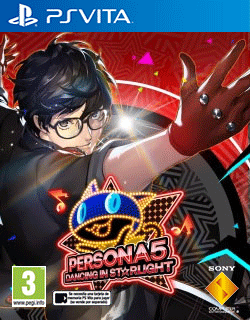
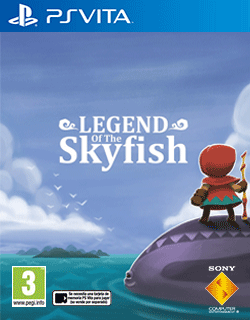
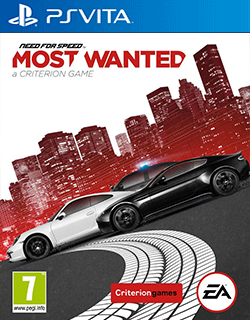
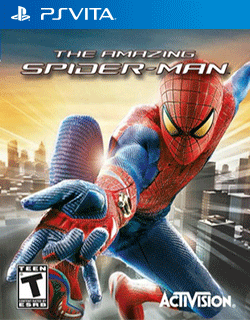
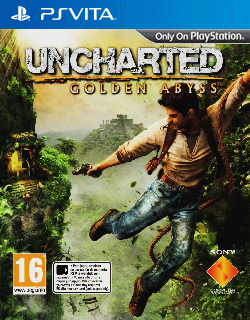
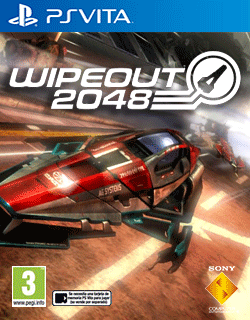
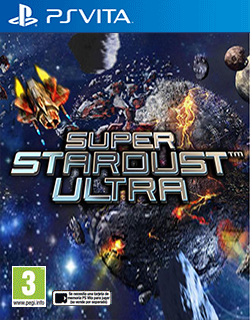
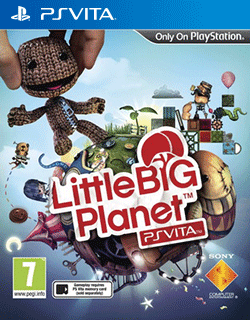
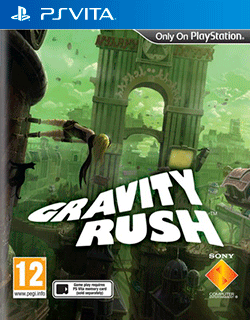
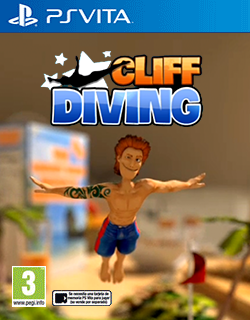
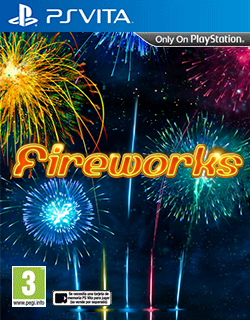
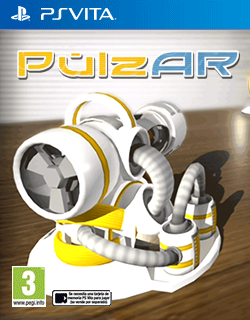
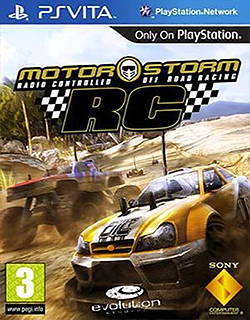
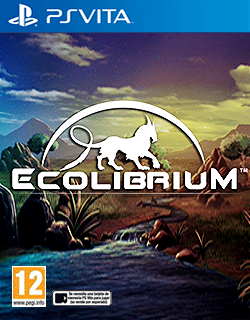
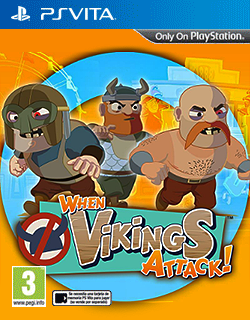
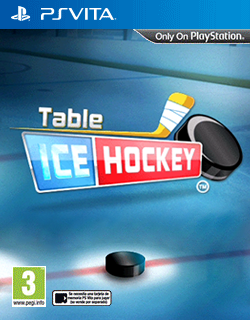
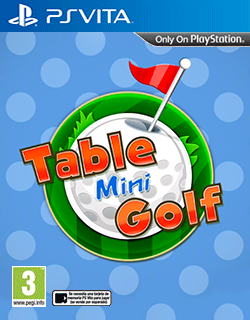
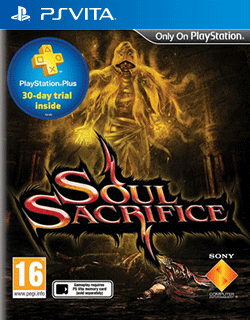
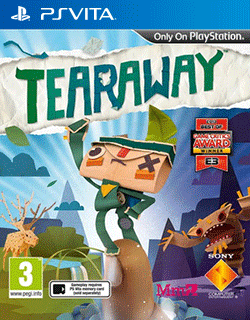
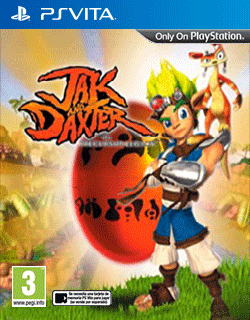
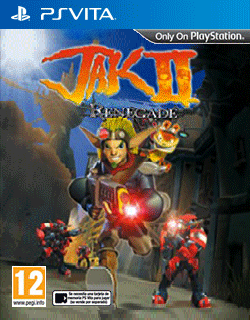
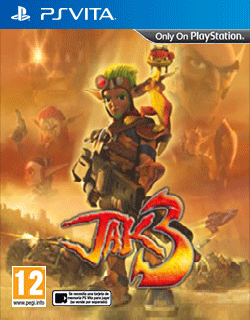
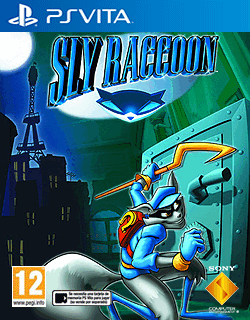
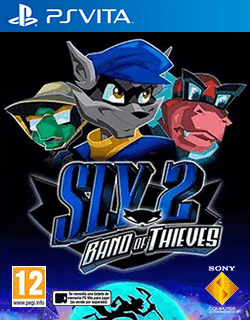
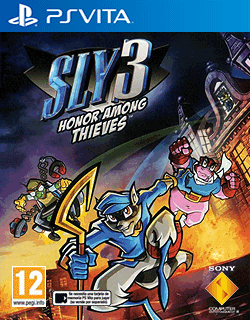
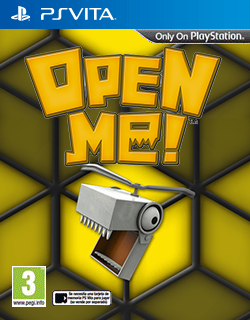
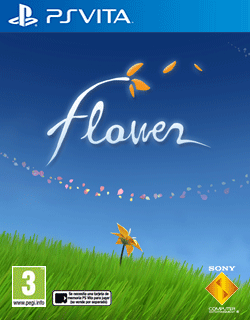
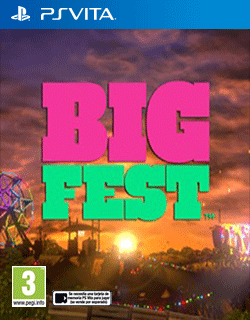
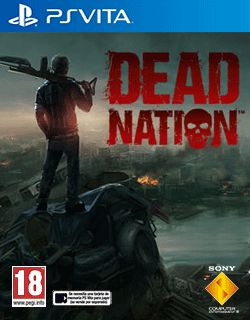
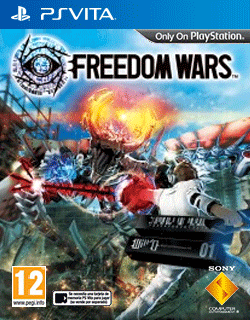
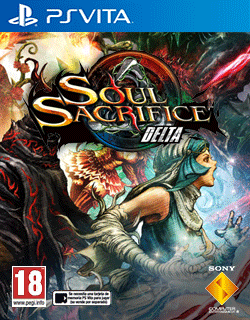
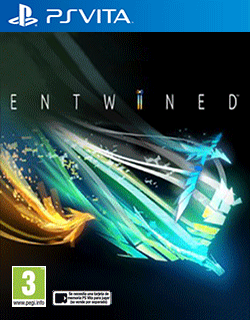
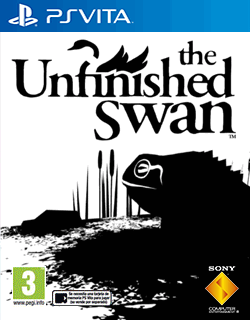
I noticed a lot of the covers that download for HexLauncher look a little stretched/skewed/blurry etc. There's also a lot of store-only titles which never got a physical release, and so physical box art doesn't exist. So I went through and took screenshots from the games and made some new covers, as well as cleaned up a lot of things. These are not "100% official" (there's some sneaky stretching/pulling in order to make things look a lot better and a lot cleaner) but at least they look clean and official:
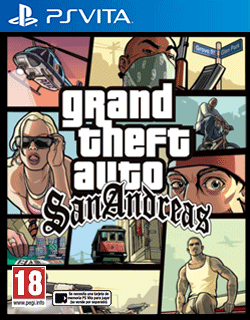
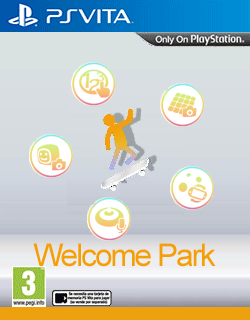
GTASA0000.png
NPXS10007.png
NPXS10012.png
NPXS10013.png
PCSA00035.png
PCSA00126.png
PCSA00139.png
PCSB00025.png
PCSB00031.png
PCSB00047.png
PCSB00065.png
PCSB00074.png
PCSB00080.png
PCSB00097.png
PCSB00115.png
PCSB00136.png
PCSB00180.png
PCSB00190.png
PCSB00239.png
PCSB00245.png
PCSB00273.png
PCSB00275.png
PCSB00318.png
PCSB00345.png
PCSB00346.png
PCSB00358.png
PCSB00416.png
PCSB00436.png
PCSB00456.png
PCSB00470.png
PCSB00488.png
PCSB00489.png
PCSB00514.png
PCSB00551.png
PCSB00560.png
PCSB00616.png
PCSB00642.png
PCSB00656.png
PCSB00720.png
PCSB00724.png
PCSB00744.png
PCSB00746.png
PCSB00775.png
PCSB00805.png
PCSB00825.png
PCSB00862.png
PCSB00881.png
PCSB00968.png
PCSB00981.png
PCSB01068.png
PCSB01070.png
PCSB01084.png
PCSB01128.png
PCSB01157.png
PCSB01164.png
PCSB01226.png
PCSB01249.png
PCSB01257.png
PCSB01392.png
PCSE00089.png
PCSE00133.png
PCSE00333.png
PCSF00001.png
PCSF00007.png
PCSF00019.png
PCSF00021.png
PCSF00024.png
PCSF00030.png
PCSF00033.png
PCSF00035.png
PCSF00036.png
PCSF00046.png
PCSF00092.png
PCSF00093.png
PCSF00145.png
PCSF00147.png
PCSF00178.png
PCSF00214.png
PCSF00248.png
PCSF00249.png
PCSF00250.png
PCSF00269.png
PCSF00270.png
PCSF00271.png
PCSF00312.png
PCSF00349.png
PCSF00351.png
PCSF00427.png
PCSF00446.png
PCSF00484.png
PCSF00485.png
PCSF00486.png
PCSF00510.png
PCSF00532.png
PCSF00578.png
PCSF00613.png

Can be placed in ux0:/data/HexFlow/COVERS/PSVITA with the title matching the GAMEID found in ux0:/data/HexFlow/applist.dat
 
Last edited by zebragreen,
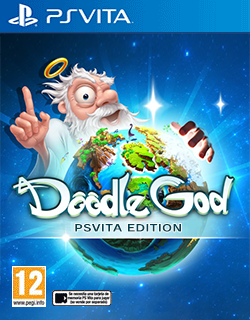
I really liked the Doodle God and Super Stardust Ultra covers, among others! For home-made covers on games where real boxart doesn't exist, please don't put "Only on Playstation" for vita games or "age ratings" on system apps, just seems like clutter sorry if that's kind of rude...

A couple of the ones rated age 3+ I didn't use because it makes them seem like baby games, if you just slapped a "Rated E for everyone" on them like for the "PCSB00273:Fruit Ninja" cover, they would be really good. The ones that were stretched I only used if it wasn't noticeable.

Also a lot were formatted in a way I couldn't view them on my ancient PC. I reformatted them all to GIMP standard then compressed to pngquant "or8" (small file size + max color profile available on Vita). If you ever make any more, I'll gladly accept them and I can automatically convert/compress them. Sorry if I was too harsh in not taking a couple of them. Also I added a couple of my own like "PCSE00066:New Little King's Story".

The ones that were accepted can be found here in an uncompressed .rar file:
mediafire [dot com] /file/rmtkvt3kcoaqxij/High_Quality_Covers.rar/file

It might take a second, they just need uploaded to the archive then they'll be all ready for anyone to use!

Edit: They are now available in the RetroFlow archive for both RetroFlow users and HexFlow Custom v1.0+ users to download, thanks to co-operation from jguilford80!
 
Last edited by BlackSheepBoy69,
Thanks for this.

I hate when people stretch covers, or they're riddled with jpeg artifacts because idiots use the default of 80% in Photoshop, or just use MSpaint. :rolleyes:
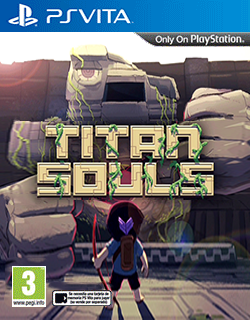
Thanks! Some of these were pretty hard to pull off. For the Jet Set Radio one I used the Audio Soundtrack CD Cover. I really like the AR Games so I made covers for those: PulzAR was a screenshot from the game, Open ME was also from scratch, for Doodle God I took the iOS Art and replaced the original font so it says "PSVITA EDITION", Papers Please and Undertale I wanted something vibrant and full looking to compete with the other official arts, Pure Chess uses the PS4 cover, Fireworks is a straight up Google Image picture of Fireworks with the actual game logo, since no in game screenshots were working, Titan Souls has A LOT of pulling and stretching in the image you can't notice in order to get the Logo Text small enough in proportion to the cover. I think I'm most proud of Cliff Diving with the shallow focus and the game's logo.

I also went through and did the same thing for Wiiware covers over in the Wii forum if you're interested:
https://gbatemp.net/threads/cover-collections-part-2.559649/page-20#post-10193435
Post automatically merged:

I really liked the Doodle God and Super Stardust Ultra covers, among others! For home-made covers on games where real boxart doesn't exist, please don't put "Only on Playstation" for vita games or "age ratings" on system apps, just seems like clutter sorry if that's kind of rude...
I think it's important otherwise it stands out as just a random image put in between actual boxart.

Trust me when you're scrolling through and you see official box art, official box art, a plain box without logos, it stands out as very fan-made.

They need these kinds of logos to look like they are actually a game box art that you would see cling wrapped on a shelf, since they're viewed right next to those official box arts, they need those logos to not stand out as a fan made box art.
 
Last edited by zebragreen,
this is a bit late but I'm wondering if anyone can help me, where do I put these homebrew covers for them to actually scan?
Post automatically merged:

This is a bit late to the thread but I'm hoping someone can help me, where do I put covers for homebrew applications so that retroflow actually scans and uses them? I'm having trouble with that
 
  • Like
Reactions: The_Dizzy_Vizzy
I noticed a lot of the covers that download for HexLauncher look a little stretched/skewed/blurry etc. There's also a lot of store-only titles which never got a physical release, and so physical box art doesn't exist. So I went through and took screenshots from the games and made some new covers, as well as cleaned up a lot of things. These are not "100% official" (there's some sneaky stretching/pulling in order to make things look a lot better and a lot cleaner) but at least they look clean and official:
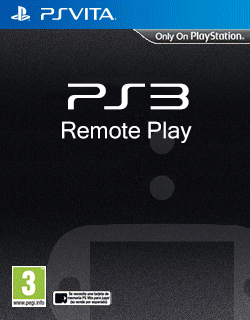
View attachment 380285View attachment 380286View attachment 380287View attachment 380288View attachment 380289View attachment 380290View attachment 380291View attachment 380292View attachment 380293View attachment 380294View attachment 380295View attachment 380296View attachment 380297View attachment 380298View attachment 380299View attachment 380300View attachment 380301View attachment 380302View attachment 380303View attachment 380304View attachment 380305View attachment 380307View attachment 380308View attachment 380309View attachment 380310View attachment 380311View attachment 380312View attachment 380313View attachment 380314View attachment 380315View attachment 380316View attachment 380317View attachment 380318View attachment 380319View attachment 380320View attachment 380321View attachment 380322View attachment 380323View attachment 380324View attachment 380325View attachment 380326View attachment 380327View attachment 380328View attachment 380329View attachment 380330View attachment 380331View attachment 380332View attachment 380333View attachment 380334View attachment 380335View attachment 380337View attachment 380338View attachment 380339View attachment 380340View attachment 380342View attachment 380343View attachment 380344View attachment 380345View attachment 380346View attachment 380347View attachment 380348View attachment 380349View attachment 380350View attachment 380351View attachment 380352View attachment 380353View attachment 380354View attachment 380355View attachment 380356View attachment 380357View attachment 380358View attachment 380359View attachment 380360View attachment 380361View attachment 380362View attachment 380363View attachment 380364View attachment 380365View attachment 380366View attachment 380367View attachment 380368View attachment 380369View attachment 380370View attachment 380371View attachment 380372View attachment 380373View attachment 380374View attachment 380375View attachment 380377View attachment 380378View attachment 380379View attachment 380380View attachment 380381View attachment 380382View attachment 380383View attachment 380384

Can be placed in ux0:/data/HexFlow/COVERS/PSVITA with the title matching the GAMEID found in ux0:/data/HexFlow/applist.dat

Very good post, and thank you for the cover art, you're a hero in my book!!!
banger.gif


EDIT: And PULZAR KICKS ASS!!!
 

Site & Scene News

Popular threads in this forum