Hacking PS4 Stuck in IDU

  • Thread starter Thread starter Wario32
  • Start date Start date
  • Views Views 24,268
  • Replies Replies 5

Wario32

Now your playing with power! Super power!
Member
Joined
Feb 13, 2013
Messages
241
Reaction score
80
Trophies
1
XP
1,514
Country
Canada
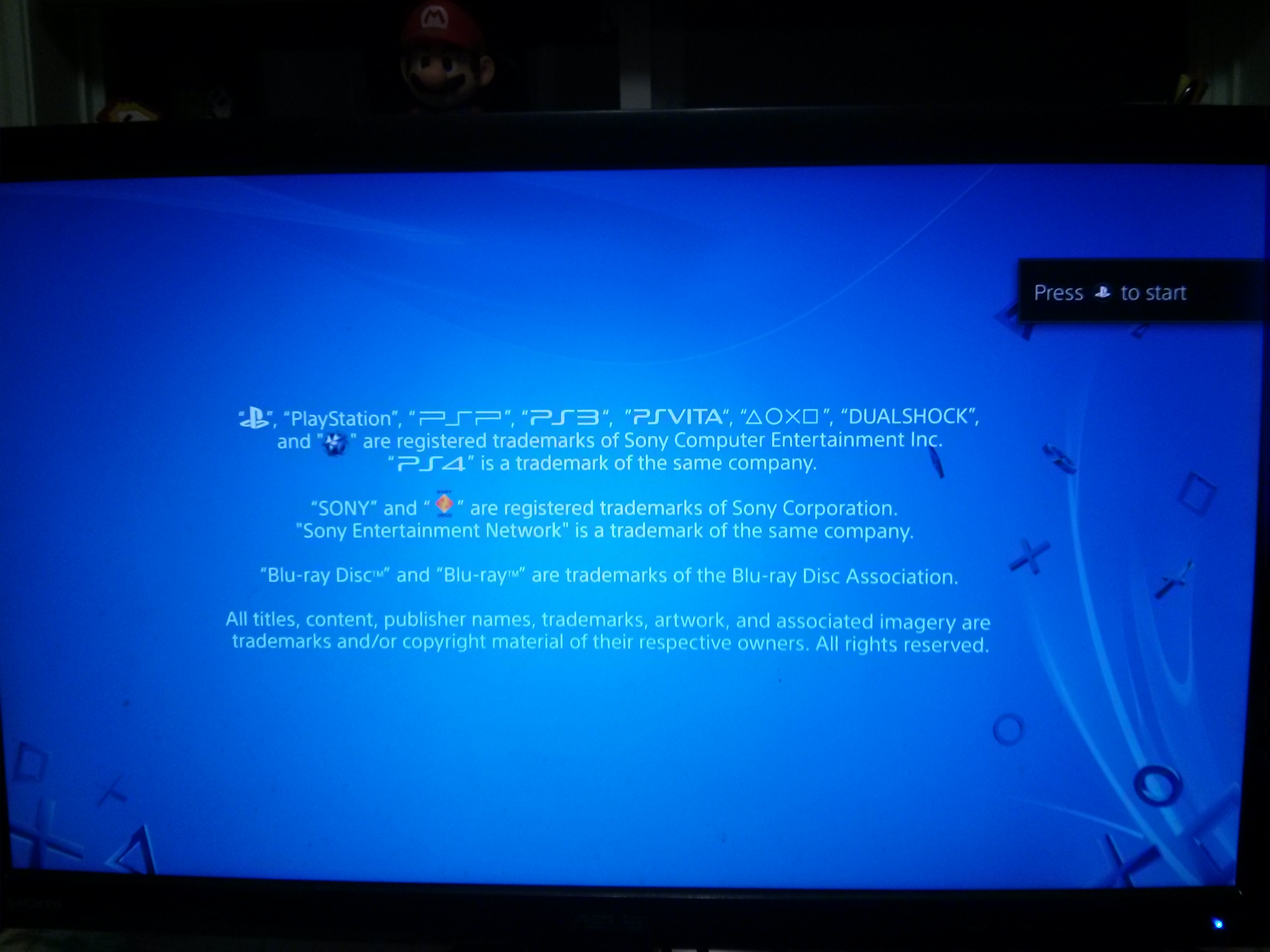
Hey, I recently bought a PS4 off kijiji (not the brightest move) and I ended up buying Kiosk PS4. The system boots up asking for a valid internet connection or an IDU update disk.

Is it possible to convert the system into a retail unit? Safe mode is accessible, reinstalling the firmware is a possibility.

Thanks
 
From what I gather, you can't as it's locked. I so wish I had one though, I tried getting one from Target when they were closing but the vendor for PlayStation came and picked it up, or else I could have gotten it for real cheap :(
 
  • Like
Reactions: Wario32
From what I gather, you can't as it's locked. I so wish I had one though, I tried getting one from Target when they were closing but the vendor for PlayStation came and picked it up, or else I could have gotten it for real cheap :(

Yeah, its definitely locked down. The most you can do is enter a "staff mode" if you enter a certain key combination. I'm curious about what type of disks is it looking for? Normal games and blurays wont function.
Also is any one interested in seeing any pictures of staff mode? I'll post them here
 
  • Like
Reactions: Deleted-355425
Yeah, its definitely locked down. The most you can do is enter a "staff mode" if you enter a certain key combination. I'm curious about what type of disks is it looking for? Normal games and blurays wont function.
Also is any one interested in seeing any pictures of staff mode? I'll post them here

Sell or Walmart swap
 
Sell or Walmart swap
Yeah, I'm thinking of selling it to a flea market, there the only ones that will take it. Places like Walmart, EBgame etc wont because its tied to Sony. I had game stores tell me they would get in legal trouble if they tried reselling it.

Mind you I rather sell it to someone in the community though, its pretty interesting. I got some updates on it.

1. System ask for a valid network or IDU disk.I cant give it the disk but I can give it a network.
I connect an Ethernet cable to the ps4 directly to my router and it starts downloading.

2. It downloads a few things
THE PLAYROOM: Version 1.07
IV0001-NPXS29005
OMSK (thats what demo select application called, when you see a bunch of games to choose from)
HGtC4td.jpg

3.Whens thats done, the PS4 restarts and boots into an kiosk mode you see in stores.
Sz2BBIB.jpg
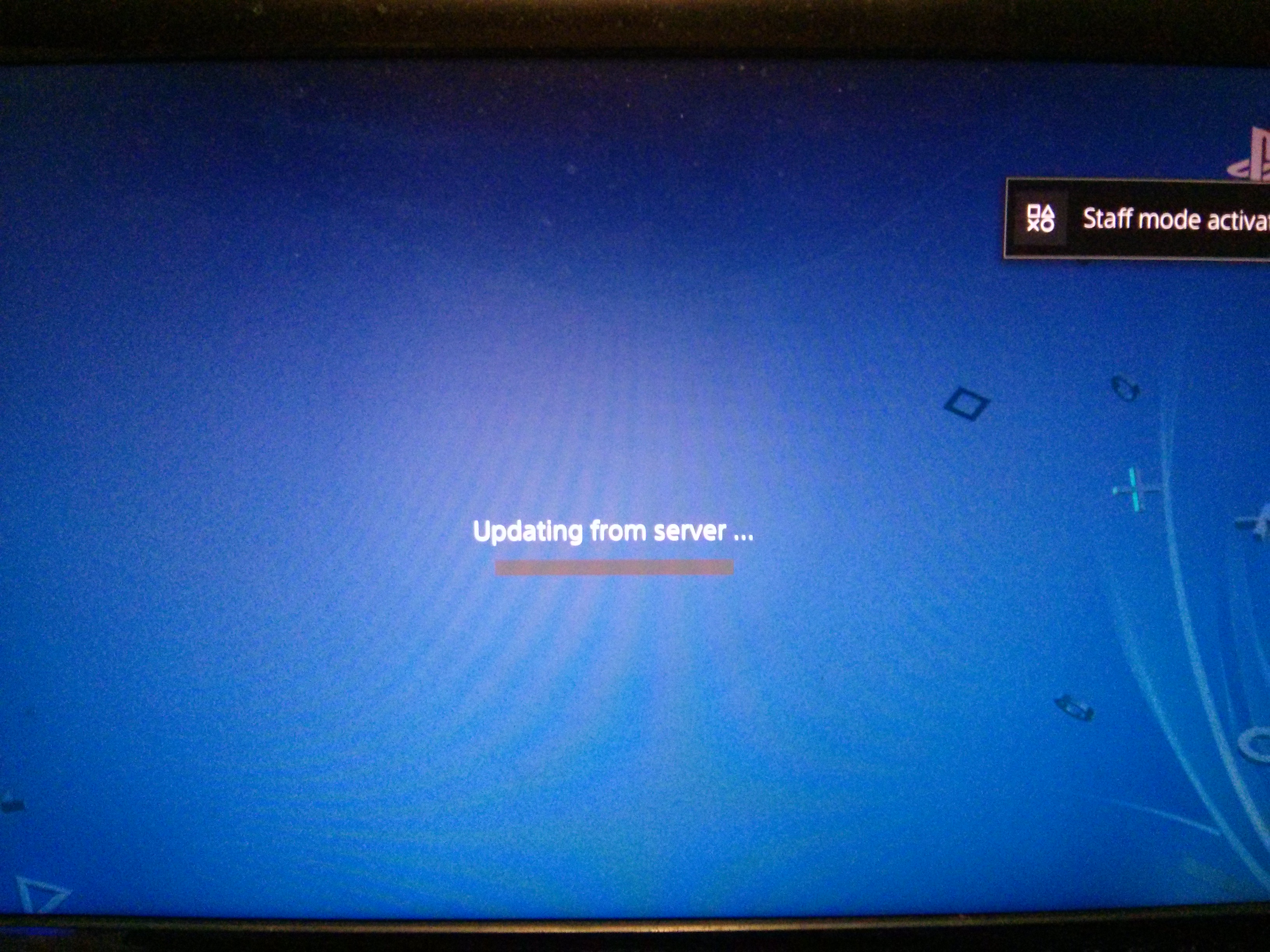
Then it stuck at "updating from server..."
MZrJ47h.jpg

4.Its looking for a server
I left it for a good 30mins like that and nothing happened, no progress at all.
Why? Its seem like the ps4 is looking for a server on my end hosted on the same network.
Two reasons. When I start the app it started sending packets to my PC (connected on same network) PC was in standby but Icon 4(PC) Icon 3(ps4) on my router both started blinking rapidity for a bit.

Also if you go to version history on the OSMK app it mentions something about admin screen?
7NQdSCk.jpg
URyE9DW.jpg

That's all I was able to get out of it. I am able to access the PS home menu but it is very limited.
Hopefully this post was able to give a bit of incite into the system. Theres not much info about the kiosk systems online.

 
Last edited by Wario32,
So i had enable this on my own playstation 4 system, i got it out of this mode and here is how i did it.

This works on only 5.05 & 6.72 Firmware !

- Unplug All Network Wires & Disconnect Your WiFi If Its Connected To It
- Turn Your System On And Let It Boot
- Now Connect A Controller
- Hold Down R1 + R2 + L1 + L2 + D-Pad Up + Option (Hold It Till You See Stuff Mode)
- Now Download PS-Phwoar__v1.4 PC Version
- Unzip The Files And Run The Server
- On The PS4 Go Into Settings > Network > Setup Internet Connection
- Now Choose Manually And Choose Auto For Everything But Choose Custom On DNS
- Now For First DNS Enter Your PC IP Address That Is Running PS-Phwoar__v1.4
- Now Finish The Wizard
- Now Connect The LAN Wire And You Should Get Internet
- Now Go To Settings
- Click On Users Guide/Helpful Info
- This Will Load The Web Browser And Install PS-Phwoar__v1.4
- Once Its Done, Load The HEN Enabler
- Now Go Back To Settings
- Go To The Bottom Of List
- Find Debug Menu
- Now Click On System > IDU > Off
- Reboot PS4
- Now The System Is Running Out Of Demo Mode
 
  • Like
Reactions: rommy667 and Leeful

Site & Scene News

Popular threads in this forum