
Hardware Others How to pair controller/bluetooth audio without connect internet, switch lite?

  • Thread starter Thread starter nico77
  • Start date Start date
  • Views Views 2,460
  • Replies Replies 8

nico77

Well-Known Member
Member
Joined
Apr 6, 2023
Messages
168
Reaction score
67
Trophies
0
Age
36
XP
271
Country
Indonesia
Hello
so i own Switch Lite
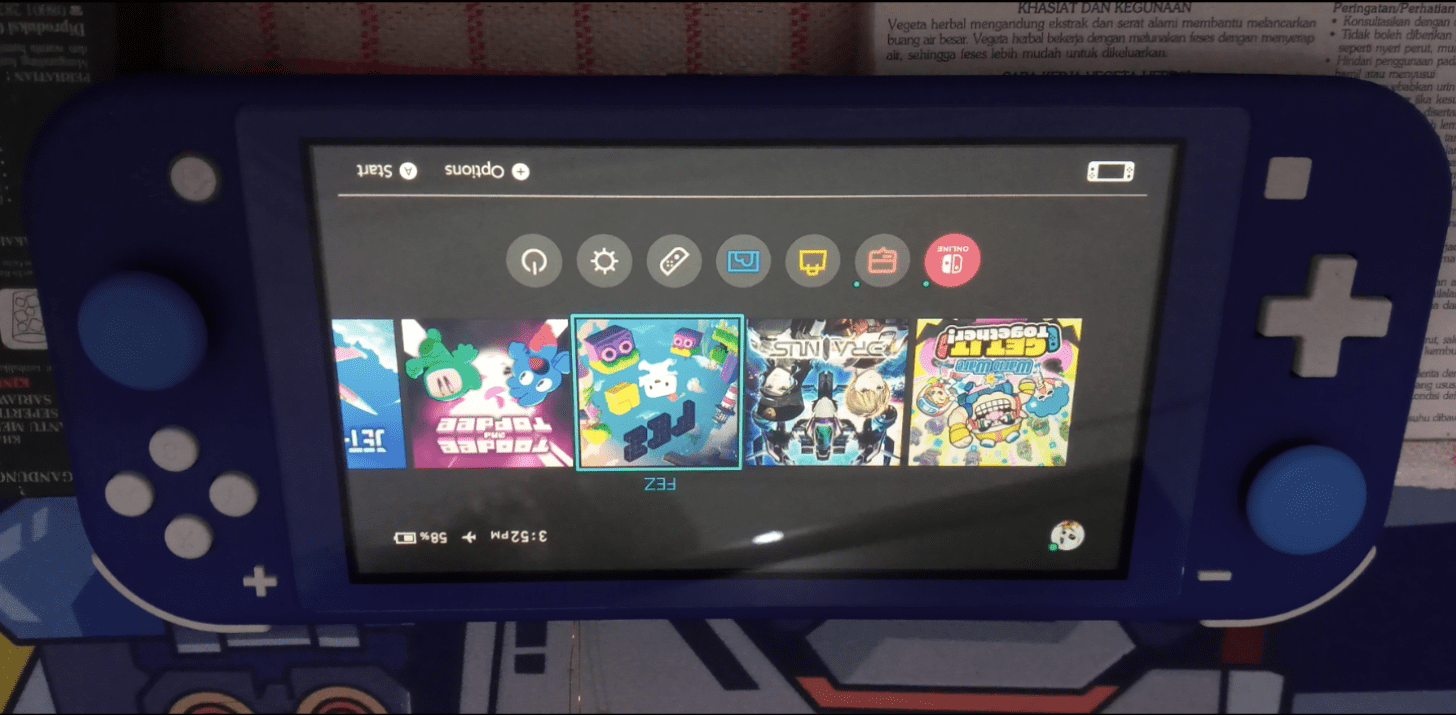
lite.png


everytime i wanna use my external controller, i need turn off airplane mode.
usually it automatic connect to my wifi network.

my problem, i dont wanna connect to wifi/network when using external controller.
or maybe also using other device like bluetooth audio.

is there homebrew or any tips to pair controller for switch lite without connect internet?
(i think when connect to internet, it drain my battery faster ?, maybe)


im using ipega controller
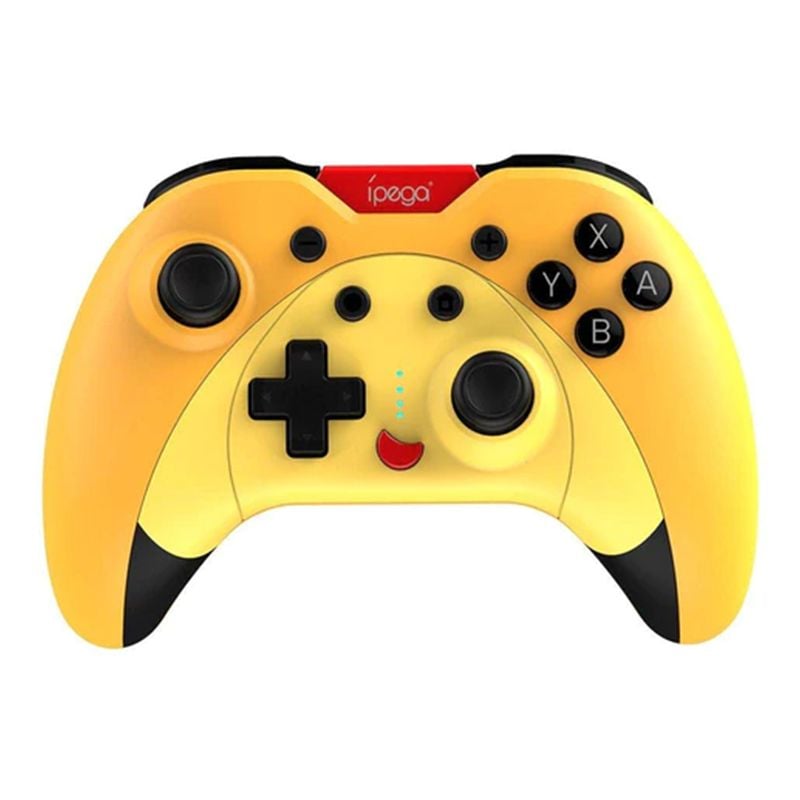
ipega pg-sw023b_-a.jpg


need help
thx:grog::bow::switch:
 
Please remove the tutorial tag. Is not a tutorial is a question. That question should be on the noob thread, you will get better answer there
 
Use the Report button, and ask a moderator to do so
ok.:blush:


btw i was hoping someone answer my question , i thought you gonna answer my question ehe:ha:

how to pair external controller without connection internet ? for switch lite:yayone::switch::discuss:
 
You know that in system settings Flight mode has 3 settings: Wi-Fi, Bluetooth and NFC? You can turn on Flight mode and turn on Bluetooth to get working bluetooth with Wi-Fi and NFC disabled.

bruh:ninja:

bruh:blink:

:wacko: how i didnt saw this menu
since i bought this switch from beginning ?

im so dumb


"decrease me there.... ":rofl2:
 
Delete used WiFi connection. This way, the Switch will not connect to the Internet. Alternatively, use homebrew mission control. I haven't had such problems with the switch yet
 
Delete used WiFi connection. This way, the Switch will not connect to the Internet. Alternatively, use homebrew mission control. I haven't had such problems with the switch yet

no need to delete the wifi history

answer from @masagrator is more simple

if you go to System Settings > Airplane Mode :
you can see theres 3 option to on/off each :
-Bluetooth (wireless controller and Bluetooth audio)
-Wi-fi
-NFC


you can set on/off em depend what you want , even both.
-Bluetooth ON
-Wi-fi OFF
-NFC OFF


or
-Bluetooth ON
-Wi-fi OFF
-NFC ON


funny i just found this option today :rofl2: :rofl2:
 
  • Haha
Reactions: jkyoho

Site & Scene News

Popular threads in this forum