Tutorial  Updated

How to edit Memory and change in-game values (NSwitchDebugger)

NSwitchDebugger tutorial
original post
The goal is to check addresses until we find the correct one with the value we want to change. we do this by starting game multiple time and with process of deduction we can find it

prerequisites

Download above file
  1. extract SDfiles to your sd card (if you already have latest hekate skip this step)
  2. extract NSwitchDebuger to sd card overwriting files
  3. enter RCM mode and select "NSDebugger"
Once in game note what items you wish to edit (coin count) then hit home
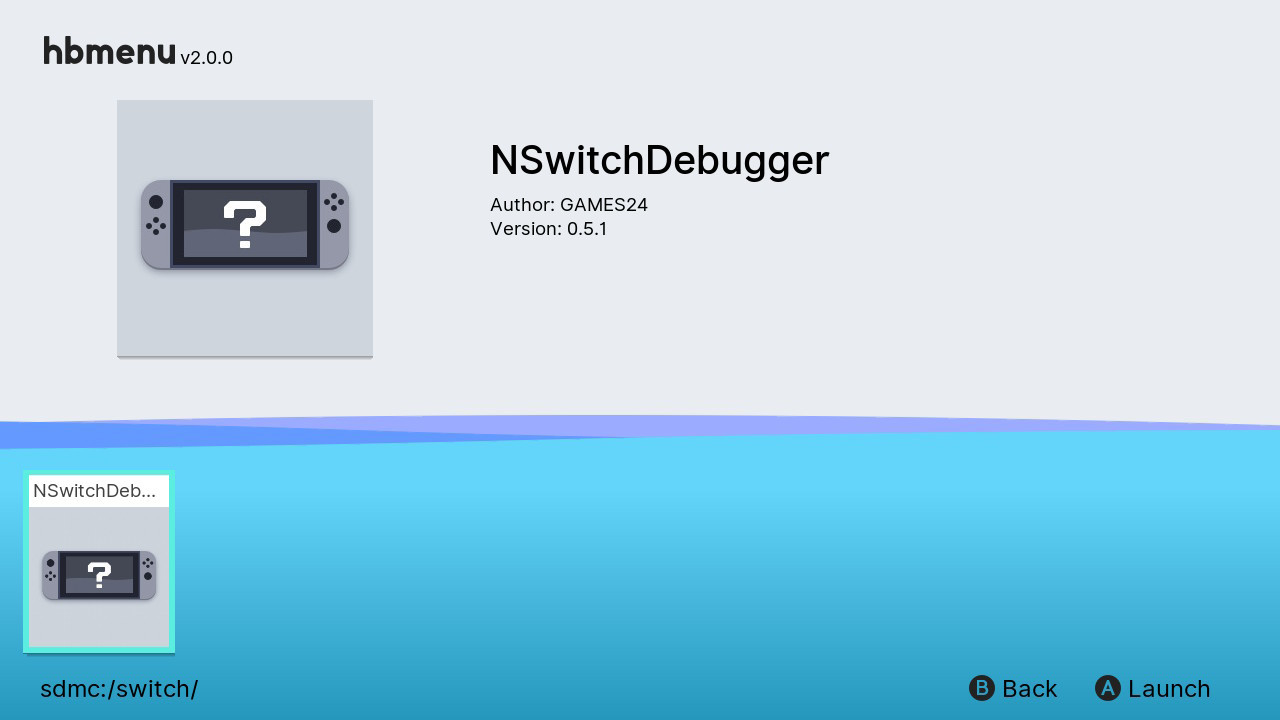
  • Start homebrew menu and run NSwitchDebugger
image.png
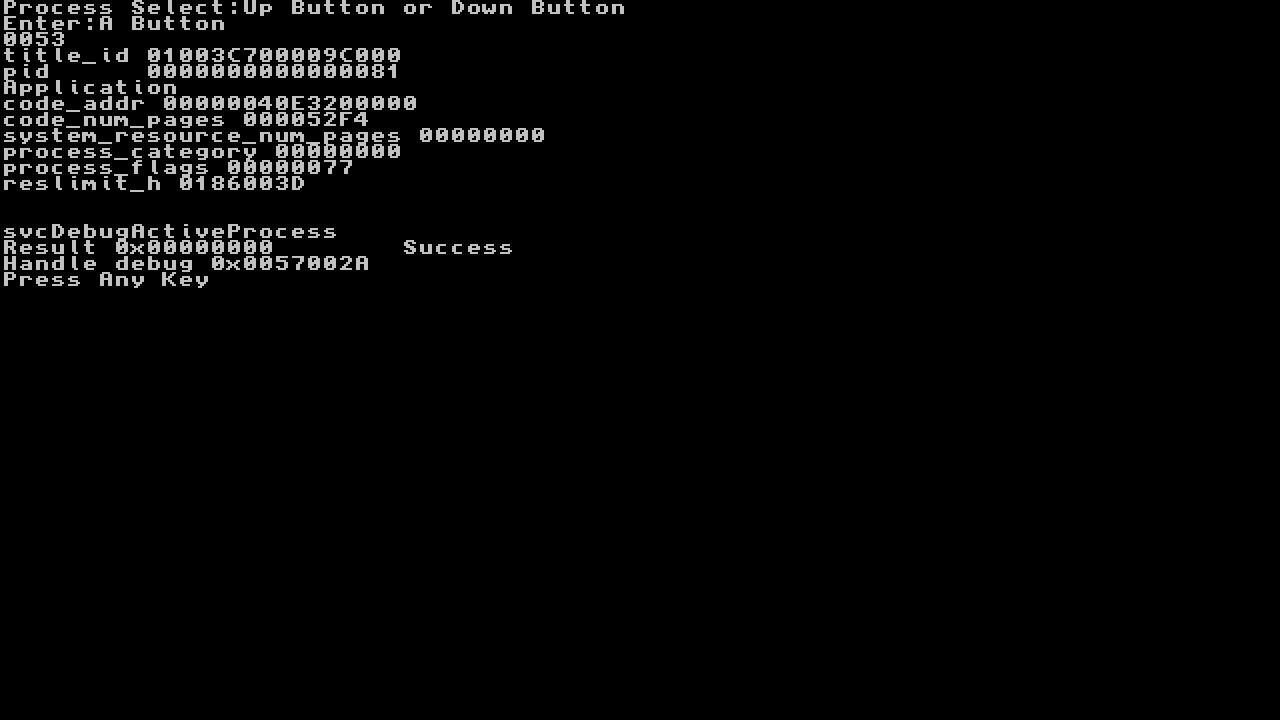
  • Now use UP and Down to select the game by title id
    • flip threw until you see Application name where it says Apllication in image
keep in mind a game may have multiple processes running you may have to try bellow a few times until you find results
  • Hit A, should show Success
image.png

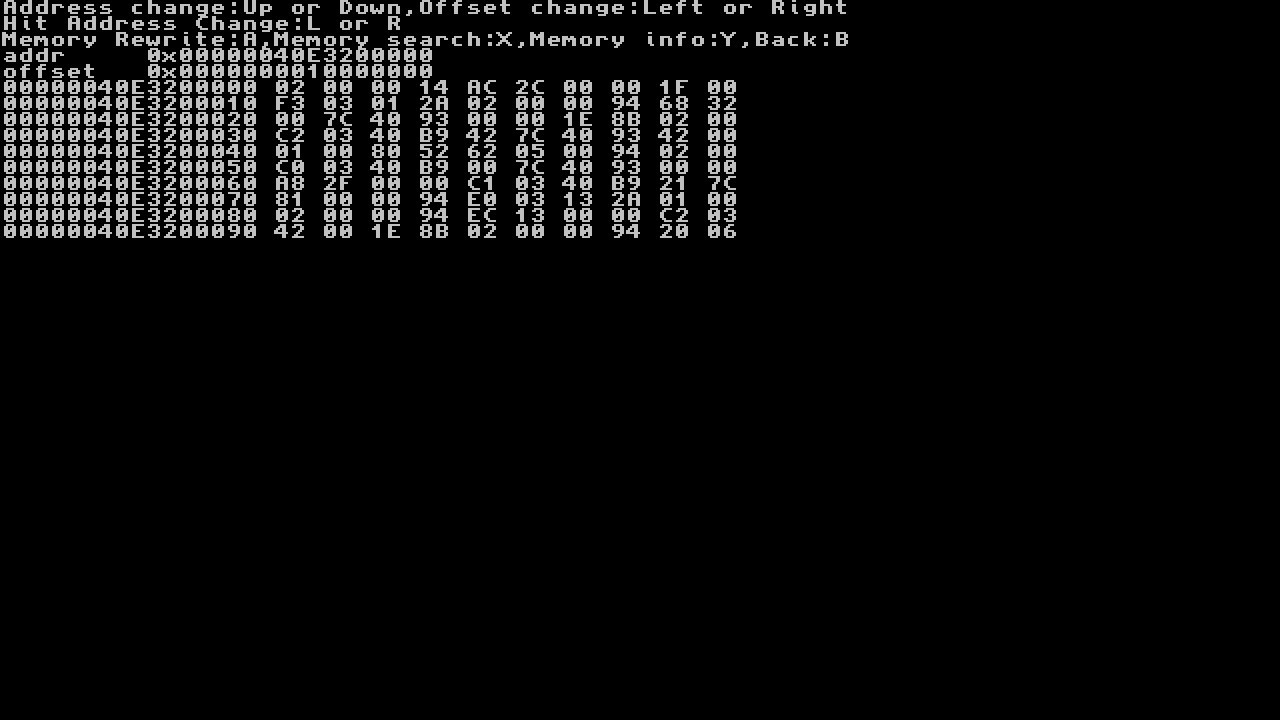
The next screen will appear
image.png
  • If you know the address this is where you would enter it...
    • Also if you see below We are our of range
Code:
XX XX XX XX XX XX XX XX XX XX
  • We dont know the address for this guide so we will need to search for our value
    • note: we now need to know how wide are the offset is lets say we are editing coins we note that coin count can go up to 9999999 so we use 8 bytes, lets say we are editing a item that can go up to 9999 so 4 bytes, 99 would be 2. we would change between them by hitting L and R
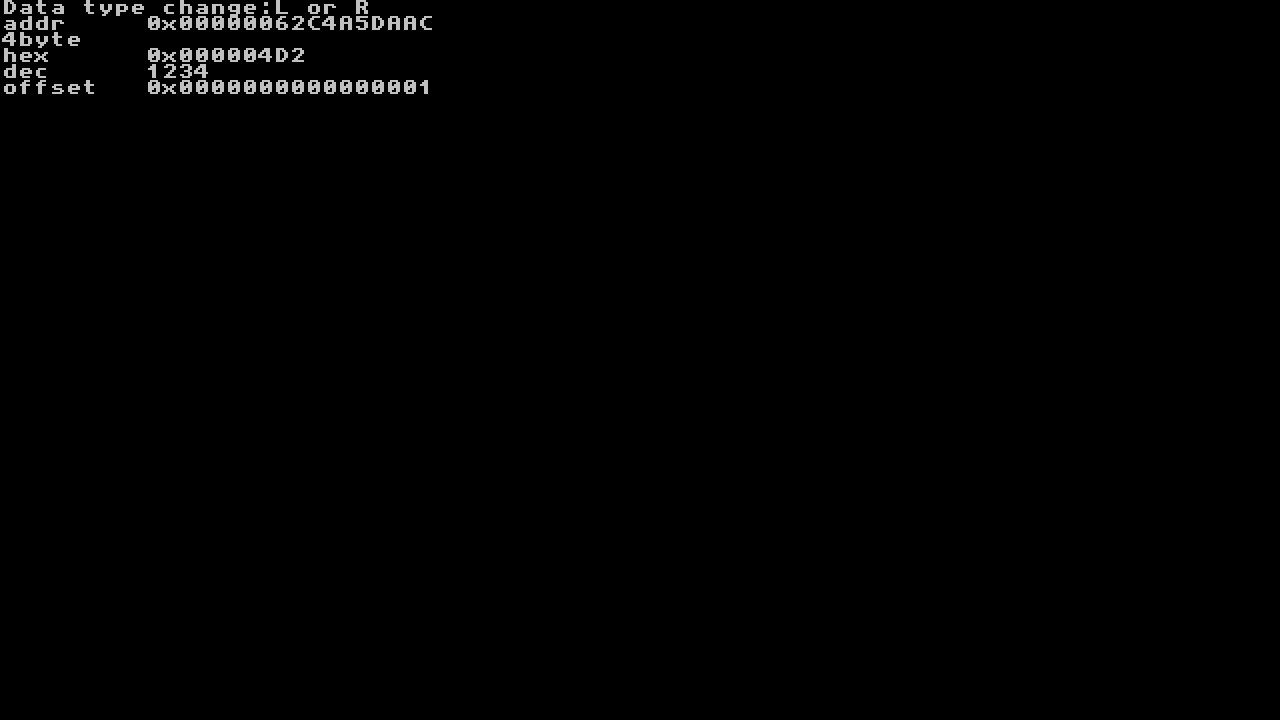
  • Hit X to search for value so lets say we are editing 1234 coins in SMO
  • use L and R to change byte size 2,4,8) use d-pad LEFT and RIGHT to move between digits and UP and DOWN to match 1234
    • it is easier to hit d-pad left a few places to change numbers to higher values instead of going from 1 to 1234
image.png
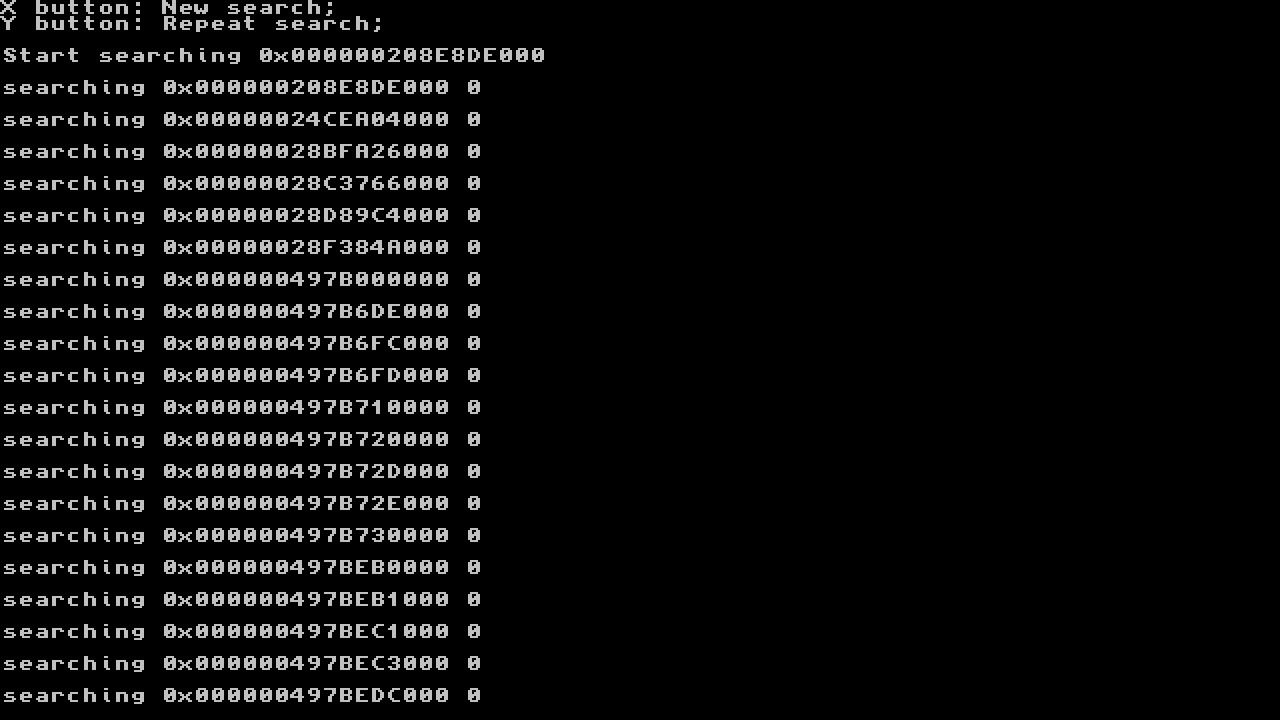
  • Now hit A to do the search
you will see below as searches through addresses
image.png
If you only found one or two offsets you do not need to exit and restart
  • After the search hit home
    • we will now spend coins and re-search the stored offsets from prior search
If you find more than one addresses you will want to open game again and spend a couple coins re-search with Y.
  • Restart nswitchdebugger repeat above but hit Y instead of X to repeat search
    • this should narrow search down to a couple or one hit
  • If you still getting many hits open game up again and spend more coins and re-search again with Y
When your search is done and narrowed down it will take you to first found address hit (hit L and R to change addresses if multiple hits). Now we can do our edit
(I was only looking for number 1 for this screenshot to write this guide, assume I spent 1233 coins)
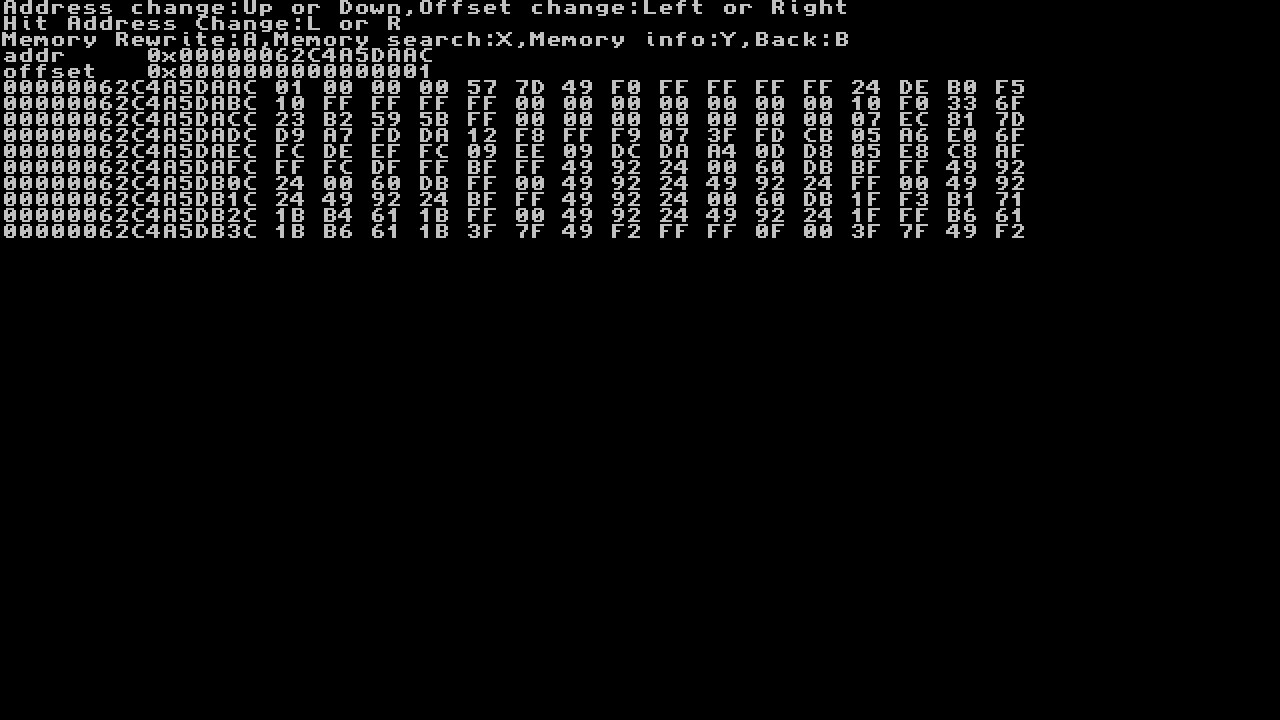
image.png
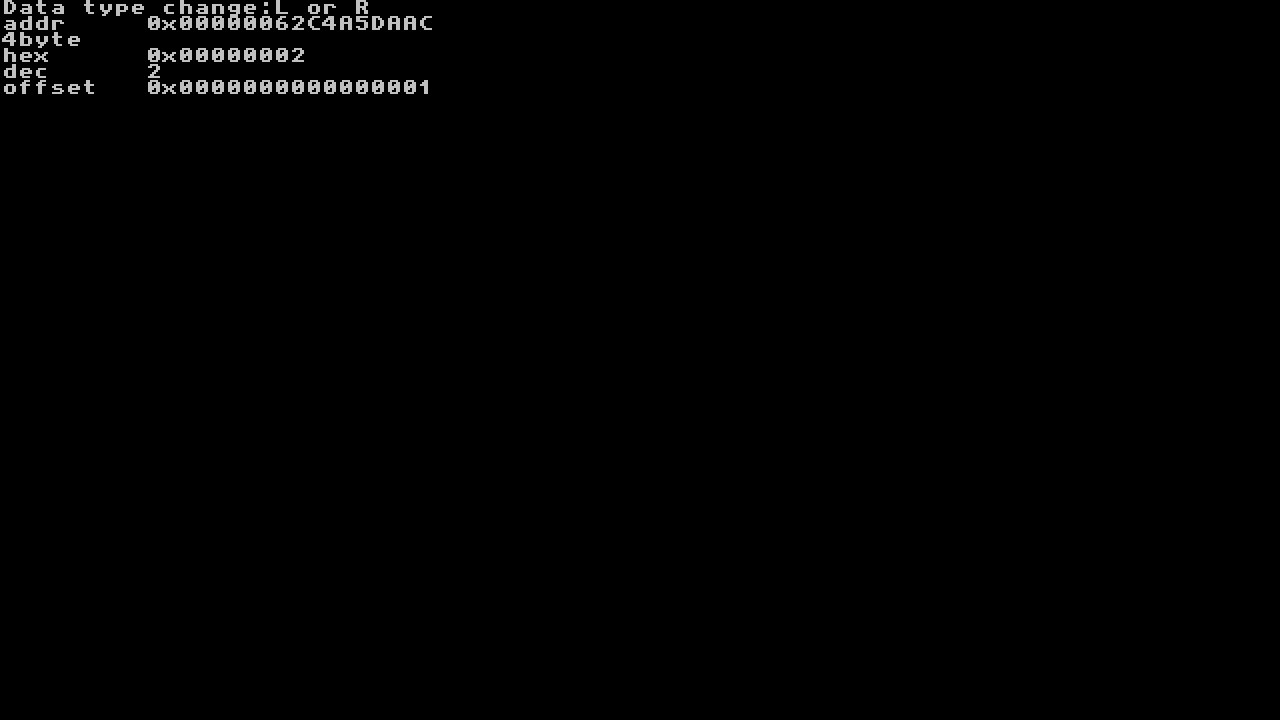
  • The following is now where we do our value changing
    • note: write down the address listed as you will use it in future to do this mod without doing the whole searching method
  • We will now press A to change 4D2 to 5F5E0FF (again for guide i did 1 to 2)
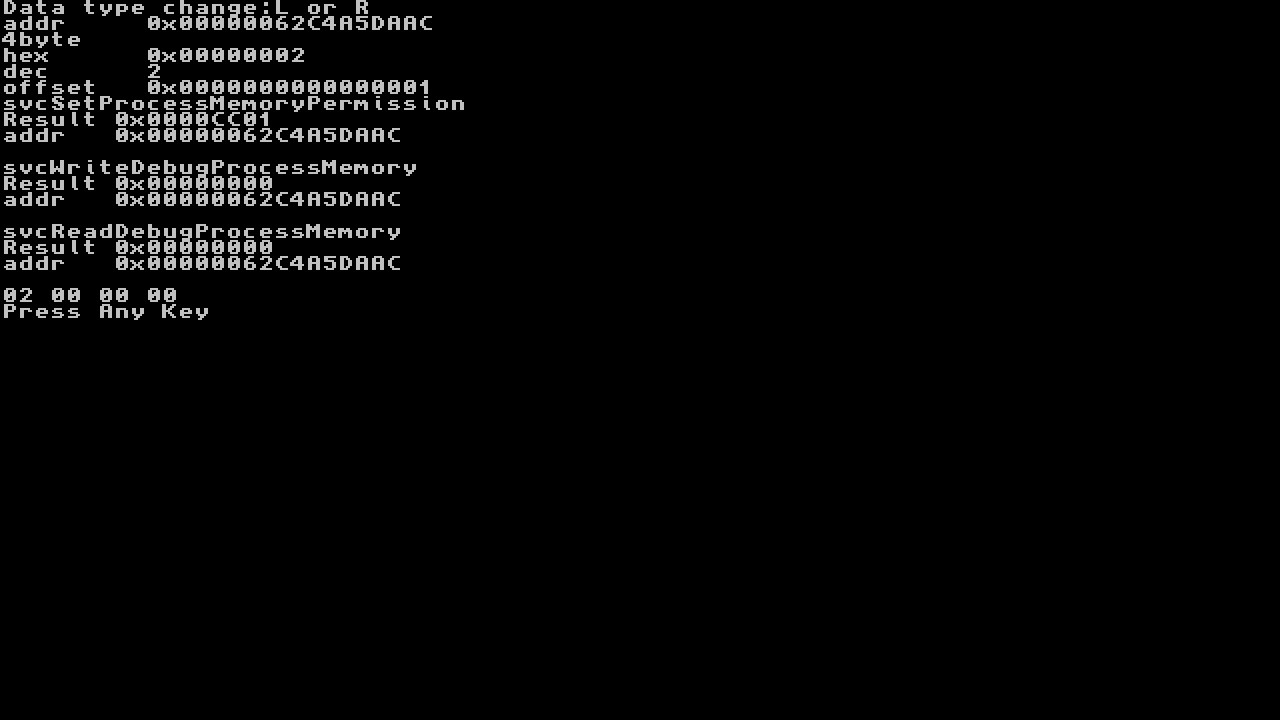
we will now see bellow
image.png
  • press up or down to change number left or right to change column
    • note: we can also change byte size here but keep in mind this could break game if writing back a too large value
image.png
rinse and repeat until you see your coins in-game change, continue the same for other values to get the result's desired

Here is a Video Tutorial


Congratulations you have now patched memory, Enjoy!:grog:
 

Attachments

  • 2018062719292500-DB1426D1DFD034027CECDE9C2DD914B8.jpg
    2018062719292500-DB1426D1DFD034027CECDE9C2DD914B8.jpg
    44.6 KB · Views: 990
  • 2018062719294000-DB1426D1DFD034027CECDE9C2DD914B8.jpg
    2018062719294000-DB1426D1DFD034027CECDE9C2DD914B8.jpg
    49.7 KB · Views: 786
  • 2018062719295000-DB1426D1DFD034027CECDE9C2DD914B8.jpg
    2018062719295000-DB1426D1DFD034027CECDE9C2DD914B8.jpg
    78 KB · Views: 774
  • 1234.jpg
    1234.jpg
    24.7 KB · Views: 770
  • searching.jpg
    searching.jpg
    109.1 KB · Views: 742
  • address_after_found.jpg
    address_after_found.jpg
    102.3 KB · Views: 740
  • changing_value.jpg
    changing_value.jpg
    24.4 KB · Views: 746
  • seccessful_changed.jpg
    seccessful_changed.jpg
    57.4 KB · Views: 809
Last edited by Type_O_Dev,
save data is store in system not on SD card
but, you should always backup your save before using cheats or do any modifications to the game if you value your save

trying it right now but got "FIRMWARE FAILED TO LAUNCH" when select NSDebugger launch option
using latest tomger sdfiles and ofcourse latest hekate payload
any clue? please help
 
check NSwitchDebugger path is correct or not
nevermind,

here is the working one

Code:
{-- NSwitchDebugger --}
[NSDebugger]
kip1=modules/newfirm/*
kip1patch=nosigchk
atmosphere=1
debugmode=1
fullsvcperm=1
[NSDebugger_kip]
kip1=modules/nsdebugger/loader.kip
kip1=modules/nsdebugger/nsdebugger.kip
kip1=modules/newfirm/sm.kip
kip1patch=nosigchk
atmosphere=1
debugmode=1
fullsvcperm=1
[NSDebugger_fs_mitm_kip]
kip1=modules/nsdebugger/loader.kip
kip1=modules/nsdebugger/nsdebugger.kip
kip1=modules/newfirm/sm.kip
kip1=modules/newfirm/fs_mitm.kip
kip1patch=nosigchk
atmosphere=1
debugmode=1
fullsvcperm=1
{ }
 
Okay, so here is my dilemma. I am currently using ReinX 1.7. If I try to use NSDebugger 0.5.8or9 it crashes after a minute or so of being open. Not sure if this is a ReinX bug because Ive seen this happen before using other homebrews and keeping the window open to long. Problem is I tried running this as the tutorial suggested but cant launch any of my installed games. Can someone tell me why this is happening and if there is a fix without having to reinstall a game on the new boot?

One other thing I noted: When I reload everything even a new game, it shows 1 cheat on the menu? (Which is basically the last search I tried, shows the exact file and everything.) Doing a new search to see if anything changes.
 
Last edited by DementedAI,
Okay, so here is my dilemma. I am currently using ReinX 1.7. If I try to use NSDebugger 0.5.8or9 it crashes after a minute or so of being open. Not sure if this is a ReinX bug because Ive seen this happen before using other homebrews and keeping the window open to long. Problem is I tried running this as the tutorial suggested but cant launch any of my installed games. Can someone tell me why this is happening and if there is a fix without having to reinstall a game on the new boot?

One other thing I noted: When I reload everything even a new game, it shows 1 cheat on the menu? (Which is basically the last search I tried, shows the exact file and everything.) Doing a new search to see if anything changes.
Check you working hekate_ipl.ini, add the info from previous post manually, try different options under {-- NSwitchDebugger --} I am not around my switch rn but you may need to add sig patch or something to the {-- NSwitchDebugger --} section. check your original and and compare what it is with that section chances are something is missing.
 
Okay, so here is my dilemma. I am currently using ReinX 1.7. If I try to use NSDebugger 0.5.8or9 it crashes after a minute or so of being open. Not sure if this is a ReinX bug because Ive seen this happen before using other homebrews and keeping the window open to long. Problem is I tried running this as the tutorial suggested but cant launch any of my installed games. Can someone tell me why this is happening and if there is a fix without having to reinstall a game on the new boot?

One other thing I noted: When I reload everything even a new game, it shows 1 cheat on the menu? (Which is basically the last search I tried, shows the exact file and everything.) Doing a new search to see if anything changes.
you have to use NSwitchDebugger in undocked mode to avoid crash with error code 2345-0021
 
  • Like
Reactions: DementedAI
Why is my switch freezing when load nswitchdebugger with edited config file like what's posted here on 6.0
 
Why is my switch freezing when load nswitchdebugger with edited config file like what's posted here on 6.0
try
[NSDebugger]
kip1=modules/newfirm/loader.kip
kip1=modules/newfirm/sm.kip
kip1=modules/newfirm/fs_mitm.kip
kip1patch=nosigchk
atmosphere=1
debugmode=1
fullsvcperm=1
 
  • Like
Reactions: Type_O_Dev
try
[NSDebugger]
kip1=modules/newfirm/loader.kip
kip1=modules/newfirm/sm.kip
kip1=modules/newfirm/fs_mitm.kip
kip1patch=nosigchk
atmosphere=1
debugmode=1
fullsvcperm=1

Still freezing on nintendo logo i give up shouldn't of updated to 6.0
 
so, i start to know how to use this app, some games works fine.
today i tried the messenger, tried to edit the coins but it's not working.
update 5.1, reiNX.

there is PC version but the save file looks very strange, it's not the same.
 
so, i start to know how to use this app, some games works fine.
today i tried the messenger, tried to edit the coins but it's not working.
update 5.1, reiNX.

there is PC version but the save file looks very strange, it's not the same.
maybe try follow this guide
 
maybe try follow this guide

hmmm, i tried this but it doesn't change any thing
i always get 1 result in the second search.
i don't have NSDebugger_kip files
only loader.kip and sm.kip

--------------------- MERGED ---------------------------

nevermind,

here is the working one

Code:
{-- NSwitchDebugger --}
[NSDebugger]
kip1=modules/newfirm/*
kip1patch=nosigchk
atmosphere=1
debugmode=1
fullsvcperm=1
[NSDebugger_kip]
kip1=modules/nsdebugger/loader.kip
kip1=modules/nsdebugger/nsdebugger.kip
kip1=modules/newfirm/sm.kip
kip1patch=nosigchk
atmosphere=1
debugmode=1
fullsvcperm=1
[NSDebugger_fs_mitm_kip]
kip1=modules/nsdebugger/loader.kip
kip1=modules/nsdebugger/nsdebugger.kip
kip1=modules/newfirm/sm.kip
kip1=modules/newfirm/fs_mitm.kip
kip1patch=nosigchk
atmosphere=1
debugmode=1
fullsvcperm=1
{ }
where i find the config file?
 
hmmm, i tried this but it doesn't change any thing
i always get 1 result in the second search.
i don't have NSDebugger_kip files
only loader.kip and sm.kip
some games you need to change value in game to see the changes, did you pick up more $$ after edit?
 

Site & Scene News

Popular threads in this forum