


- Joined
- May 5, 2014
- Messages
- 82
- Reaction score
- 39
- Trophies
- 0
- Age
- 33
- Location
- Belfast, Northern Ireland
- XP
- 140
- Country

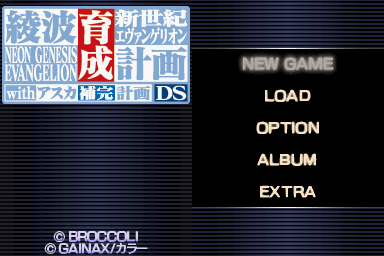
The sound doesn't work clearly using Desume for Ayanami Raising Project, it always sounds botchy but it works fine using No$gba. The only problem there is the screen color is off, I want to make it look like how it was in Desume. Can you guys help me out here, I have tried all sorts of filters but am really unsure what to do.
Desume left, right no$gba. Notice the fading colors, I want to fix this.


I tried every setting possible using Desume to make it sound right but it never worked properly, maybe it's the games compatibility with Desume.
Desume left, right no$gba. Notice the fading colors, I want to fix this.

I tried every setting possible using Desume to make it sound right but it never worked properly, maybe it's the games compatibility with Desume.






