
Emutastic — An OpenEmu-Inspired Multi-System Emulator Frontend for Windows

  • Thread starter Thread starter Raistlin
  • Start date Start date
  • Views Views 626
  • Replies Replies 3
  • Likes Likes 1

Raistlin

Member
Newcomer
Joined
Apr 7, 2015
Messages
9
Reaction score
3
Trophies
1
XP
141
Country
United States
Emutastic is a free, open-source emulator frontend for Windows — think OpenEmu, but for PC. It uses libretro cores under the hood and wraps everything in a clean, modern UI. I haven't done any testing at all on Windows 10 or with AMD GPU's. I've also been the only one testing this so far so I wouldn't be surprised to see some bugs I haven't encountered.

Supported Systems
NES, SNES, N64, GameCube, Game Boy, GBA, DS, 3DS, Genesis, Sega CD, Saturn, Dreamcast, PS1, PSP, Atari 2600, Atari 7800,
Atari Lynx, Neo Geo Pocket, WonderSwan, Vectrex, Virtual Boy, TurboGrafx-16, MSX, Arcade, and more.

Features
- Automatic game library with box art and metadata
- Per-game save states and saves
- Video recording for both 2D and 3D games — no extra software needed
- Shader support
- RetroAchievements integration
- Theme support with a visual theme editor
- Controller support with per-system mappings
- Automatic BIOS detection
- CHD and compressed archive support
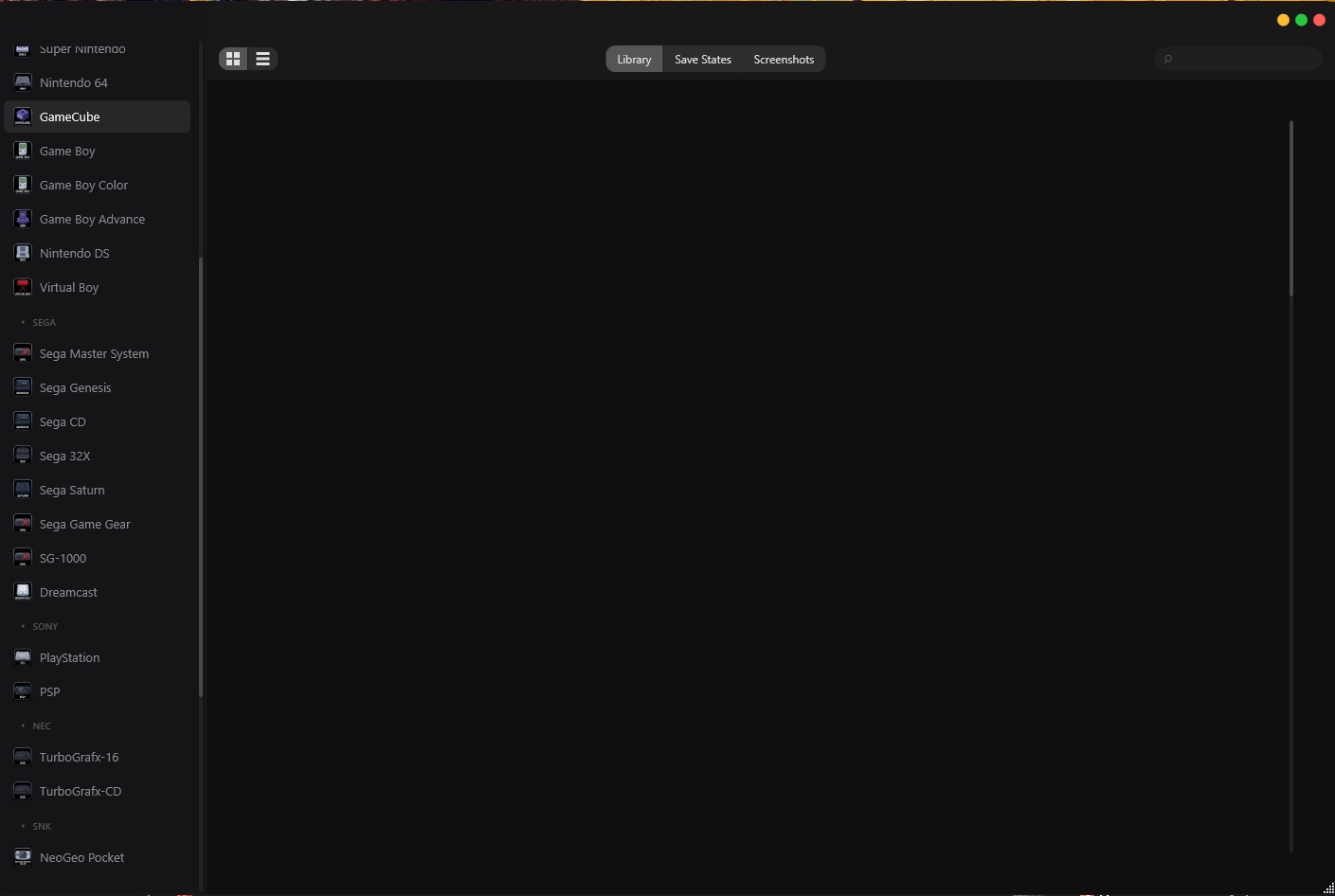
screenshot.jpg


Built with WPF/.NET 8. The source and releases are on GitHub:
https://github.com/codingncaffeine/Emutastic

Feedback and bug reports welcome — this is still early days but it's fully usable as a daily driver. Happy to answer any
questions.
 
  • Like
Reactions: Flame
is it like retroarch does it download the emus or do you have to provide them your own? any plans for an android release?
To keep the build smaller I didn't include the cores. You can go into preferences and download the ones you want or download them all at once. Since WPF is Windows only unfortunately it wouldn't port to Android but I appreciate you asking. Perhaps that should be my next platform.
 
I thought I might send up another post here to talk about some of the features I've added to Emutastic since it's been over a month already and I'm on v1.7.6.

This isn't a comprehensive list, but rather just some updates that stand out to me:

  • Per-game notes — Keep notes on any game (passwords, where you left off, strategies) in a built-in editor with line numbers, find, and word-wrap/monospace toggles. Open notes from the library right-click menu, a game's detail card, or the in-game overlay. Notes autosave as you type and sync across PCs through your cloud backup.

  • Game manuals — Download original game manuals and read them in a built-in PDF viewer with zoom, search, and page thumbnails. The viewer reopens on your last-read page and zoom, and can be pulled up in-game from the overlay without closing your game. Manuals come from ScreenScraper and require a ScreenScraper login.

  • Apply ROM hacks — Patch a game with an IPS, BPS, or UPS ROM hack right from the library (right-click a game → Apply ROM Hack). The patched game becomes its own library entry with its own saves, while your original ROM stays untouched — no second copy needed. Supported on cartridge systems including SNES, GBA, Game Boy / Game Boy Color, NES, Genesis, and Nintendo 64. BPS and UPS patches are checked against your ROM, so a wrong or mismatched copy is caught before it loads.

  • GitHub cloud save sync — Sync battery saves (.srm), your library database and notes across PCs using your GitHub account. Sign in with one click in Preferences → Backups, and a private emutastic-saves repo is created automatically. Battery saves upload on game close and download on game launch — only newer files transfer. Full bidirectional sync available via "Sync Now." Optional AES-256-GCM encryption with a user-chosen passphrase. Your saves repo is visible at github.com — share it with friends for unencrypted save trading, or keep it encrypted and private.

  • Geolith Core Support with RetroAchievements working (The only frontend that does this right now that I know of)

  • Anyone that you already follow on RetroAchievements will be added to your friends list when you login creating an easier way for you to compare progress and scores

More screenshots etc can be found here: https://www.emutastic.com/emutasticapp.html
 

Site & Scene News

Popular threads in this forum
