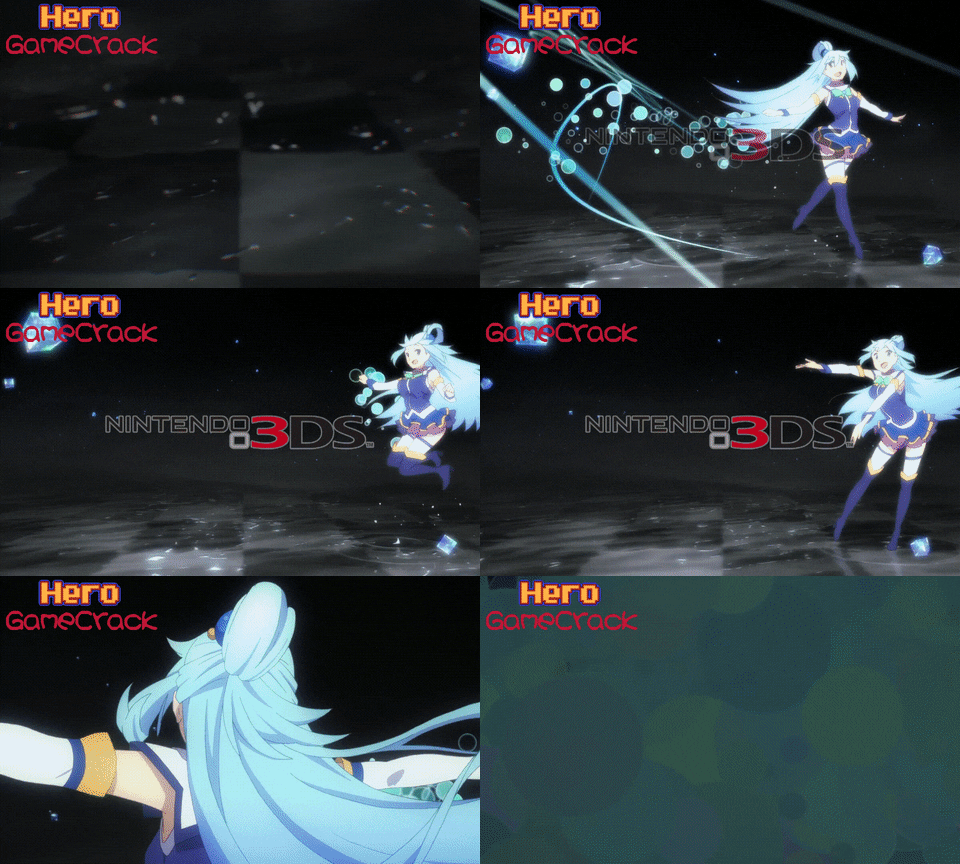
Homebrew [A9LH]BootAnim9 Animations Thread!

  • Thread starter Thread starter s0r00t
  • Start date Start date
  • Views Views 263,476
  • Replies Replies 661
  • Likes Likes 28
Sure, Ill post it in a bit.

==EDIT==

Lone_LumaSpark:

8YqOlpC.gif


https://mega.nz/#!w0YSTTAa!JeT-jKYM0bAz80dnWCcYvffOZi0vwwZzU7ygwIHFXcI

==EDIT==
Also adding @Docmudkipz

Cool, I've just replaced my old animation with this, it's look great! Thanks!
 
  • Like
Reactions: Pecrow
Anyone able to be a total boss and edit the lenght of this one to do the whole animation in 1 second? It's a really nice load animation, but it's really long. Speeding it up would make it amazing.
9qydRqm.gif
[
 
Last edited by Krystal_Lavander,
  • Like
Reactions: memomo
Hey guys so I made some animations for me so I will share to you all my animations (I'll make more) i did for now just one "normal" animation and a lot of nsfw animations enjoy them :D oh and if somebody could give me the ban9comp.exe could be helpfull to compress the animations.

Fullmetal Alchemist
Hp9mvcw.gif

Highschool DxD (7 animations)
0Ad3vay.gif

 
  • Like
Reactions: driverdis
I am having a problem with them running smoothly the are kinda slow or ever jittery
Docmudkipz said:
Both the Doom one and the Konosuba one were actually pre-rendered by myself through Premiere as mp4s at 30fps before I sent them through the script at 30fps. A large majority of the stuff in the OP is laggy seemingly is because a while back the calibration was absolute dogshit and its since been fixed. However, back then the only way to get the animations to run full speed was to halve the framerate when it was sent through the script. So the old smash opening one I had done was actually running at 15 fps.
I'll take a look at the instructions since they might be telling people to halve the framerate still, which would also explain the lag.

Thanks, you reminded me to update the intructions
 
  • Like
Reactions: Wolfvak
  • Like
Reactions: Framedspider
Last edited by Farowe,
  • Like
Reactions: dmc310 and dubyadud
Can you do one without the gateway piece? But rearrange so it looks good? I would do it myself but im not sure what to use or how to do it.
 
All right, here i bring four configurations of the previous animation i posted:


(included in every configuration)
twPX0Cw.gif

1-
xPA9Wuf.gif

2-
3IYyYNN.gif

3-
RnbhyyG.gif

4-
fuSWEKo.gif

Download links:

1- https://mega.nz/#!DgtEDBqI!mbzIUiPpyUYj9uPzTpmZJXTcYtlP8w_J-0Ov8htInY8
2- https://mega.nz/#!WgcBkB6J!A4eozluWbV6JO_3-35OxM91ZmiGEi50ISeR6tPWov2M
3- https://mega.nz/#!bw8ShC6a!l-s1dVkduYBxFagRxWrb43KJ4OlxZageIb1VKnSAEfc
4- https://mega.nz/#!ysNjVRST!SwrUkReWX0z_9FOYdlsHFvwIH_c-C7Fkc2wOHMw-Ntk
 
Last edited by Farowe,
  • Like
Reactions: dubyadud
it is so slow , i think it can be better to boot a9 and play anim in the same time , but not occupy my boot time.
 
it is so slow , i think it can be better to boot a9 and play anim in the same time , but not occupy my boot time.
The system can NOT boot while the animation is running. So either deal with the longer time or don't use it.

 

Site & Scene News

Popular threads in this forum