

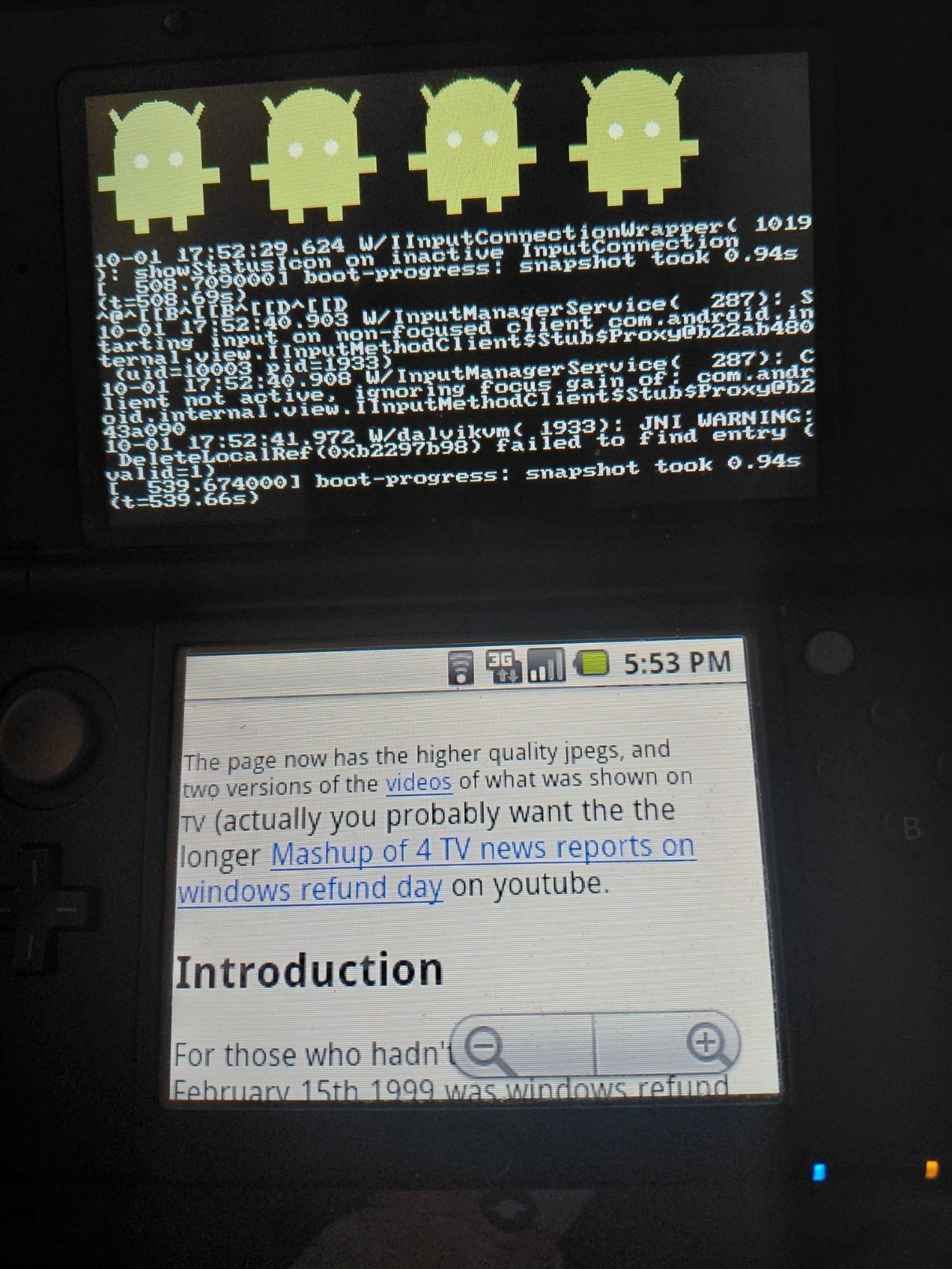
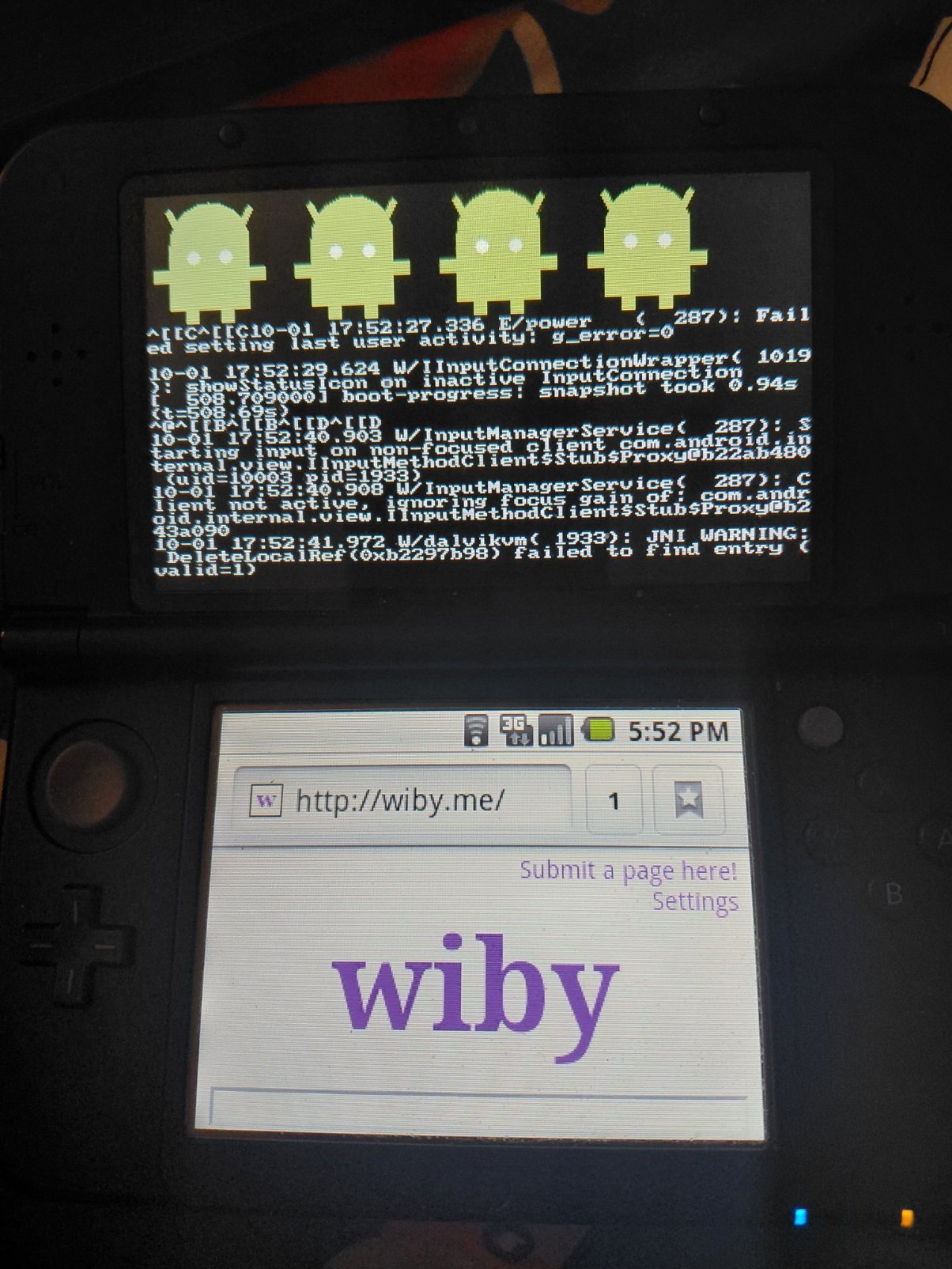
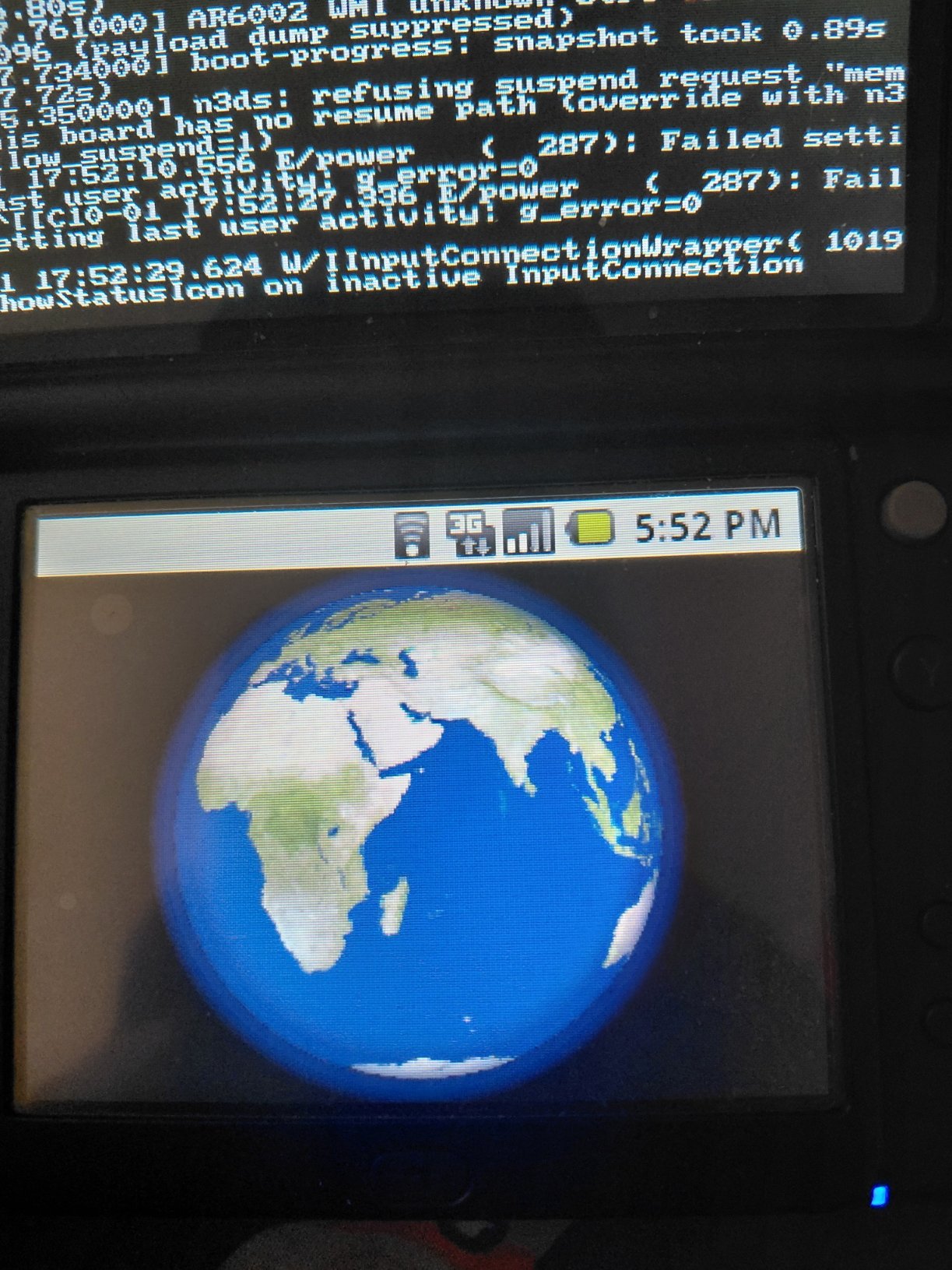
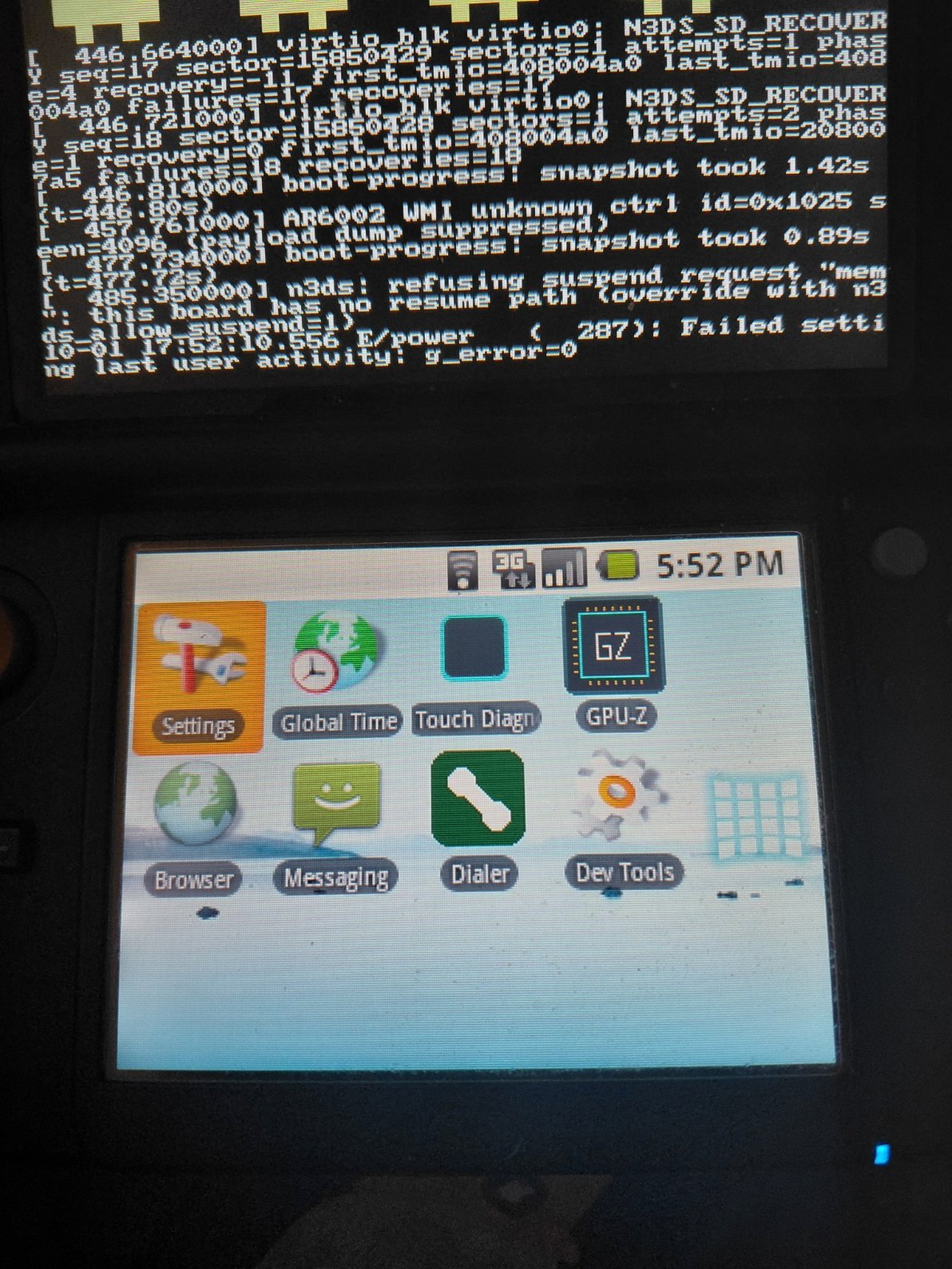
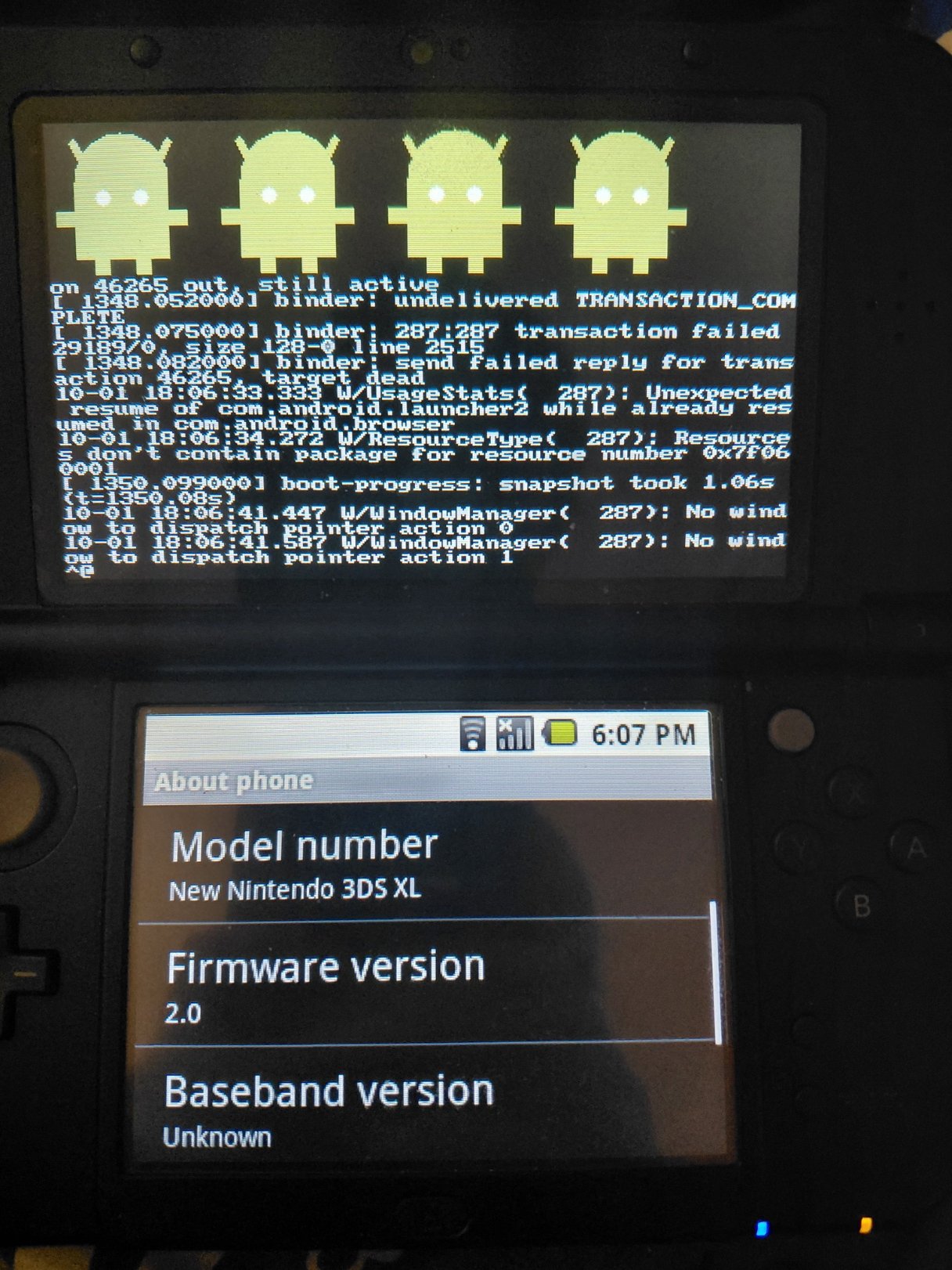
Hi all, I've been working on this project under wraps for a couple of months with a few select testers who are friends of mine. I think I'm safe to release it now. Introducing Android3DS, which is Android 2.0 Eclair running bare-metal based on the prior work of linux-3ds and it can run on both Old and New models. I've done all personal testing on my New Nintendo 3DS XL however, I have friends who tested it on Old and whilst Old does perform worse, for obvious reasons, it is usable to a point. Below are some photos (including calling and texting, which works based off of my own infrastructure which I developed and put in-place into the stock AOSP apps. You can only call and text other 3DS's and even computers which I implemented rather recently: https://3dstelco.divergen.io
Everything you need to know is in the GitHub Repo: https://github.com/Octoblimp/Android-Eclair-3DS There is a pre-compiled Alpha 1 build if you go into the releases page: https://github.com/Octoblimp/Android-Eclair-3DS/releases
Not much for me to say other than, this is in Alpha, its a heavy WIP. A lot is done, but a lot still needs work, such as supporting the gyroscope etc.
Controls: Circle Pad lets you scroll down etc. D-PAD is alternative to touch screen. Press and hold START for 3 seconds for emergency shutoff (ONLY USE IF SOFT POWER OFF DOES NOT WORK). Press and hold SELECT for roughly 3-5 seconds for soft poweroff (see bottom screen when done). Press START once on say, Browser, for additional options like to open new tabs.
I hope you all like it, I worked hard on it and I plan to improve it over time. Would love feedback and to report bugs (many have already been found and fixed over time). Occasionally, WiFi and whatnot can take a while to come on, or doesn't come on or work at all, its sporadic when it happens but turning it off and on does usually fix it. All Android3DS installs do produce logs but if you do want to send those logs, censor them because if you're on WiFi for example, you're not gonna have a fun time because it will dox that.
If you're unable to get WiFi working via Android, you can also setup WiFi separately using a wpa_supplicant.conf template that's bundled with the OS. You put that file under sdmc:/linux/android/persistent/shared. There's also a similar file for mobile registration. Wireless ADB was backported from Android 11 due to the lack of a USB port, so you can do ADB over WiFi and its a custom setting in the settings app, and also, its pre-rooted so you have root from the get-go.
Let me know of any questions and have fun! (Also, there's a little easter egg not normally included on Eclair if you tap the firmware version three times )
)
Everything you need to know is in the GitHub Repo: https://github.com/Octoblimp/Android-Eclair-3DS There is a pre-compiled Alpha 1 build if you go into the releases page: https://github.com/Octoblimp/Android-Eclair-3DS/releases
Not much for me to say other than, this is in Alpha, its a heavy WIP. A lot is done, but a lot still needs work, such as supporting the gyroscope etc.
Claude was used to help make this project possible. I do not know how to code in C++ or Java and I am being blatantly honest about it. Also, this work was not put into any GH repo until a little while ago, so that's why the commits are low. I did all testing myself however, and I worked for months on this, this is not slop, this is something I was passionate about and tried and I believe so far I've succeeded.
Controls: Circle Pad lets you scroll down etc. D-PAD is alternative to touch screen. Press and hold START for 3 seconds for emergency shutoff (ONLY USE IF SOFT POWER OFF DOES NOT WORK). Press and hold SELECT for roughly 3-5 seconds for soft poweroff (see bottom screen when done). Press START once on say, Browser, for additional options like to open new tabs.
I hope you all like it, I worked hard on it and I plan to improve it over time. Would love feedback and to report bugs (many have already been found and fixed over time). Occasionally, WiFi and whatnot can take a while to come on, or doesn't come on or work at all, its sporadic when it happens but turning it off and on does usually fix it. All Android3DS installs do produce logs but if you do want to send those logs, censor them because if you're on WiFi for example, you're not gonna have a fun time because it will dox that.
If you're unable to get WiFi working via Android, you can also setup WiFi separately using a wpa_supplicant.conf template that's bundled with the OS. You put that file under sdmc:/linux/android/persistent/shared. There's also a similar file for mobile registration. Wireless ADB was backported from Android 11 due to the lack of a USB port, so you can do ADB over WiFi and its a custom setting in the settings app, and also, its pre-rooted so you have root from the get-go.
Let me know of any questions and have fun! (Also, there's a little easter egg not normally included on Eclair if you tap the firmware version three times
)
Last edited by Octoblimp,