



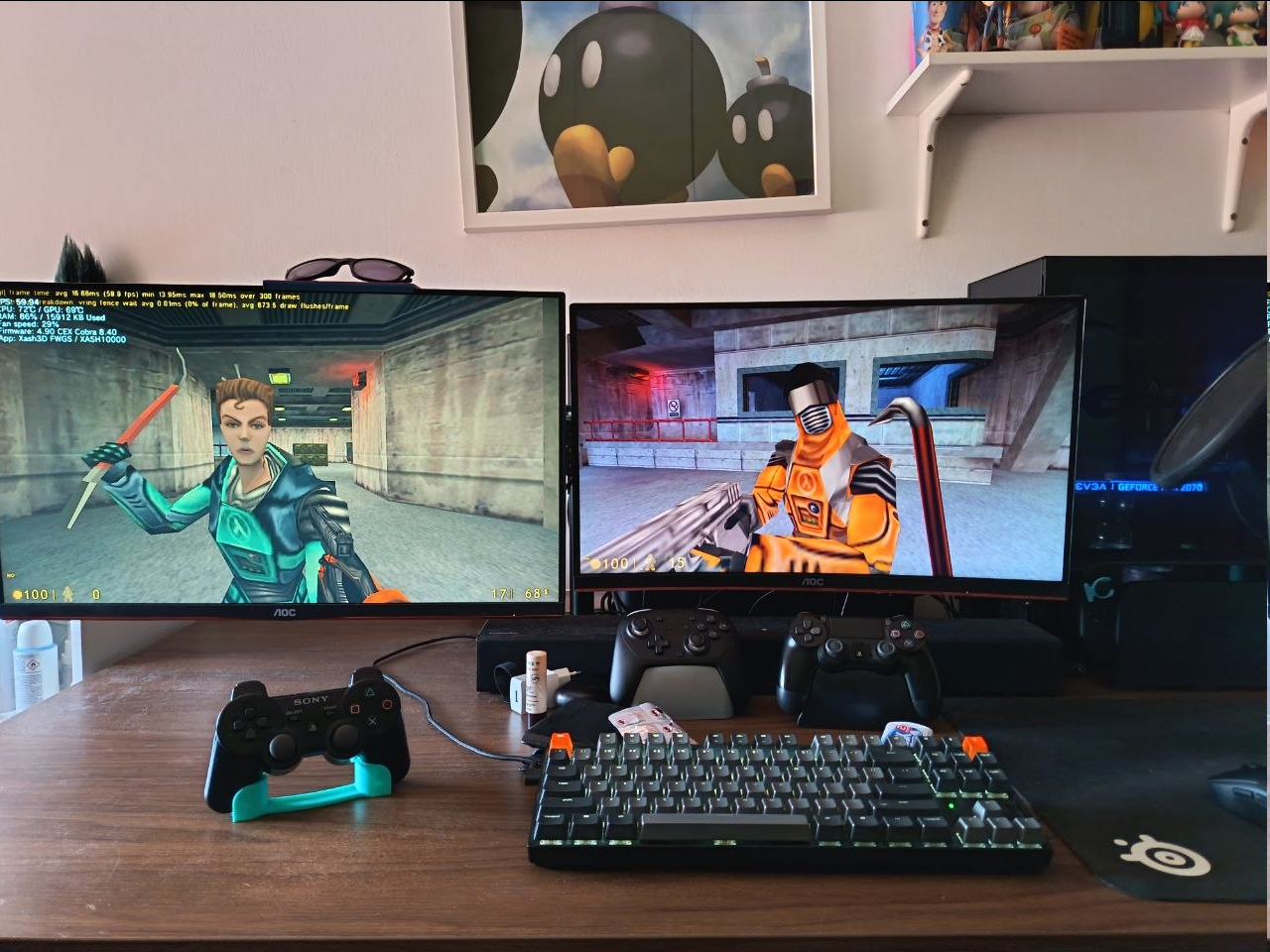
Gordon Freeman in the flesh. Or rather, in the Playstation 3 port. I took the liberty of relieving you of your PS3 store; most of them were Sony's property. As for the port, I think you’ve earned it.
Given the current status of my Quake 3 ports, which I'm feeling satisfied so far (although there's still a lot of stuff that I'd really, really like to implement), my next project was a XASH3D FWGS port for the Playstation 3. Compared to my previous port, I decided to make a thread about its current status, what's left and when the first release will be. Whereas with my previous Q3 ports I would make a thread as soon as I got a playable build.
Was AI used in this project? Yes, AI was used to assist me in coding. All the testing and the debugging sessions were done by me on real hardware following a strict goal-based roadmap. I also got some of the pieces fully working thanks to my previous Quake 3 port. And this brings us back to:

HOW TO INSTALL:
Place your valve (Half Life), gearbox (Opposing Force) or bshift (Blue Shift) inside /dev_hdd0/data/xash3dfwgs/ be sure to delete the cfg files. The game will create them automatically on boot.
Latest release
Current status:
KNOWN BUGS:
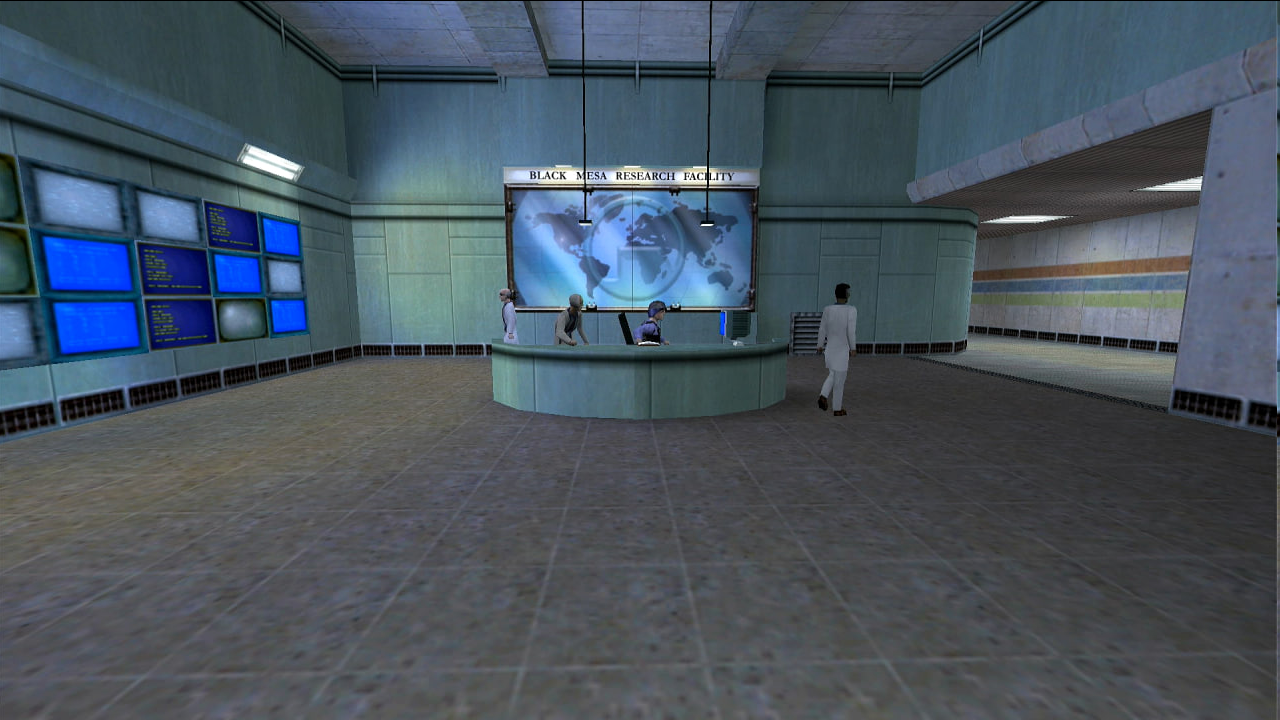
Screenshots:

Given the current status of my Quake 3 ports, which I'm feeling satisfied so far (although there's still a lot of stuff that I'd really, really like to implement), my next project was a XASH3D FWGS port for the Playstation 3. Compared to my previous port, I decided to make a thread about its current status, what's left and when the first release will be. Whereas with my previous Q3 ports I would make a thread as soon as I got a playable build.
Was AI used in this project? Yes, AI was used to assist me in coding. All the testing and the debugging sessions were done by me on real hardware following a strict goal-based roadmap. I also got some of the pieces fully working thanks to my previous Quake 3 port. And this brings us back to:
HOW TO INSTALL:
Place your valve (Half Life), gearbox (Opposing Force) or bshift (Blue Shift) inside /dev_hdd0/data/xash3dfwgs/ be sure to delete the cfg files. The game will create them automatically on boot.
Latest release
Current status:
- Half Life 1, Opposing Force and Blue Shift are playable.
- It's gonna use the default Gamepad layout available on Steam
- Crossplay with other XASH3D FWGS clients is supported
- Bugfixes
- TFC/CS1.6 support
- Test the Opposing Force multiplayer side a bit more
KNOWN BUGS:
- Torch/night vision don't work properly in non-dark areas. It doesn't affect the gameplay at all however.
- In Opposing Force the ropes would make the framerate drop from 60 to 52.
- I put the valve folder inside /dev_hdd0/data/xash3dfwgs/ but the game crashes on boot, why?
- The game loads but my character can only move and look around!
- How do I use the console?
- "Can you port x?"
Screenshots:
Last edited by Mayo1990,


