Hacking Sigpatches for Atmosphere (Hekate, fss0, fusee & package3)

  • Thread starter Thread starter ShadowOne333
  • Start date Start date
  • Views Views 5,245,869
  • Replies Replies 7,348
  • Likes Likes 266
Hi, can someone please explain me how to use the sigpatches? Because I have not updated in like a year, and now that I did, i got the latest official Hekate, Atmosphere and the ofw from Ninendo. This of course lead me to not being able to use my super legal nsps. Unless I missed something in this thread, i got "Hekate+AMS-package3-sigpatches-Atmosphere-1.11.2-master-5388824be-cfw-22.5.0.zip", took those folders out and overwrote the original atmosphere and bootloader folders. Thankfully, i can play now almost all my old nsps, except for 1, which is the reason I'm here.
I tried updating Hello Kitty Island adventure with Goldleaf, the update seems to have worked, as it appears now as 2.16.2 in the main menu, but it throws at me the error "Could not start software. Please try again from the home menu". Furthermore, the DLC files in Goldleaf give me the error "2002-4058 (0x1FB402) The content signatures cannot be verified. Are you missing any required patches?"
As far as I understood, isnt the sigpatches from the zip just what I needed for what Goldleaf is whining about? Otherwise, what am I doing wrong? Will I have to reinstall the whole game?
Thank you for your time.
 
This is my first post and as such I reckon it most likely violate 50 rules, sorry for that.
I bought a Nintendo switch for my little girl ~2 years ago and she got addicted to Zelda botw.
I’m now trying to install Zelda Totk. I have installed it from two different e shops on tinfoil. Tried a few different settings, updated or not updated, with or without dlc, but game doesn’t start.
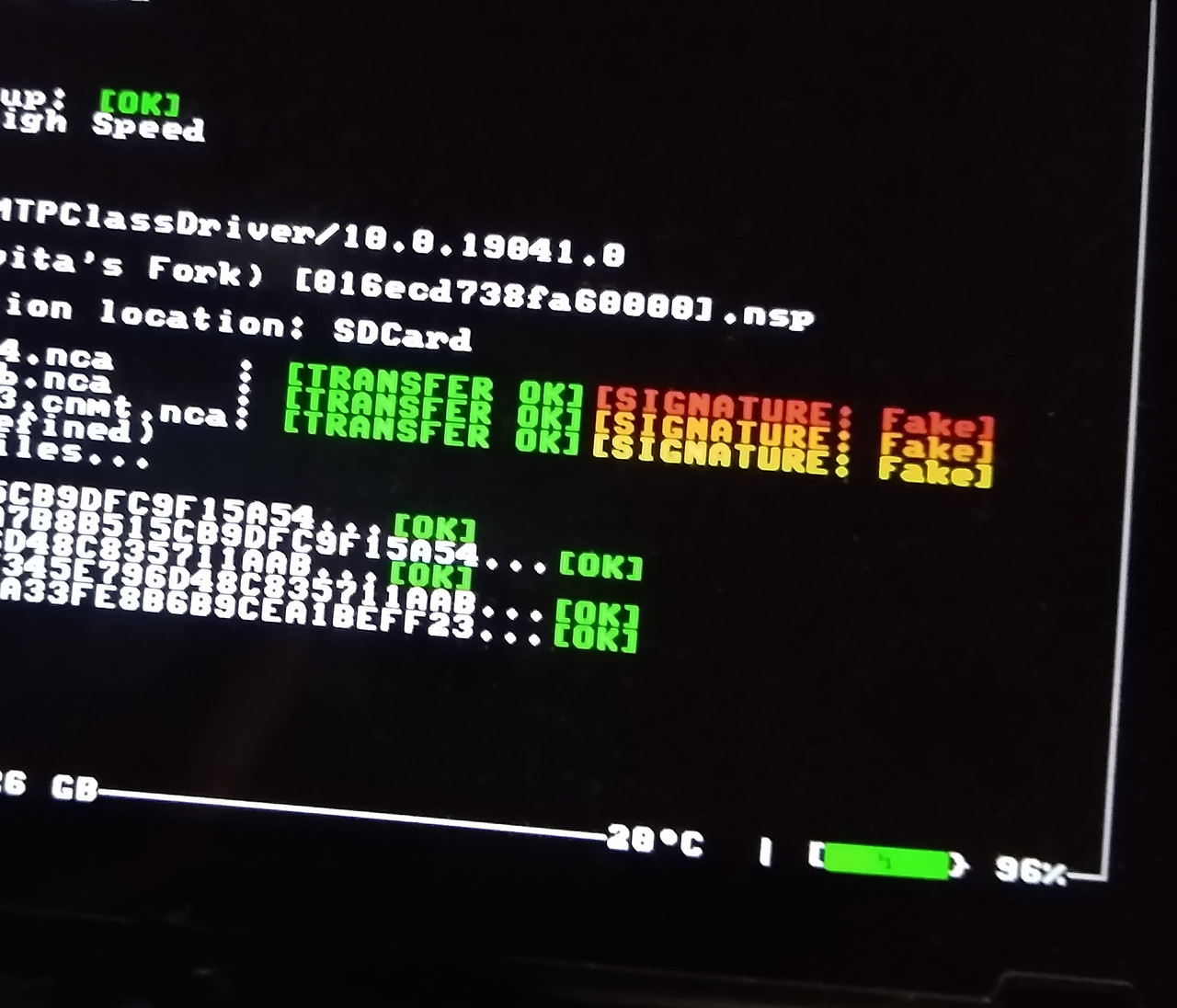
It either says it needs to be ran from home menu, or gets stuck or black Nintendo loading screen, or I get a specific error code. I anlso installed it via dbi installer and it ran fine for about 2h. Then crashed 3 times, each time has to recheck files which takes ages. While installing from dbi installer I remember something about signatures not ok, hence this post.
I have a lot of other super Mario games working without issues, should I need to update my signatures?
I’m currently running hekate 6.2.2, CFW 19.0.1 and atmosphere 1.8.0. Could this be incompatible with Zelda Totk?
I never installed CFW but I’m fairly tech savvy and willing to follow any guidance. Please help me (and my little girl :)
Thank you in advance for any help!
 
Weird, I’d expect it to be new-ish (2 year old) card and no other game crashes..
Anyway, I think I have another smaller card laying around. Can I just copy paste contents from one card to the other or do I need to reinstall everything (Hekate, cfw, atmosphere) manually?
 

Site & Scene News

Popular threads in this forum