Which GBAtemp style do you use?

  • Thread starter Thread starter shaunj66
  • Start date Start date
  • Views Views 11,863
  • Replies Replies 109
  • Likes Likes 8

shaunj66

GBAtemp Administrator
Administrator
Joined
Oct 24, 2002
Messages
12,337
Reaction score
21,980
Trophies
7
Age
41
Location
South England
Website
www.gbatemp.net
XP
32,123
Country
United Kingdom
381104-gbatemp_v6.png


Which GBAtemp style do you use?

As the team behind GBAtemp start to look toward the future we are interested in finding out which GBAtemp styles are most commonly used among our visitors.

Please complete the poll above and let us know which style you use while browsing GBAtemp.

Also, if you have any other comments or suggestions regarding GBAtemp's appearance please let us know below!

Default:
ts3_default.png


Dark mode:

ts3_darkmode.png


Just black:

ts3_justblack.png


Rosey blossom:

ts3_roseyblossom.png

 
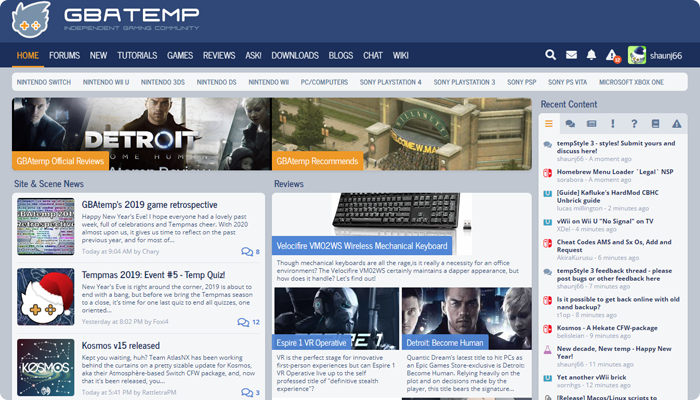
Default. I'm one of those light theme heathens.

(I've used GBAtemp for so long on light theme, it looks crazy any way else)

I did get stuck on dark theme for like a year on iOS, though, and I will say, the themes are always top-notch, especially this time around.
 
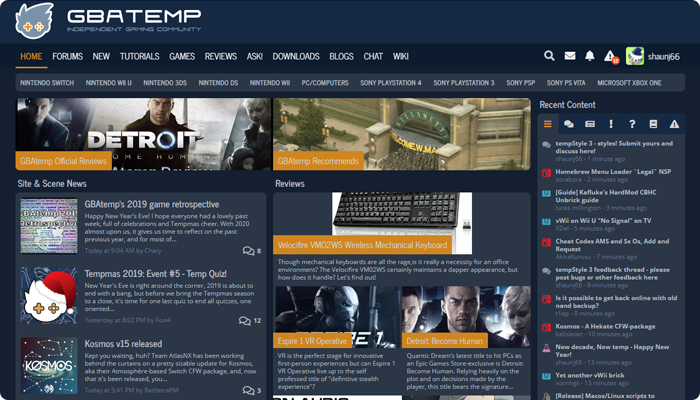
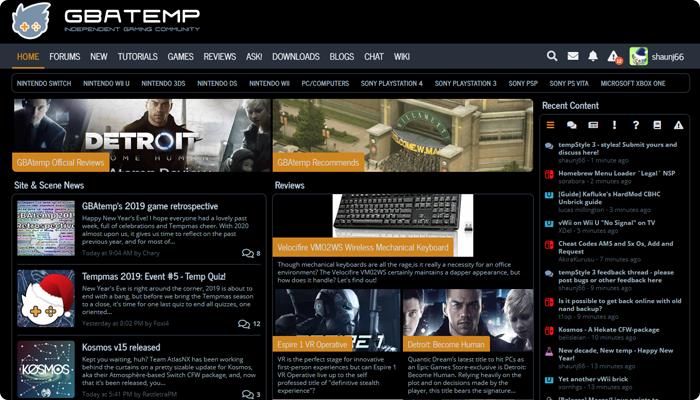
Dark theme. After all these years of gaming, my eyes hurts just looking at the default theme(both looks good though).
my eyes have acclimated to the default GBAtemp theme, even at night. Though it's more of a gray than a pure white, like most other sites, so it hurts less than twitter
 
  • Like
Reactions: mangaTom
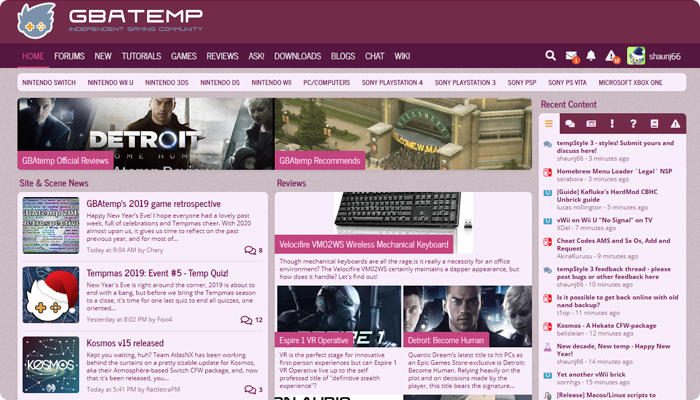
@shaunj66 I use Rosey Blossom because it is the perfect colour for people like myself who are dyslexic. Pastel colours make it so much easier for dyslexic people to read so please don't remove it thanks.
 
my eyes have acclimated to the default GBAtemp theme, even at night. Though it's more of a gray than a pure white, like most other sites, so it hurts less than twitter
I wish the background on the articles were more gray. It's probably easier on the eyes too.
 
  • Like
Reactions: jeffyTheHomebrewer
Thank you for this Post; I wouldn't have known there were Colour Options otherwise.

I would like to use Dark Mode, but seeing that typing Comments comes out Blue against Greyish Blue, I'll go back to Default and turn back on my Dark Background and Light Text Extension on my Browser.

Still a Dark Mode of sorts.
Screenshot 2021-06-10 at 17-49-43 GBAtemp net - The Independent Video Game Community.png
 
Last edited by , , Reason: Clarification.
Still pissed about the change from v4 to 5 as the old one was way better (which is why I am usually only looking at the front page every few weeks and hardly posting or anything)

But I am using the default one
 
  • Like
Reactions: Sono
Always dark mode. On my PC at home I customized it to have a few green accents but unfortunately this isn't being saved to the gbatemp account so I would have to do this on every new browser/device again.

Also there's a bug sometimes where a few colors are wrong so it's hard to read any text because the color isn't too different from the bg color but that's rare and is solved by a page refresh. Just sayin'.

Apart from that I'm very happy with the dark theme. :)

So big request: Please tie a chosen/built color scheme to the account and auto-enable it everytime I log in on another device/browser.
 
I've been using the default theme, just until I saw this thread. Moving forward, I will probably stick with the dark theme. (Didn't ever think about changing the theme)
 

Site & Scene News

Popular threads in this forum