Android Samsung Behold II problems

  • Thread starter Thread starter basher11
  • Start date Start date
  • Views Views 1,870
  • Replies Replies 13

basher11

Well-Known Member
Member
Joined
Jun 29, 2009
Messages
4,385
Solutions
9
Reaction score
128
Trophies
1
XP
581
Country
United States
Im going to say this first, i have never owned a android phone so i have no idea what to do. anyways,

So my sister's behold II has some problems where it can't go back to factory reset. She had something on it where you can swipe up to view your list of apps or something. so she decides to just tell me out of nowhere to fix it.

she said that no matter how many times she tries to factory reset, it doesn't reset.

firmware 1.6
kernel 2.6.29 and something that says root@sep-51 #1 or whatever it is

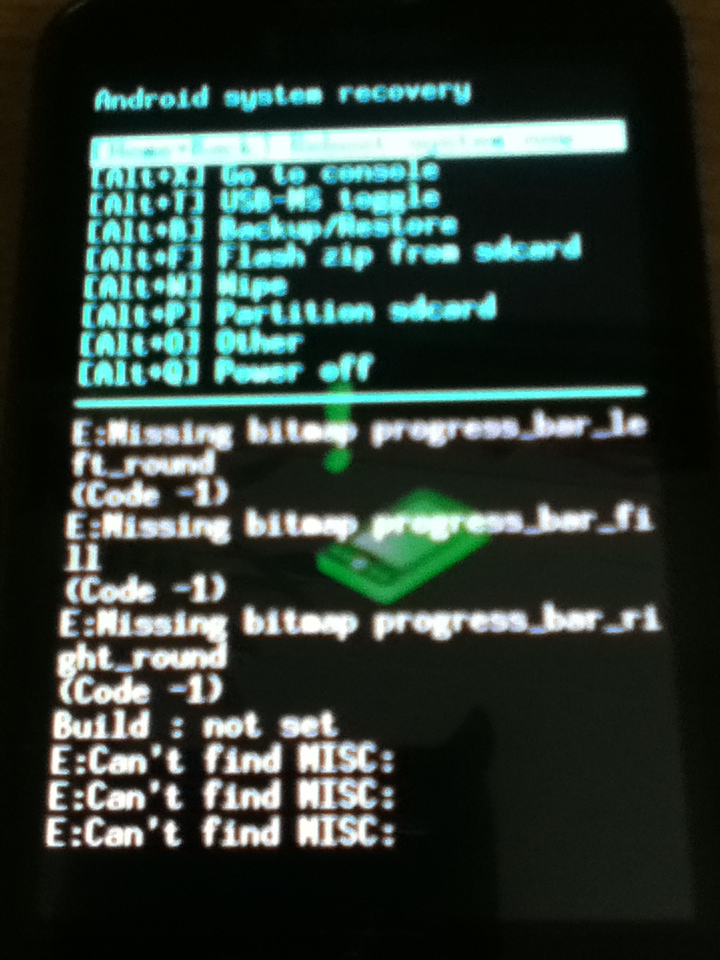
also, when the phone reboots i get this crazy amount of text that just goes flying across the screen saying E:can't find MISC blah blah.

i have no idea how to fix this. can someone help? :(

 
Ask her what the name of the app was that allows that, then go into the settings and Applications and uninstall it. Shouldn't need to do a factory reset, though it's weird it won't let you.
 
Ask her what the name of the app was that allows that, then go into the settings and Applications and uninstall it. Shouldn't need to do a factory reset, though it's weird it won't let you.
she says she doesn't know since her friend (i assume hacked) it for her.
 
Ask her what the name of the app was that allows that, then go into the settings and Applications and uninstall it. Shouldn't need to do a factory reset, though it's weird it won't let you.
she says she doesn't know since her friend (i assume hacked) it for her.
Rooting makes no difference really.
 
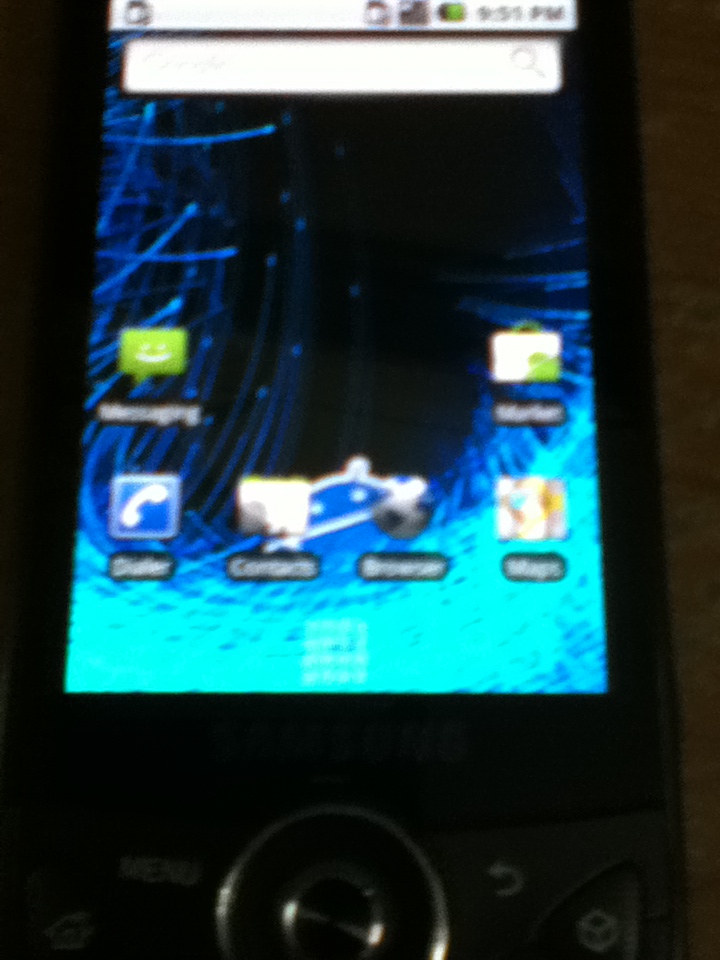
here's a screenshot of the phone's home screen.

gallery_185556_507_31443.jpg

i cant exactly find the darn quick list thing.
 
What does the top option say? I can't tell.

Also, could you go into the "Wipe" Menu and tell me what options it gives?
the top option says [home+back] reboot system now.

edit: [alt+w] wipe. how exactly do i press alt + w in that menu? >_>
 
It sounds like her friend screwed something up when he flashed 1.6 on it, try asking/searching around on xda-developers.com or rootzwiki.com

Both sites are great Android communities which are rather knowledgeable, so try both of them. I can't really help, this phone is so old seeing how it needs a custom ROM for 1.6
 
It sounds like her friend screwed something up when he flashed 1.6 on it, try asking/searching around on xda-developers.com or rootzwiki.com

Both sites are great Android communities which are rather knowledgeable, so try both of them. I can't really help, this phone is so seeing how it needs a custom ROM for 1.6
i guess ill check over there seeing that i have no other choices lol. thanks for trying
 

Site & Scene News