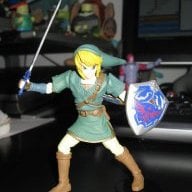
Ok so I'm poor at the moment as much as I would love to buy a Wii u and wind waker hd I just can't, so I'm reliant on my gc version to give me the zelda fix I need.
BUT! although the game runs nicely on my Wii things in the distance look, well grainy and out of focus, i've backed up my copy to my hard drive and ran it through cfg USB loader to see if that made an improvement and it kinda did but not dramatically, is there any way to make this game look less grainy?,i know it will not look like the hd version (unless ran through dolphin)but would a hdmi converter help to smooth the picture? Or any settings on my TV or cfg loader.
Many thanks
Azel
BUT! although the game runs nicely on my Wii things in the distance look, well grainy and out of focus, i've backed up my copy to my hard drive and ran it through cfg USB loader to see if that made an improvement and it kinda did but not dramatically, is there any way to make this game look less grainy?,i know it will not look like the hd version (unless ran through dolphin)but would a hdmi converter help to smooth the picture? Or any settings on my TV or cfg loader.
Many thanks
Azel