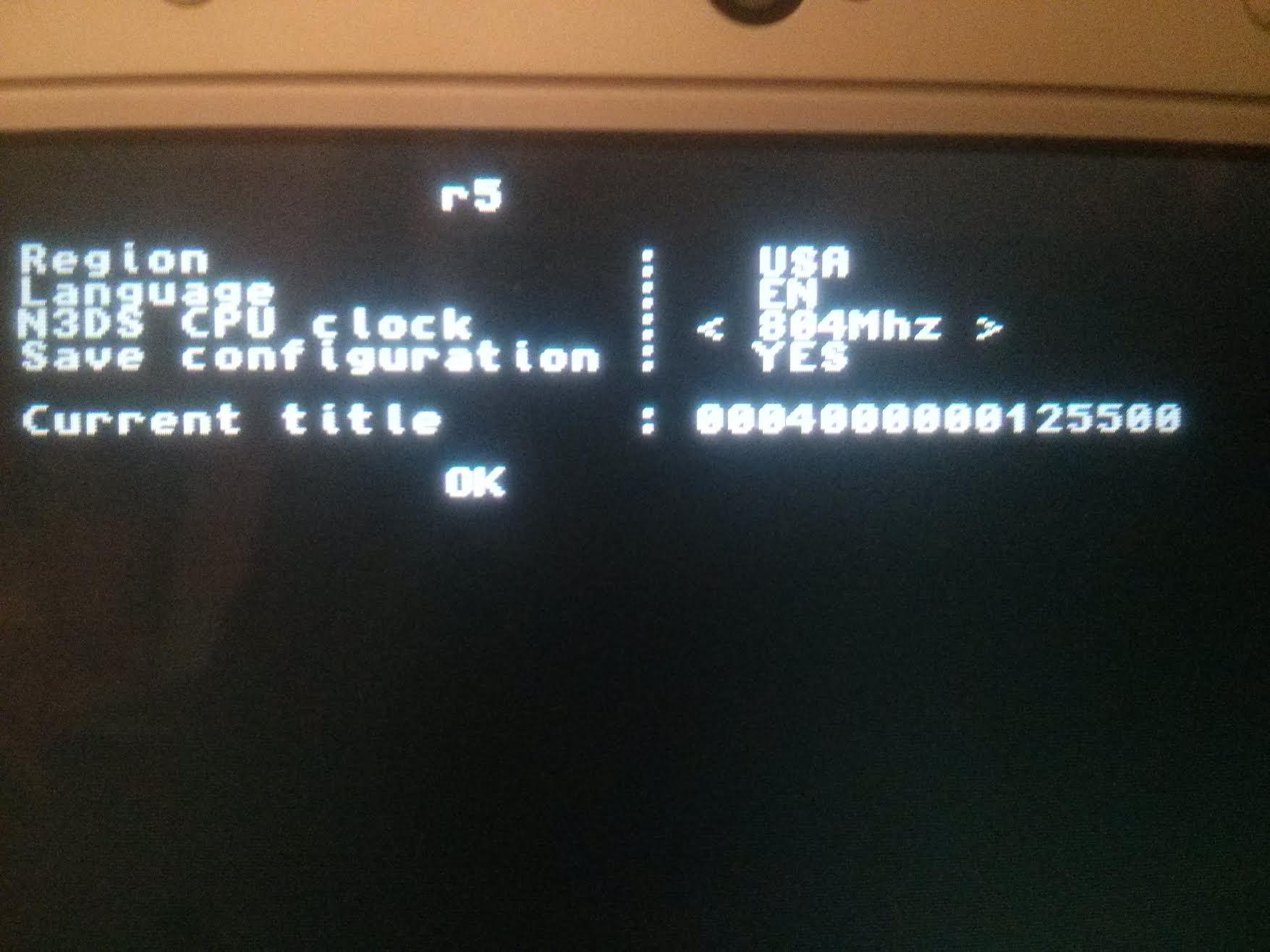
UPDATE 2: added 0.3b with bugfix, removed 0.3
UPDATE 2: added 0.3
- Autoboot (hold A to boot to title selector)
- Enable/disable autoboot from title selector
- Autoboot is configurable from 3DS
- Smdh of selected autoboot title is copied to SD card
UPDATE: added 0.2 with filters with L/R and X buttons.
Hi, I'm dropping this here. This is a quick HBL mod that allows booting the titles that appear in the title launcher.
The idea is to recode it so instead of homebrew, installed titles are shown, but for now this is more convenient than nothing.
If anyone wants to make a icon for smdh, it'd be welcome.
Also, if you use Themehax with no button press, don't press the home button if you haven't pressed home BEFORE launching the title (due to sleep mode issue and all) or you'll get a crash. Power button then home works fine.
Same goes if you try to launch ironhax or any other hax without a previous home button press.
edit: just seen that if you wait enough, the crash makes the home menu reset, so it will probably work regardless. same if you keep L held long enough.
ps: this probably won't work in ninjhax 1.x
SOURCER: https://github.com/suloku/3ds_hb_menu/tree/titlelauncher
(better compare with vanilla HBL to know what was changed, as I said this is a very quick mod)
UPDATE 2: added 0.3
- Autoboot (hold A to boot to title selector)
- Enable/disable autoboot from title selector
- Autoboot is configurable from 3DS
- Smdh of selected autoboot title is copied to SD card
UPDATE: added 0.2 with filters with L/R and X buttons.
Hi, I'm dropping this here. This is a quick HBL mod that allows booting the titles that appear in the title launcher.
The idea is to recode it so instead of homebrew, installed titles are shown, but for now this is more convenient than nothing.
If anyone wants to make a icon for smdh, it'd be welcome.
Also, if you use Themehax with no button press, don't press the home button if you haven't pressed home BEFORE launching the title (due to sleep mode issue and all) or you'll get a crash. Power button then home works fine.
Same goes if you try to launch ironhax or any other hax without a previous home button press.
edit: just seen that if you wait enough, the crash makes the home menu reset, so it will probably work regardless. same if you keep L held long enough.
ps: this probably won't work in ninjhax 1.x
SOURCER: https://github.com/suloku/3ds_hb_menu/tree/titlelauncher
(better compare with vanilla HBL to know what was changed, as I said this is a very quick mod)
Attachments
Last edited by suloku,