Hacking CSO files don't show up

Deleted member 282441

AKA ZeroTheSavior
Member
Joined
Aug 7, 2011
Messages
320
Reaction score
37
Trophies
0
Location
Gensokyo
XP
326
Country
United States
I converted an iso to CSO because it didn't fit on my memory stick and it doesn't show up on my PSP. The game itself works fine when I test it on PPSSPP.

I'm using 6.60 ME 1.8. Do I need a special loader or something?

 
I put it in the ISO folder, just like my second memstick filled with isos and csos. I have other CSOs that work fine but they weren't compressed by me so I'm not sure how to do it.

And no, I don't have a GAME folder in my memory stick. I thought I wouldn't need one.
 
The big question should be how you're converting the .ISO's to .CSO's. If you're just "compressing" them with WinZIP or WinRAR, it's not going to work. :P

Have you tried using UMDGen? It will allow you to delete the unnecessary padding as well as the Update folder from the image as well as compress it.
 
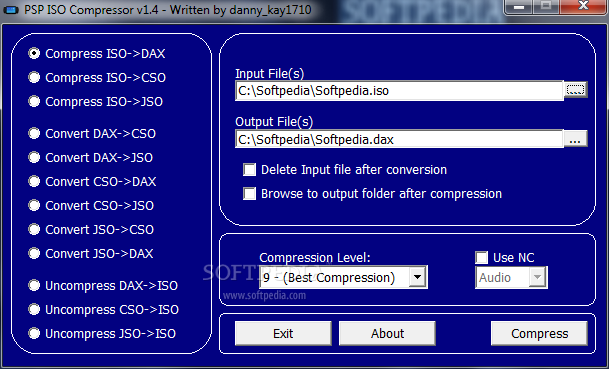
I would suggest this for converting
http://www.softpedia.com/get/CD-DVD-Tools/Virtual-CD-DVD-Rom/PSP-ISO-Compressor.shtml

very easy to use
PSP-ISO-Compressor_1.png
 

Site & Scene News

Popular threads in this forum