Hacking Sigpatches for Atmosphere (Hekate, fss0, fusee & package3)

  • Thread starter Thread starter ShadowOne333
  • Start date Start date
  • Views Views 5,247,187
  • Replies Replies 7,349
  • Likes Likes 266
Some people might prefer it, but I’m not really a fan of all-in-one packs.
I recommend copying each folder into the SWITCH manually, because if something goes wrong, it’s will be much easier to identify the cause.
 
Hi, can someone please explain me how to use the sigpatches? Because I have not updated in like a year, and now that I did, i got the latest official Hekate, Atmosphere and the ofw from Ninendo. This of course lead me to not being able to use my super legal nsps. Unless I missed something in this thread, i got "Hekate+AMS-package3-sigpatches-Atmosphere-1.11.2-master-5388824be-cfw-22.5.0.zip", took those folders out and overwrote the original atmosphere and bootloader folders. Thankfully, i can play now almost all my old nsps, except for 1, which is the reason I'm here.
I tried updating Hello Kitty Island adventure with Goldleaf, the update seems to have worked, as it appears now as 2.16.2 in the main menu, but it throws at me the error "Could not start software. Please try again from the home menu". Furthermore, the DLC files in Goldleaf give me the error "2002-4058 (0x1FB402) The content signatures cannot be verified. Are you missing any required patches?"
As far as I understood, isnt the sigpatches from the zip just what I needed for what Goldleaf is whining about? Otherwise, what am I doing wrong? Will I have to reinstall the whole game?
Thank you for your time.
 
This is my first post and as such I reckon it most likely violate 50 rules, sorry for that.
I bought a Nintendo switch for my little girl ~2 years ago and she got addicted to Zelda botw.
I’m now trying to install Zelda Totk. I have installed it from two different e shops on tinfoil. Tried a few different settings, updated or not updated, with or without dlc, but game doesn’t start.
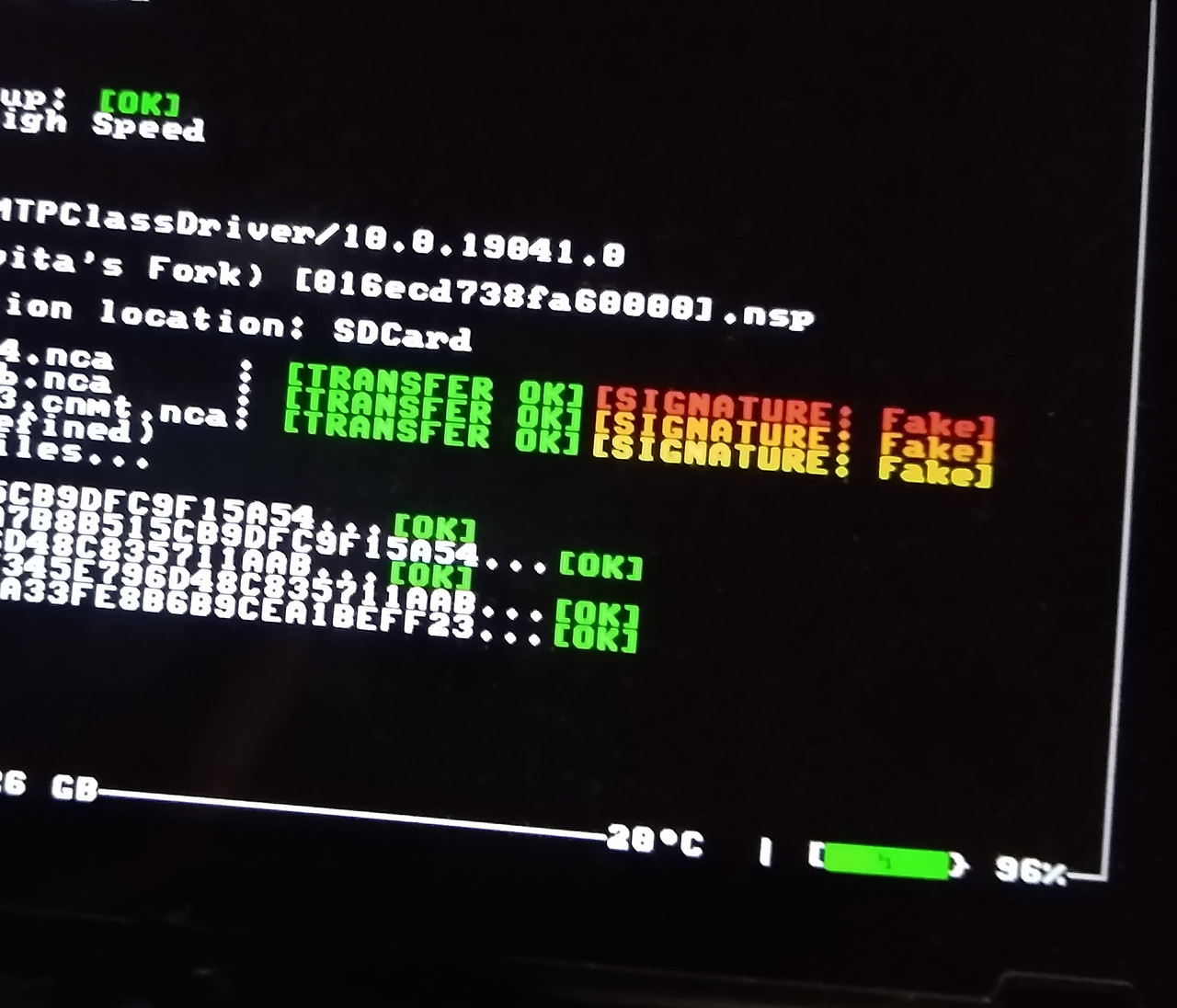
It either says it needs to be ran from home menu, or gets stuck or black Nintendo loading screen, or I get a specific error code. I anlso installed it via dbi installer and it ran fine for about 2h. Then crashed 3 times, each time has to recheck files which takes ages. While installing from dbi installer I remember something about signatures not ok, hence this post.
I have a lot of other super Mario games working without issues, should I need to update my signatures?
I’m currently running hekate 6.2.2, CFW 19.0.1 and atmosphere 1.8.0. Could this be incompatible with Zelda Totk?
I never installed CFW but I’m fairly tech savvy and willing to follow any guidance. Please help me (and my little girl :)
Thank you in advance for any help!
 
  • Like
Reactions: Blythe93
Weird, I’d expect it to be new-ish (2 year old) card and no other game crashes..
Anyway, I think I have another smaller card laying around. Can I just copy paste contents from one card to the other or do I need to reinstall everything (Hekate, cfw, atmosphere) manually?
 
it ran fine for about 2h. Then crashed 3 times, each time has to recheck files which takes ages.
Ouch. Similar thing happened to me while I was playing Animal Crossing New Horizons few years ago. Everything run fine before the game froze and I had to reboot the console, causing the game to get corrupted and its files had to be rechecked every time before launching it again. Definitely sounds like a dying card, I've replaced mine because of that and I never run into a similar issue. I bought my Switch used and the first thing I should I've done with it was to replace the original owner's SD card. I went with the SanDisk Extreme 256GB which run perfectly fine on my end so I definitely recommend it. Make sure that you don't get a fake one.

After that, check the NH Switch Guide in order to setup CFW on your Switch. I recommend not skipping any backup mentioned in that guide, as well as going with the emuNAND route. You don't have to update your sysNAND in order to update your emuNAND firmware, you can download it from a certain repository on Github (not allowed to link to it here). I'm on the latest firmware and everything works well. I use latest Russian version of DBI to install games and sys-patch instead of sigpatches. Since you're starting out from scratch I'd recommend checking out this fork of Atmosphere with the built-in patches (no need for sigpatches or sys-patch).

Anyway, I think I have another smaller card laying around. Can I just copy paste contents from one card to the other or do I need to reinstall everything (Hekate, cfw, atmosphere) manually?
Make sure that you test that card for read and write issues with the h2testw before you use it in your Switch. Personally, I wouldn't go for anything worse than SanDisk Extreme as you may run into performance issues sometime later. As for whether you can just copy paste contents, it depends on your CFW setup. sysNAND CFW? emuNAND CFW? File-based or paritition-based? Check this guide. If you have a partition-based emuNAND, I recommend NxNandManager method as it worked perfectly for me.
 

Site & Scene News

Popular threads in this forum