MM-LINX - Super Mario Maker 2 Level Injector

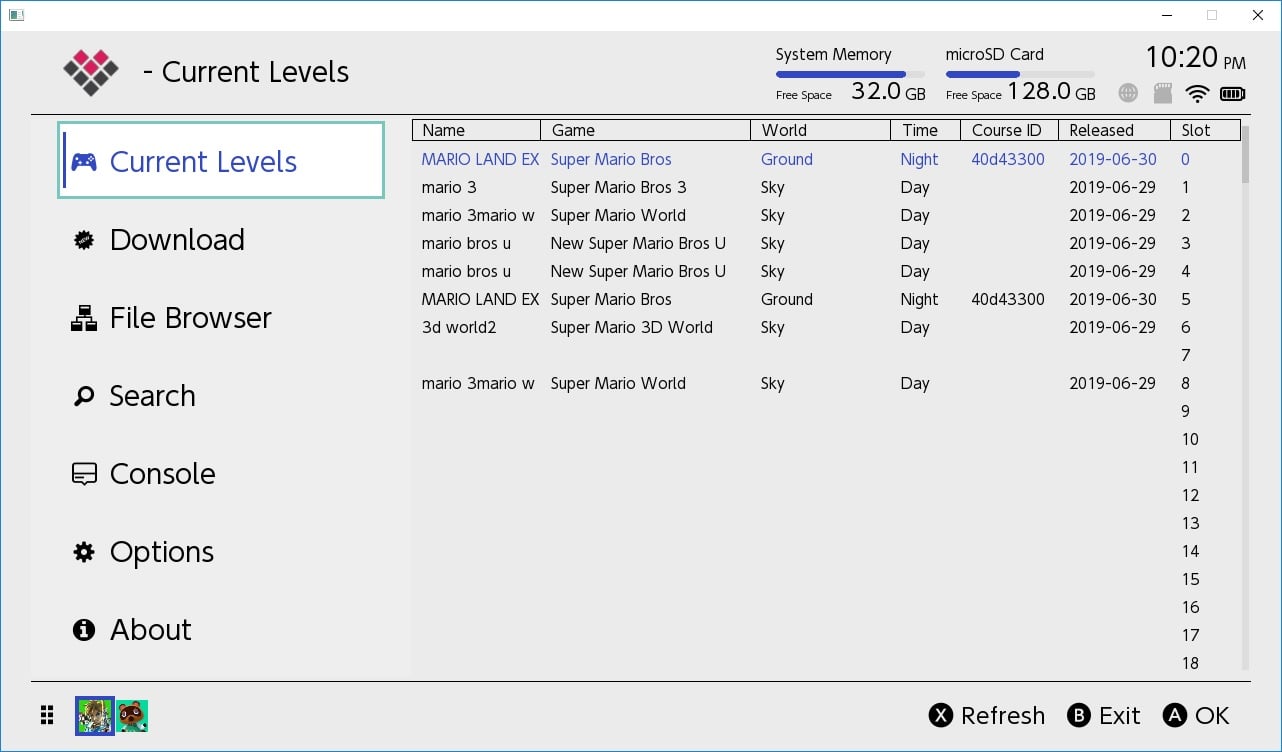
nstall the MM-LINX homebrew application on your switch, to install levels uploaded to https://tinfoil.io/MarioMaker/ directly to your Super Mario Maker 2 Level slots!

Very early release, please be patient and it will get better with time as all of my applications do :) Feel free to post feature requests and bug reports.

This is currently hard coded to use the first user profile. Please ensure that Super Mario Maker 2 is not running, and that you have at least one SMM2 save on the first user's profile.

For maximum compatibility and stability, we recommend that you use ReiNX or SX.

Download: https://github.com/blawar/mmlinx

edit: 1.01 fixed sorting, press + to sort
edit: 1.02 added support for uploading your levels to tinfoil.io from MM-LINX
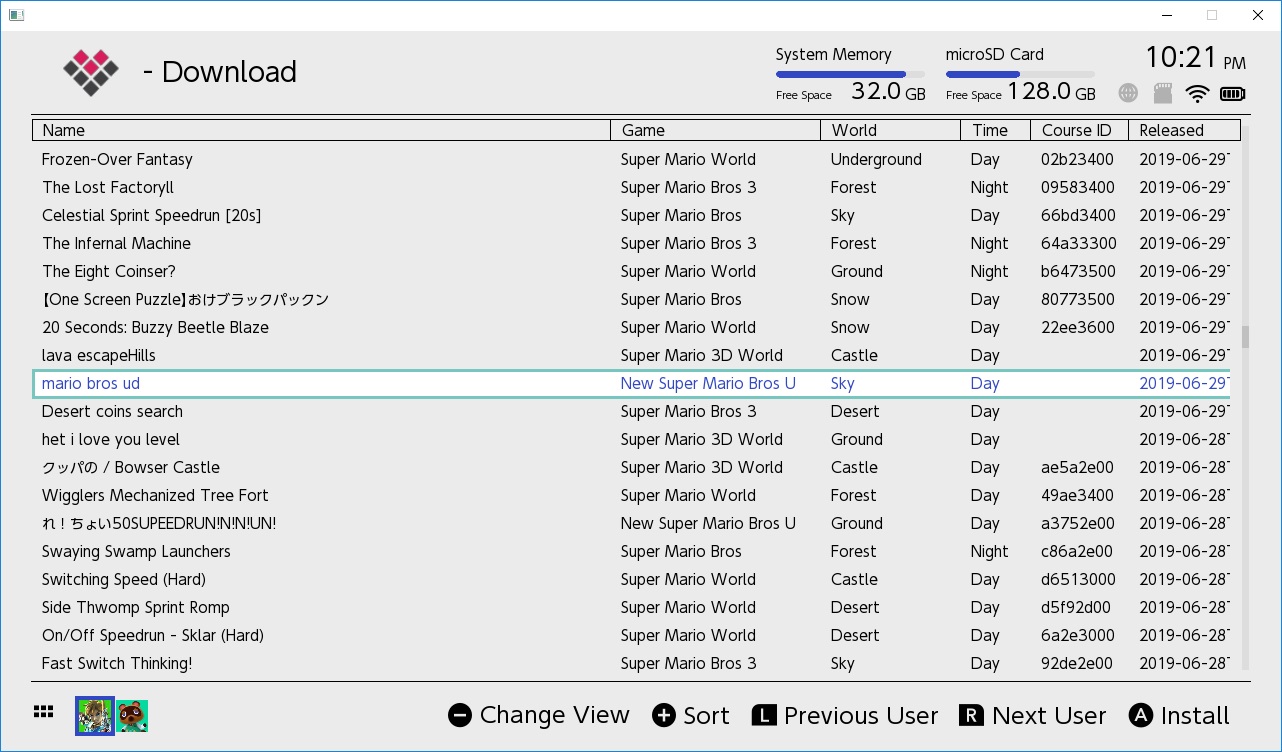
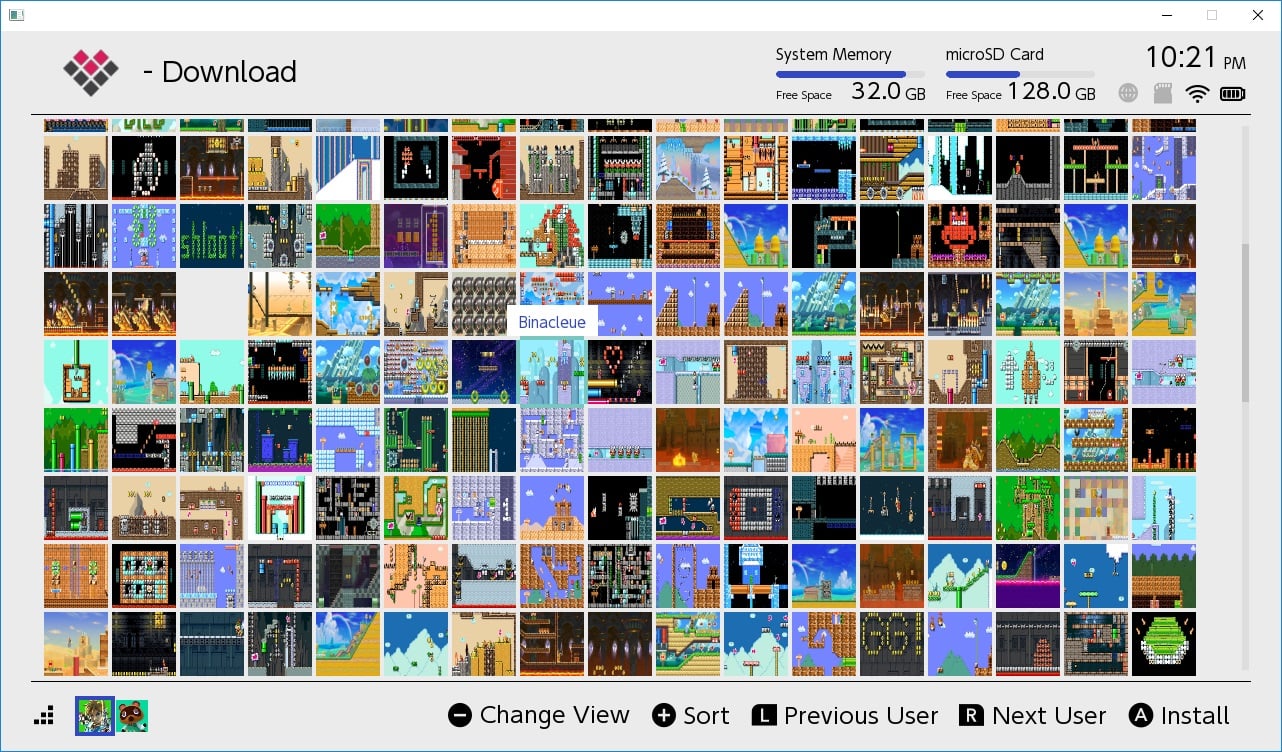
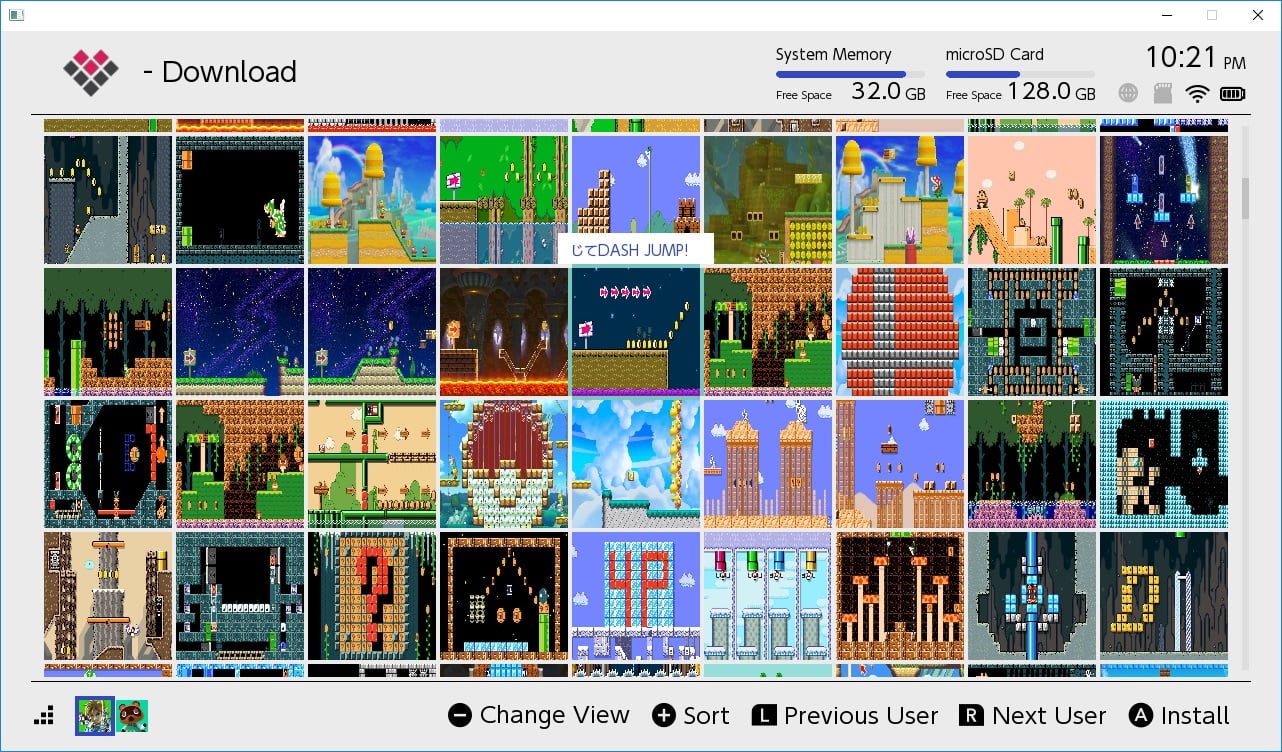
edit: 1.03 added file browser for installing levels from (sd, ftp, http, gdrive, usb, etc), search, ability to change user, translation (needs work), ability to copy files to and from smm2's save directly, themes, other stuff I probably forgot.
edit: 1.04 saving / loading is now much faster and does not overwrite your save progress; added columns for difficulty, rating, and course id; ability to unlock hammer and super flower on supported cfw's.
edit: 1.05 increased security, mandatory update. Cloud servers will no longer work with previous versions (downloads section will be empty).
mmlinx4.jpg
mmlinx3.jpg
mmlinx2.jpg
mmlinx1.jpg


Download: https://github.com/blawar/mmlinx
 

Attachments

  • mmlinx3.jpg
    mmlinx3.jpg
    442.9 KB · Views: 2,343
  • mmlinx1.jpg
    mmlinx1.jpg
    206.2 KB · Views: 784
  • mmlinx2.jpg
    mmlinx2.jpg
    99.5 KB · Views: 861
Last edited by blawar,
What's the max we can install courses? I just downloaded and installed a bundle of 60, was wondering if I can add more.
 
I use SX OS, played Mario Maker 2 for a bit and created a Save before i used MM-Linx 1.03.
Chose 30 or 31 maps and when i wanted to re-open the game and play them the game informed there was an error.

How can i fix it?
 
I use SX OS, played Mario Maker 2 for a bit and created a Save before i used MM-Linx 1.03.
Chose 30 or 31 maps and when i wanted to re-open the game and play them the game informed there was an error.

How can i fix it?

were the maps still there?
 
This hombrew is amazing although it would be very good to add the possibility of voting the levels in order to classify them from better valued to less valued in order to avoid losing time with lousy levels.
 
This hombrew is amazing although it would be very good to add the possibility of voting the levels in order to classify them from better valued to less valued in order to avoid losing time with lousy levels.

Voting is already out for the site, https://tinfoil.io/MarioMaker/
Guessing its just a matter of time b4 we see it in the homebrew

Edit: actually it seems that the homebrews default sorting order is set to "likes" just like the website, u just cant manually select it or see it yet.
 
Last edited by reexe,
  • Like
Reactions: MarkDarkness
Yeah I had the same issue, red screen even though I am on Atmosphere. I clicked the button to delete Kosmos and then it worked. Not sure what it did since everything seems to work the same as before I clicked it.
its probably detecting file or folder on the sd card or something, it shouldn't be doing that and if its force closing the app because it thinks I am using a setup the author doesn't like, then that is just stupid.
 
  • Like
Reactions: ELY_M
Yeah I had the same issue, red screen even though I am on Atmosphere. I clicked the button to delete Kosmos and then it worked. Not sure what it did since everything seems to work the same as before I clicked it.
its probably detecting file or folder on the sd card or something, it shouldn't be doing that and if its force closing the app because it thinks I am using a setup the author doesn't like, then that is just stupid.
It is due to the developer wanting people to have ACID patches which can be gotten here https://gbatemp.net/threads/kosmos-patches-es-fs.542455/.
 
  • Like
Reactions: gizmomelb
its probably detecting file or folder on the sd card or something, it shouldn't be doing that and if its force closing the app because it thinks I am using a setup the author doesn't like, then that is just stupid.

It's that stupid. Detects your setup, tries to get you to modify/delete stuff off your SD card, and crashes. No telling what else it does.
 
Is the source for this available? it just crashes after the red warning screen.

if you bothered reading the entire thread, you'd know the answer to your question and the red screen issue.

--------------------- MERGED ---------------------------

It's that stupid. Detects your setup, tries to get you to modify/delete stuff off your SD card, and crashes. No telling what else it does.

this has been covered many times and the simple fix is to use the correct acid patches. if you don't like the app, don't use the app. it's not going to change just because you don't like something.
 
  • Like
Reactions: gamemasteru03
Imagine running a homebrew that thinks it can dictate what files you have on your own SD card. And this time they have literally nothing to do with the homebrew's function. Toxic programming.

imagine homebrew notifying the user and then enforcing needed files so it sodding well works correctly.

if you don't want to use software that works, without dicking around trying to make it work (looks at atmos forums full of issues), then don't use it.
 

Site & Scene News

Popular threads in this forum