Goldleaf - A Nintendo Switch multipurpose homebrew tool

Goldleaf

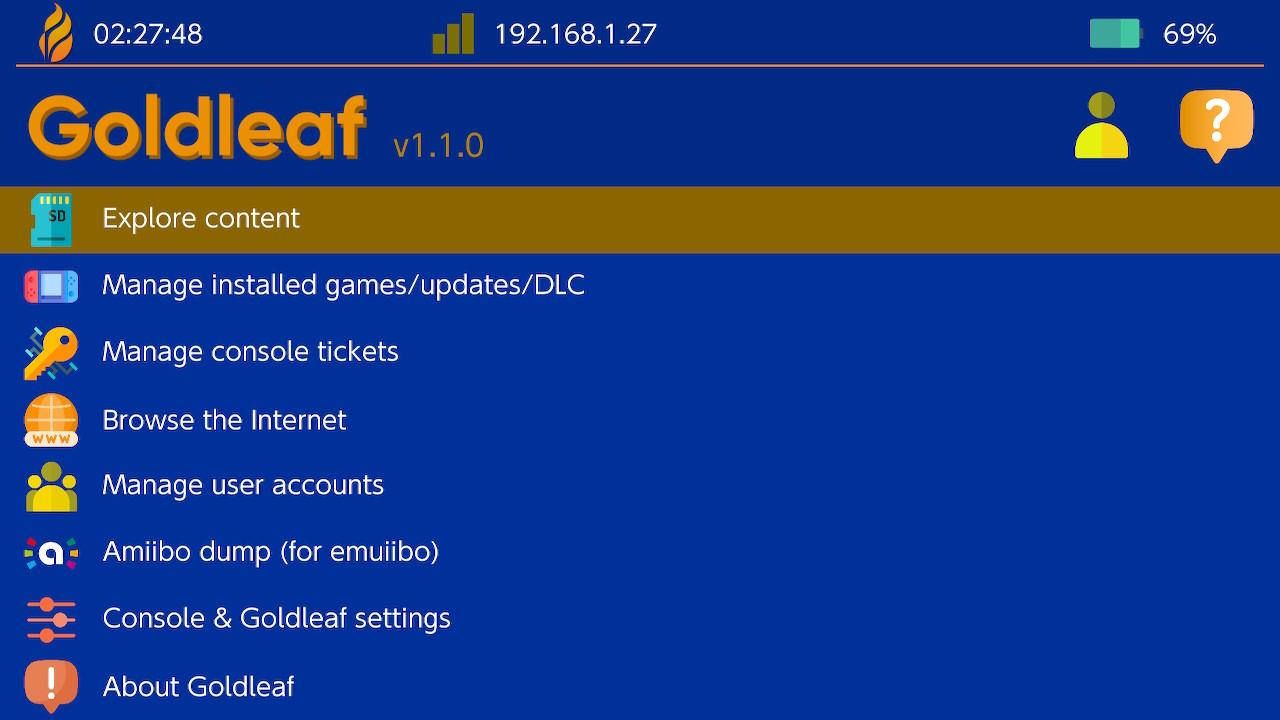
Goldleaf is a multipurpose homebrew tool for Nintendo Switch!
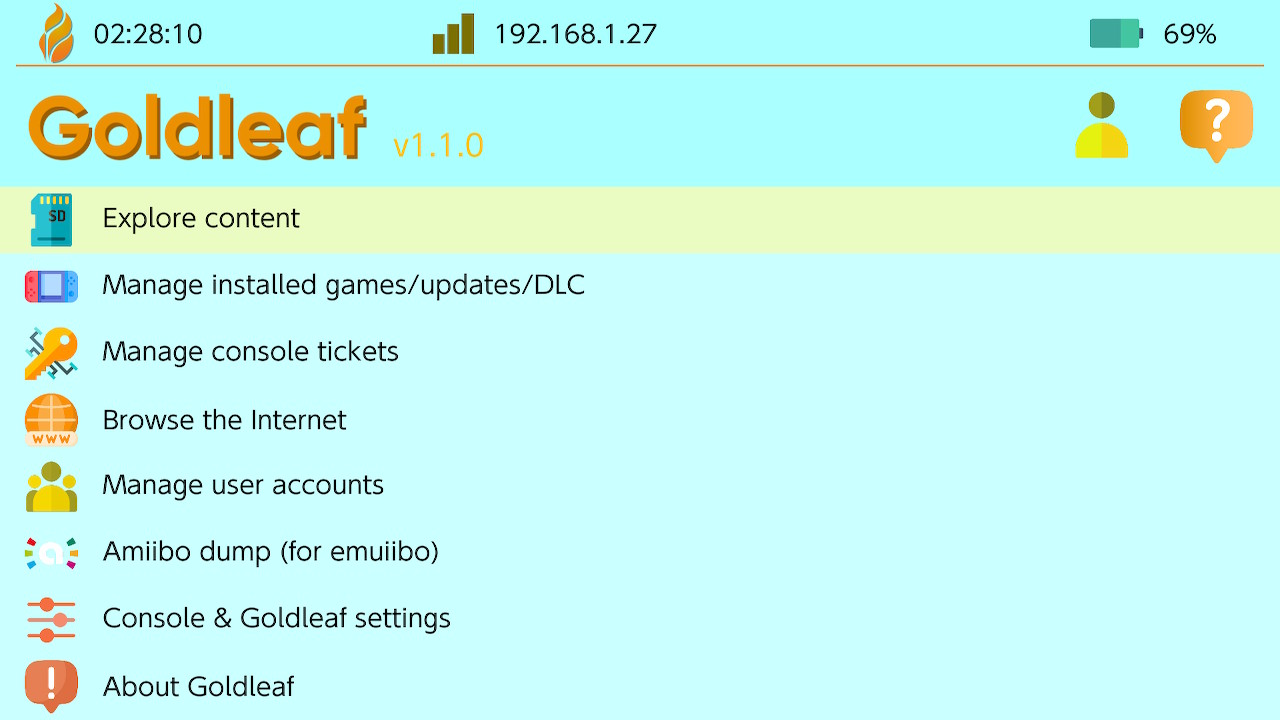
light1.jpg
dark1.jpg


Similar to the well-known 3DS homebrew FBI, Goldleaf serves as a file browser/manager/editor, title manager, user account manager... and more!


Let Goldleaf make your life easier while dealing with more or less technical Nintendo Switch stuff!
 
Last edited by XorTroll, , Reason: 0.6 README changes
I don't have any fs_patches folder, just default_nogc. They aren't part of the latest kosmos or additional sigpatches zip. As mentioned I can install games from SD with goldleaf 0.5 and run them just fine, just no USB install. NXMTP USB transfers are also working fine.
I dont know if Xortroll knows the bug , but it is an know bug , we discussed here in this thread , i have the same problem on nightly 5.0 and i have the sigpatches , but i will just wait 0.5 to release and continue to use 0.3 until then which works fine.
 
Last edited by renatosk,
  • Like
Reactions: Deleted User
It's probably using the internal FAT32 creation order.
you could use tools to sort the FAT32, but you need to do it every time you add a new file.

I know FATSort, but it's for Linux.
there are tools for windows, but never tested them so I wouldn't want to recommend unknown/untested tools.
edit: here what I found anyway: Drive sort (french, and maybe not a portable app), Fat Sorter, yafs

I think we had a tool for 3DS. I'll post it here if I find it.
edit: https://www.maxconsole.com/threads/gateway-3ds-rom-sorter-beta.31452/
I don't know if it lists only .3ds files, or all files.

or you can wait for alphabetical sorting order added to goldleaf.

Yeah it's fine I'll just wait. I would consider using another tool, but it doesn't bother me enough to want to have to do it every time I create a new file. I just wanted to make sure that there wasn't a setting I was overlooking or something like that. I'm gonna check out those tools you posted though just because I didn't even know those existed. I have never ran across an issue like this before. Must be a *NIX thing.

Thanks for the response. B-)
 
It's probably using the internal FAT32 creation order.
you could use tools to sort the FAT32, but you need to do it every time you add a new file.

I know FATSort, but it's for Linux.
there are tools for windows, but never tested them so I wouldn't want to recommend unknown/untested tools.
edit: here what I found anyway: Drive sort (french, and maybe not a portable app), Fat Sorter, yafs

I think we had a tool for 3DS. I'll post it here if I find it.
edit: https://www.maxconsole.com/threads/gateway-3ds-rom-sorter-beta.31452/
I don't know if it lists only .3ds files, or all files.

or you can wait for alphabetical sorting order added to goldleaf.

So when I originally read "but you need to do it every time you add a new file", I misinterpreted that as, every time I add a new file to the drive, then ALL of the files would go back to being out of order. But then the more I thought about it I was like that doesn't make sense, maybe he meant that I would have to do it every time I add a new file so that the "new file/folder" would now be in the correct order as well. So I decided to give DriveSort a try, and obviously I know now that you meant the latter. DriveSort worked great! I was able to sort my entire SD Card in alphabetical order and the whole process took less than 20 seconds to complete.

Thanks again for the info! B-)
 
  • Like
Reactions: Cyan
Just tried latest Goldleaf 0.5 nightly USB install in combination with Goldtree on FW 6.2, Atmos 0.8.5 - following Error - 0x234a02, Invalid NCA magic (missing sigpatches?) (firmware too low?)
Sigpatches are in place. Game definitely doesn't need 7.0. What else could be going wrong?
 
Last edited by wurstpistole,
Running 7.0.1 FW, 11.11.1 Kosmos CFW, prod.keys(from Lockpick), keys included with Kosmos + additional keys from link above, Goldleaf v0.5 nightly I'm able to install from SD, but I'm not able to install from USB.

I failed to install from USB + SD using Goldleaf/Goldtree v0.4 had no success due to either freezing or it just would give up transfer.

I was able to install via USB using Goldleaf.nro v0.3, and Goldtree v0.4, SD untested(As USB was my desired method, hopes this helps someone).


EDIT: After more USB installations I wanted to mention the following: Do not attempt to install multiple .nps files on the same boot, it's not working for me. I have to reboot each time, and I am also having the most success running Goldtree in Administrator.
 
Last edited by lotsofusernames,
@XorTroll, can you provide any insight about fixing my storage? I deleted a game via Goldleaf without thinking about it and I still have the same amount of space as before I deleted it, yet the game doesn't show up anywhere, using 6.0.0 ReinX.
 
Can i tell if the game or update I am installing needed the ignore firmware version option?
Or can I just ignore for every nsp I install?
 
Is there gonna be a Goldleaf release so you can Install NSP's and delete the file at the same time just like on Tinfoil?
Also a Multi Install option is MUCH needed.
 
why Blawar's Tinfoil can install nsp's from SD/USB on 7.X and Goldleaf can only do it from USB?
Will XTroll fix this issue?
I do like SD method.
 
Last edited by toxic9,
Hello all, I would like to share as well to see if it helps and ask some questions.

Running 7.0.1 FW, 11.11.1 Kosmos CFW + additional sigpatches, sdcard exfat 256gb.
Not working for me USB install (pc+switch)
-Goldleaf .5 + Goldtree .4 = hangs on install 0/10
-Goldleaf .4 + Goldtree .4 = hangs most of the times 3/10

Working for me (pc+switch)
-Goldleaf .3 + Goldtree .3 = installs nsp 10/10
The only way to get 10/10 for me is to install nsp after it finishes press + to close goldleaf and then close goldtree and start the process again (for every installation).

Questions
1. I have my prod.keys(from Lockpick) where do I put the keys in goldleaf?
2. Will Goldleaf .5 work for me if I install kosmos additional sigpatch + fs_patches?
3. When should I ignore software when installing
----base game = yes/no
----DLC = yes/no
----update= yes/no
4. Why is it that .3 USB speeds transfer work faster than .4 (was unable to install anything with .5).
5. Goldleaf crashes if I hit the home button.
6. Any suggestions to make goldleaf .5 work better?

Thank you
 
Last edited by Picalo,
can you try this build and give me feedback? can you also try SD install, which is what I'm looking for if it's working o 7.01 please?
goldleaf-f74d9b7.zip
 

Site & Scene News

Popular threads in this forum