Homebrew Help!!! My Menuhax RAndomly stopped working

Boltstrike2711

Member
Newcomer
Joined
Nov 28, 2016
Messages
18
Reaction score
0
Trophies
0
Age
35
XP
72
Country
My menuhax is broken on my Old 3ds and I would appreciate it if you would help me. I am currently on version 11.0.0-33U.
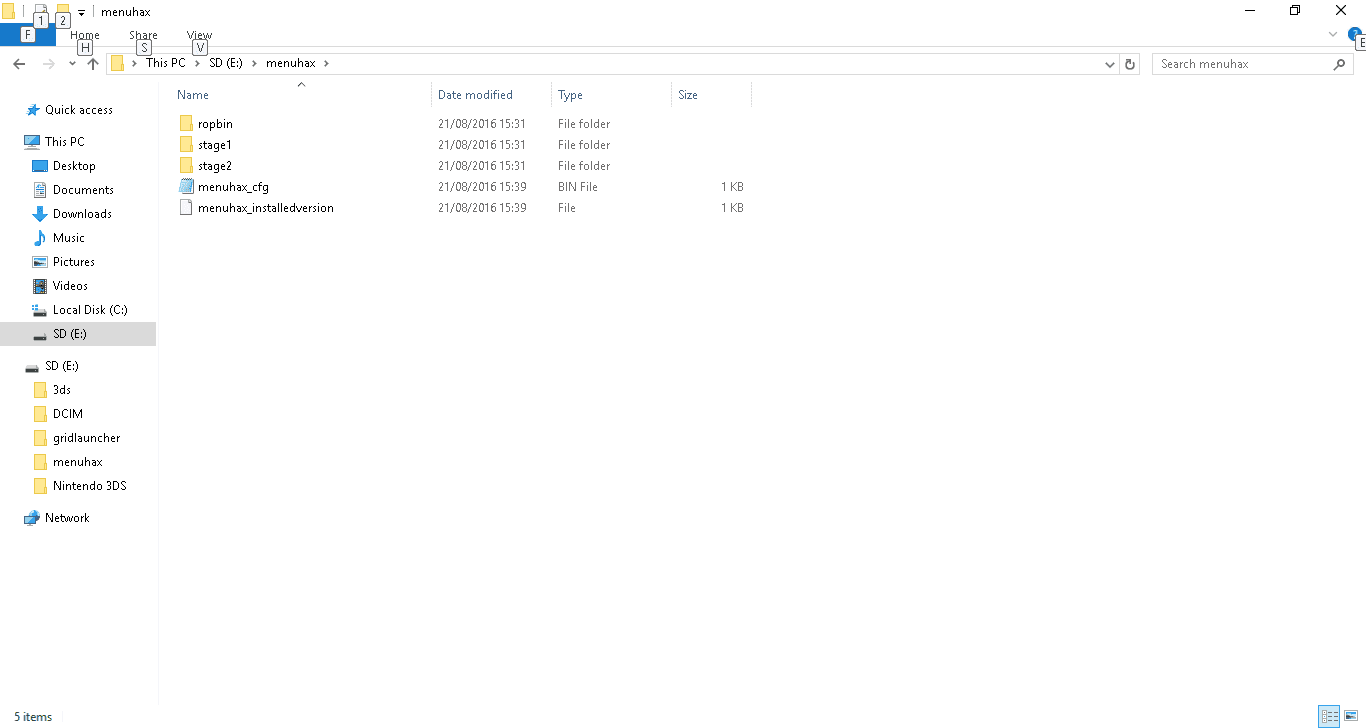
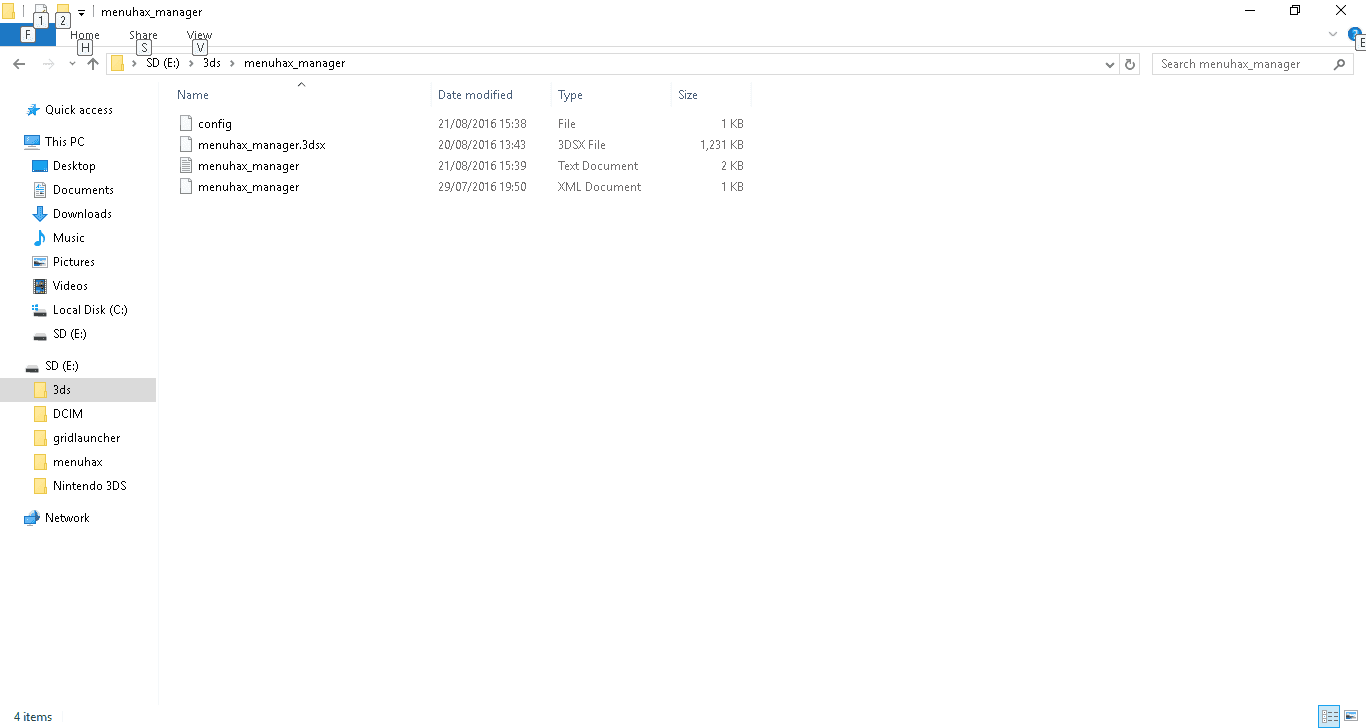
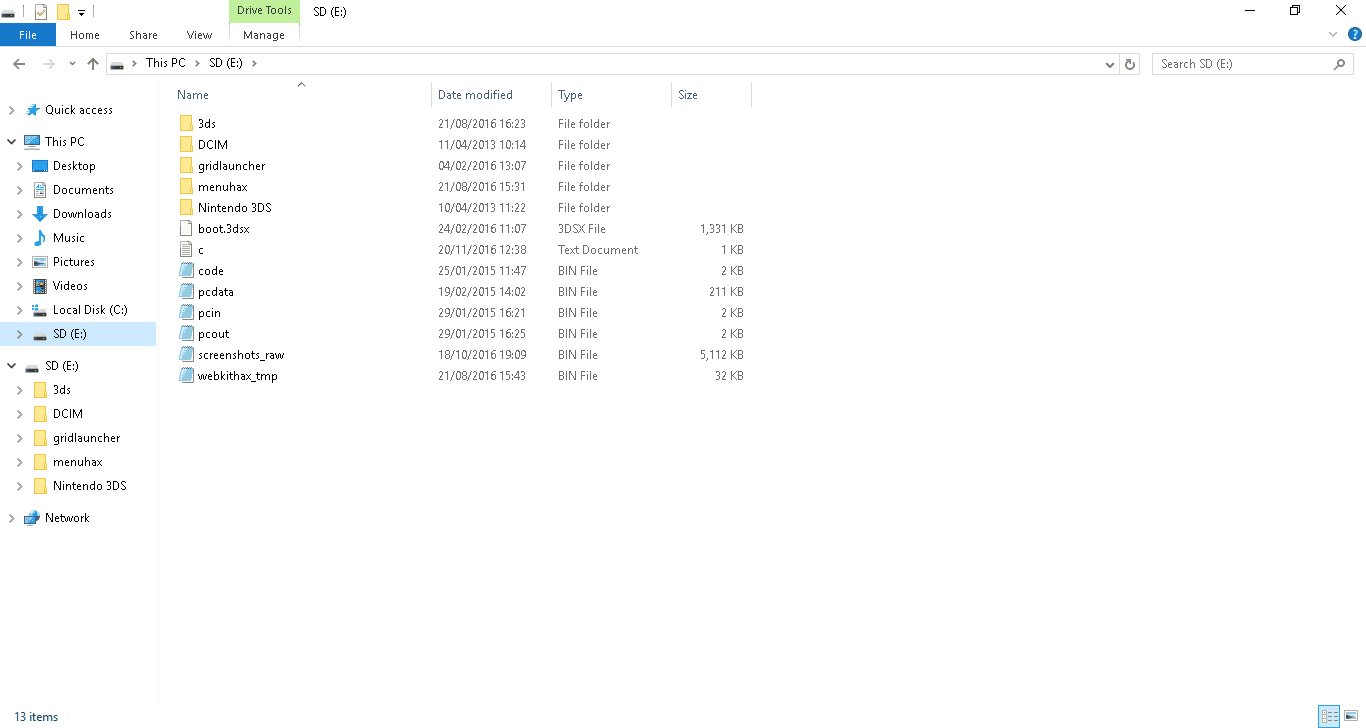
Last night I was on homebrew using the region free launcher to play pokemon sun but when i closed my 3ds and tried to open menuhax using the L key it would go to the main menu instead. As I am on outdated firmware I can't use browserhax to access homebrew to redownload menuhax. Does anyone have any suggestions, any would be greatly appreciated. here are some pictures of my sd card.
upload_2016-11-28_19-0-0.png

upload_2016-11-28_19-0-34.png

upload_2016-11-28_19-1-21.png
 
Check that the L button is working. The shoulder buttons can get stuck quite easily. Also, when you say you closed your 3ds, you mean you turned it off, right? Just to be clear.
 
MY l button works as i can access the camera from the main menu and my 3ds' software is 11.0 not my emulator and could you explain what fw is as I am not too advanced tech wise
 
MY l button works as i can access the camera from the main menu and my 3ds' software is 11.0 not my emulator and could you explain what fw is as I am not too advanced tech wise
The 11.0 you mentioned is your firmware. (fw)
sysNAND means the 3ds hardware and software. emuNAND is a NAND that is ran off the sd card. You clearly don't have one though.
 
Yeah I turned it off, when I turned it off I think it was slightly different to usual as usually I have to hold the power button to switch off when in Homebrew but this time the poweroff interface appeared. Thank you for clearing the technical terms.
 
Try this:
Code:
1. Goto System Settings. Then change the datetime to January 1, 2000, 00:00.
2. Use the browser 'Initialize savedata' option, before any page gets loaded triggering the browser-version message.
3. Continue to use browserhax as normal.
Note that you must not press the HOME button to return from the browser normally, otherwise you will have to reinitialize the savedata again. Once the datetime reaches January 2, you will have to repeat these steps if you want to continue using this bypass.
 
There had been other cases about menuhax not working out of the blue on 11.0 systems without changing themes or something and the reason is unknown.
Maybe you can recover your menuhax if you have a backup of your SD card
 
i don't as I got a new pc 1 month ago and I transfered only necessary files. I have tried the bypass and It doesn't work for me unfortunately

--------------------- MERGED ---------------------------

Is it possible for someone to send me a copy of their menuhax folder to so I can replace mine with theirs
 
i don't as I got a new pc 1 month ago and I transfered only necessary files. I have tried the bypass and It doesn't work for me unfortunately

--------------------- MERGED ---------------------------

Is it possible for someone to send me a copy of their menuhax folder to so I can replace mine with theirs
If somone were to send you their folder it would not worked as it is linked to the extdata of your specific console. Have you tried the browserhax bypass?
 
Go to the system settings and tell us what version it says you have. Don't do anything else by the moment.
 

Site & Scene News

Popular threads in this forum