Homebrew Question Ppsspp gives an error loading any game

  • Thread starter Thread starter Kappa-2
  • Start date Start date
  • Views Views 5,066
  • Replies Replies 15

Kappa-2

Member
Newcomer
Joined
Jul 1, 2019
Messages
8
Reaction score
1
Trophies
0
Age
41
XP
78
Country
Portugal
I am using Retroarch through nsp with full Ram access and I'm on REinx and when I try to load any PSP rom it gives me this error and returns to switch home menu.

Can someone help me with this matter? I already double checked the assets folder files too.

Thanks in advance
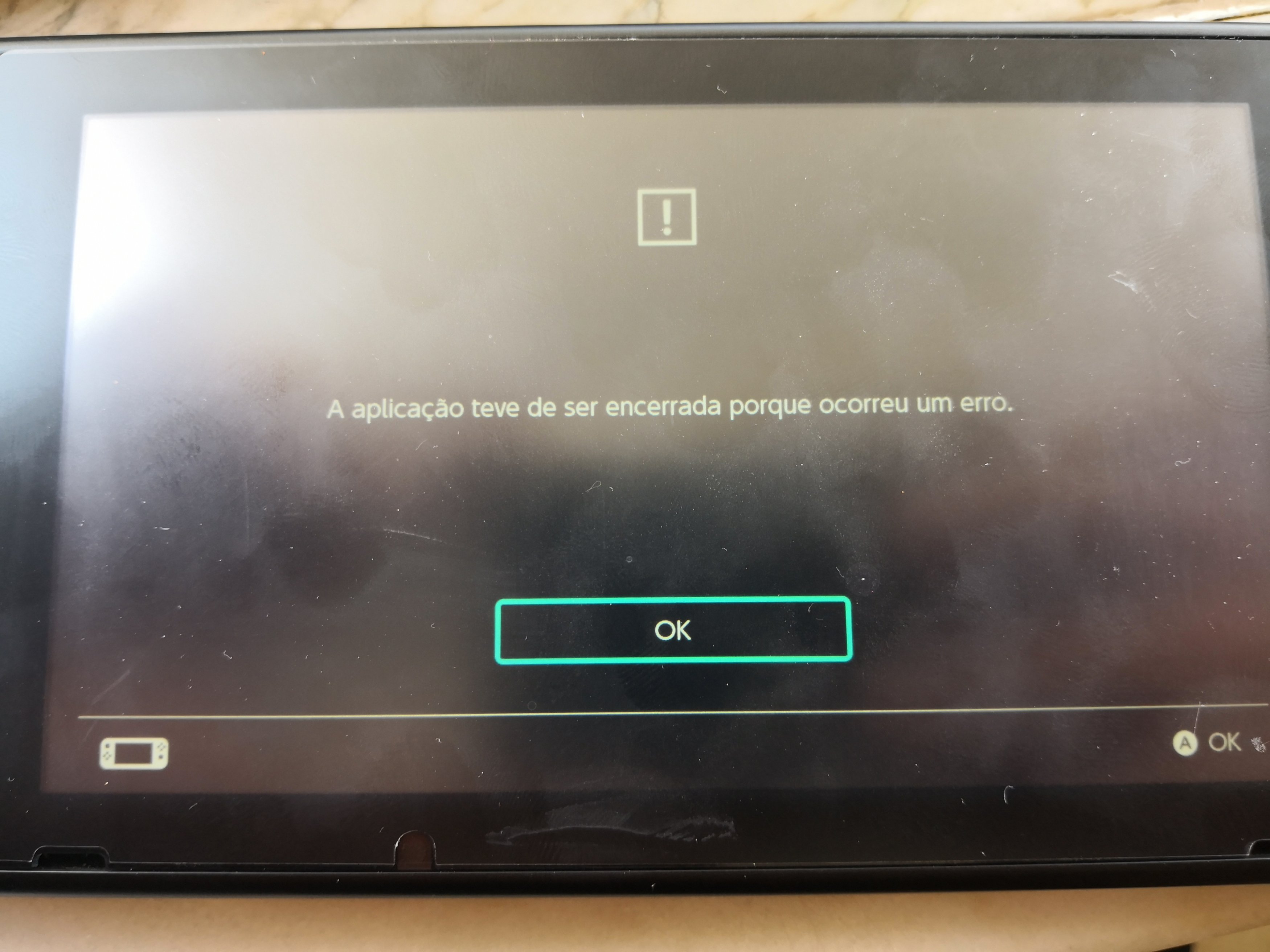
IMG_20190701_133726.jpg
 
If you are launching HBL (Homebrew Launcher) and then Retrarch via album - dont. Launch it via an installed game (not gamecardslot) instead. Album never gets full ram access - games do. If you launch a game while holding R - HBL will pop up instead.

This is also mentioned in the first posting in the PPSSPP thread.
If you are using ANY method of loading RetroArch OTHER than Atmosphere's title redirection feature, DO NOT report issues that you encounter.
These issues can skew testing and could very well be caused by loading through an unsupported method.

If thats not it - try different games (/image formats).
 
Last edited by notimp,
If you are launching HBL (Homebrew Launcher) and then Retrarch via album - dont. Launch it via an installed game (not gamecardslot) instead. Album never gets full ram access - games do. If you launch a game while holding R - HBL will pop up instead.

This is also mentioned in the first posting in the PPSSPP thread.


If thats not it - try different games (/image formats).
I'm not using the album to launch Retroarch, I'm using an Nsp with full Ram access.
Already tried other game formats and the same happen. I can runs for example PS1 games without a problem, this only occurs with PPSSPP core.
 
Hmm... Problematic. Thats a softcrash. Shouldnt happen.

Try the PPSSPP core from a stable/or a daily build of retroarch - use other than what you are using now. :)

Daily builds: http://buildbot.libretro.com/nightly/nintendo/switch/libnx/
Stable build: https://buildbot.libretro.com/stable/1.7.7/nintendo/switch/libnx/RetroArch.7z

Both should include the assets folder as well (afair). Copy that over a second time just to be sure. The path of the settings folder can be found in retroarch folderpaths (some setting, youl find it - while its running).

If that doest work - try a fresh install of RA.
 
Last edited by notimp,
RetroArch doesn't have a forwarder NSP.
You are asking for help with officially unsupported methods.
I didn't knew about that.
So in that case how can I use the "Hold R + Open Game" method to access Homebrew Launcher in Reinx?
I couldn't find nothing about that so this was the only way I found around that, and all other emulators/roms work fine this way too.
 
Last edited by Kappa-2,
I already tried all those steps, switching to a daily core, stable core, fresh RA install from stable and daily builds also.

All of them give me the right same error...

Any ideias? Is ReiNX incompatible with Ppsspp?
 

Site & Scene News

Popular threads in this forum