

How to Create a Passcode Prompt for a Jailbroken Switch
hello! I posted this somewhere else as a neat showcase but quite a few people were asking how to do it themselves, so I'm making a guide here
Tools
For this to work on Emunand or for anyone not on the latest firmware, I used NX-Pctl-Manager, which allows you to configure Parental Controls' time limits without needing the smartphone app.
Steps
#1: Set up a Parental Controls PIN in settings.
#2: Use the previously mentioned tool to set up your time limits (I only tested this myself on 19.0.1; the creator noted they've only tried it on 22.1.0, so you may have to modify the source and compile it yourself to work on your firmware, like I did). I made my time limit 0 minutes for every day of the week, so the console *requires* a PIN to be accessed basically.
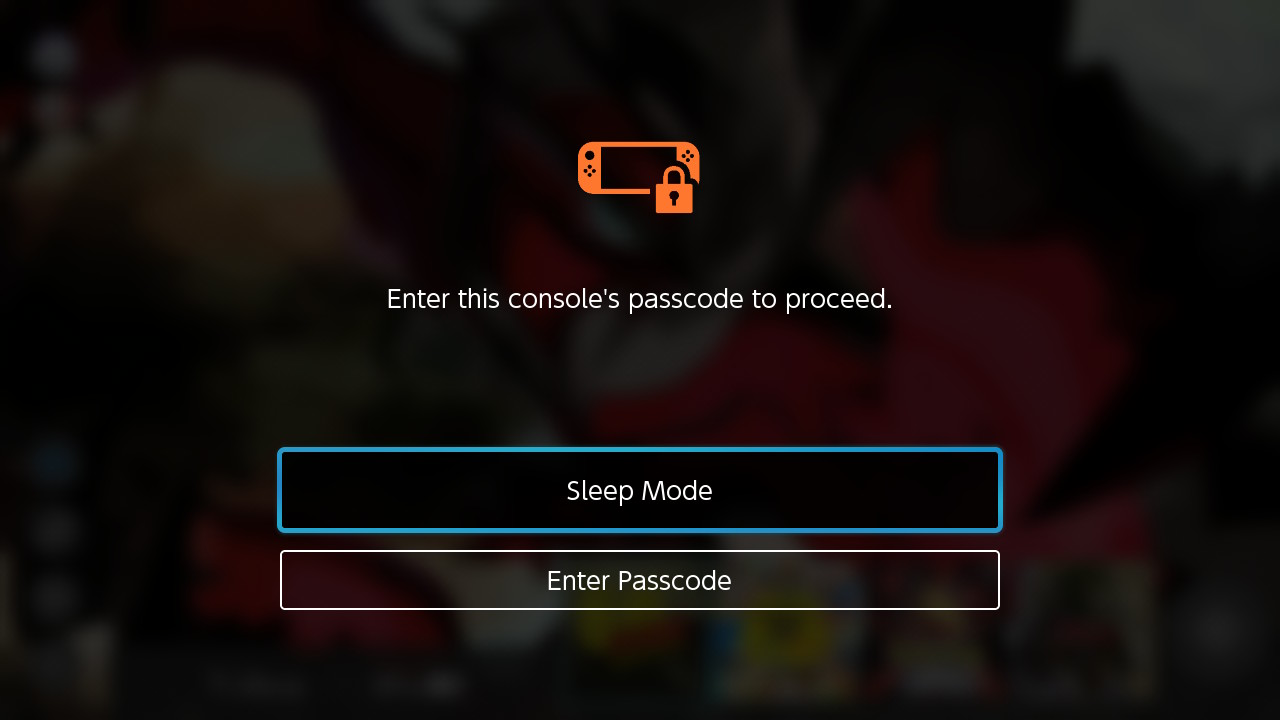
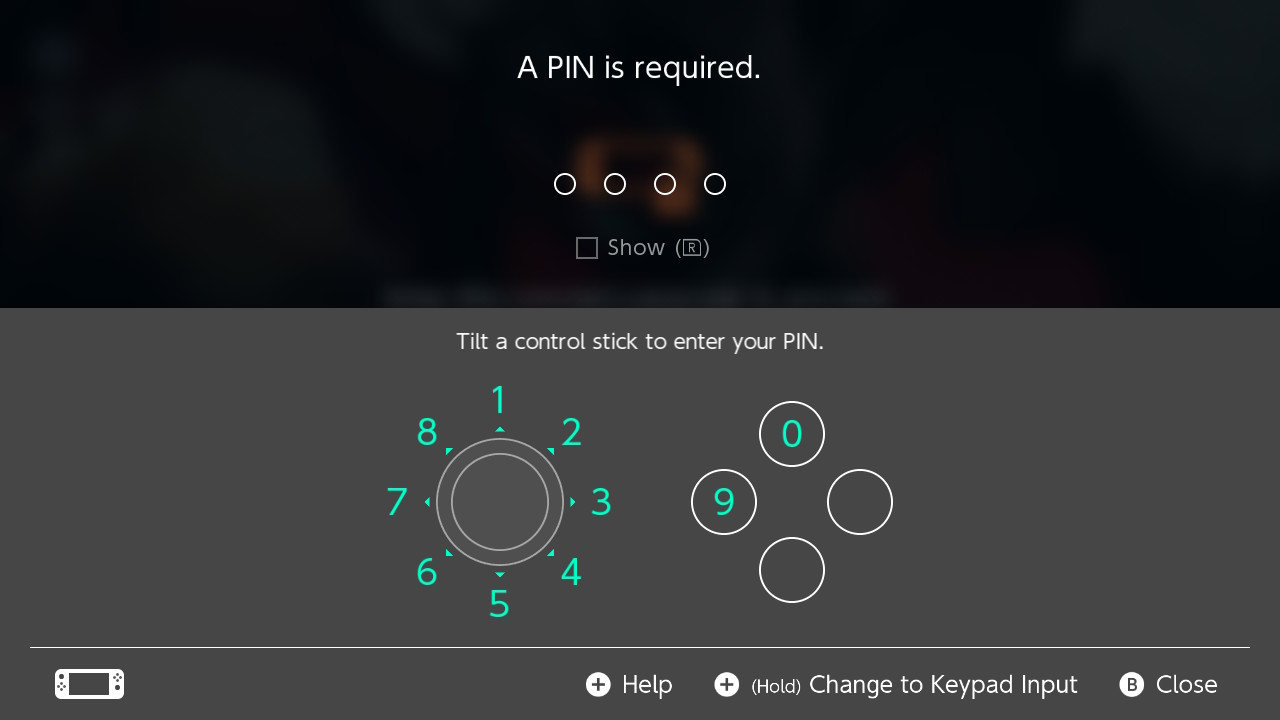
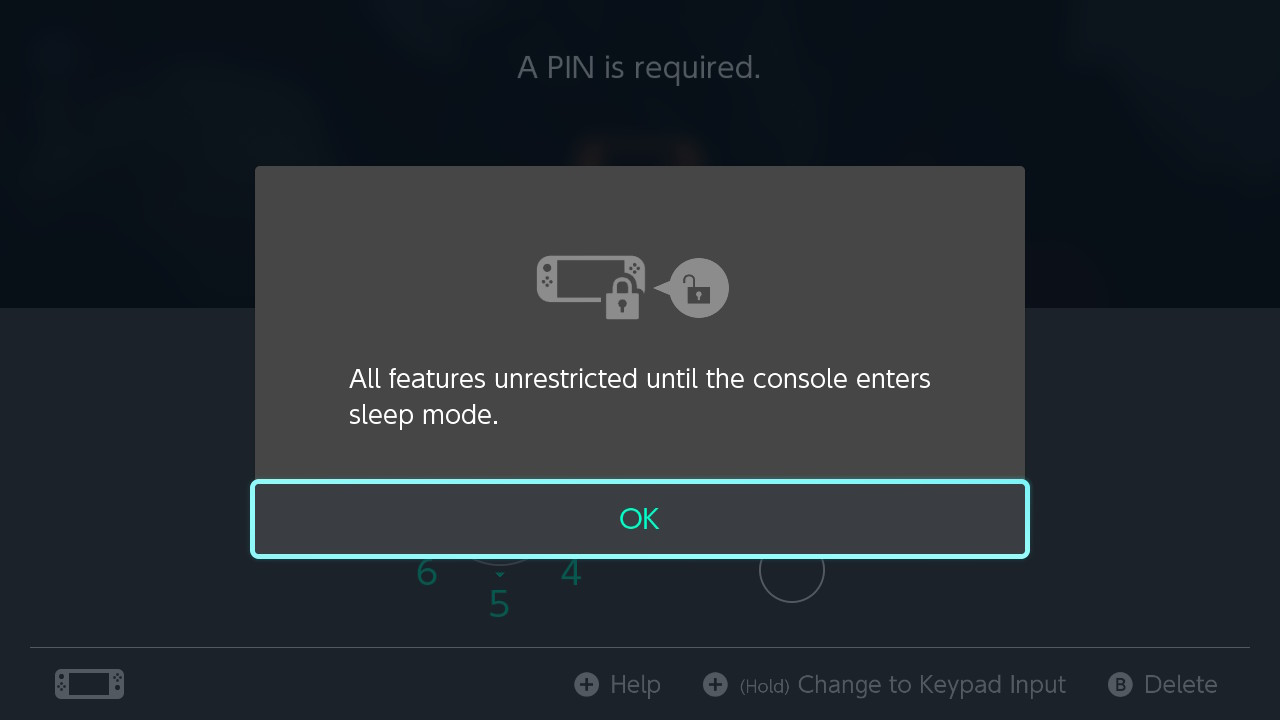
#3: Merge the RomFS patch attached to this post with your atmosphere folder; this part changes the text from saying the usual Parental Control dialogue to instead only asking for a passcode, as seen in this post's images. I also swapped some of the default icons that Nintendo uses with the Switch 2's passcode icon (seen in image).
#4: Implement the attached .json files into a custom theme (areas of interest are ResidentMenu.szs and Entrance.szs). This is so the orange Parental Controls indicator, usually visible in HOME and the LOCK SCREEN, are totally hidden and inaccessible.
that's it, enjoy! I'm happy with how this final product feels decently native, since it piggybacks off a real process from the console.
There were also some points where I struggled with the time limits actually applying, but running QuickNTP once fixed all these issues for me (jic anyone experiences this).
Tools
For this to work on Emunand or for anyone not on the latest firmware, I used NX-Pctl-Manager, which allows you to configure Parental Controls' time limits without needing the smartphone app.
Steps
#1: Set up a Parental Controls PIN in settings.
#2: Use the previously mentioned tool to set up your time limits (I only tested this myself on 19.0.1; the creator noted they've only tried it on 22.1.0, so you may have to modify the source and compile it yourself to work on your firmware, like I did). I made my time limit 0 minutes for every day of the week, so the console *requires* a PIN to be accessed basically.
#3: Merge the RomFS patch attached to this post with your atmosphere folder; this part changes the text from saying the usual Parental Control dialogue to instead only asking for a passcode, as seen in this post's images. I also swapped some of the default icons that Nintendo uses with the Switch 2's passcode icon (seen in image).
#4: Implement the attached .json files into a custom theme (areas of interest are ResidentMenu.szs and Entrance.szs). This is so the orange Parental Controls indicator, usually visible in HOME and the LOCK SCREEN, are totally hidden and inaccessible.
that's it, enjoy! I'm happy with how this final product feels decently native, since it piggybacks off a real process from the console.
There were also some points where I struggled with the time limits actually applying, but running QuickNTP once fixed all these issues for me (jic anyone experiences this).


