

Full disclosure: This app was built entirely with AI (Claude Code) and its open source. It fulfulls exactly what I wanted to have in a tool, so I thought I'd share incase others found it useful as well. I understand there is alot of AI code negativity, and I get it. Feel free to call it AI slop  It does what I want, so I'm happy with the tool I have now.
TicoDL+ is a Nintendo Switch homebrew that browses and files from archive directly to your Switch. It drops them into the folder layout used by the TICO emulator. It decompresses archives automatically so you just download and play.
This project was inspired by TicoBro by TheStonedModder, a fantastic all-in-one TICO management app. TicoBro is awesome and does a lot, but I wanted something focused specifically on the download experience with some features of my own such as concurrent downloads, queue management, and resume capabilities. Big thanks to TheStonedModder for the inspiration.
Disclaimer: This project does not condone piracy or copyright infringement in any form. Discussion of piracy, ROM sources, or copyrighted content will probably have your post deleted.
Features:
Lets call this a "beta" version, I welcome feedback and bug report via Git issues. Language support is next on my list. The highest firmware I've been able to test against is 19.1.
GitHub: https://github.com/digdat0/ticodlplus
Release: https://github.com/digdat0/ticodlplus/releases
Screenshots
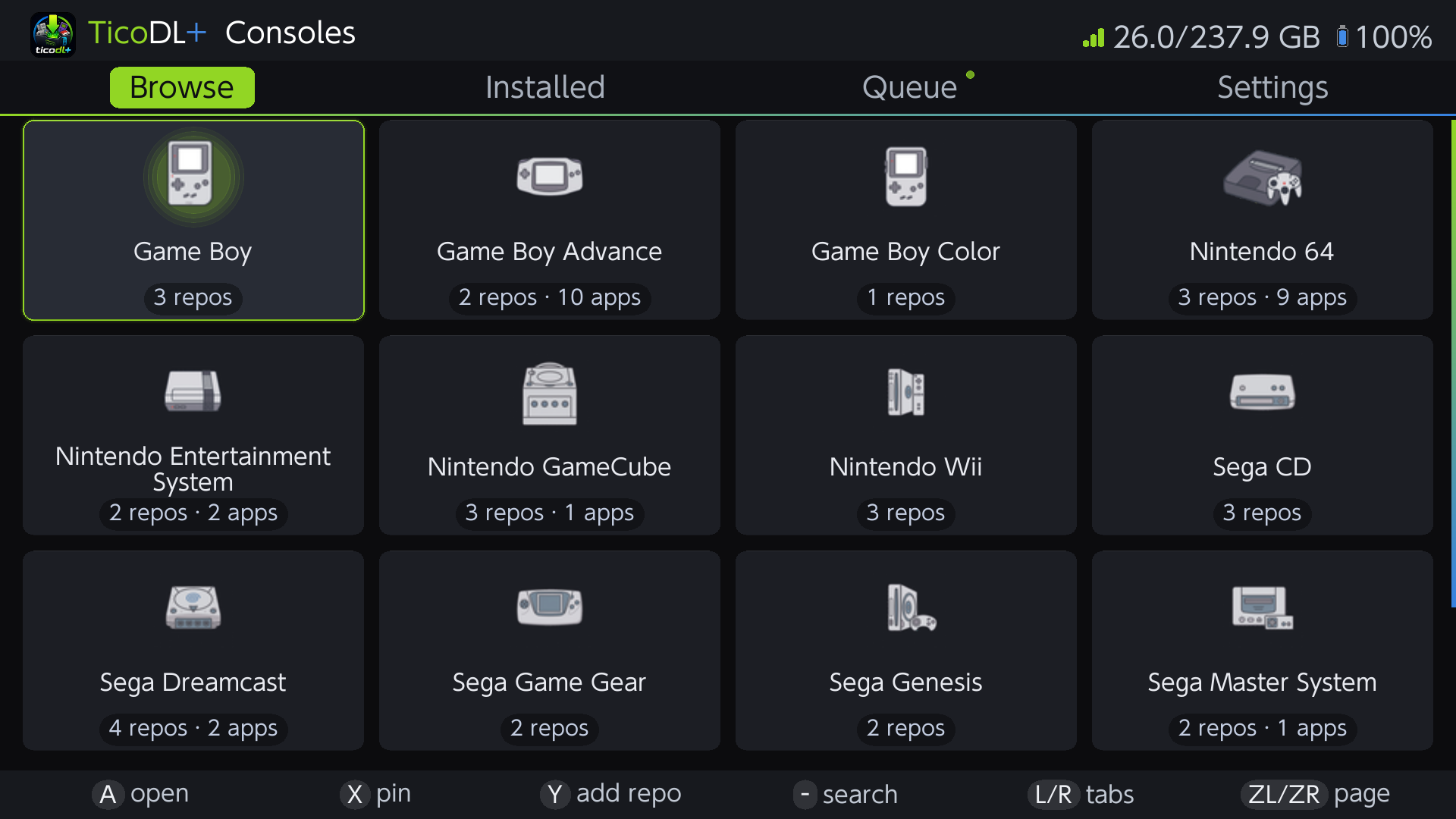

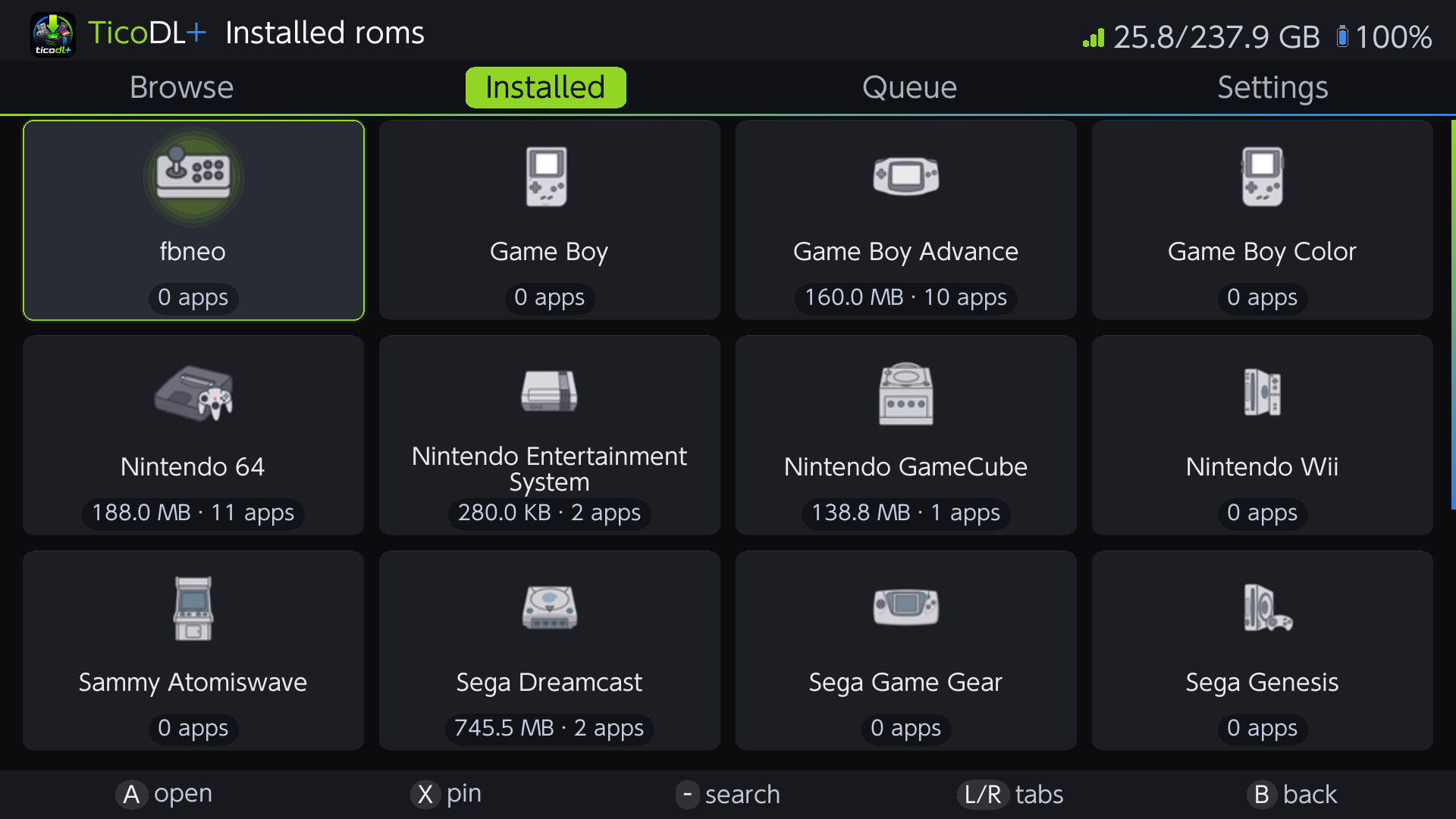
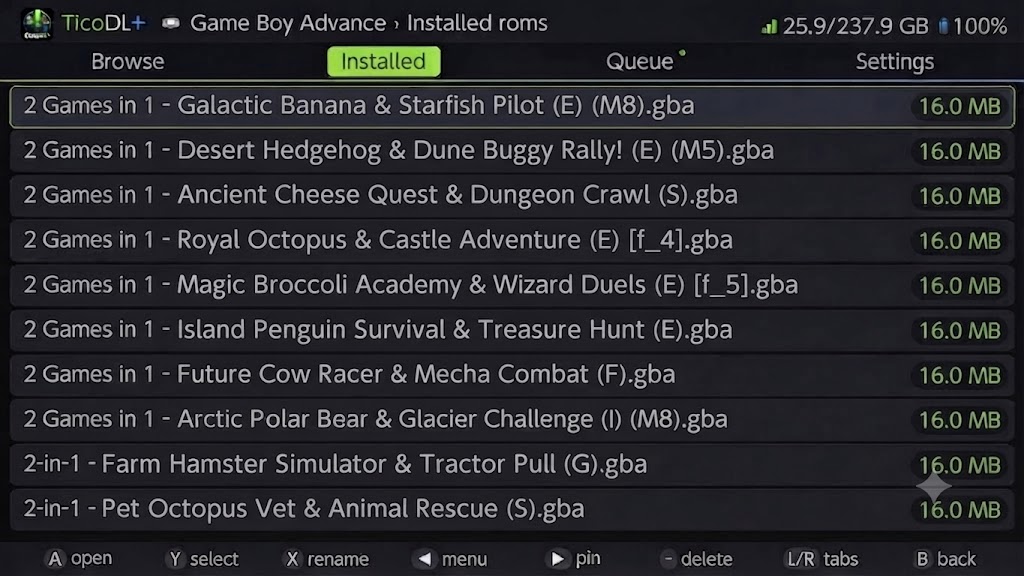
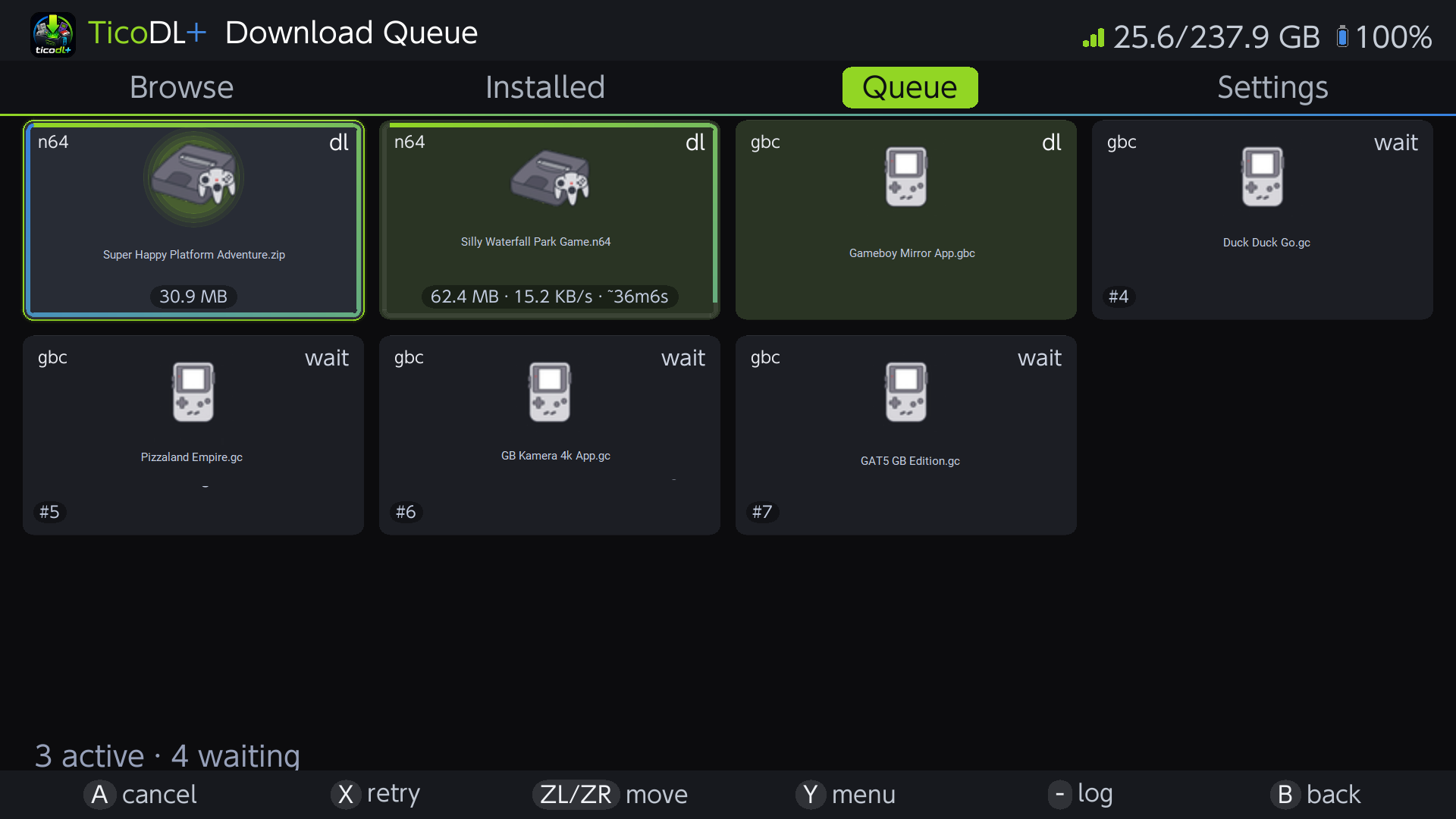


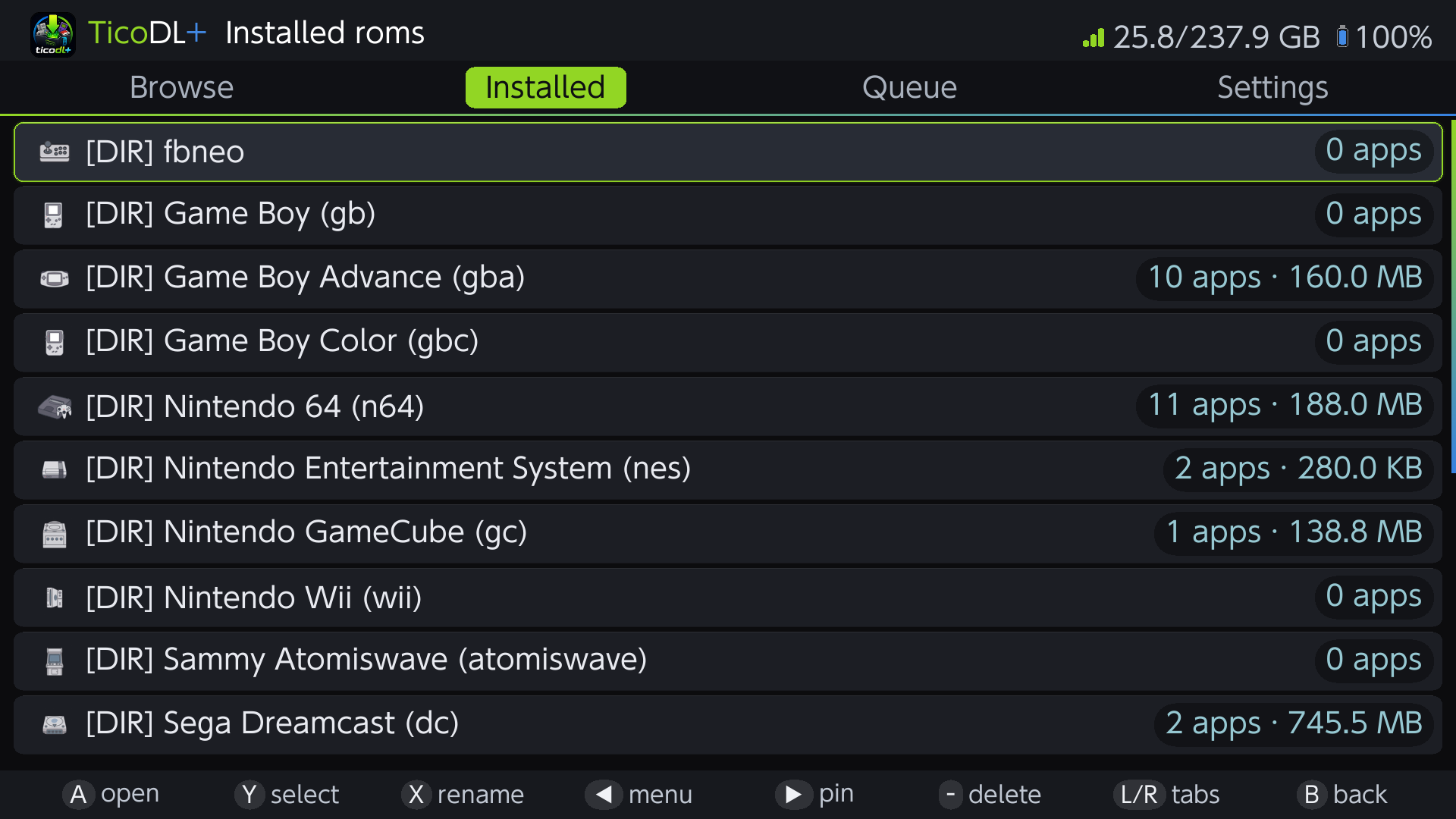
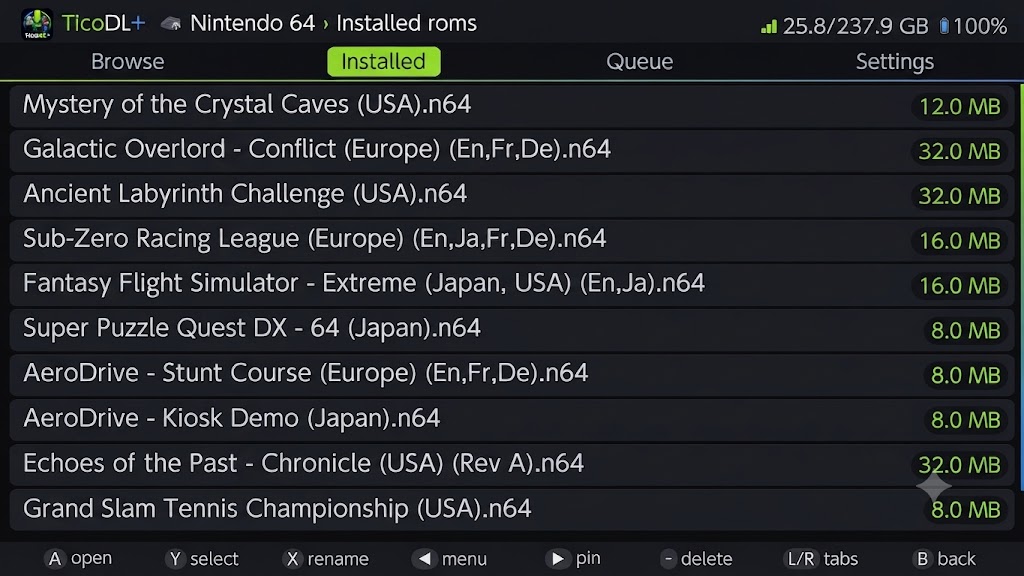
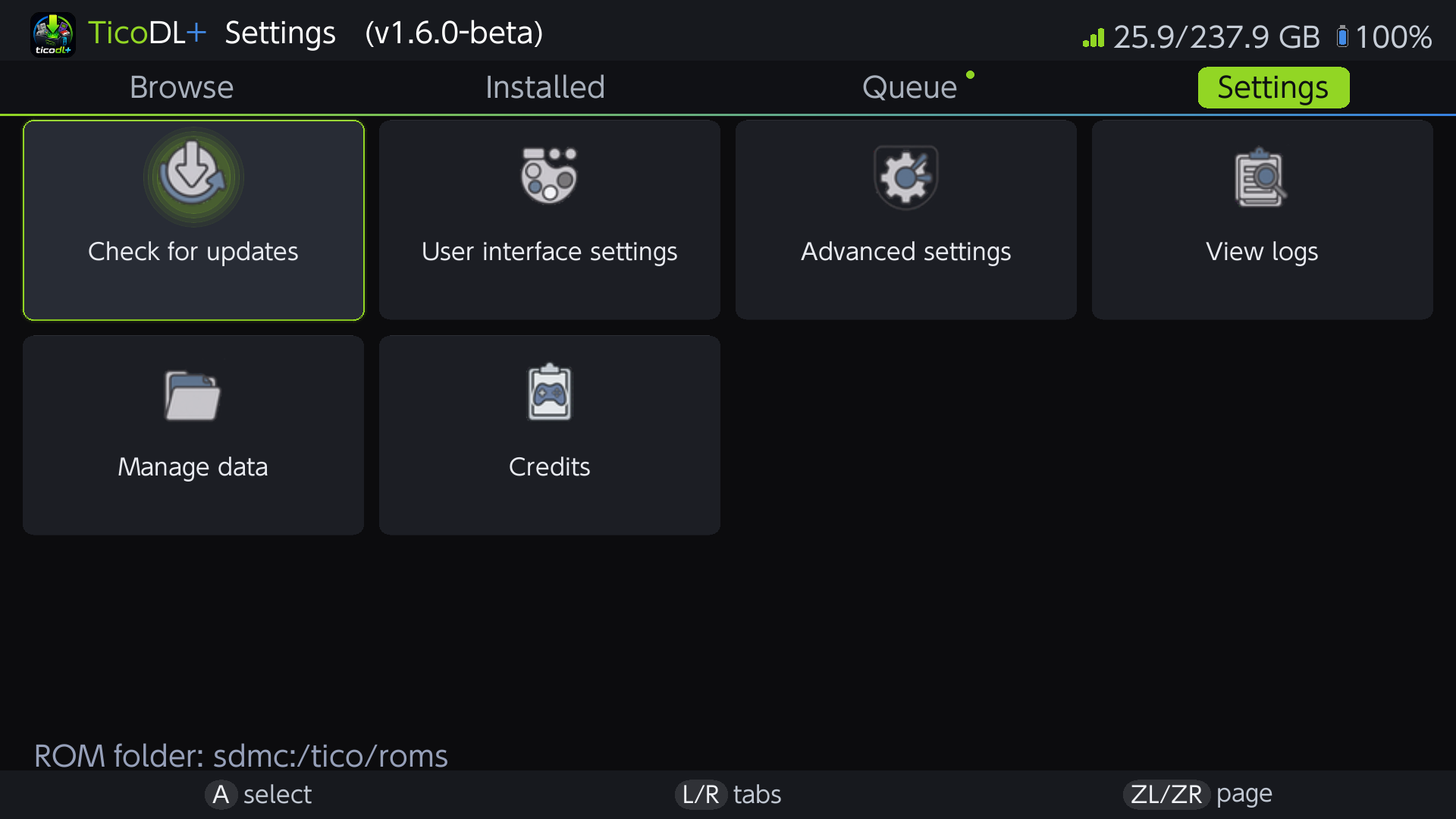


It does what I want, so I'm happy with the tool I have now.TicoDL+ is a Nintendo Switch homebrew that browses and files from archive directly to your Switch. It drops them into the folder layout used by the TICO emulator. It decompresses archives automatically so you just download and play.
This project was inspired by TicoBro by TheStonedModder, a fantastic all-in-one TICO management app. TicoBro is awesome and does a lot, but I wanted something focused specifically on the download experience with some features of my own such as concurrent downloads, queue management, and resume capabilities. Big thanks to TheStonedModder for the inspiration.
Disclaimer: This project does not condone piracy or copyright infringement in any form. Discussion of piracy, ROM sources, or copyrighted content will probably have your post deleted.
Features:
- Browse and manage multiple archive collections per console, with pinned favorites and global search across every cached repo
- Background download queue with up to 5 simultaneous downloads — reorder, retry, cancel, and queue a whole file list at once
- Network-loss aware: dropped connections pause active downloads and auto-resume in order when the network returns
- Automatic extraction of .zip, .7z, .rar, and .tar archives (some RAR3-compressed cannot be decompressed)
- Download resume and queue persistence across app restarts
- File integrity checks (size + MD5)
- Auto-detects TICO emulator and reads its ROM path config, or point it at any folder on your SD card
- Installed file browser with search, sorting, rename, multi-select and bulk delete
- In-app self-update from GitHub releases (staged install, safe against power loss)
- Full touch support, 25 languages, light/dark themes, and switchable list or card views
- Tabbed UI built on Plutonium/SDL2
Lets call this a "beta" version, I welcome feedback and bug report via Git issues. Language support is next on my list. The highest firmware I've been able to test against is 19.1.
GitHub: https://github.com/digdat0/ticodlplus
Release: https://github.com/digdat0/ticodlplus/releases
Screenshots
Last edited by digdat0,