Homebrew Homebrew game SuperTux Milestone 1 port for Switch

  • Thread starter Thread starter Headshotnoby
  • Start date Start date
  • Views Views 5,690
  • Replies Replies 16
  • Likes Likes 3

Headshotnoby

Active Member
Newcomer
Joined
Jul 31, 2019
Messages
39
Reaction score
140
Trophies
1
Age
26
Website
github.com
XP
783
Country
Venezuela
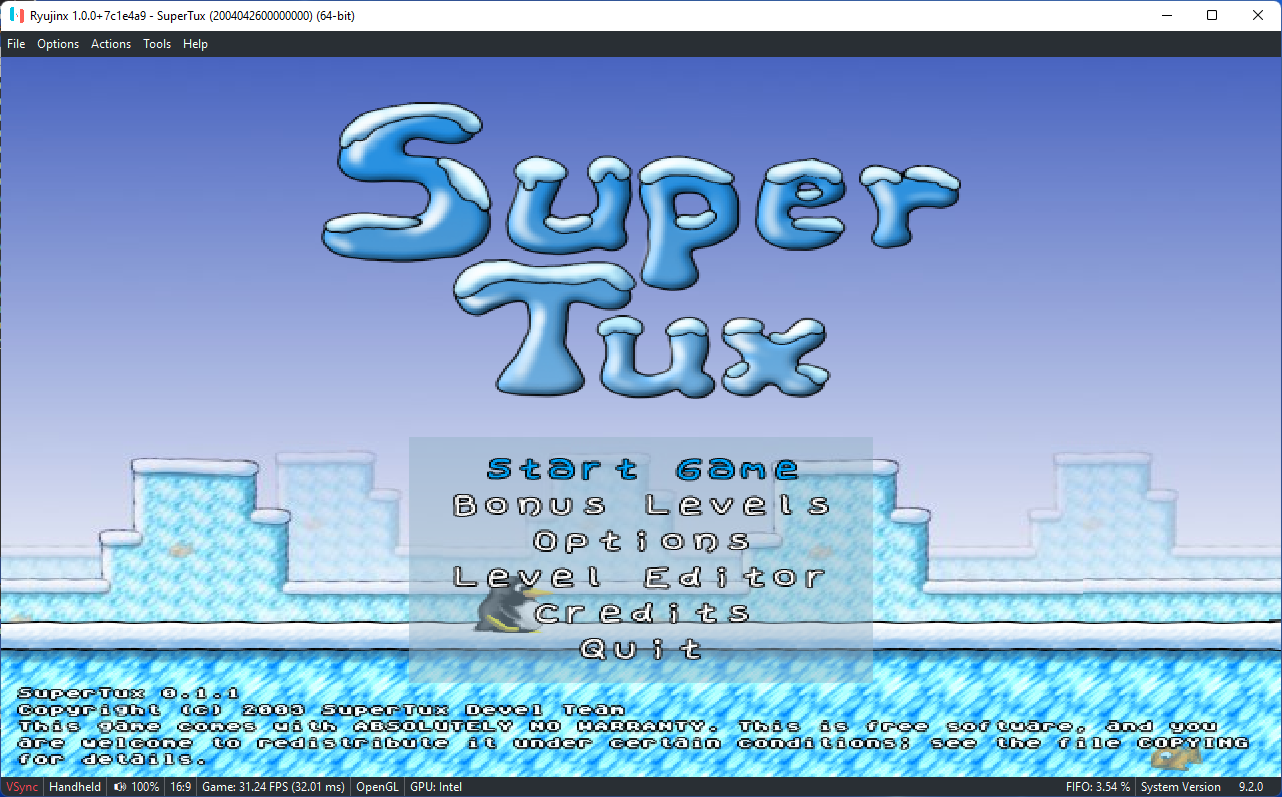
Adding onto the pile of SuperTux ports (Wii, PSP, 3DS, PS2 (mine!)), I bring you the Nintendo Switch port of SuperTux v0.1.1, also known as Milestone 1.
Additionally you can also think of this as a port of SuperTux Milestone 1 from SDL 1.2 to SDL2!

SuperTux is a jump'n run like game, with strong inspiration from the Super Mario Bros games for Nintendo.

Current release: v0.1.1b

GitHub
Homebrew App Store
Download
supertuxswitch.png
20220305_192900.jpg

(not my switch on this photo)
 
Last edited by Headshotnoby,
Pretty good mario clone. I'd suggest adding d-pad/arrow button support as well as joystick.
Oh yeah and when I installed from the homebrew app store there was an unnecessary image file in the root of my SD card, deleting it didn't break anything.
that's weird. when submitting the app i sent them a link to the github release and from there, they make their own zip file for it
 
  • Like
Reactions: hippy dave
@Headshotnoby
Thank you very much!

Btw I guess I found out a bug. After the game starts, at first DPad buttons works well. Then using Lstick to move works well, too. But after that, DPad buttons are acting weird, and doesn't work well at all.

Can you please take a look?
PS: and another wish. Could you please assign XY buttons as a mirror for AB? I. e. A=X, B=Y, 'cause for now they're not active at all.
 
Last edited by mathew77,
  • Like
Reactions: Headshotnoby
@Headshotnoby
Thank you very much!

Btw I guess I found out a bug. After the game starts, at first DPad buttons works well. Then using Lstick to move works well, too. But after that, DPad buttons are acting weird, and doesn't work well at all.

Can you please take a look?
PS: and another wish. Could you please assign XY buttons as a mirror for AB? I. e. A=X, B=Y, 'cause for now they're not active at all.
i'll look into it
 
  • Like
Reactions: mathew77
i've fixed the issue with the dpad, however instead of mirroring A & B with the X & Y keys, i'll change it so Y/X are the run/fire buttons and A/B are the jump buttons for a more comfortable setup
 
  • Love
Reactions: mathew77
Update v0.1.1b
https://github.com/headshot2017/supertux-switch/releases/tag/v0.1.1b

Changelog:
  • Fixed issue with DPad movement where: moving with the left stick first, then pressing left/right on the DPad would move Tux on the opposite direction until you also press that direction.
  • Changed controls to be more comfortable: X and Y to run/fire, A and B to jump.
 

Site & Scene News

Popular threads in this forum