NX-Shell - Multipurpose File Manager for Nintendo Switch

Hello everyone, the new release with the much requested USB support is finally here! (Couldn't have done it without @DarkMatterCore's usb library) It's worth mentioning since it is such a big update (backend changes and FS refactor) there *may* be some issues, but the only way I can find and fix those is through you guys! However rest assured, I did run a lot of tests myself to make sure it is functioning as expected. If I waited a month, it would've been exactly 2 years since the last release 🥺.


icon.jpg

Change-log:

  • FS:
    • Added support for browsing USB devices.
    • Switched back to libc to handle FS operations.
    • Brought back support for browsing other devices such as safe, user and system.
  • GUI:
    • Update to imGui v1.88.
    • Switch to imGui's new keyEvent API.
    • The two views (File Browser and Settings) can now be navigated as tabs.
    • Switched from list view to a table view using imGui's table API.
    • Sorting is no longer applied from settings, it can be done directly by clicking on the table column headers.
    • A new selector has been added to allow the user to switch to different devices such as safe, user, USB etc.
    • Settings are no longer categorized by imGui's tree system.
    • No longer uses SDL2 as a backend, but instead uses opengl v3 directly (along with egl).
  • Fixes:
    • Properly delete config file if the config file version is outdated.
    • Properly free textures after exiting application.
    • Fixed scrolling via the right joystick after zooming into an image.
    • Lots of code clean up and under the hood changes that are too many to list here.

f43g1ya.jpg


3dU0ciU.jpg


2022080419235500-a282ce99633b844e0497db963451d670-jpg.321175

Download: https://github.com/joel16/NX-Shell/releases
 
Last edited by Joel16,
Hi, I'm having issues with my files, when trying to create a new folder or name edit an existent file/folder, the whole Atmosphere crash, same happens with N-Xplorer, if I edit files from FileZila or directly form the SD it works fine, no idea what could cause this :unsure:

Already did a disk check to my SD card and didn't find anything wrong, please help.
 
Last edited by cucholix,
Hi, I'm having issues with my files, when trying to create a new folder or name edit an existent file/folder, the whole Atmosphere crash, same happens with N-Xplorer, if I edit files from FileZila or directly form the SD it works fine, no idea what could cause this :unsure:

Already did a disk check to my SD card and didn't find anything wrong, please help.
I haven't really been caught up with the switch scene as of late. Is this because of the most recent version of atmosphere? Perhaps something with FS services has changed, I can't really say for certain. Is there anyone else facing such issues?
 
I haven't really been caught up with the switch scene as of late. Is this because of the most recent version of atmosphere? Perhaps something with FS services has changed, I can't really say for certain. Is there anyone else facing such issues?

He is likely running exfat and corrupted.
 
  • Like
Reactions: Joel16
I haven't really been caught up with the switch scene as of late. Is this because of the most recent version of atmosphere? Perhaps something with FS services has changed, I can't really say for certain. Is there anyone else facing such issues?
Fixed it by disabling some sys-modules, apparently the Switch ran out of resources.
 
  • Like
Reactions: Joel16
v3.00 BETA
NX-Shell v3.0.0 BETA

Alright I'm just going to go ahead and do this, because if I don't I may never end up doing it. Don't know if people remember, but I did tease a re-write a few months back. I finally feel like enough ground work has been completed for it to get it's first release. Do note, this current version is in *BETA* means a lot of the features from the old NX-Shell will be missing and may have some minor bugs/glitches. This build is mainly for gathering feedback (also because the most recent version broke the archive bits feature). Also I'm new to c++ so contributors are always welcome!

0uVJMsD.jpg


J9HP41k.jpg


8xunUGd.jpg


0mqXV0A.jpg

Download: https://github.com/joel16/NX-Shell/releases/tag/3.00
 
NX-Shell v3.0.0 BETA

Alright I'm just going to go ahead and do this, because if I don't I may never end up doing it. Don't know if people remember, but I did tease a re-write a few months back. I finally feel like enough ground work has been completed for it to get it's first release. Do note, this current version is in *BETA* means a lot of the features from the old NX-Shell will be missing and may have some minor bugs/glitches. This build is mainly for gathering feedback (also because the most recent version broke the archive bits feature). Also I'm new to c++ so contributors are always welcome!

0uVJMsD.jpg


J9HP41k.jpg


8xunUGd.jpg


0mqXV0A.jpg

Download: https://github.com/joel16/NX-Shell/releases/tag/3.00


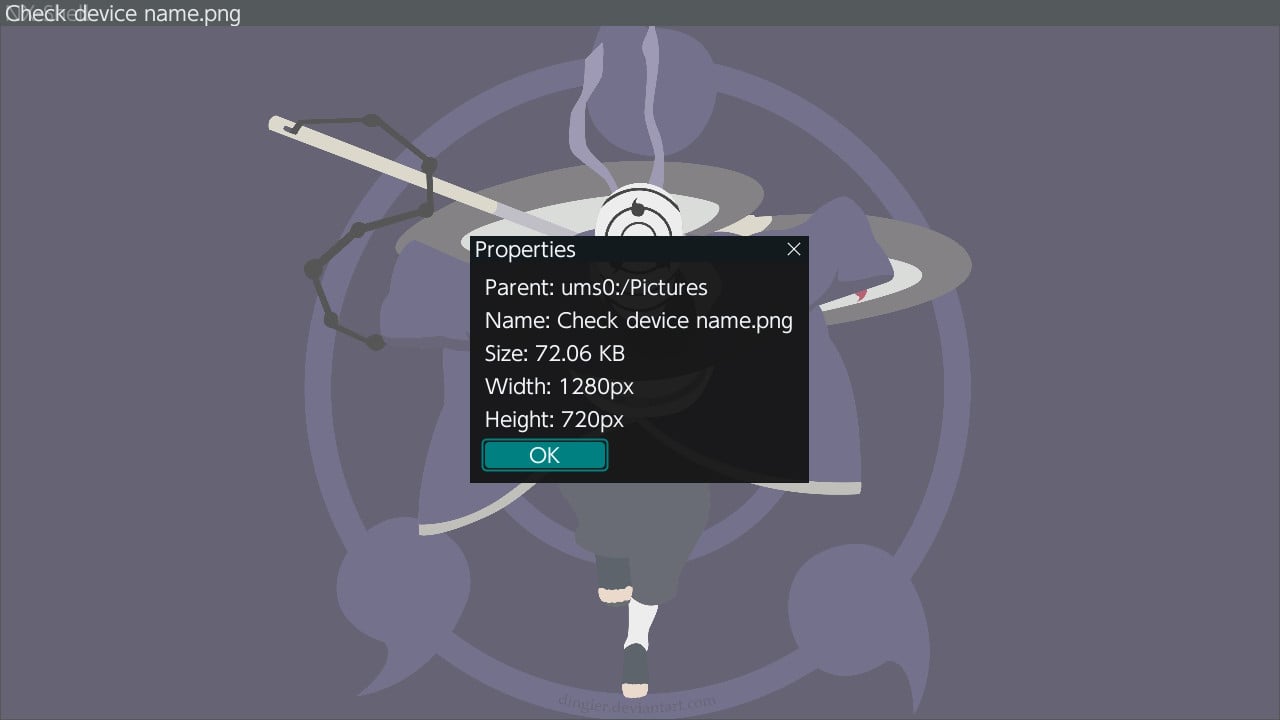
Use a fixed width font on your properties dialog so you can align the columns easily with text.
 
Okay, I'm not sure why its doing this, because it is supposed to set the window size initially but for whatever reason its failing to do that. Here's what you can do temporarily:

Open the imgui.ini folder in /switch or wherever your NX-Shell.nro file is. and change the following to:

Code:
[Window][NX-Shell]
Pos=0,0
Size=1280,720
Collapsed=0

Meanwhile I'll try to get this fixed with a hot-fix release.
 
Great to see update for this app!

Question; does v3 have extracting feature? (Zip file)

I'm currently using the old version to extract zip files so don't want to lose that if I update
 
Great to see update for this app!

Question; does v3 have extracting feature? (Zip file)

I'm currently using the old version to extract zip files so don't want to lose that if I update

It currently does not have that. Just the basic file operations are included. (Cut, copy, move, delete, set archive bit) at this moment there is no progress bars either.
 
Okay, I'm not sure why its doing this, because it is supposed to set the window size initially but for whatever reason its failing to do that. Here's what you can do temporarily:

Open the imgui.ini folder in /switch or wherever your NX-Shell.nro file is. and change the following to:

Code:
[Window][NX-Shell]
Pos=0,0
Size=1280,720
Collapsed=0

Meanwhile I'll try to get this fixed with a hot-fix release.

did you get chance to publish this hot fix? I ask as I only have access to my phone and switch so cannot edit on my laptop :(
 
Release v3.0.1
Managed to squeeze sometime to finally publish that hotfix;

Release v3.0.1 BETA

- Fixed the window size during boot.

Please delete the imgui.ini file before running this version, it will be regenerated with the accurate window size. This should fix the weird window issue introduced in the last release.
https://github.com/joel16/NX-Shell/releases/tag/3.01
 
Last edited by Joel16,

Site & Scene News

Popular threads in this forum