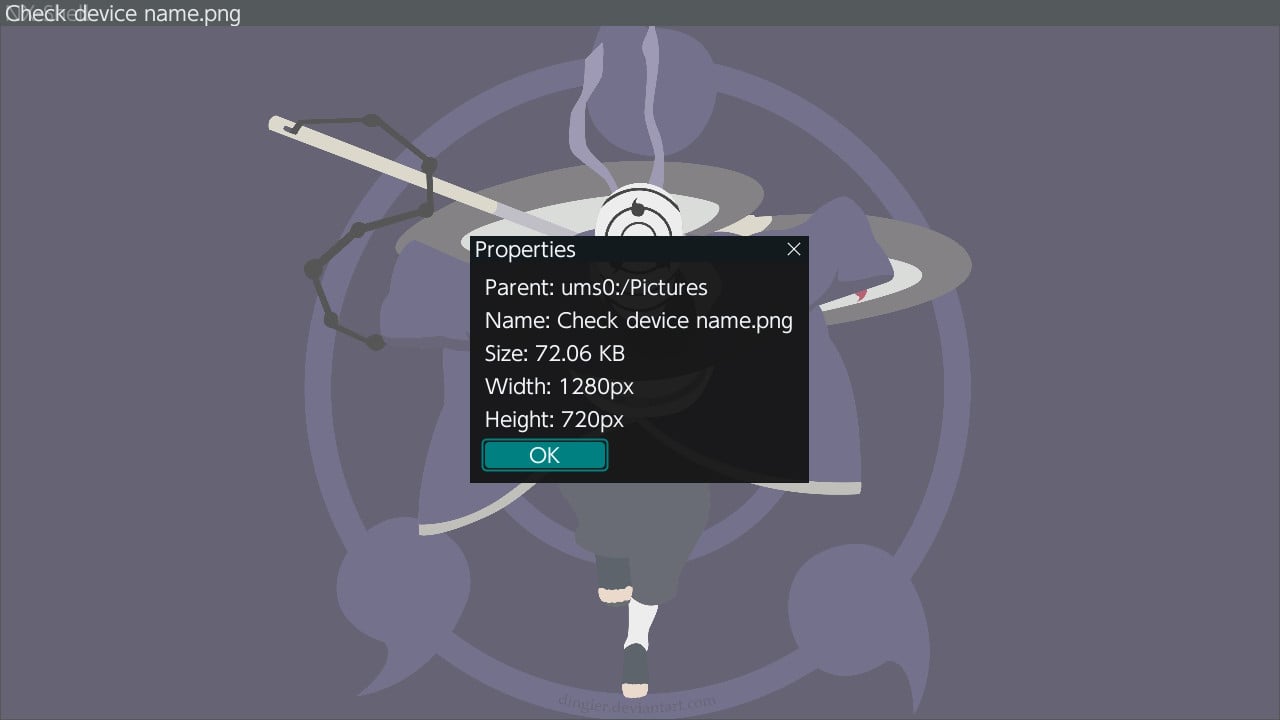
NX-Shell - Multipurpose File Manager for Nintendo Switch

Hello everyone, the new release with the much requested USB support is finally here! (Couldn't have done it without @DarkMatterCore's usb library) It's worth mentioning since it is such a big update (backend changes and FS refactor) there *may* be some issues, but the only way I can find and fix those is through you guys! However rest assured, I did run a lot of tests myself to make sure it is functioning as expected. If I waited a month, it would've been exactly 2 years since the last release 🥺.


icon.jpg

Change-log:

  • FS:
    • Added support for browsing USB devices.
    • Switched back to libc to handle FS operations.
    • Brought back support for browsing other devices such as safe, user and system.
  • GUI:
    • Update to imGui v1.88.
    • Switch to imGui's new keyEvent API.
    • The two views (File Browser and Settings) can now be navigated as tabs.
    • Switched from list view to a table view using imGui's table API.
    • Sorting is no longer applied from settings, it can be done directly by clicking on the table column headers.
    • A new selector has been added to allow the user to switch to different devices such as safe, user, USB etc.
    • Settings are no longer categorized by imGui's tree system.
    • No longer uses SDL2 as a backend, but instead uses opengl v3 directly (along with egl).
  • Fixes:
    • Properly delete config file if the config file version is outdated.
    • Properly free textures after exiting application.
    • Fixed scrolling via the right joystick after zooming into an image.
    • Lots of code clean up and under the hood changes that are too many to list here.

f43g1ya.jpg


3dU0ciU.jpg


2022080419235500-a282ce99633b844e0497db963451d670-jpg.321175

Download: https://github.com/joel16/NX-Shell/releases
 
Last edited by Joel16,
DBI has support of them (as well as USB drives, too).
Thanks, I'm going to have a look.

Edit: looking at the manual it doesn't seem to be able to copy files from USB storage to the SD card, which is what I want to do. My use case is I have movies on a usb drive and want to copy some to the SD card to read later in NXMP.
 
  • Like
Reactions: mathew77
Edit: looking at the manual it doesn't seem to be able to copy files from USB storage to the SD card, which is what I want to do. My use case is I have movies on a usb drive and want to copy some to the SD card to read later in NXMP.
Try to press the + button while selecting the desired file (-s).
 
Last edited by mathew77,
When trying to rename the file "6CA850A07A3497DF.txt" in "sd/atmosphere/contents/0100B04011742000/cheats" to "6CA850A07A3497DF.txt-" or "6CA850A07A3497DF-.txt" it fails to rename it, if I keep trying the file is deleted in the second or third try.

No problems at all with previous NX-Shell (old one before the rewrite).

Update: Looking at the NX-Shell folder and the deleted files are in there (?)
 
Last edited by cucholix,
After unsuccessful attempt to copy file with non ASCII symbols in name to SD target folder seems to be corrupted and can not be deleted anymore.
 
Looks like I'm rolling back to 3.20, not only I prefer the larger GUI font as well as easier navigation,
but I've also experienced issues deleting folders with 4.01 :(
 
  • Like
Reactions: peteruk and Joel16
OK am I crazy or what, how do you extract files with Nx shell ? I mark the Zip file and press X and get a lot of options but no Extract. What am I missing ?
 
What can’t it do?!? :-)
Right now - text edit. But it can hex edit without insert or delete chars. (L3 in hex view)
Post automatically merged:

Dbi can even install block compressed xcz directly from multivolume rar located on external USB drive without decompress it first.
 

Site & Scene News

Popular threads in this forum