
Gaming Emulation Misc Xenoblade Chronicles 3 - Emulator/Etc Discussion

  • Thread starter Thread starter Gnostalgia
  • Start date Start date
  • Views Views 1,095,715
  • Replies Replies 1,762
  • Likes Likes 15
THE WAIT IS OVER!

FZZyx6fUUAAb3_K.png


theboy181's mods are available to the public!

How to make the game looks gorgeous:
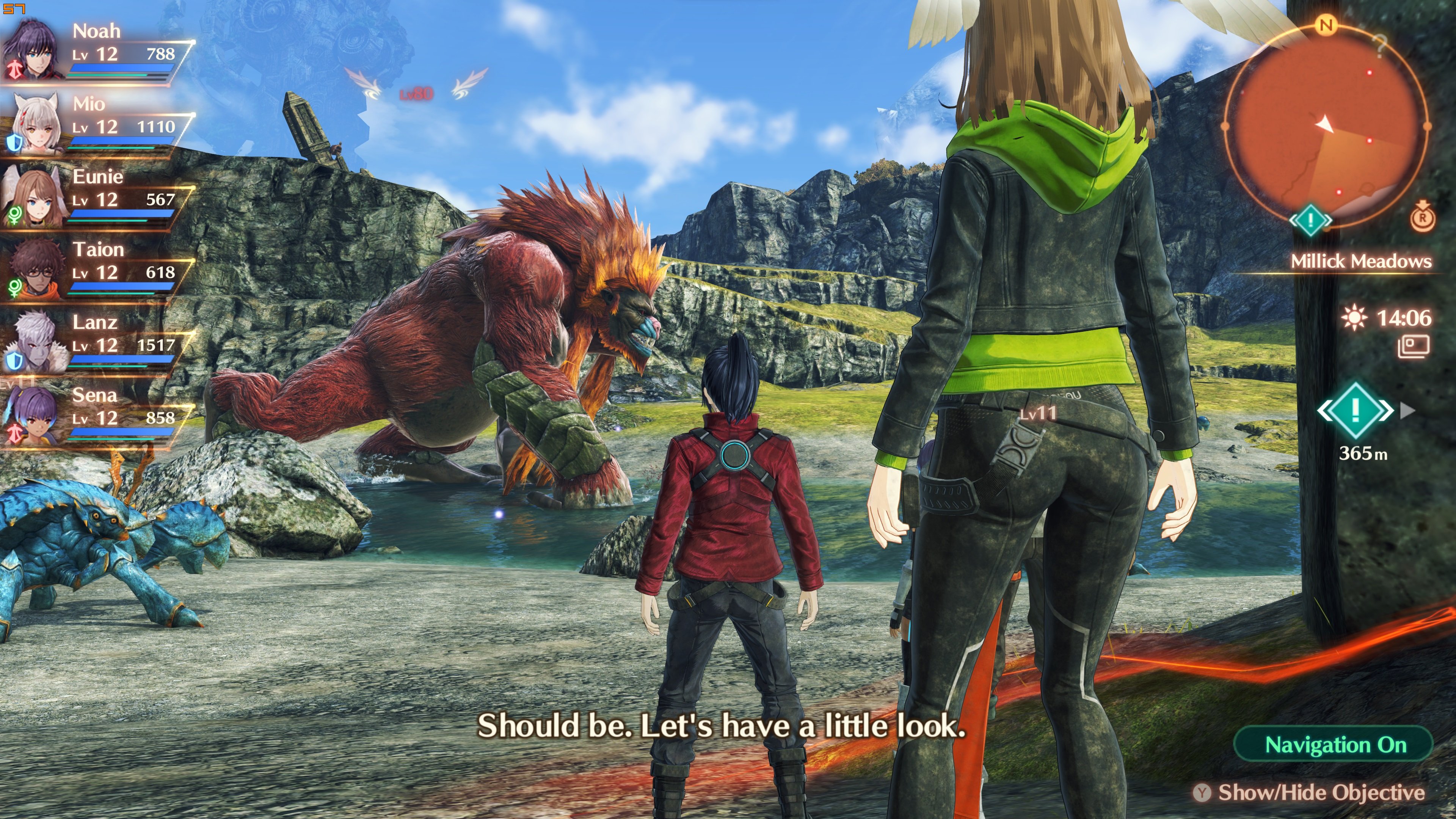
2kdstheboy-1.jpg


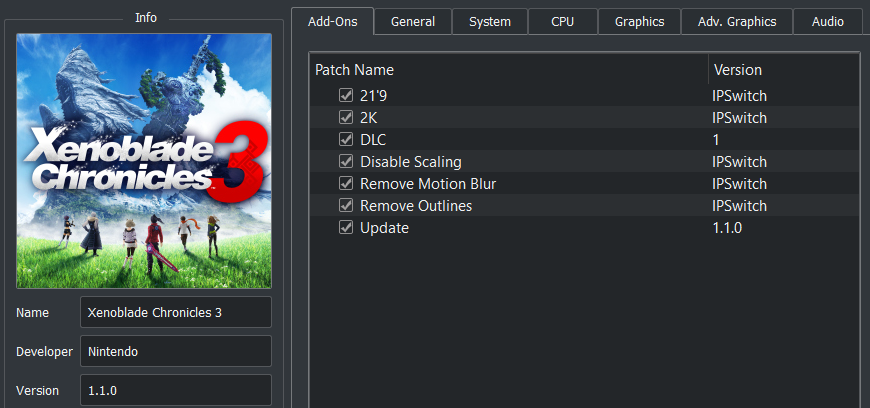
Disable Scaling
2K


Download: https://github.com/theboy181/switch-ptchtxt-mods/tree/main/Xenoblade Chronicles 3/[010074F013262000]/1.1.0

Remove all mods you have.
Download 2K+DS
Set the emulator to 1x scaler 720p/1080p.
Try the latest Ryujinx/Yuzu OpenGL.

You only need this 2 mods. The rest of the mods are optional.

2K (1404p) resolution HAS TO BE USED WITH DISABLE RESOLUTION SCALE MOD

 
Last edited by lippe,
THE WAIT IS OVER!

View attachment 321289

theboy181's mods are available to the public!

How to make the game looks gorgeous:

View attachment 321293

Disable Scaling
2K


Download: https://github.com/theboy181/switch-ptchtxt-mods/tree/main/Xenoblade Chronicles 3/[010074F013262000]/1.1.0

Remove all mods you have.
Download 2K+DS
Set the emulator to 1x scaler 720p/1080p.
Try the latest Ryujinx/Yuzu OpenGL.

You only need this 2 mods. The rest of the mods are optional.


Does this mods planned to use only with Opengl or also with Vulkan? Just curious, i'll try it asap
 
Yuzu doesn't recognize update file (1.1.0) anymore. I don't know if it is because of the theboy mods or because of the yuzu 2890 update. using everything i had before without theboy mods and Yuzu EA2888 doens't help. installing the update file again only gives an error that it failed to install update.

Edit: working again. For some reason i didn't notice that i had a second instance of yuzu running in the background(didn't close correctly).
 
I doubt it. The post above yours is another result of this glitch.
I literally had that cutscene last night on my switch and it looked exactly like this. I don’t doubt that there’s a yellow shader glitch, but that cutscene is normal.
 

Attachments

  • A9A5095F-29D9-4815-A2A8-D7E489A5A4FF.jpeg
    A9A5095F-29D9-4815-A2A8-D7E489A5A4FF.jpeg
    50.3 KB · Views: 191
Is there a way to fix the memory leak issue on the latest build? or am I stuck on that custom build from the OP?
 

Site & Scene News

Popular threads in this forum