Hacking Banners/icon templates for Wii VC

  • Thread starter Thread starter cucholix
  • Start date Start date
  • Views Views 1,547,324
  • Replies Replies 2,194
  • Likes Likes 32
great job , i like them , thanks for sharing ...

only onle sems to need repairs , like the edge didnt cover a skylanders image under it its showing through on toystory

zborux9sQauonlxm5WuLwQ.png
 
Bleach Shattered Blade (Wii VC Standard)
 

Attachments

  • iconTex.png
    iconTex.png
    3.8 KB · Views: 547
  • bootDrcTex.png
    bootDrcTex.png
    37.6 KB · Views: 514
  • bootTvTex.png
    bootTvTex.png
    74.5 KB · Views: 583
Last edited by Kleyon,
  • Like
Reactions: Dekirai
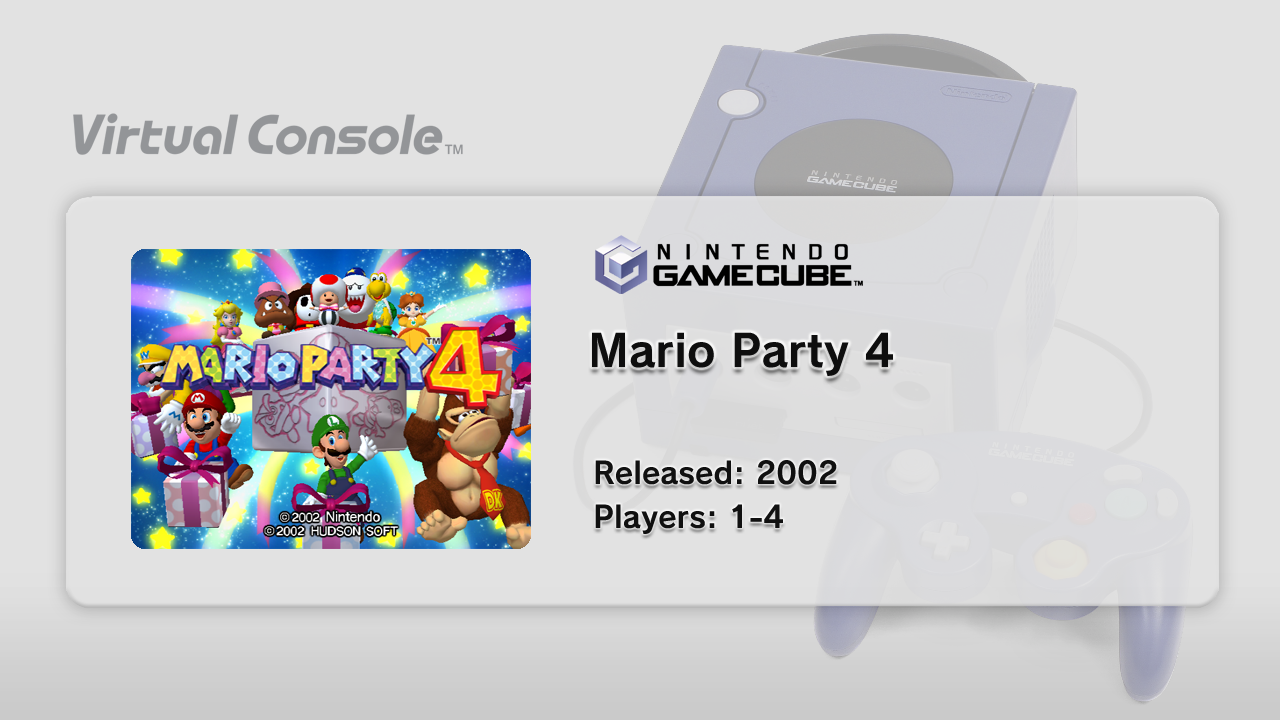
Mario Party 4
mp4-icontex05k7m.png
mp4-boottvtex5sknc.png

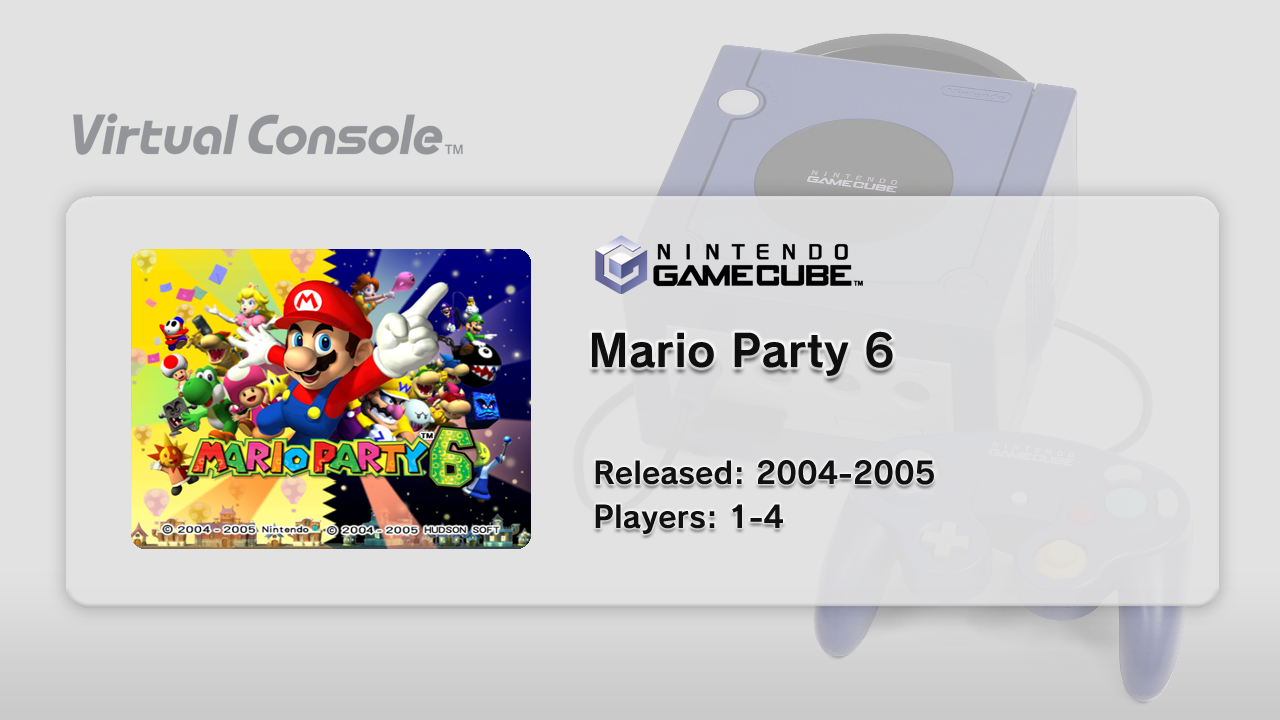
Mario Party 6
mp6-icontexnuj2d.png
mp6-boottvtexfmkw1.png

Also a request:
Please guys, at least respect the aspect ratio of the original images you use.
 

Attachments

Last edited by [Truth],
  • Like
Reactions: mlb32001
I made icons and banners for my whole GCN collection, have fun.
Banner template by @Crazystato, @cucholix
Icon template by @A Plus Ric

Most of them are screenshots made with Dolphin emulator.

Download:
https://mega.nz/#!lz5FCRaS!9s-9zI9Ezo4OeAwrWNY1dIqXAWL_H4E_RDhCcV_8YZU

1080 Avalanche
Animal Crossing
Cubivore
DK Jungle Beat
Donkey Konga
Donkey Konga 2
Doshin the Giant
Eternal Darkness
F-Zero GX
Killer 7
Luigis Mansion
Mario Kart DD
Metroid Prime
Metroid Prime 2
MGS Twin Snakes
Paper Mario TTYD
Pikmin
Pikmin 2
Super Smash Bros Melee
Star Fox Adventures
Super Mario Sunshine
Super Monkey Ball
Super Monkey Ball 2
Star Wars Rogue Squadron II
Star Wars Rogue Squadron III
Wave Race Blue Storm
why there is no drc logo? the entire point is seeing the gamepad on nintendont and you didnt putted any gamepad picture?
 
why there is no drc logo? the entire point is seeing the gamepad on nintendont and you didnt putted any gamepad picture?

Basically bootDrcTex can just be made using bootTvTex, resizing it to 854x480, I think that's the reason why...
The script makes it from the Tv image you provide. If you using the wii/gc vc script that is

Right, but seems like KhaderWelaye advice to resize it ourself for better quality.
 
Last edited by Kleyon,
Hey @markehmus,
is there an option to playback banner.bnr other then Wii banner player?
Some banners don't show correctly with it, like Animal Crossing City Folk.
I also tried the extraction method you posted, but it's too much work to puzzle all the small images together.
 
Hey @markehmus,
is there an option to playback banner.bnr other then Wii banner player?
Some banners don't show correctly with it, like Animal Crossing City Folk.
I also tried the extraction method you posted, but it's too much work to puzzle all the small images together.


i use dolphin to grab a screenshot in some cases ... there is a dump video option in dolphin that is nice ...so you just let it play through and then grab the video from the

C:\Users\mark\Documents\Dolphin Emulator\Dump\Frames

folder and use https://mpc-hc.org/downloads/ to go frame by frame to get the good screenshot your looking for.

if dolphin wont run on your pc , hit me up ill grab a nice screeenshot

(EDIT: guess i should say go full screen , click on the icon banner and the large banner will play)

here the screens from the banner player, how do you like the bugs in the last big screener ?


Screenshot_1.png
Screenshot_2.png
Screenshot_3.png
Screenshot_4.png
Screenshot_5.png
1-bootTvTex.png
2-bootTvTex.png
 
Last edited by markehmus,
I can play the banner with Dolphin too? How?

Yeah, thats what I meant, the big horizontal line shouldn't be there.
Banner should look like this:


nope , i am wrong i can extract but not play the banner , i can only play the opening screen or extract the opening.bnr
 

Site & Scene News

Popular threads in this forum